# Codex code review in GitHub
Use Codex code review to get another high-signal review pass on GitHub pull
requests. Codex reviews the pull request diff, follows your repository guidance,
and posts a standard GitHub code review focused on serious issues.
## Before you start
Make sure you have:
- [Codex cloud](https://developers.openai.com/codex/cloud) set up for the repository you want to review.
- Access to [Codex code review settings](https://chatgpt.com/codex/settings/code-review).
- An `AGENTS.md` file if you want Codex to follow repository-specific review guidance.
## Set up Codex code review
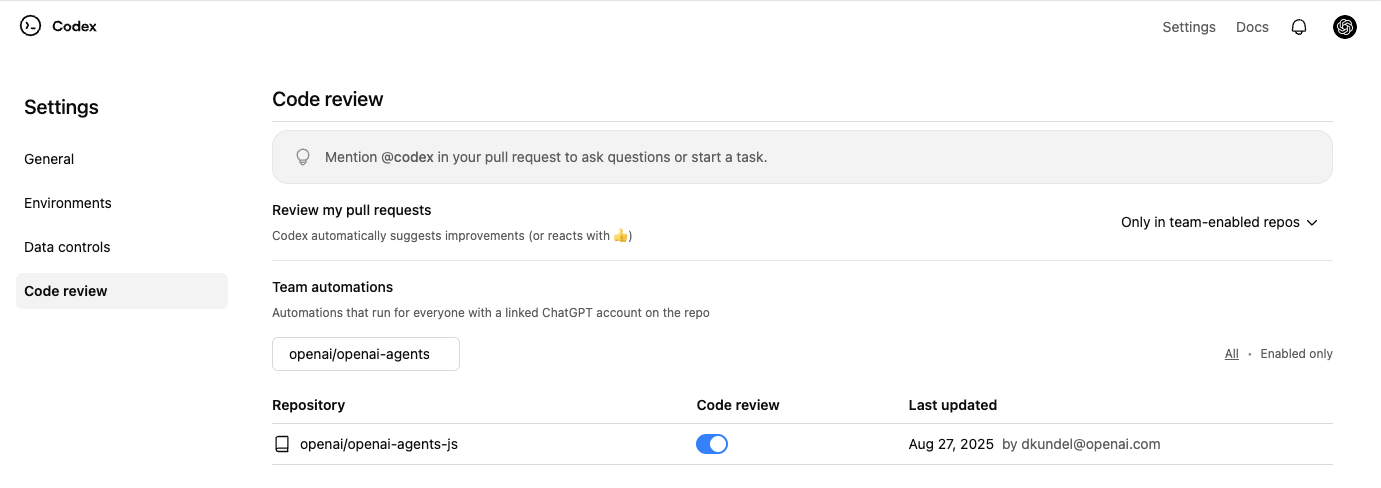
1. Set up [Codex cloud](https://developers.openai.com/codex/cloud).
2. Go to [Codex settings](https://chatgpt.com/codex/settings/code-review).
3. Turn on **Code review** for your repository.
## Request a Codex review
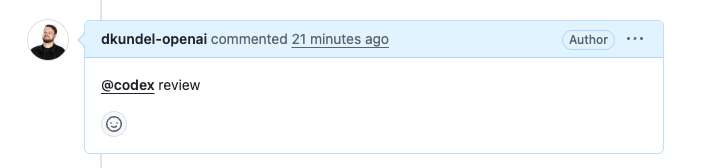
1. In a pull request comment, mention `@codex review`.
2. Wait for Codex to react (👀) and post a review.
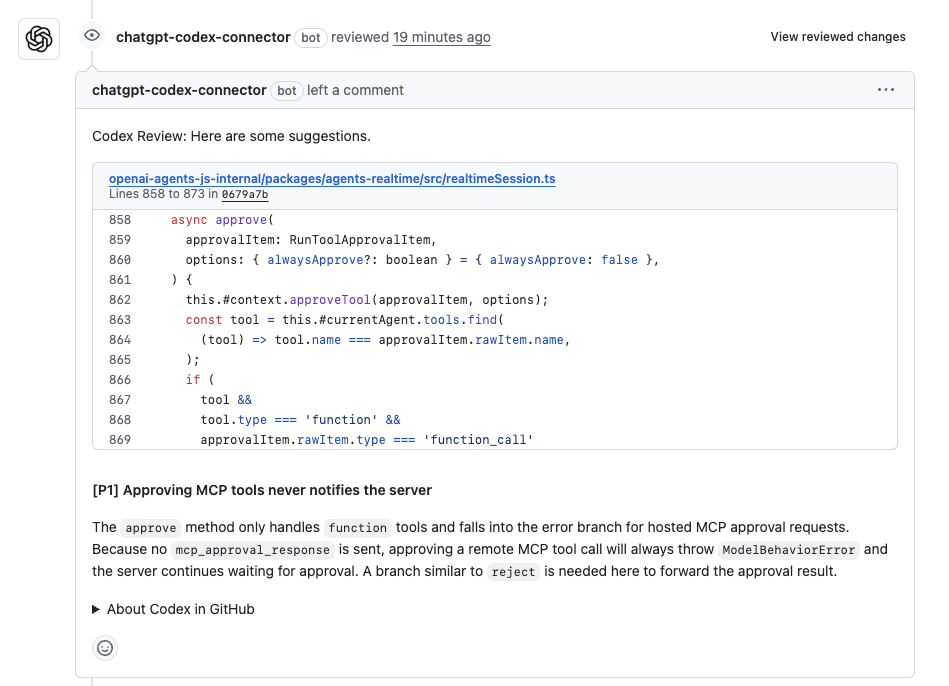
Codex posts a review on the pull request, just like a teammate would. In
GitHub, Codex flags only P0 and P1 issues so review comments stay focused on
high-priority risks.
## Enable automatic reviews
If you want Codex to review every pull request automatically, turn on
**Automatic reviews** in [Codex settings](https://chatgpt.com/codex/settings/code-review).
Codex will post a review whenever someone opens a new PR for review, without
needing an `@codex review` comment.
## Customize what Codex reviews
Codex searches your repository for `AGENTS.md` files and follows any **Review guidelines** you include.
To set guidelines for a repository, add or update a top-level `AGENTS.md` with a section like this:
```md
## Review guidelines
- Don't log PII.
- Verify that authentication middleware wraps every route.
```
Codex applies guidance from the closest `AGENTS.md` to each changed file. You can place more specific instructions deeper in the tree when particular packages need extra scrutiny.
For a one-off focus, add it to your pull request comment:
`@codex review for security regressions`
If you want Codex to flag typos in documentation, add guidance in `AGENTS.md`
(for example, “Treat typos in docs as P1.”).
## Act on review findings
After Codex posts a review, you can ask it to fix issues in the same pull
request by leaving another comment:
```md
@codex fix the P1 issue
```
Codex starts a cloud task with the pull request as context and can push a fix
back to the branch when it has permission to do so.
## Give Codex other tasks
If you mention `@codex` in a comment with anything other than `review`, Codex starts a [cloud task](https://developers.openai.com/codex/cloud) using your pull request as context.
```md
@codex fix the CI failures
```
## Troubleshoot code review
If Codex doesn't react or post a review:
- Confirm you turned on **Code review** for the repository in [Codex settings](https://chatgpt.com/codex/settings/code-review).
- Confirm the pull request belongs to a repository with [Codex cloud](https://developers.openai.com/codex/cloud) set up.
- Use the exact trigger `@codex review` in a pull request comment.
- For automatic reviews, check that you turned on **Automatic reviews** and that
the pull request event matches your review trigger settings.