





Step-by-step guide
Build a data agent
This walkthrough covers warehouse discovery, read-only SQL, business context, persistent sessions, and explicit analyst memory.
Agents API features
- Function tools
- Tool search
- Programmatic tool calling
- Persistent sessions
- Streaming
Why use the Agents API?
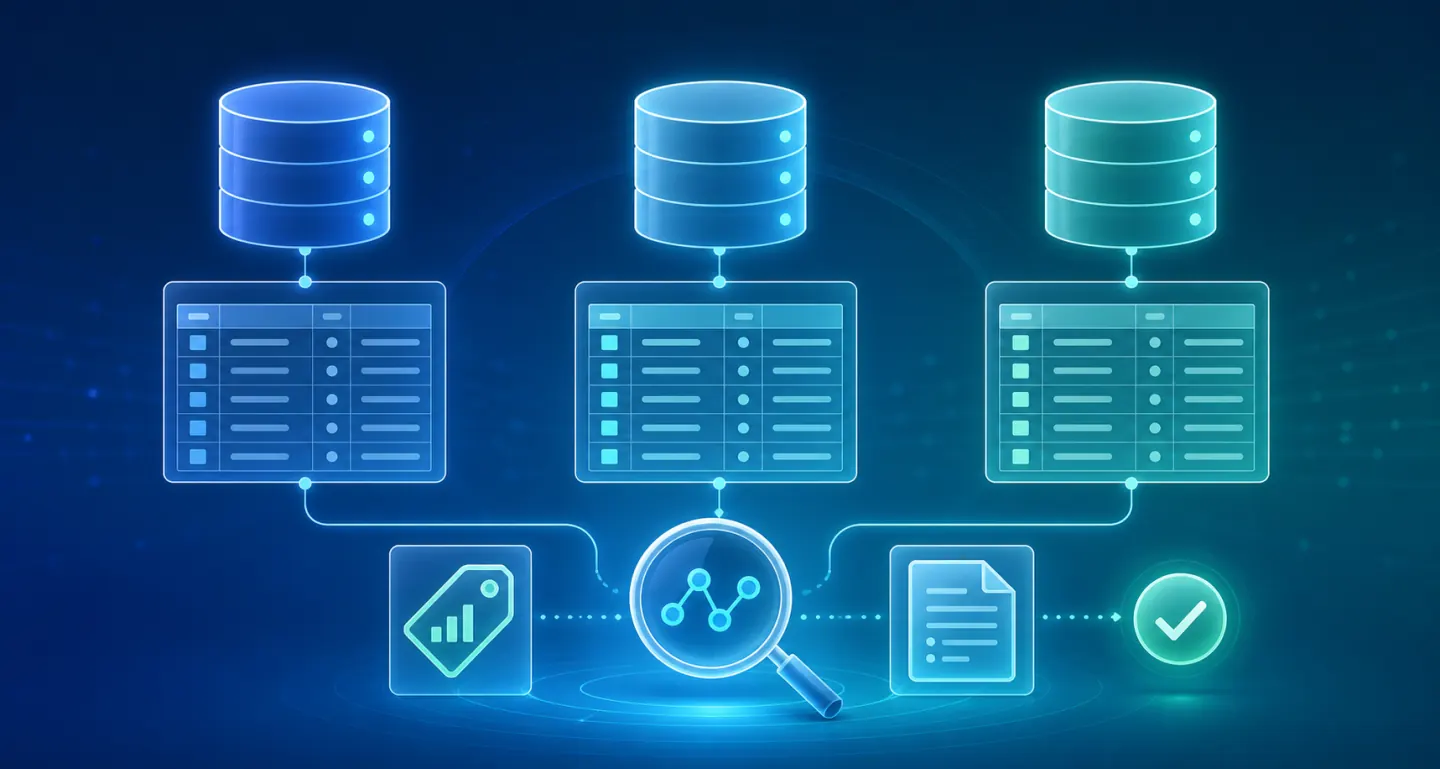
Find the right data
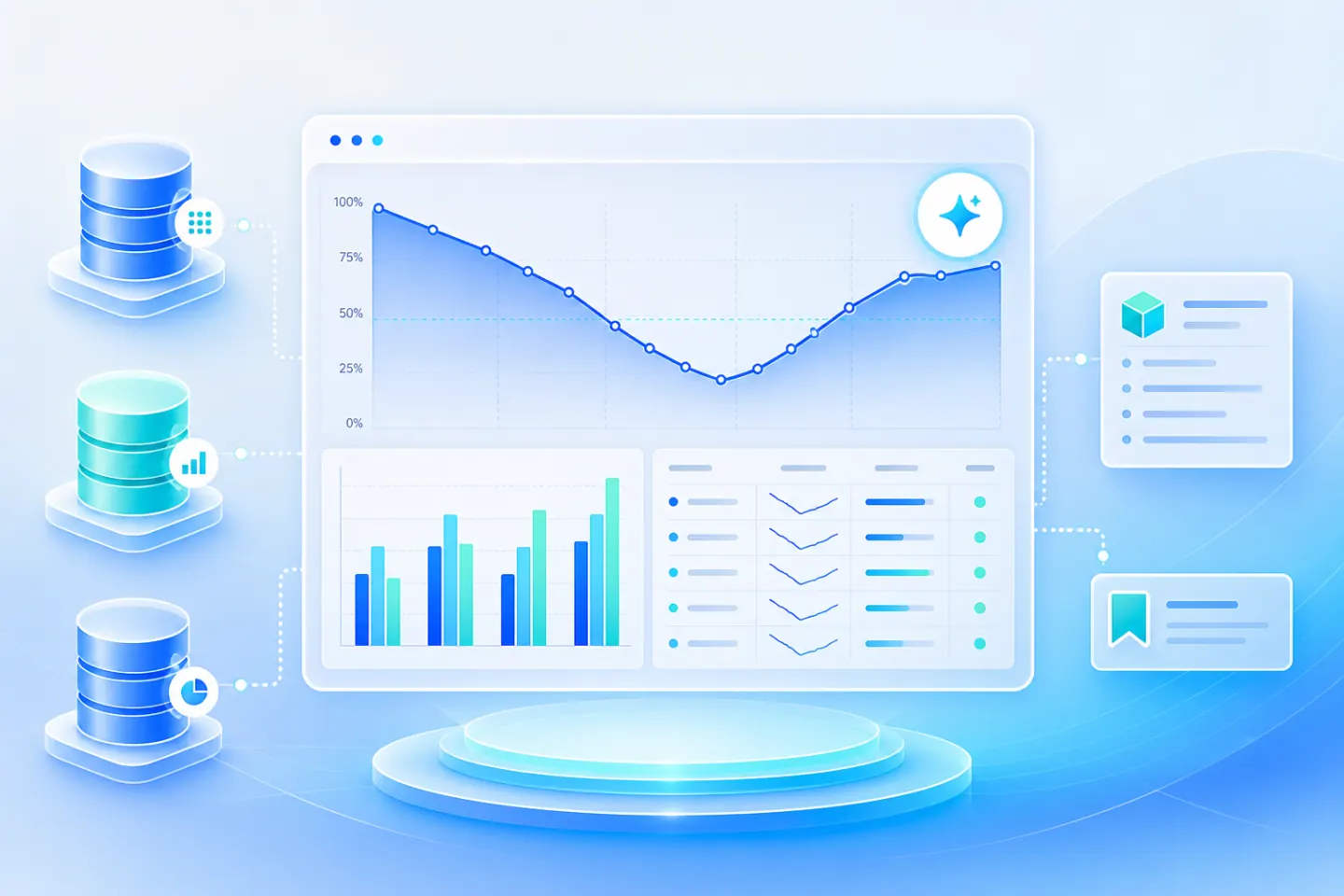
The agent discovers available tables and inspects real schemas instead of assuming where business data lives.
Use business context
Metric definitions, trusted previous queries, and company documents explain what the numbers actually mean.
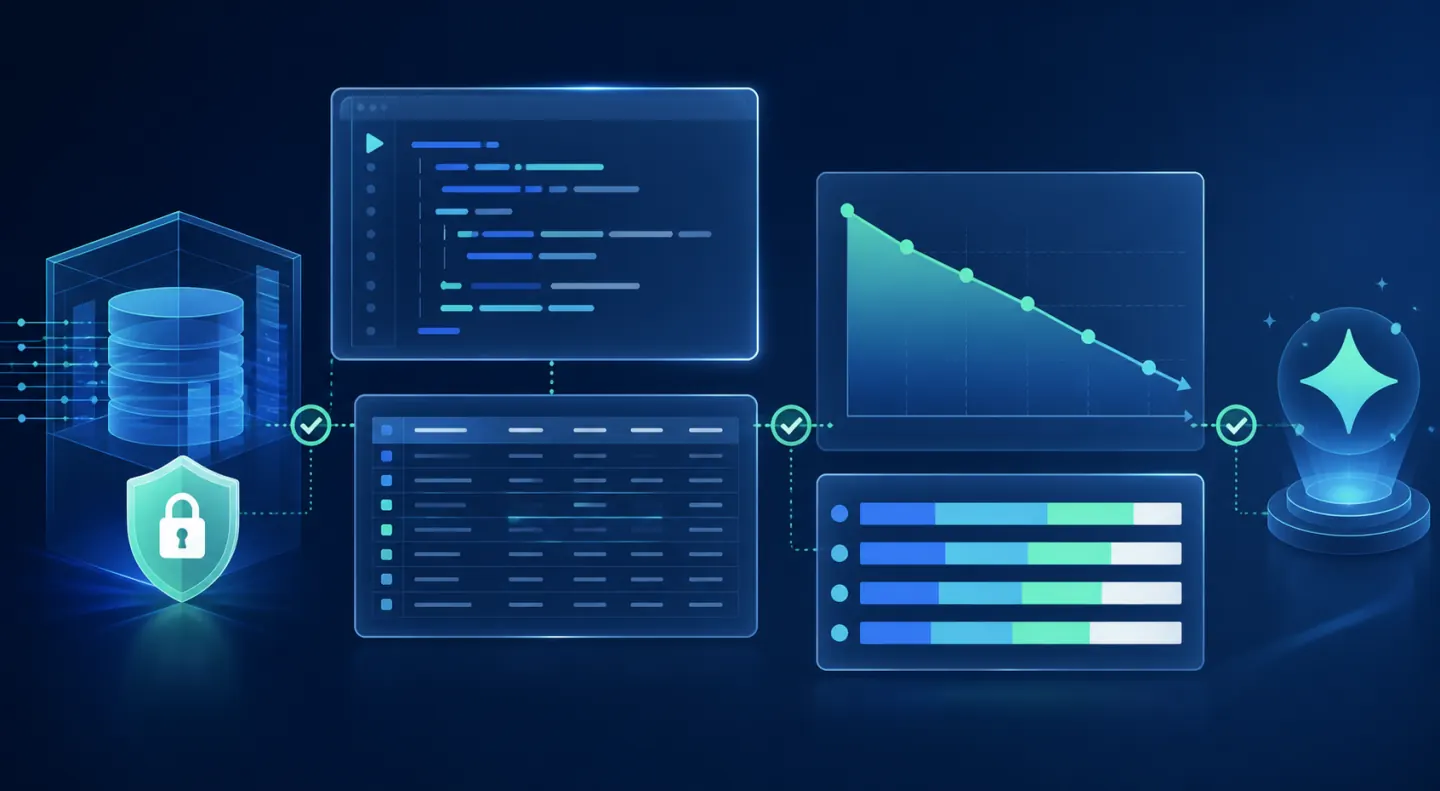
Verify every answer
Your application owns the warehouse connection, enforces read-only access, and exposes every executed query.
Continue the investigation
A persistent session keeps the original question, findings, and follow-ups connected.
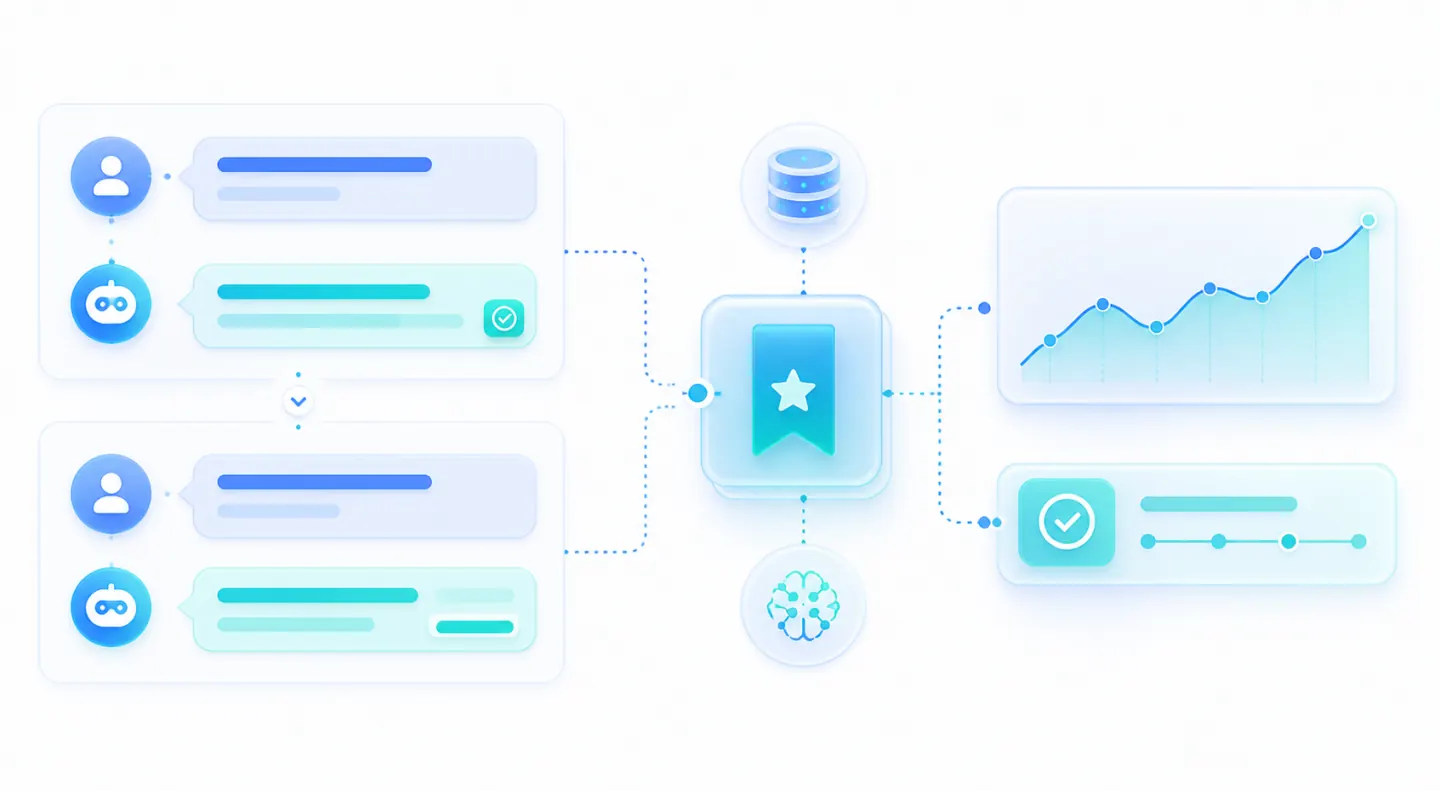
Remember what the team learns
Explicit corrections can be saved as personal or shared team memory and reused in future analyses.
What you need
- Python 3.14+ and uv.
- An OpenAI API key.
- Read-only access to a PostgreSQL-compatible data warehouse.
- Optional table descriptions, metric definitions, previous analyses, or company documents.
The workflow at a glance
- Business question
- Warehouse catalog
- Business context
- Agent session
- Read-only SQL
- Verified answer
- Saved memory
Build the application
- 1
Connect your warehouse
Clone the repository, copy the example's environment template, and configure a read-only warehouse account in its .env file.
git clone https://github.com/OpenAI-Early-Access/agents-api-python-preview.git
cd agents-api-python-preview
cp examples/apps/data_analyst/.env.example examples/apps/data_analyst/.env
# Add OPENAI_API_KEY and WAREHOUSE_URL to examples/apps/data_analyst/.env.
# Optionally enable DATA_AGENT_CONTEXT in the same file.
Customize the optional context file to match your warehouse. The application does not download or create a fixed dataset.
- 2
Discover the right tables
Give the agent one discovery tool that finds relevant tables and returns their actual columns, ownership, and freshness.
from examples.apps.data_analyst.main import Warehouse warehouse = Warehouse() # Reads WAREHOUSE_URL from this example's .env. def search_tables(arguments): return warehouse.search_tables({ "query": arguments["query"], }) tables = search_tables({"query": "paid conversion"}) print(tables["tables"][0]["columns"]) - 3
Add the context behind the numbers
A column name rarely tells the full story. Give the agent metric definitions, trusted filters, and company notes that explain how your team interprets the data.
warehouse.context.update({ "metrics": [ { "name": "paid_conversion_rate", "definition": "Paid subscriptions divided by eligible signups.", "filters": [ "Exclude employees and test accounts.", "Exclude the current incomplete day.", ], }, ], "documents": [ { "title": "Checkout tracking migration", "text": "Mobile checkout tracking changed on August 18.", }, ], }) def search_context(arguments): return warehouse.search_context(arguments) - 4
Reuse trusted previous analyses
Previous reviewed queries help the agent find established joins and familiar calculation patterns instead of reinventing a business metric.
warehouse.context["query_history"] = [
    {
        "description": "All-time paid conversion by acquisition channel.",
        "sql": (
            "SELECT s.channel, "
            "COUNT(DISTINCT p.customer_id) * 1.0 / "
            "COUNT(DISTINCT s.customer_id) AS conversion_rate "
            "FROM analytics.signups s "
            "LEFT JOIN analytics.subscriptions p "
            "ON s.customer_id = p.customer_id "
            "WHERE s.is_internal = false AND s.is_test_account = false "
            "AND s.created_at < CURRENT_DATE GROUP BY s.channel"
        ),
    },
]


previous_work = search_context({"query": "paid conversion"})
print(previous_work["queries"])
Match these example tables and columns to your warehouse. Add an explicit signup date range for weekly comparisons.
- 5
Keep warehouse access read-only
The agent never receives database credentials. Your application runs each approved query using a read-only warehouse account, blocks write statements, applies a timeout, and returns at most 100 rows.
def query_warehouse(arguments):
    return warehouse.query(arguments)
Use a read-only warehouse role as the security boundary. The application also configures the PostgreSQL connection as read-only.
- 6
Register four focused tools
Keep the application-owned tool surface small. Discovery returns real schemas, context includes prior work and memories, and memory writing is loaded only when needed.
def function_tool(name, description, *fields): return { "type": "function", "name": name, "description": description, "parameters": { "type": "object", "properties": { field: {"type": "string"} for field in fields }, "required": list(fields), "additionalProperties": False, }, } tools = [ function_tool("search_tables", "Find tables and inspect schemas.", "query"), function_tool( "search_context", "Find definitions, reviewed queries, documents, and memories.", "query", ), function_tool("query_warehouse", "Run read-only SQL.", "sql"), { **function_tool("save_memory", "Save a correction.", "note", "scope"), "defer_loading": True, }, {"type": "tool_search"}, {"type": "programmatic_tool_calling", "enabled": True}, ] handlers = { "search_tables": search_tables, "search_context": search_context, "query_warehouse": query_warehouse, "save_memory": warehouse.save_memory, } - 7
Start an investigation
Create an Agents API session without a sandbox. The model uses your application-owned tools to discover context, check the data, and return a verified answer.
from agent_api_sdk import AgentAPISDK instructions = """\ Find relevant tables and metric definitions. Check previous analyses and saved corrections. Run read-only queries and explain your findings. Save memory only when the user explicitly asks. """ client = AgentAPISDK() result = await client.run( agent={ "model": "gpt-5.6-luna", "instructions": instructions, "reasoning": {"effort": "high"}, "tools": tools, }, environment={"type": "none"}, input="Why did paid conversions drop last week?", tool_handlers=handlers, ) session_id = result.session.id result.raise_for_status() print(result.output_text) - 8
Continue the same conversation
Retrieve the original session when the user asks a follow-up. The agent keeps the investigation context and can narrow the answer without starting over.
session = await client.sessions.retrieve(session_id) async for event in session.stream( input="Only include enterprise customers.", tool_handlers=handlers, ): if event.output_text_delta is not None: print(event.output_text_delta, end="") - 9
Remember useful analyst corrections
When someone explicitly asks the agent to remember a rule, save it as personal or shared team memory. Later investigations can retrieve that correction before querying the warehouse.
warehouse.save_memory({ "note": "Enterprise conversion excludes manually provisioned accounts.", "scope": "team", }) remembered = search_context({ "query": "enterprise conversion", }) print(remembered["memories"]) - 10
Run the data agent
Start the browser interface to investigate interactively, or run one question directly from the terminal.
uv run examples/apps/data_analyst/main.py # Open http://127.0.0.1:8000. uv run examples/apps/data_analyst/main.py --prompt \ "Why did paid conversions drop last week?" - 11
Close completed investigations
Delete the session and close the warehouse connection when the investigation is complete or the application shuts down.
try:
    await client.sessions.delete(session_id)
finally:
    warehouse.close()
    await client.aclose()
What you built
An illustrative answer is shown below. Your results come from your warehouse, with assumptions and executed SQL available for review.
Paid conversion fell from 12.8% to 10.1% last week.

Primary driver:
Mobile checkout conversion declined after the August 18 release.

Sources:
analytics.signups
analytics.subscriptions
Checkout tracking migration notes

Assumptions:
Internal and test accounts excluded.
Incomplete current-day data excluded.

SQL:
SELECT signup_week, channel, COUNT(*) AS signups, ...
Make it your own
- Connect your approved warehouse, semantic layer, or analytics catalog.
- Add the metric definitions, trusted queries, and business documents your team already uses.
- Derive analyst identity from authentication, then apply warehouse and tenant permissions.
- Store shared analyst memories in your existing application database.
Related reading
- Inside OpenAI's in-house data agent
How OpenAI combines warehouse metadata, business context, analyst memory, and transparent data investigations.