





Step-by-step guide
Build an AI teammate for Slack
This walkthrough connects Slack events to shared tools, one sandbox per thread, and streamed updates.
Agents API features
- Sandbox
- Persistent sessions
- MCP
- Vaults and OAuth
- Multi-agent
- Streaming
Why use the Agents API?
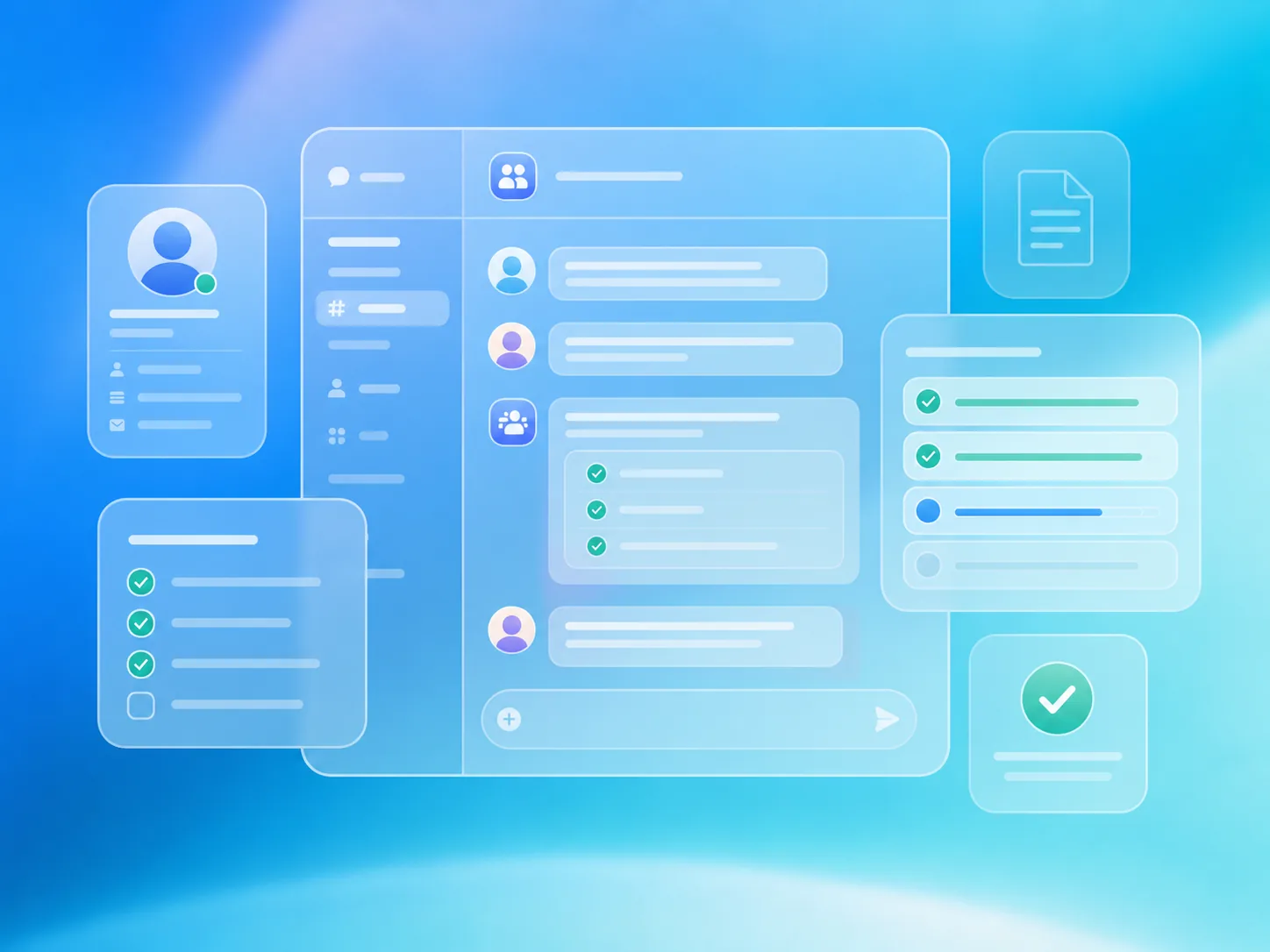
Every Slack thread keeps its own context
One persistent session per Slack thread remembers earlier questions, findings, and files between follow-ups.
One bot connects your workplace tools
Bot-scoped Slack tools and an optional shared vault connect Notion, Google Drive, and GitHub without requiring each person to authorize every app.
A sandbox makes the bot genuinely capable
Each thread gets an isolated workspace where the agent can run code, analyze data, inspect repositories, and prepare pull requests.
Users stay informed while work is running
Session events surface tool activity, specialist handoffs, and answers directly in the original Slack conversation.
What you need
- Python 3.14+ and uv.
- A sandbox: self-hosted Docker or a third-party provider .
- An OpenAI API key.
- A Slack workspace where you can install an internal app.
The workflow at a glance
- Slack mention
- Slack bot tools
- Shared workplace apps
- Thread sandbox
- Agent progress
- Reply + follow-up
Build the application
- 1
Set up the bot and sandbox
Clone the repository, copy the example's environment template, and build the Docker image that runs one Codex executor for each Slack thread.
git clone https://github.com/OpenAI-Early-Access/agents-api-python-preview.git cd agents-api-python-preview cp examples/apps/slack_bot/.env.example examples/apps/slack_bot/.env # Add OPENAI_API_KEY, SLACK_BOT_TOKEN, and SLACK_APP_TOKEN to .env. docker build -t agent-api-sandbox:latest examples/sandboxes/application_managed/docker - 2
Connect the Slack bot
Create and install the Slack app using the example manifest. Its bot token reads channels the bot belongs to and posts replies; the app token receives events through Socket Mode.
import os

from agent_api_sdk import AgentAPISDK
from slack_bolt.async_app import AsyncApp

client = AgentAPISDK()
app = AsyncApp(token=os.environ["SLACK_BOT_TOKEN"])
Socket Mode requires no public webhook, OAuth callback, or individual Slack user tokens.
- 3
Start when someone tags the bot
A Slack mention starts the journey. Use the channel and thread timestamp as the session key, then continue the same Agents API session when teammates follow up.
@app.event("app_mention") async def on_mention(event, context, say): thread_ts = event.get("thread_ts") or event["ts"] thread_id = f"{context.team_id}:{event['channel']}:{thread_ts}" answer = await bot.answer( event["text"], thread_id=thread_id, team_id=context.team_id, channel_id=event["channel"], ) await say(text=answer, thread_ts=thread_ts) - 4
Give the agent scoped Slack tools
Run Slack tools inside your application with the bot token. Bind message and file access to the conversation that triggered the request, keeping the token out of the model and sandbox.
async def search_slack_messages(arguments):
    response = await app.client.conversations_history(
        channel=channel_id,
        limit=100,
    )
    query = arguments["query"].casefold()
    return {
        "messages": [
            message
            for message in response["messages"]
            if query in message.get("text", "").casefold()
        ][:20]
    }

slack_tools = [
    {
        "type": "function",
        "name": "search_slack_messages",
        "description": "Search messages in the current Slack channel.",
        "parameters": {
            "type": "object",
            "properties": {"query": {"type": "string"}},
            "required": ["query"],
            "additionalProperties": False,
        },
    },
]
The complete example also reads recent messages, finds teammates, and lists files shared in the current channel.
- 5
Add optional shared workplace credentials
Store shared workplace credentials in a vault. For Google Drive, add an OAuth refresh grant so Agents API can renew access without asking for a new token on every run.
NOTION_MCP_URL = "https://mcp.notion.com/mcp"
GOOGLE_DRIVE_MCP_URL = "https://drivemcp.googleapis.com/mcp/v1"
GITHUB_MCP_URL = "https://api.githubcopilot.com/mcp/"

notion_token = os.getenv("NOTION_TOKEN")
google_drive_token = os.getenv("GOOGLE_DRIVE_TOKEN")
github_token = os.getenv("GITHUB_TOKEN")

vault = None
if notion_token or google_drive_token or github_token:
    vault = await client.vaults.create(
        display_name="Slack teammate integrations",
        metadata={"slack_team_id": team_id, "owner": "slack_bot"},
    )

# Notion uses the shared account's access token.
if notion_token:
    await client.vaults.credentials.create(
        vault.id,
        display_name="Notion",
        auth={
            "type": "static_bearer",
            "mcp_server_url": NOTION_MCP_URL,
            "token": notion_token,
        },
    )

# Google Drive can also refresh its access token through the vault.
if google_drive_token:
    google_auth = {
        "type": "static_bearer",
        "mcp_server_url": GOOGLE_DRIVE_MCP_URL,
        "token": google_drive_token,
    }
    refresh_token = os.getenv("GOOGLE_DRIVE_REFRESH_TOKEN")
    if refresh_token:
        google_auth = {
            "type": "mcp_oauth",
            "mcp_server_url": GOOGLE_DRIVE_MCP_URL,
            "access_token": google_drive_token,
            "expires_at": os.getenv("GOOGLE_DRIVE_TOKEN_EXPIRES_AT") or None,
            "refresh": {
                "token_endpoint": "https://oauth2.googleapis.com/token",
                "client_id": os.environ["GOOGLE_DRIVE_CLIENT_ID"],
                "refresh_token": refresh_token,
                "token_endpoint_auth": {
                    "type": "client_secret_post",
                    "client_secret": os.environ["GOOGLE_DRIVE_CLIENT_SECRET"],
                },
            },
        }
    await client.vaults.credentials.create(
        vault.id, display_name="Google Drive", auth=google_auth,
    )

# GitHub uses a token scoped to the repositories the bot needs.
if github_token:
    await client.vaults.credentials.create(
        vault.id,
        display_name="GitHub",
        auth={
            "type": "static_bearer",
            "mcp_server_url": GITHUB_MCP_URL,
            "token": github_token,
        },
    )
Your Google OAuth app obtains consent and the initial tokens. Add the refresh token, client ID, client secret, and actual access-token expiration to .env. The runnable example reuses existing OAuth credentials without resetting refreshed tokens on restart. Archive an existing static Drive credential before switching auth types. Shared connections must contain only content intended for everyone who can use the bot.
- 6
Connect workplace apps through MCP
Add only the integrations configured for the bot. Slack remains an application tool; Notion, Google Drive, and GitHub are service-connected MCP tools.
def mcp(label, url):
    return {
        "type": "mcp",
        "server_label": label,
        "transport": {"type": "http", "server_url": url},
        "connection_origin": "service",
    }

tools = [*slack_tools, {"type": "web_search"}]
if notion_token:
    tools.append(mcp("notion", NOTION_MCP_URL))
if google_drive_token:
    tools.append(mcp("google_drive", GOOGLE_DRIVE_MCP_URL))
if github_token:
    tools.append(mcp("github", GITHUB_MCP_URL))
Google Drive's hosted MCP server is in developer preview.
- 7
Create a self-hosted session for the thread
A persistent Agents API session owns the conversation, connected tools, and workspace. Specialist agents can divide a larger investigation when needed.
instructions = """\ Search connected tools and cite your sources. Use your workspace to complete the user's request. Change external systems only when the user explicitly asks. """ session = await client.sessions.create( agent={ "model": "gpt-6-astra", "instructions": instructions, "reasoning": {"effort": "medium"}, "multi_agent": {"enabled": True, "max_concurrent_subagents": 3}, "tools": tools, }, environment={ "type": "self_hosted", "workspace_directory": "/workspace", }, vault_ids=[vault.id] if vault is not None else None, ) sessions[thread_id] = session.id - 8
Start the thread's sandbox
Launch a Docker container for the session's environment ID. The Codex executor connects back to the Agents API and stays available for later messages in the same Slack thread.
environment_id = session.info.environment.environment_id container = docker.from_env().containers.run( "agent-api-sandbox:latest", [ "codex", "exec-server", "--remote", "https://api.openai.com/v1/agents/api", "--environment-id", environment_id, ], environment={"CODEX_API_KEY": os.environ["OPENAI_API_KEY"]}, detach=True, auto_remove=True, ) - 9
Stream progress back into Slack
Once the executor is connected, start a turn and update one Slack message as the agent checks MCP tools, delegates research, or prepares a result.
async for event in session.stream( input=question, tool_handlers={"search_slack_messages": search_slack_messages}, ): if event.type == "session.turn.item.added" and event.item: source = event.item.get("server_label") or event.item.get("name") await update_slack_progress(f"Checking {source}...") elif event.type == "session.subagent.created": await update_slack_progress("A specialist is investigating...") elif event.output_text_delta: reply += event.output_text_delta - 10
Keep follow-ups in the same thread
Reuse the original session and sandbox for each follow-up. A message received during an active turn can steer the investigation or cancel it.
session = await client.sessions.retrieve(sessions[thread_id])

if message == "stop":
    await session.cancel()
elif thread_id in active_requests:
    await session.input(message)
else:
    async for event in session.stream(
        input=message,
        tool_handlers={"search_slack_messages": search_slack_messages},
    ):
        await update_slack_thread(event)
Everyone in the thread shares the bot's configured permissions. Repository changes require a GitHub credential with write access.
- 11
Start the bot
Set the bot token and app token, then start receiving Slack events through Socket Mode.
# Tokens are loaded from examples/apps/slack_bot/.env. uv run examples/apps/slack_bot/main.py - 12
Try the complete journey in Slack
Invite the bot to a Slack channel and tag it. Continue the conversation in the same thread to research a problem and ask for a real change.
@Agent Teammate What is blocking the Phoenix launch? @Agent Teammate Check Notion and GitHub for the related issue. @Agent Teammate Reproduce the bug and prepare a fix. @Agent Teammate Open a pull request with the change. - 13
Clean up inactive conversations
Keep the thread's session and sandbox alive for follow-ups. Delete the session and stop its Docker container when the conversation expires.
try:
    container.stop()
finally:
    await session.delete()
What you built
A Slack mention now starts a persistent investigation using shared workplace tools and an isolated workspace for completing the task.
You: @Agent Teammate What is blocking the Phoenix launch?
Bot: Searching Slack conversations...
Bot: Checking GitHub...
Bot: The checkout accessibility issue is blocking sign-off.
     Priya owns the launch and Maya is reviewing the fix.

You: Reproduce the issue and prepare a patch.
Bot: Checking the repository and running the relevant tests...
Bot: I reproduced the missing focus state and prepared a fix.

You: Open a pull request.
Bot: Opened a pull request with the fix and test coverage.
Make it your own
- Connect Notion, Google Drive, or GitHub using a dedicated shared account with limited access.
- Persist thread-to-session mappings so conversations survive application restarts.
- Replace local Docker with your preferred hosted sandbox provider.
Related reading
- Sandbox providers
Choose a local or hosted sandbox provider for your agent's isolated workspace.