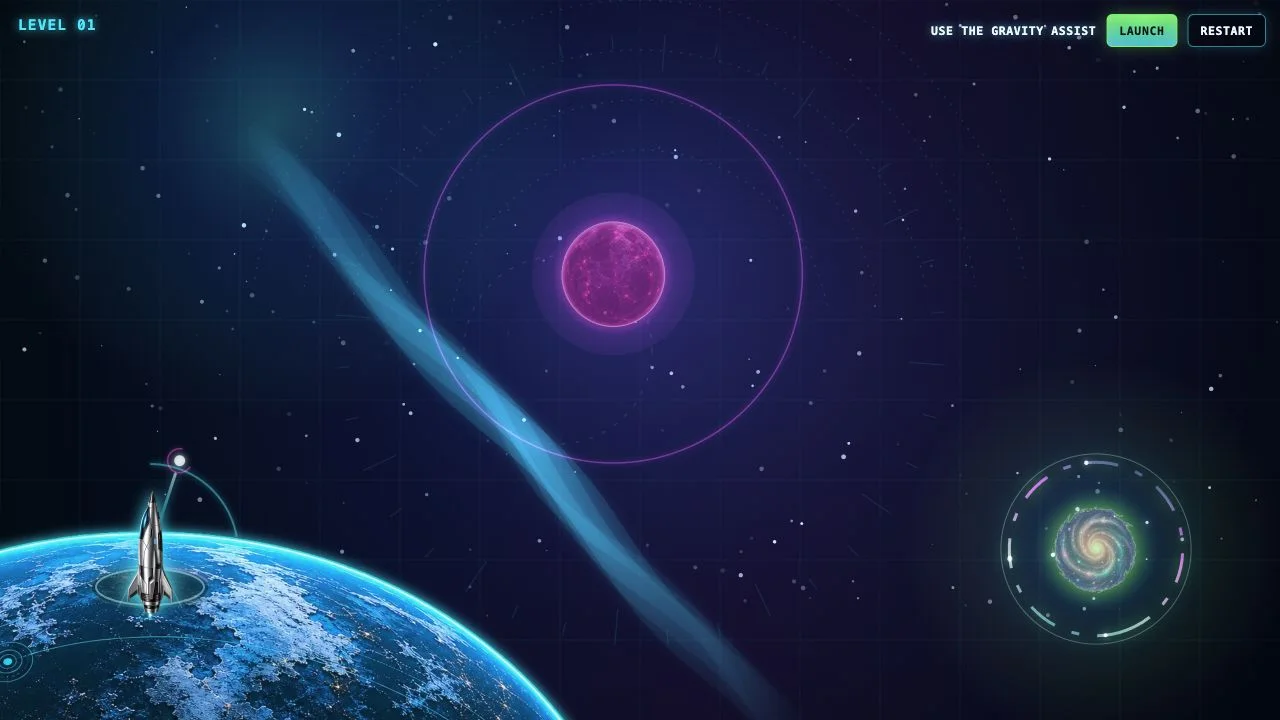
Build a polished interactive science museum with five exhibits.
The concept
Create a beautiful museum that visitors move through in 3D. The museum and its sculptural exhibits must be authored in Blender, with editable .blend sources and a reproducible asset-generation script, then exported for the interactive web experience. Do not put a live model in the visitor experience: all five exhibits are authored in advance, and visitors play with their fixed interactions. No prompt field, chat interface, or runtime content generation.
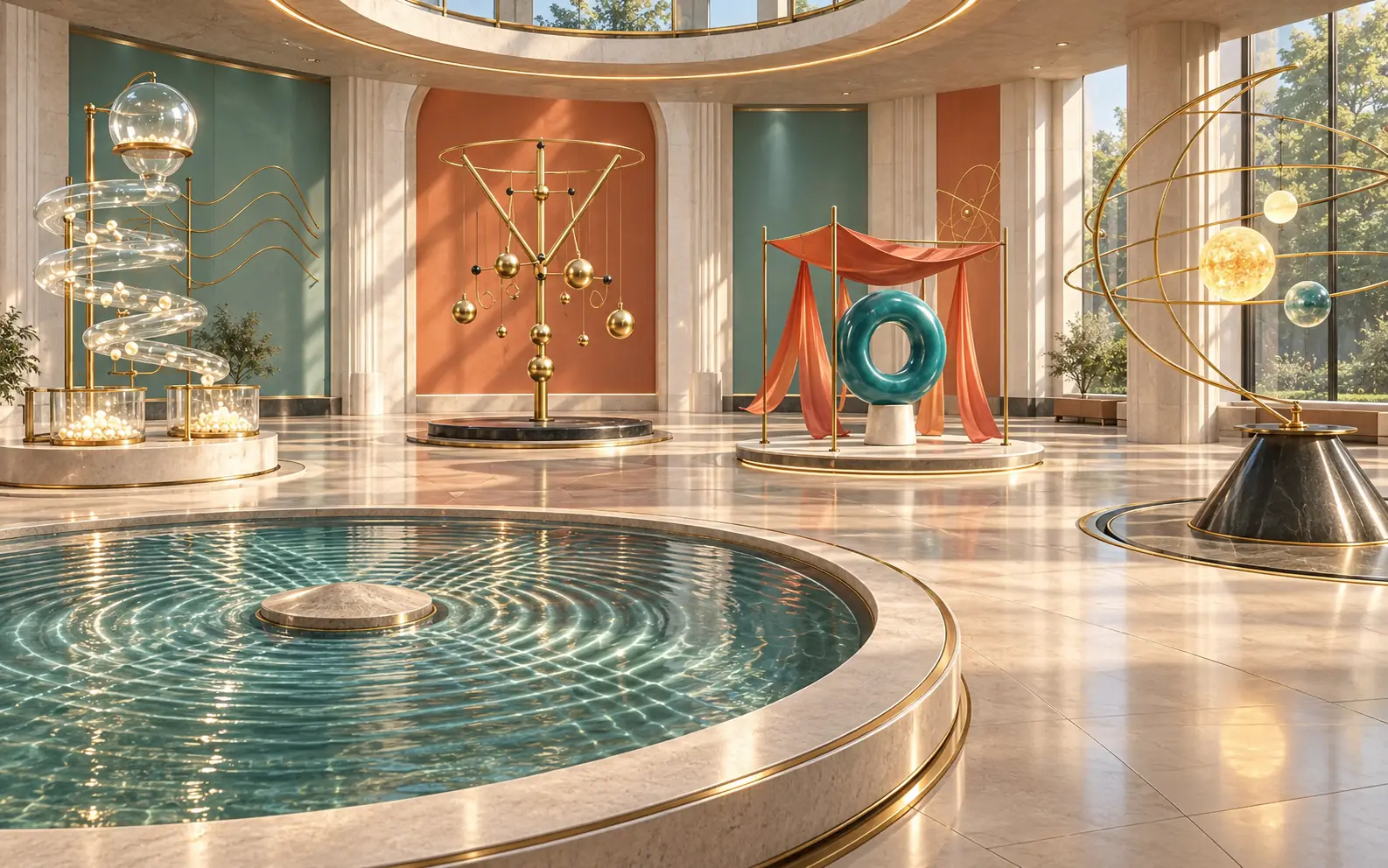
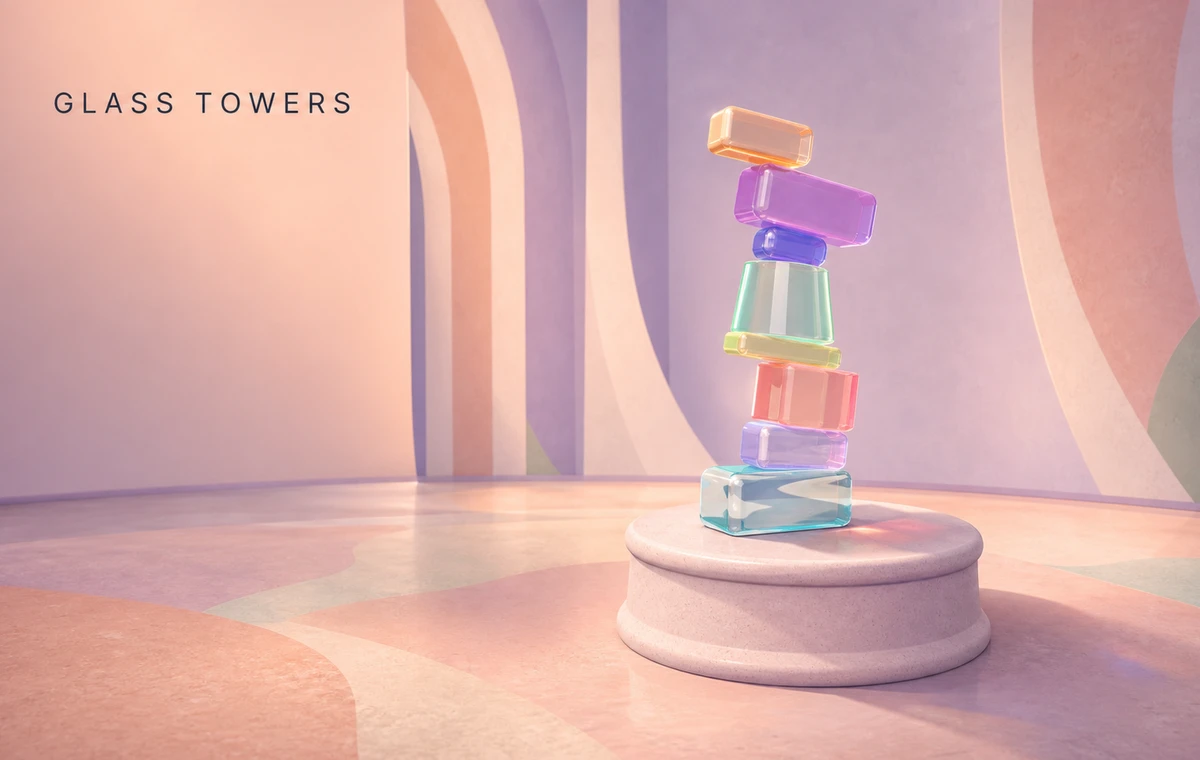
This should feel like entering a small, extraordinary science museum: architectural daylight, pale mineral walls, a dark reflective floor used sparingly, brass details, translucent glass, carefully composed shadows, and restrained accents of color. Make the objects, lighting, motion, and camera choreography the attraction. Each installation should have a different silhouette and occupy the space differently; some sit on pedestals and others surround the visitor. Avoid turning this into a scrolling landing page or a grid of cards.
The journey
Build one coherent 3D environment with exactly five checkpoints. Start inside the museum with the first exhibit visible and a clear “Begin” action. Previous/Next and a compact 1–5 progress control move the camera smoothly between checkpoints; there is no vertical page scroll. At a checkpoint, offer a well-framed close inspection view with bounded orbit controls and a clear way back. Use short exhibit titles, one sentence inviting the interaction, and only the controls needed for that exhibit. Provide touch-friendly controls, keyboard navigation, a visible Reset, and reduced-motion camera transitions. Give each interaction an obvious, satisfying visual response within a few seconds. The whole guided visit should work as a roughly 2–3 minute demo, with room to linger and experiment.
Implement these five distinct exhibits:
1. The Glass Alembic — many-body collisions.
A tall, intricate glass apparatus on a stone-and-brass pedestal: a bulbous upper reservoir, a visible gate, a wide funnel, a helical chute, a split path, and collecting vessels. Clicking “Release the pearls” sends hundreds of luminous pearlescent spheres through it. They collide, bounce, bunch up at a narrow throat, spill around curves, and form a convincing pile in the vessels. A single fixed gate toggle changes which path the next pearls take. Offer slow motion and reset. This is the hero exhibit: transparent material, readable depth, precise geometry, and tactile collision behavior must look excellent. Build the visible shell and colliders together so beads actually travel through the apparatus and do not clip through it. Use instancing and a particle/body count that the measured performance can sustain. Decorative highlights must not obscure the physics.
2. The Pendulum Grove — linked mechanisms and momentum.
A room-height kinetic sculpture made of suspended brass arms, counterweights, joints, and differently sized pendulums, arranged like a branching mechanical tree. A visitor pulls and releases one clearly marked handle with bounded drag, or presses a fixed “Set in motion” button. Motion travels through the articulated structure: arms trade momentum, weights swing out of phase, and the whole sculpture resolves into a shifting spatial pattern. A second authored release preset creates a visibly different rhythm. Brief fading trails can reveal the paths without cluttering the scene. Use actual constrained rigid-body dynamics with damping and joint limits; make the cause and effect legible, with a stable reset pose. This installation should feel like a delicate moving sculpture, not another marble track.
3. The Silk Chamber — cloth, wind, and contact.
Enter a small pavilion containing a flowing silk canopy and long fabric ribbons around a smooth, sculptural torus or similarly distinctive Blender-authored form. Visitors choose among three authored wind states: Still, Breeze, and Gust. Fabric should billow, wrinkle, drape, and react to contact with the central form. The Gust action creates a dramatic sweep that briefly reveals the form before the cloth settles back. Use a bounded real-time cloth simulation with explicit distance/bending constraints and collision handling at an appropriate resolution. Choose anchor points and collider geometry that make stable, visibly convincing behavior achievable. Do not substitute a looping sine-wave shader and call it cloth physics. Favor readable folds, backlighting, and rich fabric material over excessive mesh density.
4. The Wave Chamber — interference in a spatial field.
Move to the edge of a broad circular shallow basin beneath an architectural dome. Its surface is a luminous, translucent membrane or stylized water, with a sculptural obstacle in the basin. Two fixed source points can be tapped individually or together. Visitors can select an authored in-phase or opposing-phase preset and watch expanding waves meet, interfere, reflect at boundaries, and form changing standing-wave patterns. The camera can lower toward the surface so peaks and troughs feel spatial, then return overhead to reveal the pattern. Implement a stable numerical wave-field simulation with damping and sensible boundaries. Let the field itself drive surface displacement and restrained lighting effects. Describe it accurately as a wave simulation; do not imply a complete fluid solver.
5. Three Suns — orbital motion and an immersive finale.
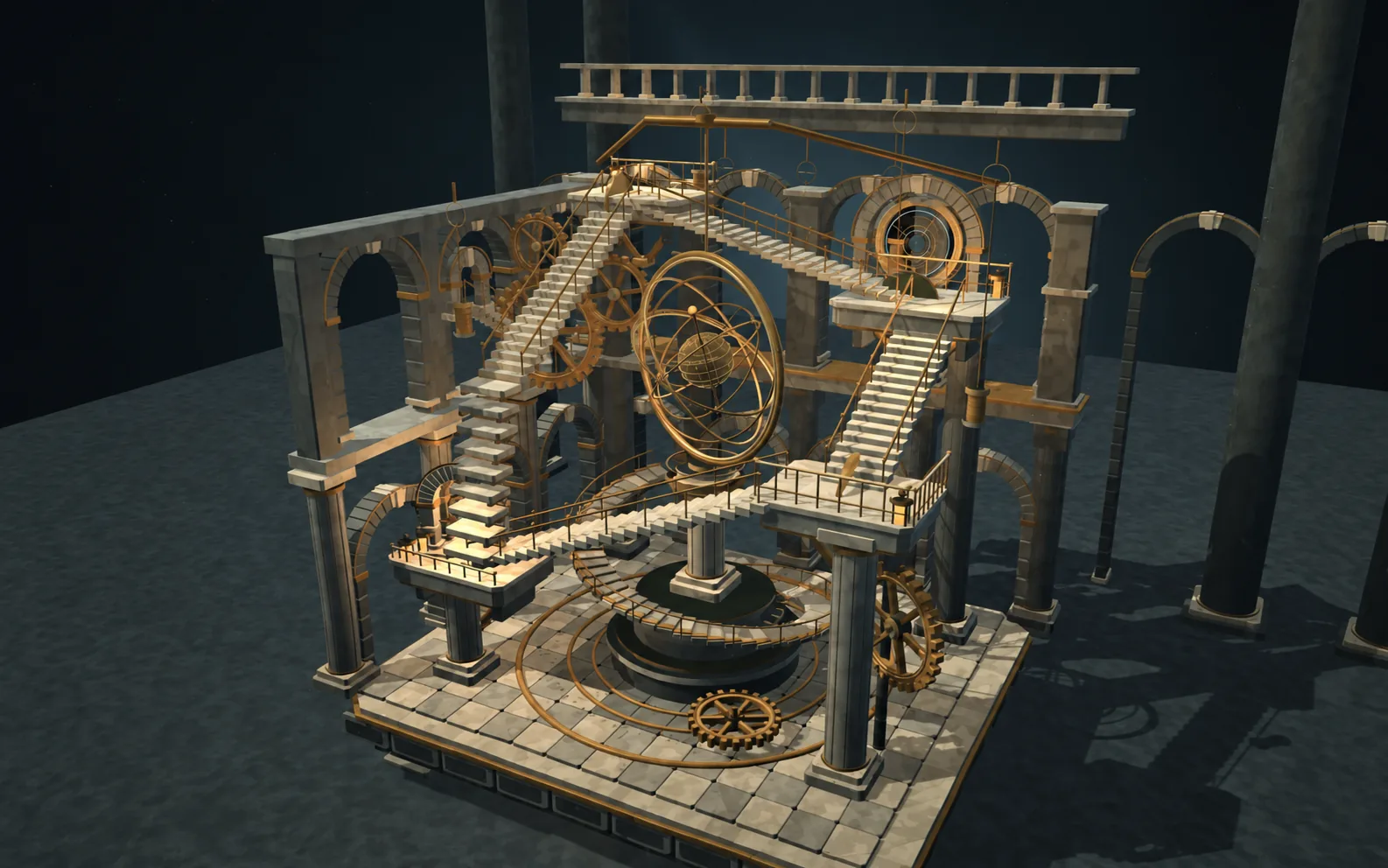
The final installation begins as a floating miniature orrery. Pressing “Step inside” moves the visitor into a planetarium-scale view of the same system, surrounded by the trails of three luminous masses. Provide two curated starting conditions: a carefully validated stable choreography and a small perturbation of that initial condition that produces a visibly different trajectory. Let visitors replay and slow time to inspect how paths diverge. Use numerical gravitational integration with bounded simulation duration, a controlled time step, appropriate handling of near encounters, and honest scaling. Keep bright bodies distinct from their trails; use trails as geometry in space rather than a flat overlay. If a proposed stable preset is not numerically reliable, choose a well-supported preset and validate it before shipping. Finish with a quiet view back across the museum and a “Visit again” action.