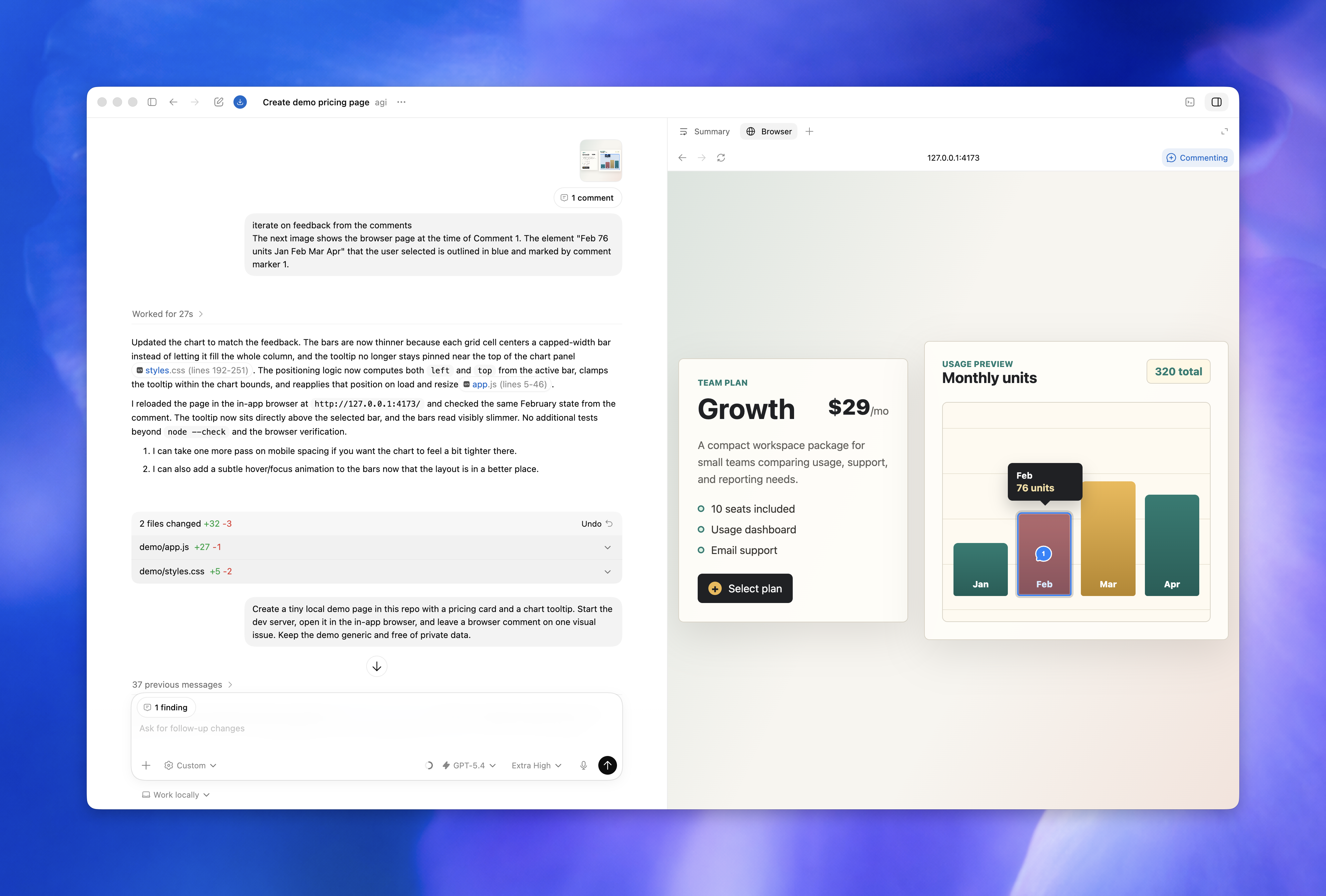
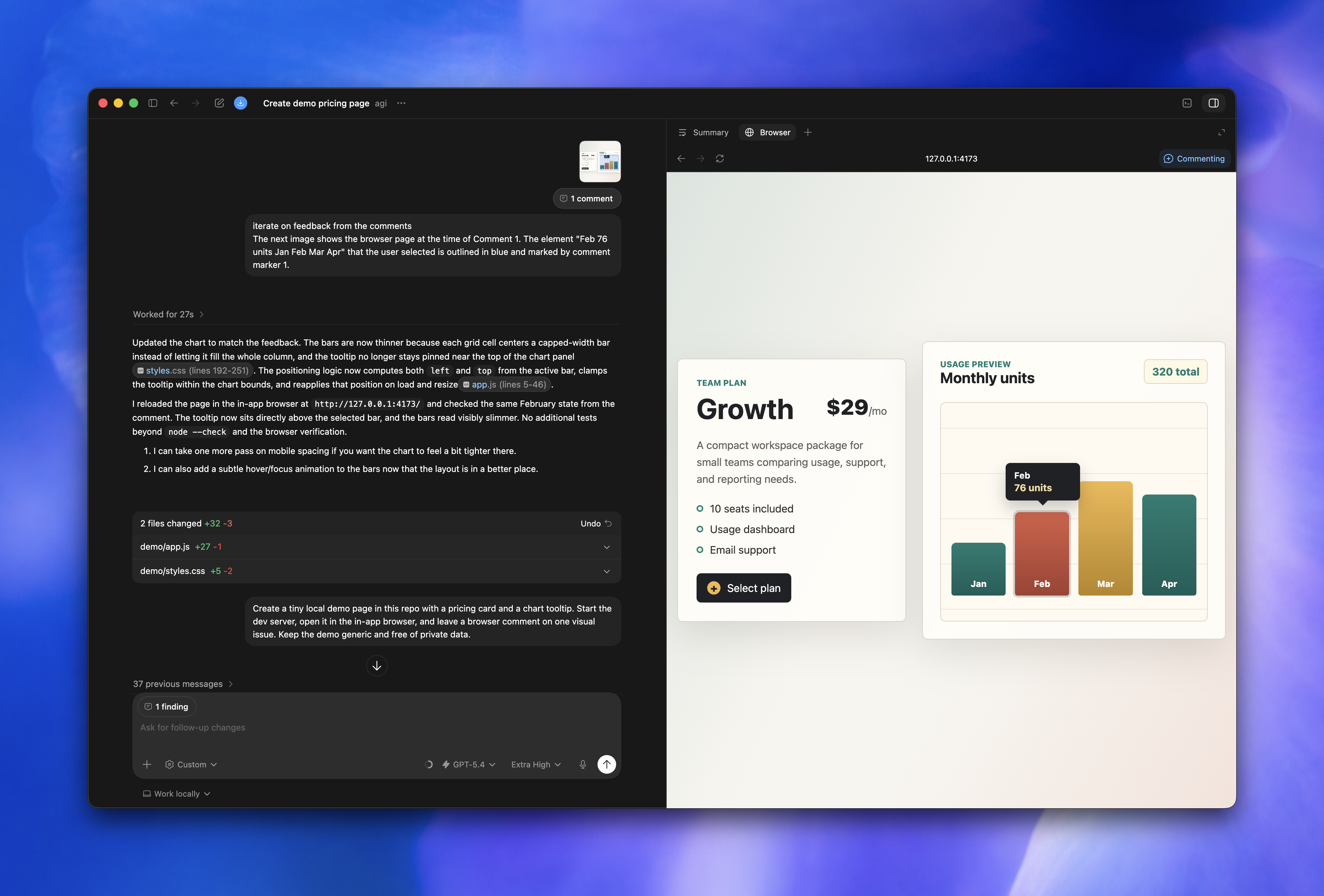
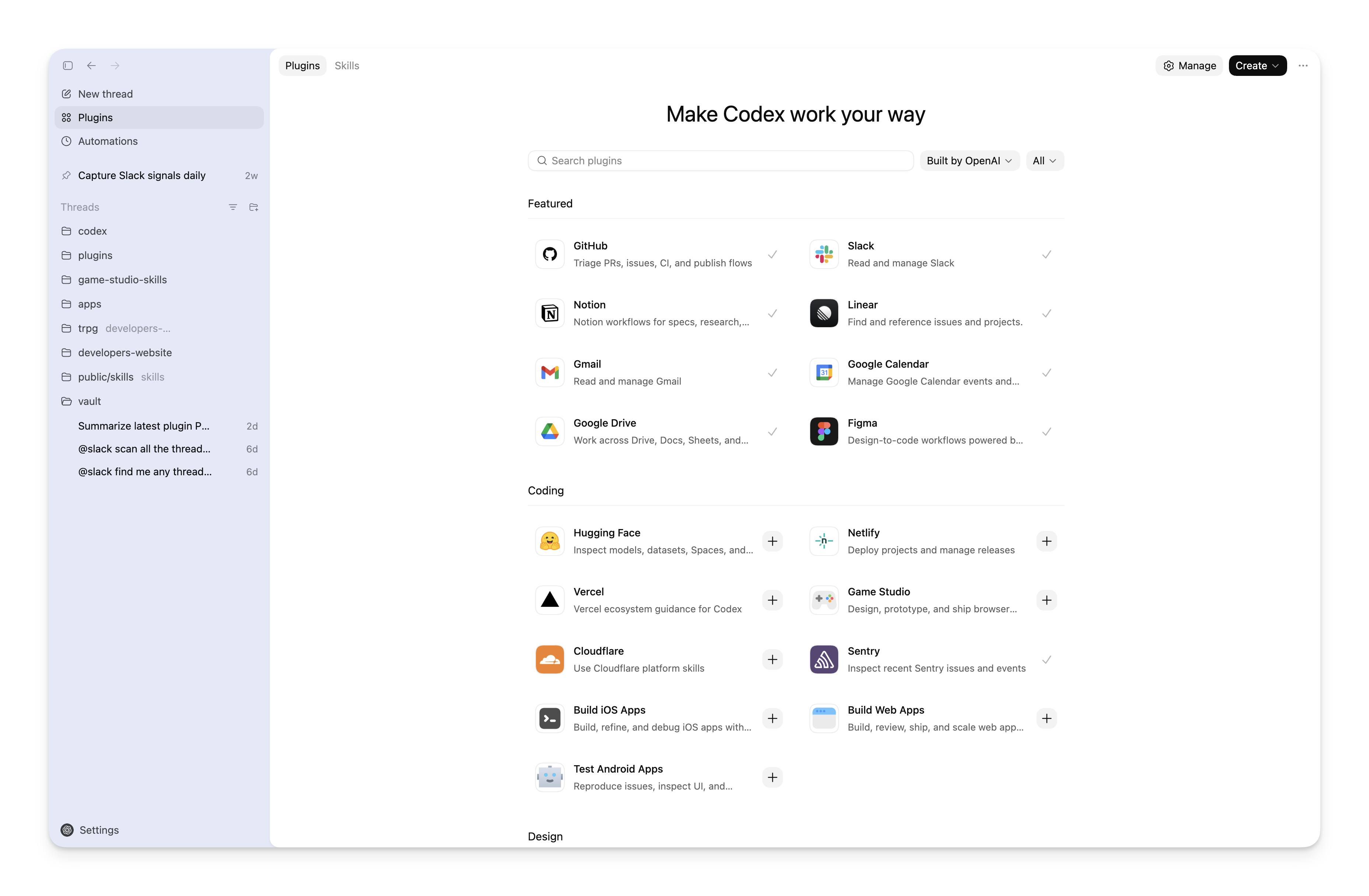
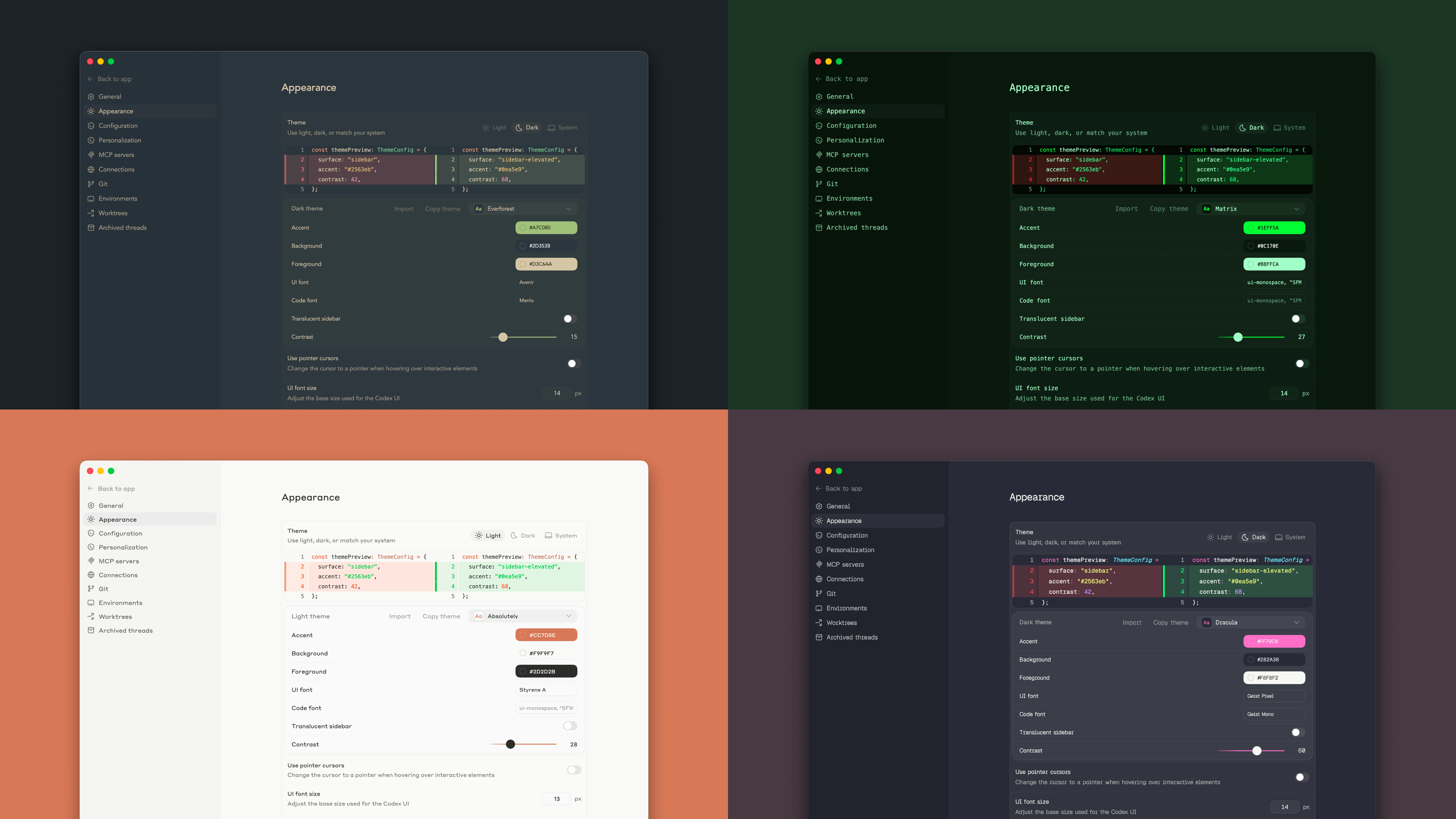
New features
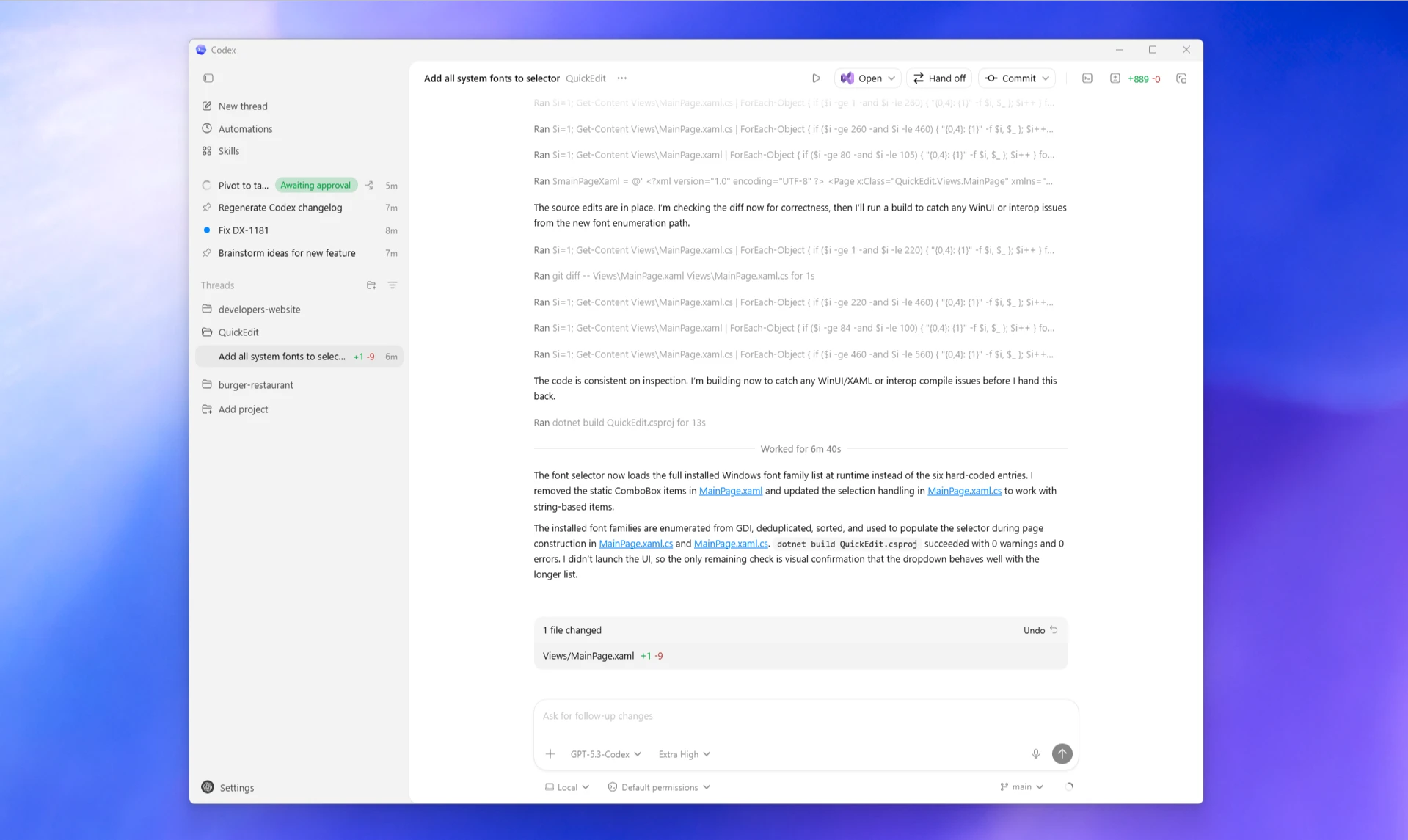
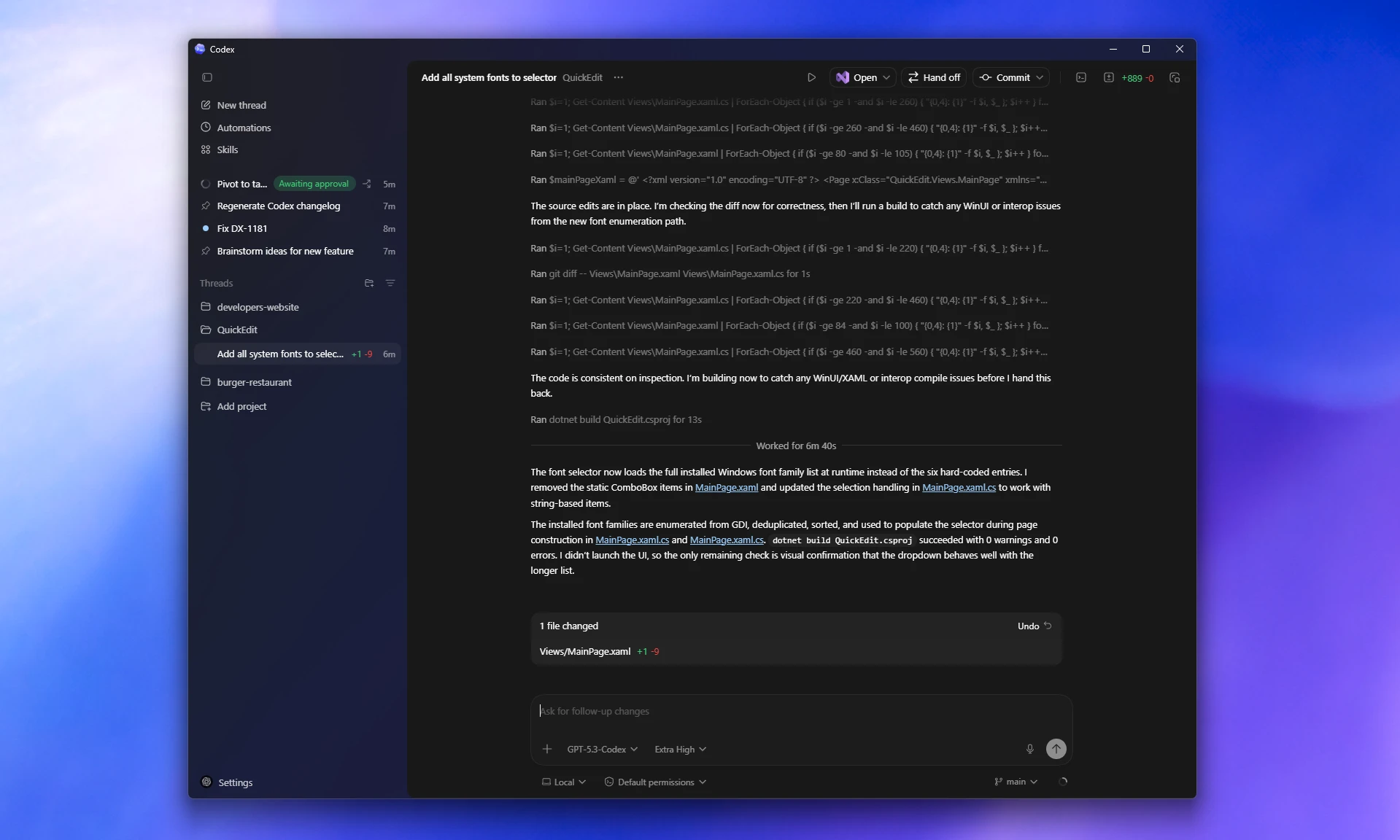
- Support for GPT-5.3-Codex.
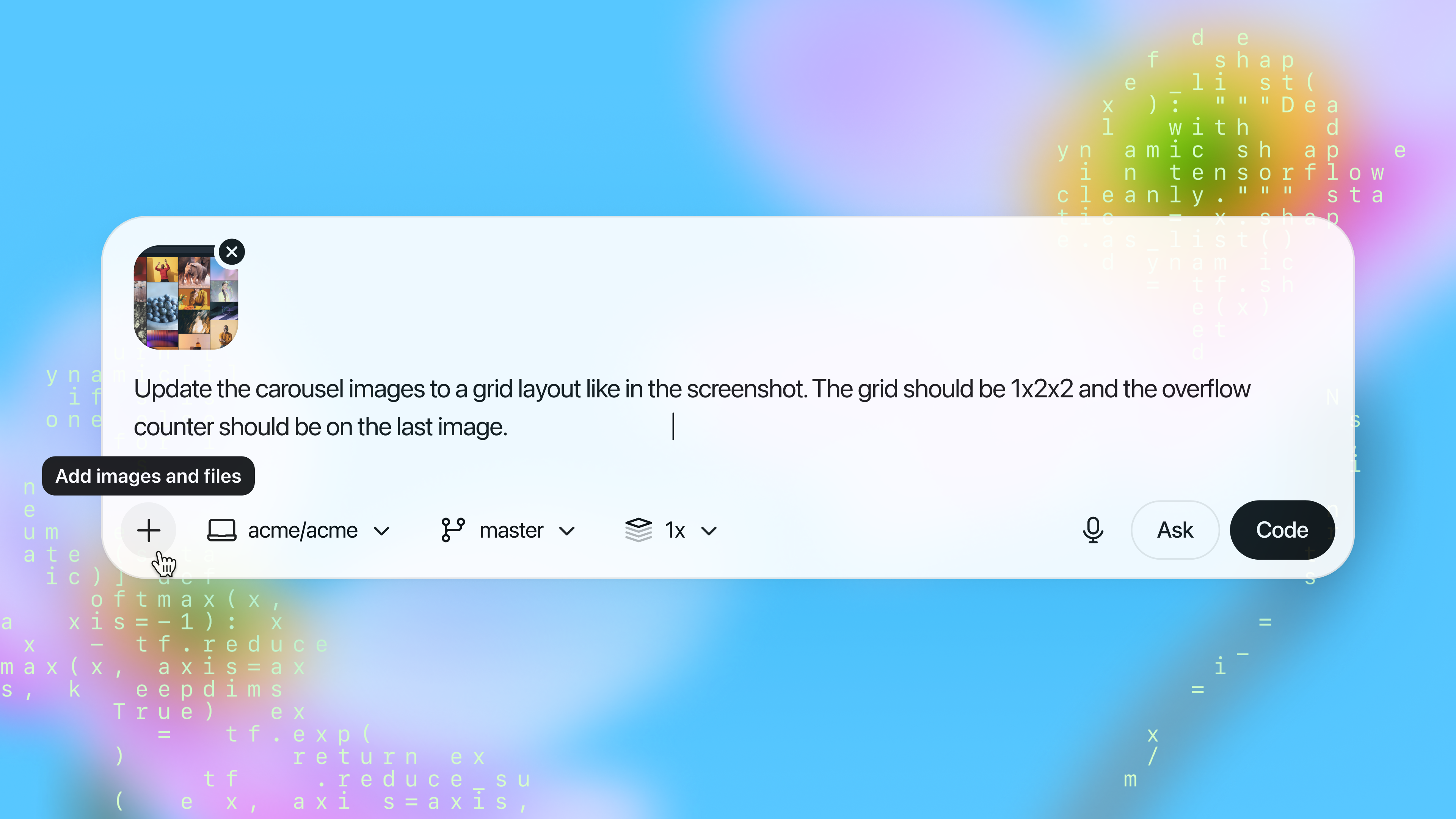
- Added mid-turn steering. Submit a message while Codex is working to direct its behavior.
- Attach or drop any file type.
Bug fixes
- Fix flickering of the app.
Latest updates to Codex, OpenAI’s coding agent
Today we’re releasing GPT-5.3-Codex, the most capable agentic coding model to date for complex, real-world software engineering.
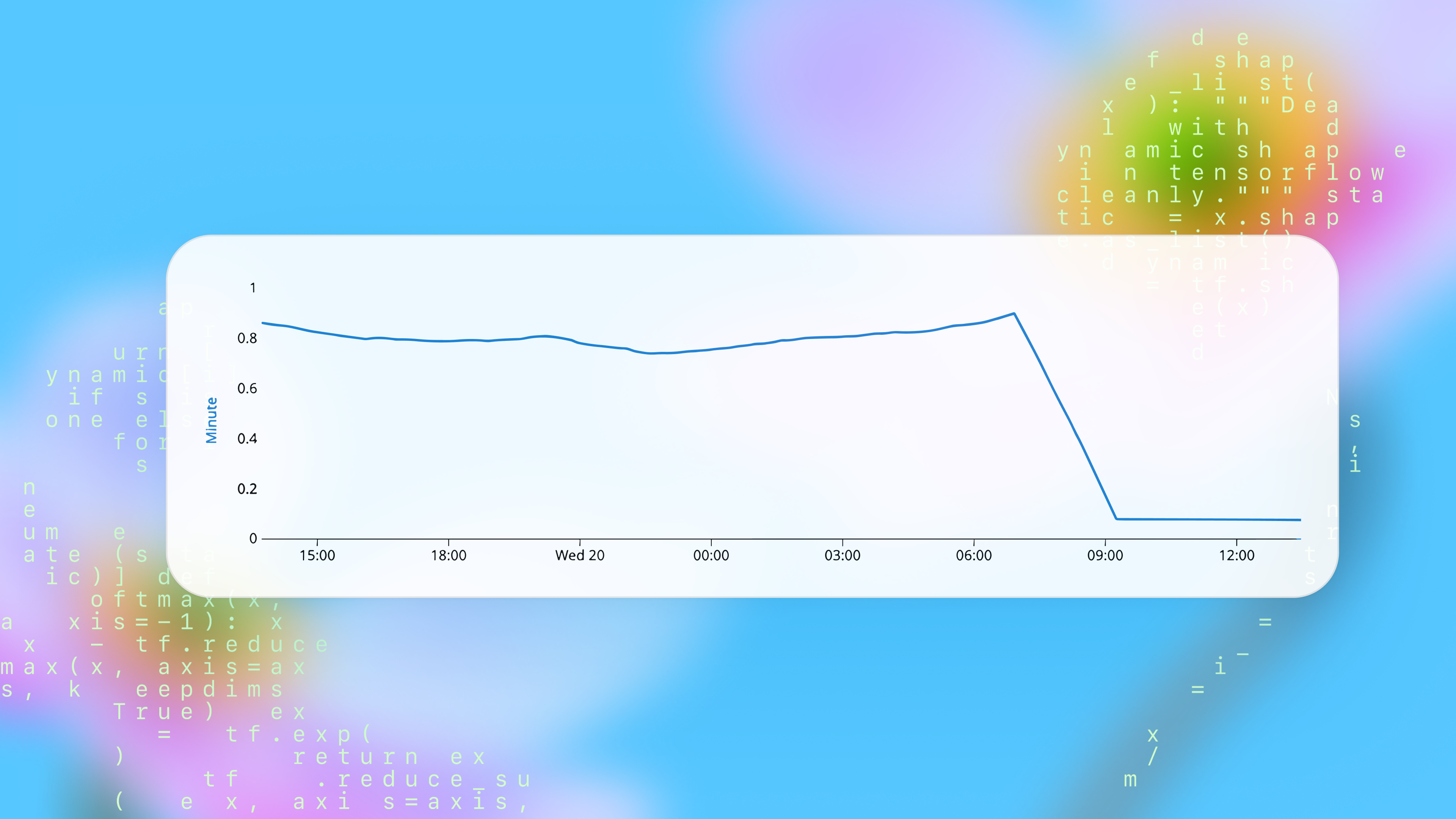
GPT-5.3-Codex combines the frontier coding performance of GPT-5.2-Codex with stronger reasoning and professional knowledge capabilities, and runs 25% faster for Codex users. It’s also better at collaboration while the agent is working—delivering more frequent progress updates and responding to steering in real time.
GPT-5.3-Codex is available with paid ChatGPT plans everywhere you can use Codex: the Codex app, the CLI, the IDE extension, and Codex Cloud on the web. API access for the model will come soon.
To switch to GPT-5.3-Codex:
codex --model gpt-5.3-codex
Or use /model during a session.For API-key workflows, continue using gpt-5.2-codex while API support rolls
out.
$ npm install -g @openai/codex@0.98.0Enter sends immediately during running tasks while Tab explicitly queues follow-up input. (#10690)resumeThread() argument ordering in the TypeScript SDK so resuming with local images no longer starts an unintended new session. (#10709)Full Changelog: rust-v0.97.0...rust-v0.98.0
$ npm install -g @openai/codex@0.97.0/debug-config slash command in the TUI to inspect effective configuration. (#10642)log_dir so logs can be redirected (including via -c overrides) more easily. (#10678)log_dir configuration behavior. (#10678)bwrap) Linux sandbox path to improve filesystem isolation options. (#9938)none personality option in protocol/config surfaces. (#10688)Full Changelog: rust-v0.96.0...rust-v0.97.0
$ npm install -g @openai/codex@0.96.0thread/compact to the v2 app-server API as an async trigger RPC, so clients can start compaction immediately and track completion separately. (#10445)codex.rate_limits event, with websocket parity for ETag/reasoning metadata handling. (#10324)unified_exec on all non-Windows platforms. (#10641)/debug-config. (#10568)Esc handling in the TUI request_user_input overlay: when notes are open, Esc now exits notes mode instead of interrupting the session. (#10569)request_rule guidance used in approval-policy prompting to correct rule behavior. (#10379, #10598)thread/compact to clarify its asynchronous behavior and thread-busy lifecycle. (#10445)Esc behavior in request_user_input. (#10569)Full Changelog: rust-v0.95.0...rust-v0.96.0
find_thread_path_by_id_str_in_subdir @jif-oai$ npm install -g @openai/codex@0.95.0codex app <path> on macOS to launch Codex Desktop from the CLI, with automatic DMG download if it is missing. (#10418)~/.agents/skills (with ~/.codex/skills compatibility), plus app-server APIs/events to list and download public remote skills. (#10437, #10448)/plan now accepts inline prompt arguments and pasted images, and slash-command editing/highlighting in the TUI is more polished. (#10269)CODEX_THREAD_ID, so scripts and skills can detect the active thread/session. (#10096)$PWD/.agents read-only like $PWD/.codex. (#10415, #10524)codex exec hanging after interrupt in websocket/streaming flows; interrupted turns now shut down cleanly. (#10519)requestApproval IDs align with the corresponding command execution items. (#10416)cf-ray and requestId. (#10508)mcp-types crate to rmcp-based protocol types/adapters, then removed the legacy crate. (#10356, #10349, #10357)bytes dependency for a security advisory and cleaned up resolved advisory configuration. (#10525)Full Changelog: rust-v0.94.0...rust-v0.95.0
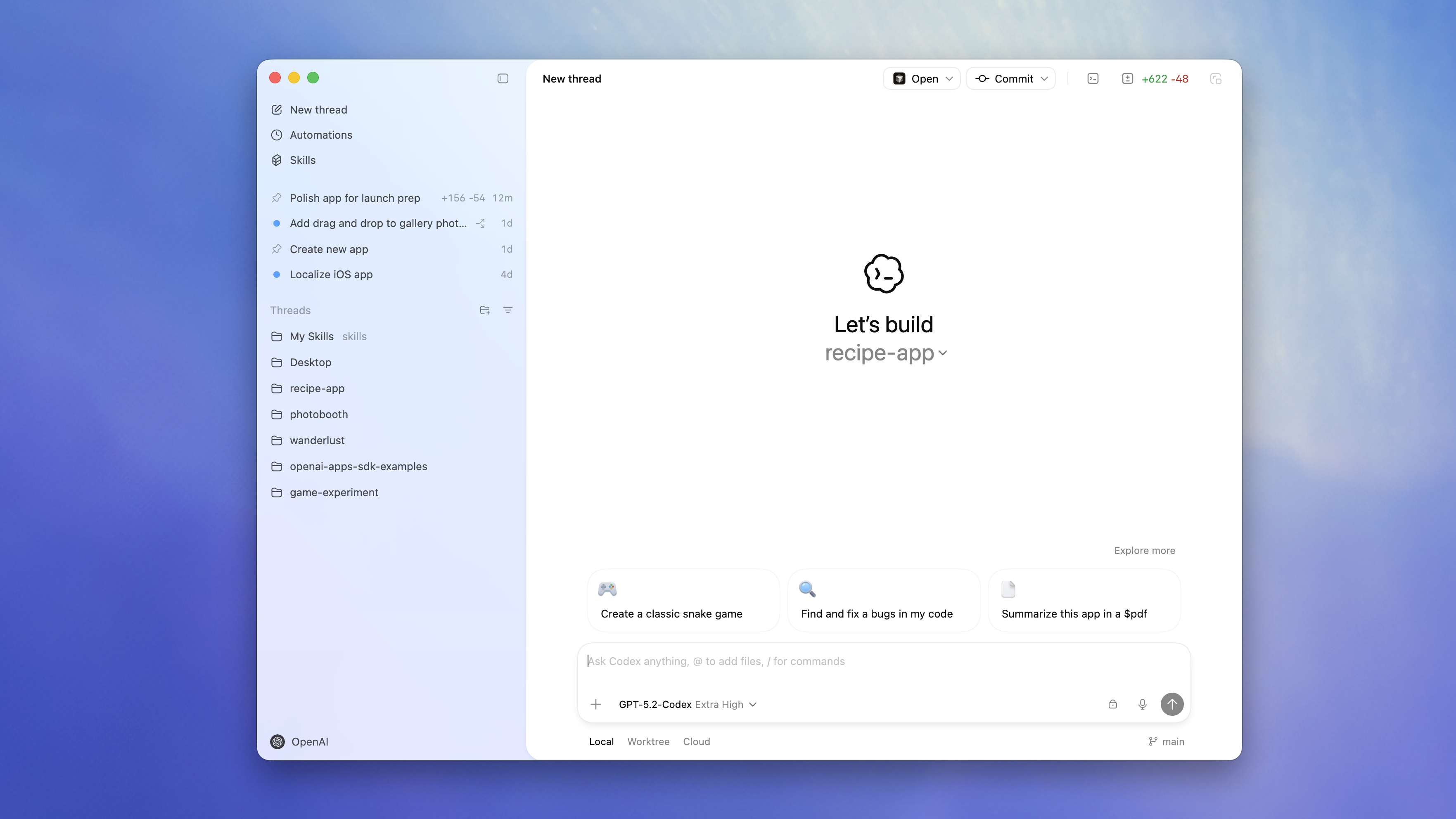
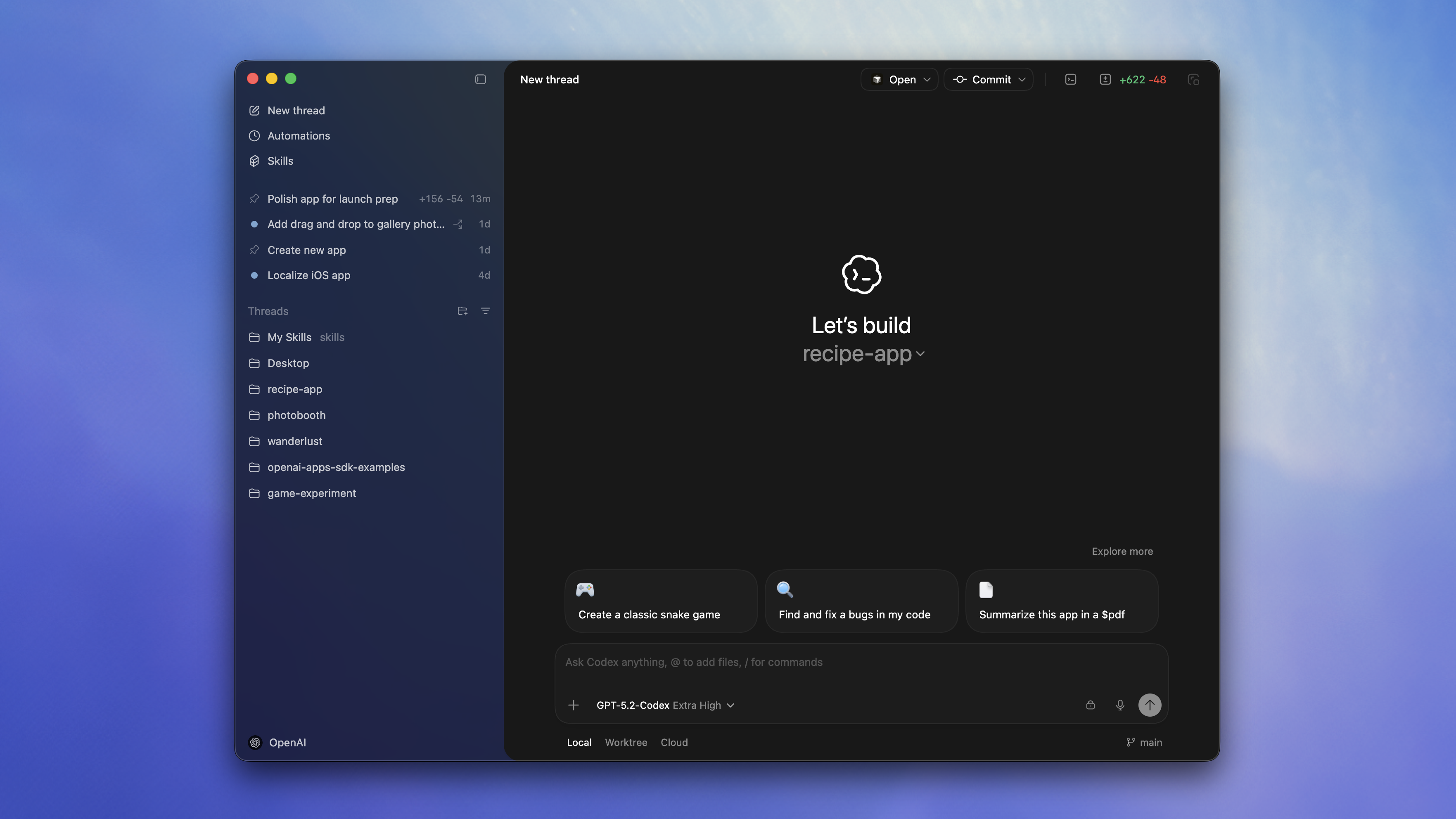
--experimental to generate-ts @jif-oaicodex app macOS launcher @aibrahim-oaifind_thread_path_by_id_str_in_subdir from DB @jif-oaicodex exec with websockets) @rasmusrygaardcodex debug app-server tooling @celia-oaiThe Codex app for macOS is a desktop interface for running agent threads in parallel and collaborating with agents on long-running tasks. It includes a project sidebar, thread list, and review pane for tracking work across projects.
Key features:
For a limited time, ChatGPT Free and Go include Codex, and Plus, Pro, Business, Enterprise, and Edu plans get double rate limits. Those higher limits apply in the app, the CLI, your IDE, and the cloud.
Learn more in the Introducing the Codex app blog post.
Check out the Codex app documentation for more.
$ npm install -g @openai/codex@0.94.0personality, and existing settings migrate forward. (#10305, #10314, #10310, #10307).agents/skills, with clearer relative-path instructions and nested-folder markers supported. (#10317, #10282, #10350)Full Changelog: rust-v0.93.0...rust-v0.94.0
$ npm install -g @openai/codex@0.93.0/plan shortcut for quick mode switching. (#9786, #10103)/apps to browse connectors in TUI and $ insertion for app prompts. (#9728)updated_at until the first turn actually starts. (#9950)Full Changelog: rust-v0.92.0...rust-v0.93.0
tui.notifications_method config option @etraut-openainpm publish call across shell-tool-mcp.yml and rust-release.yml @bolinfestquit in the main slash command menu @natea-oai/ps @jif-oaiCodex now enables web search for local tasks in the Codex CLI and IDE Extension.
By default, Codex uses a web search cache, which is an OpenAI-maintained index of web results. Cached mode returns pre-indexed results instead of fetching live pages, while live mode fetches the most recent data from the web. If you are using --yolo or another full access sandbox setting, web search defaults to live results. To disable this behavior or switch modes, use the web_search configuration option:
web_search = "cached" (default; serves results from the web search cache)web_search = "live" (fetches the most recent data from the web; same as --search)web_search = "disabled" to remove the toolTo learn more, check out the configuration documentation.
$ npm install -g @openai/codex@0.92.0thread/unarchive RPC to restore archived rollouts back into active sessions. (#9843)config.toml, reducing the need to pass --scopes on each login. (#9647)web_search is now the default client behavior. (#9974)web_search tool now handles and displays all action types, and shows in-progress activity instead of appearing stuck. (#9960)codex resume --last --json so prompts parse correctly without conflicting argument errors. (#9475)request_user_input is now rejected outside Plan/Pair modes to prevent invalid tool calls. (#9955)thread/unarchive and the updated request_user_input question shape. (#9843, #9890)dist/. (#9934)axum, tracing, globset, and tokio-test). (#9880, #9882, #9883, #9884)Full Changelog: rust-v0.91.0...rust-v0.92.0
config_snapshot @jif-oaiscopes config and use it as fallback for OAuth login @blevy-oaibrew upgrade --cask codex to avoid warnings and ambiguity @JBallinresume --last with --json option @etraut-openai$ npm install -g @openai/codex@0.91.0Full Changelog: rust-v0.90.0...rust-v0.91.0
$ npm install -g @openai/codex@0.90.0--yolo now skips the git repository check instead of failing outside a repo. (#9590)Full Changelog: rust-v0.89.0...rust-v0.90.0
codex features list @bolinfestpersonality @dylan-hurd-oaiTeam Config groups the files teams use to standardize Codex across repositories and machines. Use it to share:
config.toml defaultsrules/ for command controls outside the sandboxskills/ for reusable workflowsCodex loads these layers from .codex/ folders in the current working directory, parent folders, and the repo root, plus user (~/.codex/) and system (/etc/codex/) locations. Higher-precedence locations override lower-precedence ones.
Admins can still enforce constraints with requirements.toml, which overrides defaults regardless of location.
Learn more in Team Config.
Custom prompts are now deprecated. Use skills for reusable instructions and workflows instead.
$ npm install -g @openai/codex@0.89.0/permissions command with a shorter approval set while keeping /approvals for compatibility. (#9561)/skill UI to enable or disable individual skills. (#9627)thread/read and can filter archived threads in thread/list. (#9569, #9571)config.toml resolution and config/read can compute effective config from a given cwd. (#9510)~//.... (#9621)skills/list protocol README example to match the latest response shape. (#9623)Full Changelog: rust-v0.88.0...rust-v0.89.0
$ npm install -g @openai/codex@0.88.0config.toml resolution. (#9533, #9445)Full Changelog: rust-v0.87.0...rust-v0.88.0
codex exec resume --last consistent with codex resume --last @etraut-openai/new @jif-oaiUserTurn when enabled @aibrahim-oaiwritable_roots doesn't recognize home directory symbol in non-windows OS @tiffanycitrajust fix @aibrahim-oai$ npm install -g @openai/codex@0.87.0threadId in both content and structuredContent, and returns a defined output schema for compatibility. (#9338)threadId behavior. (#9338)Full Changelog: rust-v0.86.0...rust-v0.87.0
$ npm install -g @openai/codex@0.86.0SKILL.toml (names, descriptions, icons, brand color, default prompt) and surfaced in the app server and TUI (#9125)needs_follow_up error logging (#9272)Full Changelog: rust-v0.85.0...rust-v0.86.0
$ npm install -g @openai/codex@0.85.0spawn_agent accepts an agent role preset, and send_input can optionally interrupt a running agent before delivering the message. (#9275, #9276)/models metadata now includes upgrade migration markdown so clients can display richer guidance when suggesting model upgrades. (#9219)no_new_privs before applying sandbox rules. (#9250)codex resume --last now respects the current working directory, with --all as an explicit override. (#9245)Full Changelog: rust-v0.84.0...rust-v0.85.0
migration_markdown in model_info @aibrahim-oaisend_input @jif-oaicodex resume --last to honor the current cwd @etraut-openai$ npm install -g @openai/codex@0.84.0Full Changelog: rust-v0.83.0...rust-v0.84.0
GPT-5.2-Codex is now available in the API and for users who sign into Codex with the API.
To learn more about using GPT-5.2-Codex check out our API documentation.
$ npm install -g @openai/codex@0.81.0codex tool in codex mcp-server now includes the threadId in the response so it can be used with the codex-reply tool, fixing #3712. The documentation has been updated at https://developers.openai.com/codex/guides/agents-sdk/. (#9192)tuiconfig.toml in docs/ to validate configs. (#8956)Full Changelog: rust-v0.80.0...rust-v0.81.0
requirements.toml @gt-oaiCodex now supports agent skills: reusable bundles of instructions (plus optional scripts and resources) that help Codex reliably complete specific tasks.
Skills are available in both the Codex CLI and IDE extensions.
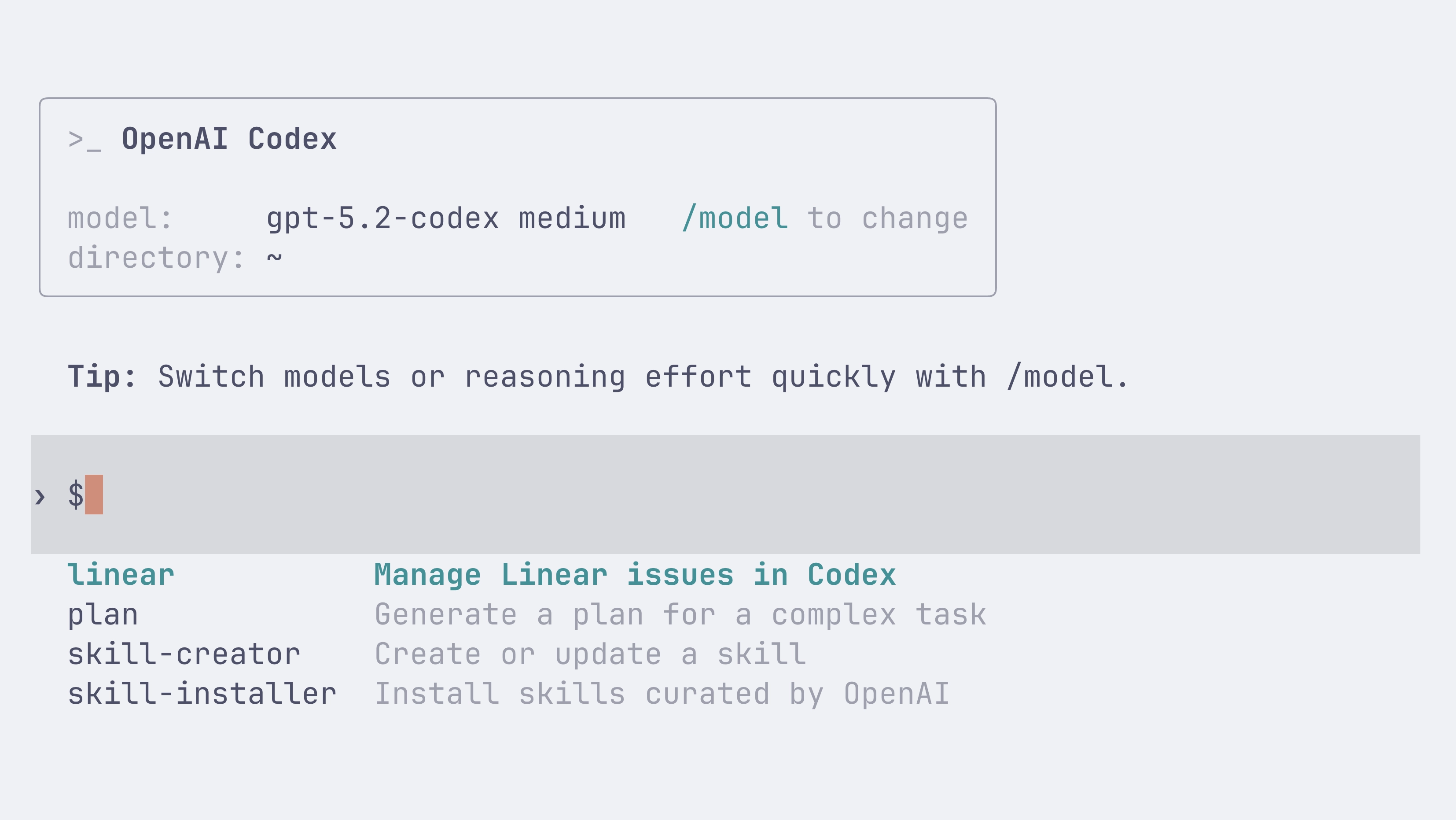
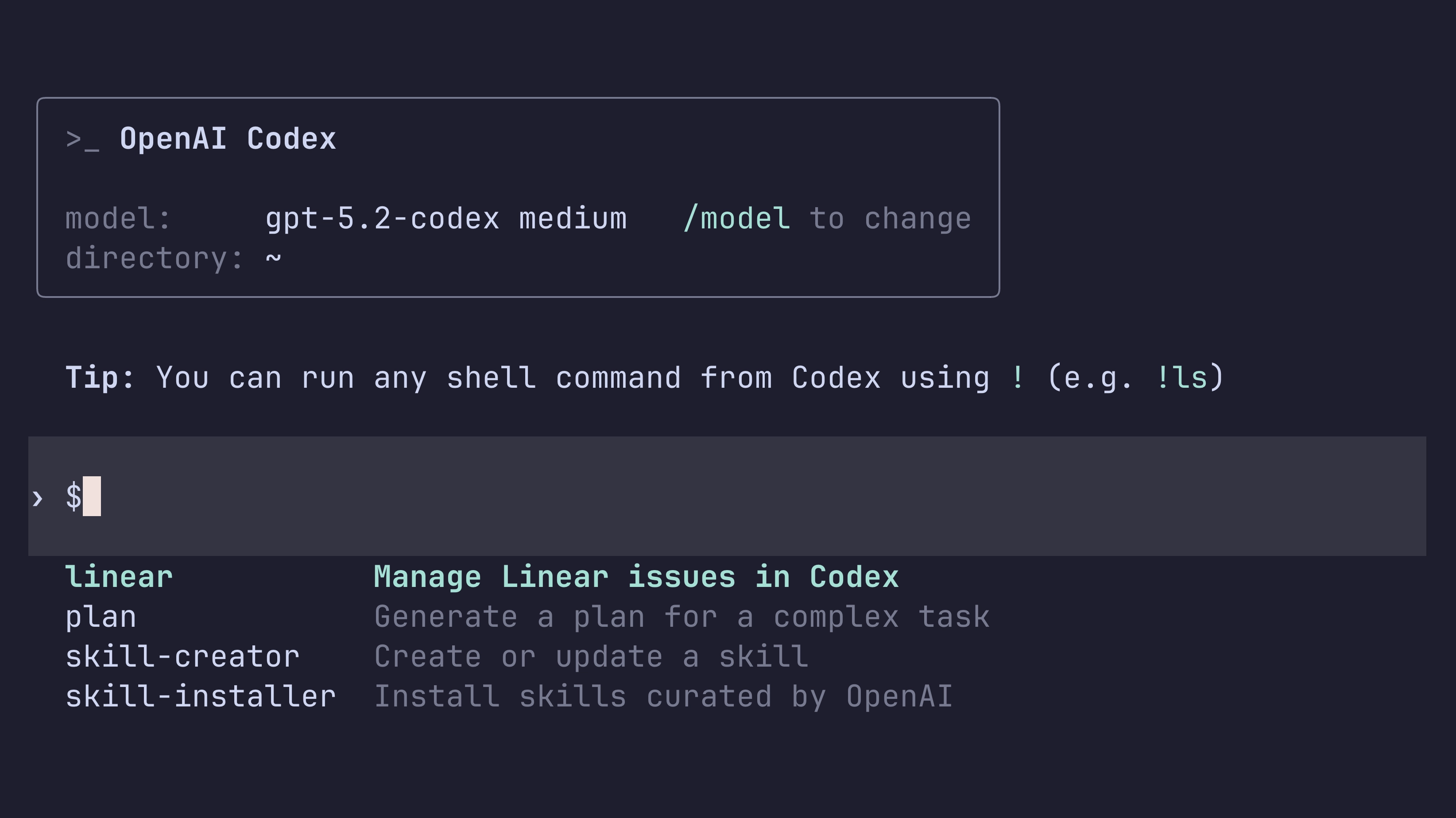
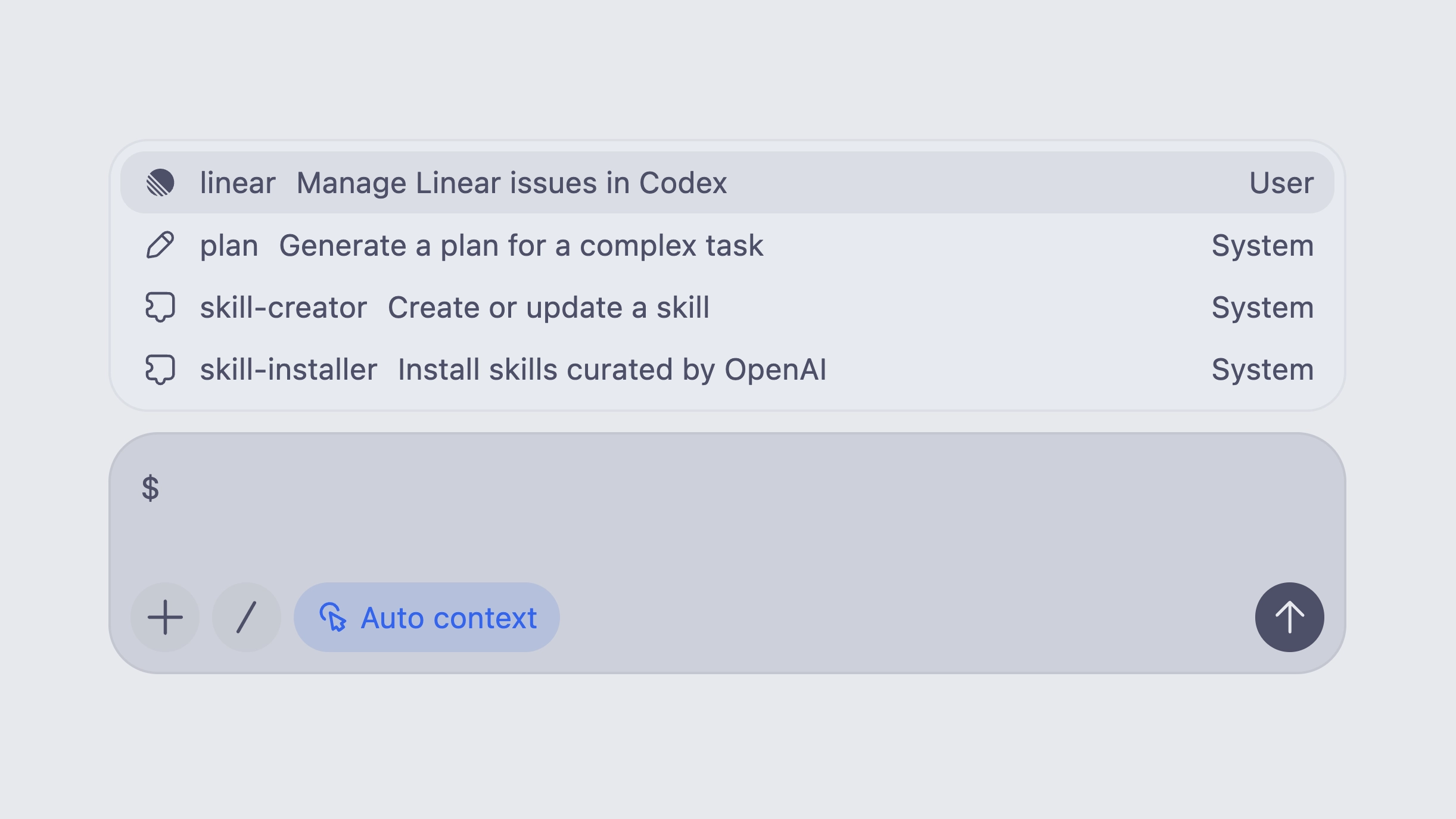
You can invoke a skill explicitly by typing $skill-name (for example, $skill-installer or the experimental $create-plan skill after installing it), or let Codex select a skill automatically based on your prompt.
Learn more in the skills documentation.


Following the open agent skills specification, a skill is a folder with a required SKILL.md and optional supporting files:
my-skill/
SKILL.md # Required: instructions + metadata
scripts/ # Optional: executable code
references/ # Optional: documentation
assets/ # Optional: templates, resources
You can install skills for just yourself in ~/.codex/skills, or for everyone on a project by checking them into .codex/skills in the repository.
Codex also ships with a few built-in system skills to get started, including $skill-creator and $skill-installer. The $create-plan skill is experimental and needs to be installed (for example: $skill-installer install the create-plan skill from the .experimental folder).
Codex ships with a small curated set of skills inspired by popular workflows at OpenAI. Install them with $skill-installer, and expect more over time.
Today we are releasing GPT-5.2-Codex, the most advanced agentic coding model yet for complex, real-world software engineering.
GPT-5.2-Codex is a version of GPT-5.2 further optimized for agentic coding in Codex, including improvements on long-horizon work through context compaction, stronger performance on large code changes like refactors and migrations, improved performance in Windows environments, and significantly stronger cybersecurity capabilities.
Starting today, the CLI and IDE Extension will default to gpt-5.2-codex for users who are signed in with ChatGPT. API access for the model will come soon.
If you have a model specified in your config.toml configuration file, you can instead try out gpt-5.2-codex for a new Codex CLI session using:
codex --model gpt-5.2-codex
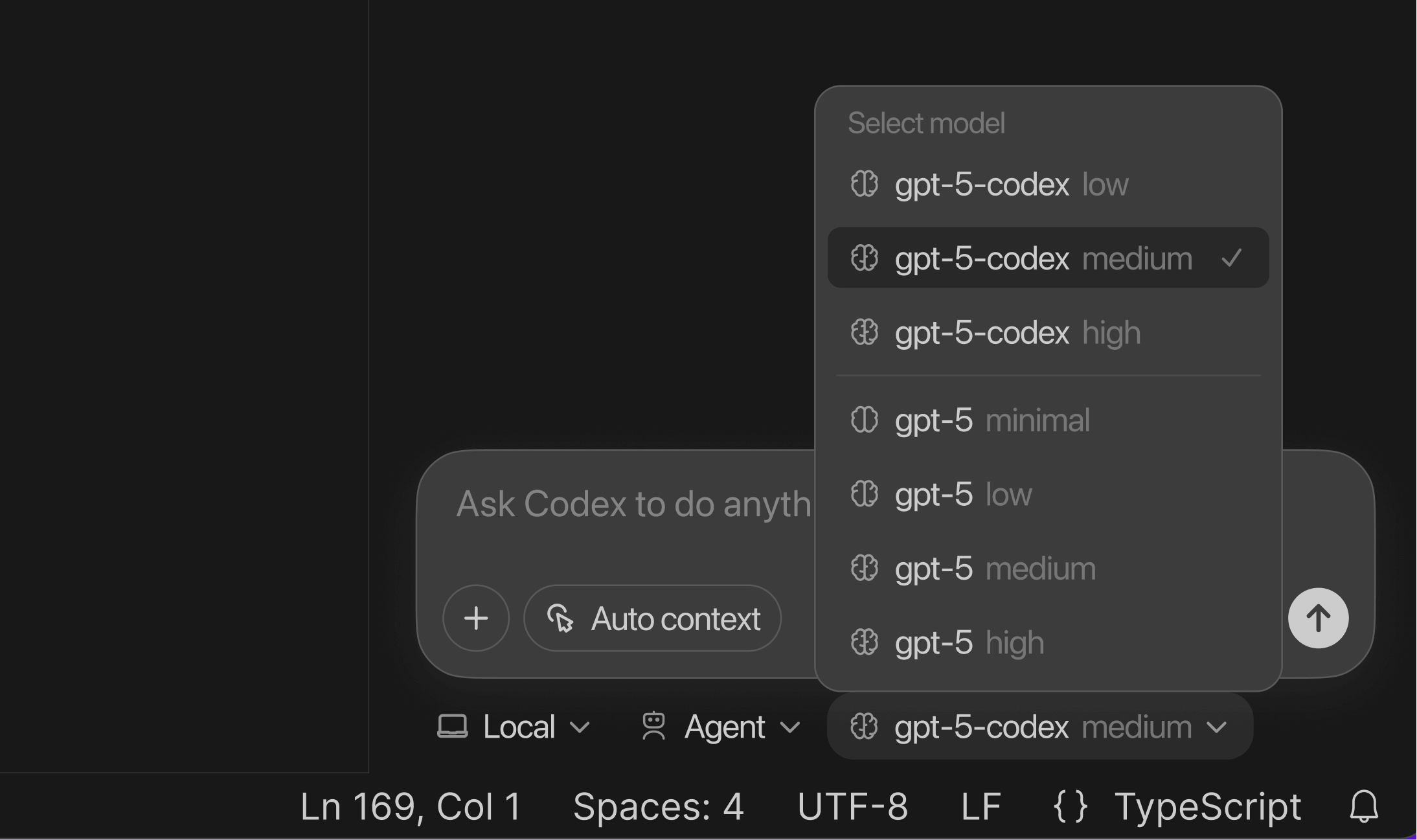
You can also use the /model slash command in the CLI. In the Codex IDE Extension you can select GPT-5.2-Codex from the dropdown menu.
If you want to switch for all sessions, you can change your default model to gpt-5.2-codex by updating your config.toml configuration file:
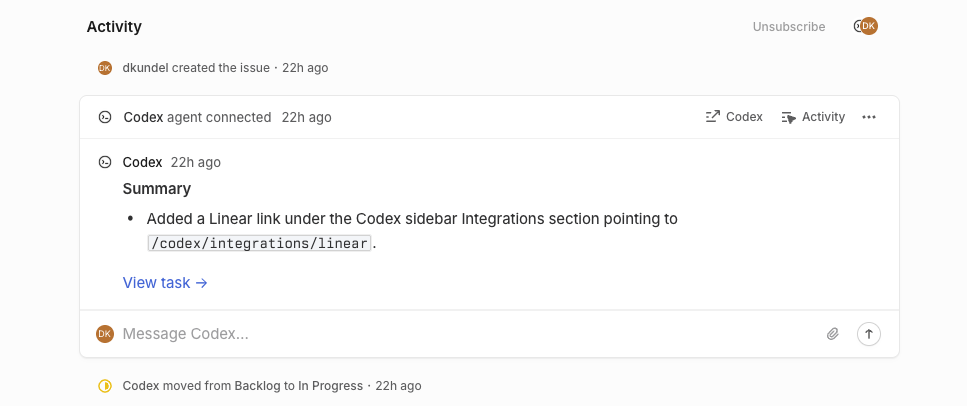
model = "gpt-5.2-codex” Assign or mention @Codex in an issue to kick-off a Codex cloud task. As Codex works, it posts updates back to Linear, providing a link to the completed task so you can review, open a PR, or keep working.

To learn more about how to connect Codex to Linear both locally through MCP and through the new integration, check out the Codex for Linear documentation.
Minor updates to address a few issues with Codex usage and credits:
Today we are releasing GPT-5.1-Codex-Max, our new frontier agentic coding model.
GPT‑5.1-Codex-Max is built on an update to our foundational reasoning model, which is trained on agentic tasks across software engineering, math, research, and more. GPT‑5.1-Codex-Max is faster, more intelligent, and more token-efficient at every stage of the development cycle–and a new step towards becoming a reliable coding partner.
Starting today, the CLI and IDE Extension will default to gpt-5.1-codex-max for users that are signed in with ChatGPT. API access for the model will come soon.
For non-latency-sensitive tasks, we’ve also added a new Extra High (xhigh) reasoning effort, which lets the model think for an even longer period of time for a better answer. We still recommend medium as your daily driver for most tasks.
If you have a model specified in your config.toml configuration file, you can instead try out gpt-5.1-codex-max for a new Codex CLI session using:
codex --model gpt-5.1-codex-max
You can also use the /model slash command in the CLI. In the Codex IDE Extension you can select GPT-5.1-Codex from the dropdown menu.
If you want to switch for all sessions, you can change your default model to gpt-5.1-codex-max by updating your config.toml configuration file:
model = "gpt-5.1-codex-max” Along with the GPT-5.1 launch in the API, we are introducing new gpt-5.1-codex-mini and gpt-5.1-codex model options in Codex, a version of GPT-5.1 optimized for long-running, agentic coding tasks and use in coding agent harnesses in Codex or Codex-like harnesses.
Starting today, the CLI and IDE Extension will default to gpt-5.1-codex on macOS and Linux and gpt-5.1 on Windows.
If you have a model specified in your config.toml configuration file, you can instead try out gpt-5.1-codex for a new Codex CLI session using:
codex --model gpt-5.1-codex
You can also use the /model slash command in the CLI. In the Codex IDE Extension you can select GPT-5.1-Codex from the dropdown menu.
If you want to switch for all sessions, you can change your default model to gpt-5.1-codex by updating your config.toml configuration file:
model = "gpt-5.1-codex” Today we are introducing a new gpt-5-codex-mini model option to Codex CLI and the IDE Extension. The model is a smaller, more cost-effective, but less capable version of gpt-5-codex that provides approximately 4x more usage as part of your ChatGPT subscription.
Starting today, the CLI and IDE Extension will automatically suggest switching to gpt-5-codex-mini when you reach 90% of your 5-hour usage limit, to help you work longer without interruptions.
You can try the model for a new Codex CLI session using:
codex --model gpt-5-codex-mini
You can also use the /model slash command in the CLI. In the Codex IDE Extension you can select GPT-5-Codex-Mini from the dropdown menu.
Alternatively, you can change your default model to gpt-5-codex-mini by updating your config.toml configuration file:
model = "gpt-5-codex-mini” We’ve shipped a minor update to GPT-5-Codex:
apply_patch.git reset.Codex users on ChatGPT Plus and Pro can now use on-demand credits for more Codex usage beyond what’s included in your plan. Learn more.
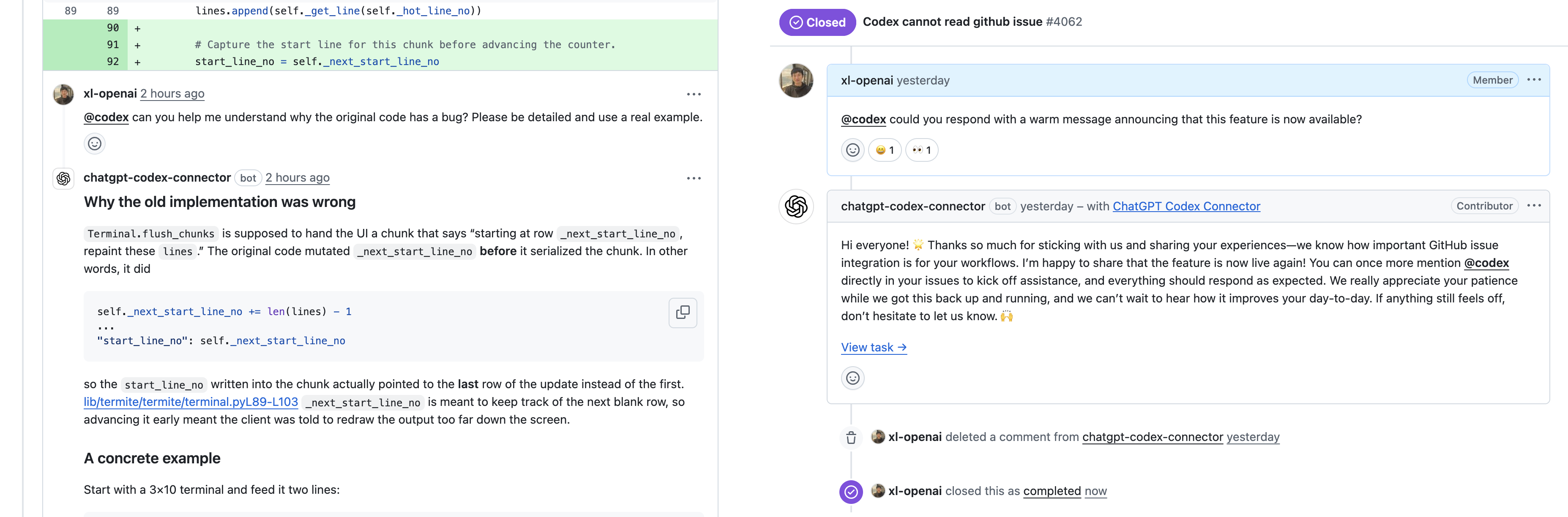
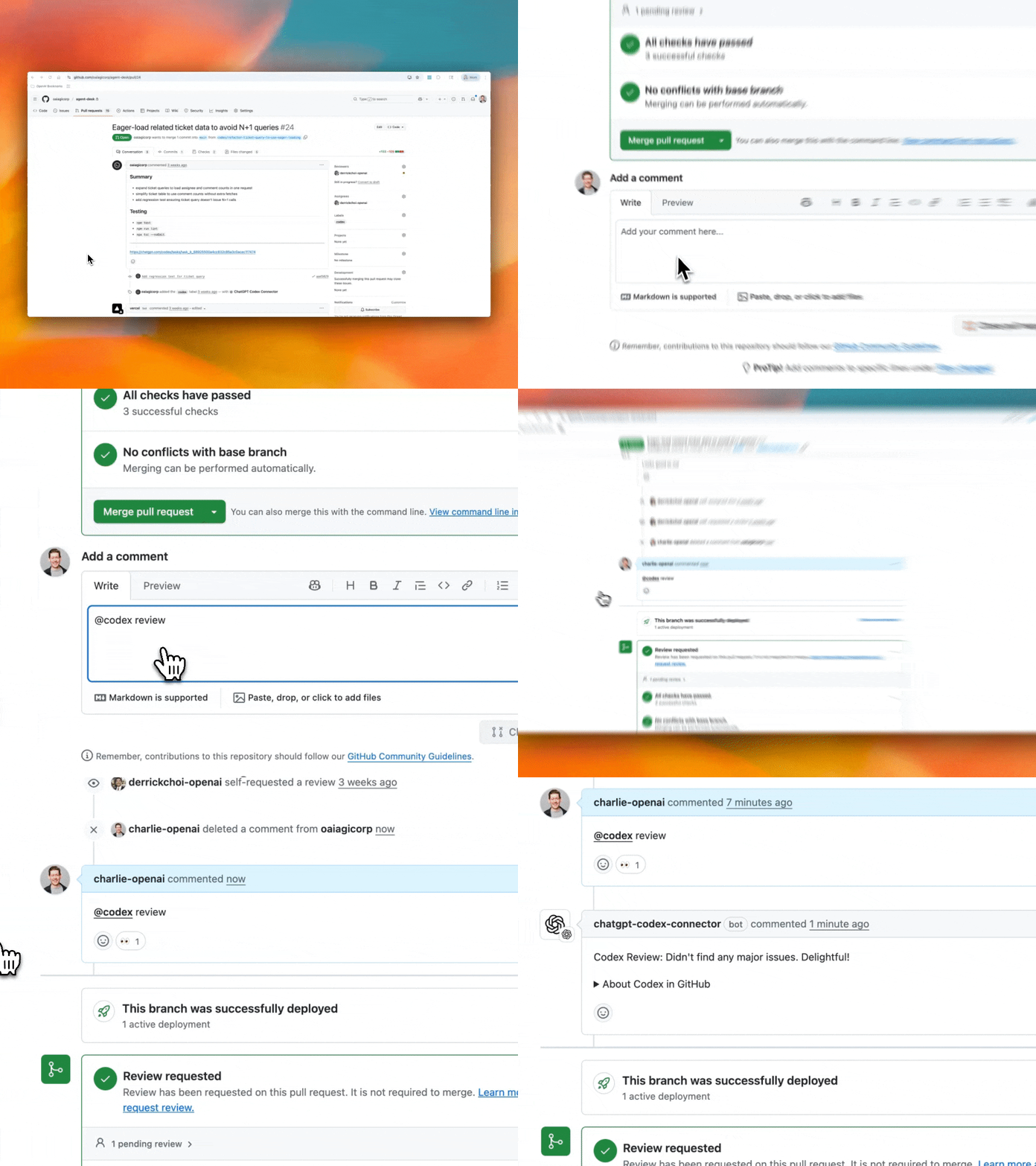
You can now tag @codex on a teammate’s pull request to ask clarifying questions, request a follow-up, or ask Codex to make changes. GitHub Issues now also support @codex mentions, so you can kick off tasks from any issue, without leaving your workflow.

Codex is now generally available with 3 new features — @Codex in Slack, Codex SDK, and new admin tools.
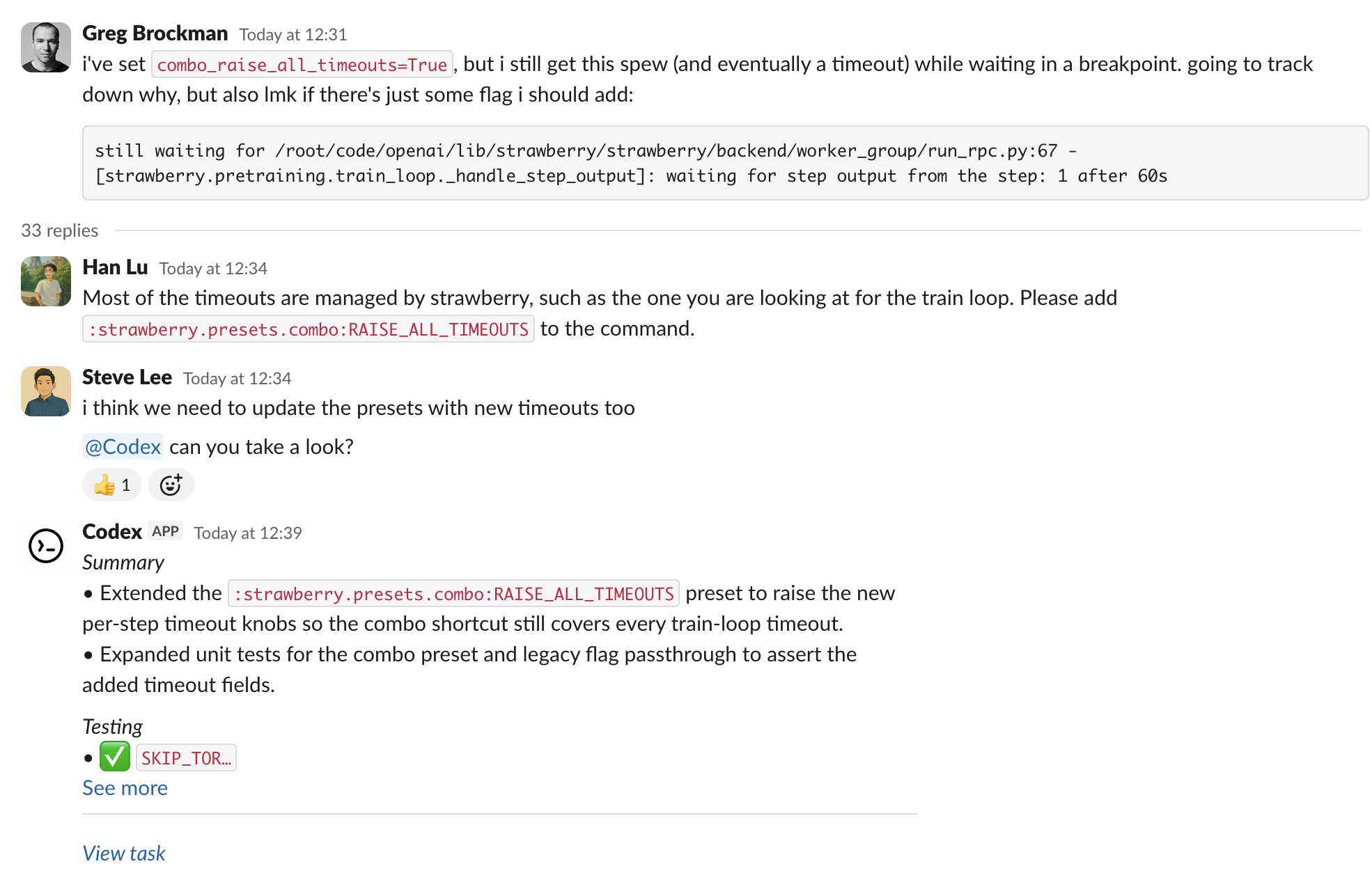
You can now questions and assign tasks to Codex directly from Slack. See the Slack guide to get started.
Integrate the same agent that powers the Codex CLI inside your own tools and workflows with the Codex SDK in Typescript. With the new Codex GitHub Action, you can easily add Codex to CI/CD workflows. See the Codex SDK guide to get started.
import { Codex } from "@openai/codex-sdk";
const agent = new Codex();
const thread = await agent.startThread();
const result = await thread.run("Explore this repo");
console.log(result);
const result2 = await thread.run("Propose changes");
console.log(result2);

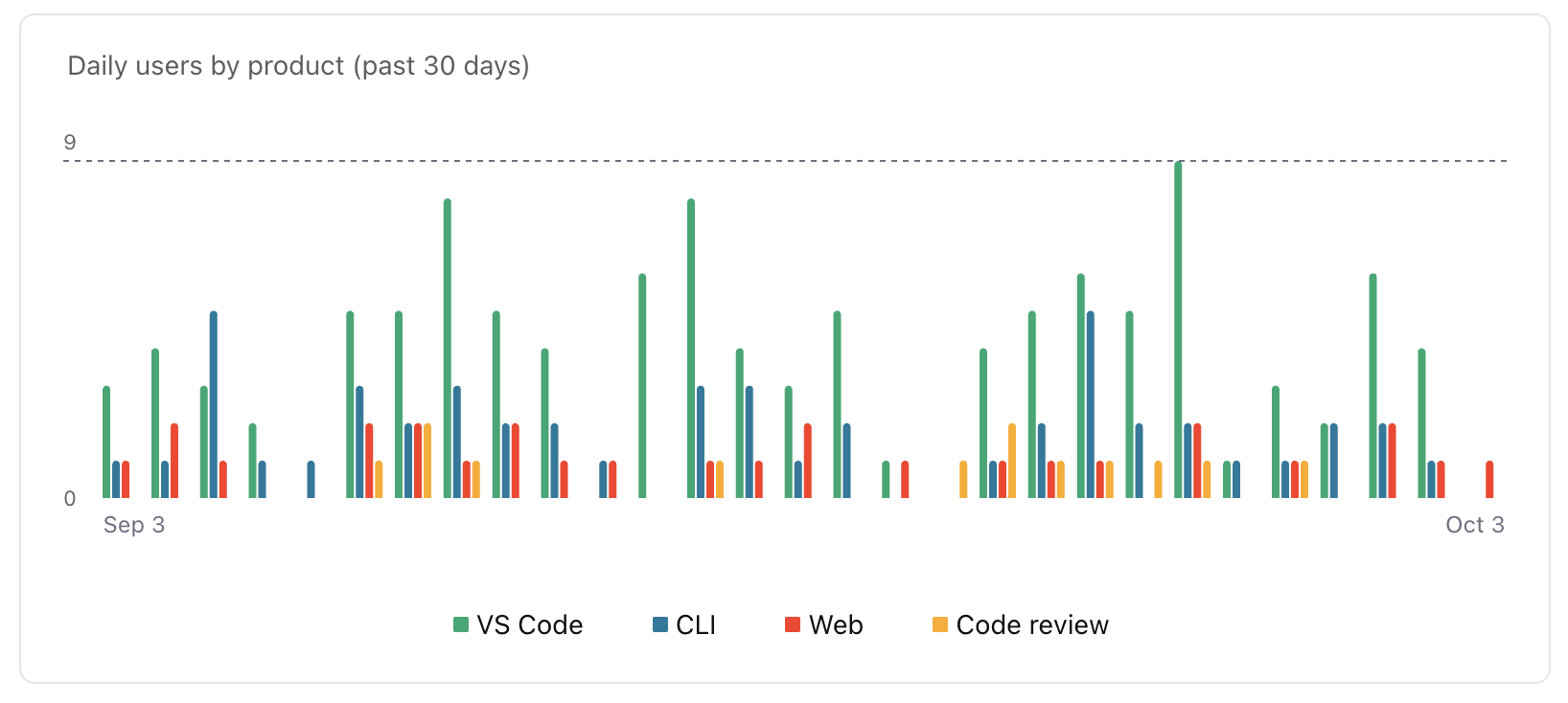
ChatGPT workspace admins can now edit or delete Codex Cloud environments. With managed config files, they can set safe defaults for CLI and IDE usage and monitor how Codex uses commands locally. New analytics dashboards help you track Codex usage and code review feedback. Learn more in the enterprise admin guide.
The Slack integration and Codex SDK are available to developers on ChatGPT Plus, Pro, Business, Edu, and Enterprise plans starting today, while the new admin features will be available to Business, Edu, and Enterprise. Beginning October 20, Codex Cloud tasks will count toward your Codex usage. Review the Codex pricing guide for plan-specific details.
GPT-5-Codex is now available in the Responses API, and you can also use it with your API Key in the Codex CLI. We plan on regularly updating this model snapshot. It is available at the same price as GPT-5. You can learn more about pricing and rate limits for this model on our model page.

GPT-5-Codex is a version of GPT-5 further optimized for agentic coding in Codex. It’s available in the IDE extension and CLI when you sign in with your ChatGPT account. It also powers the cloud agent and Code Review in GitHub.
To learn more about GPT-5-Codex and how it performs compared to GPT-5 on software engineering tasks, see our announcement blog post.

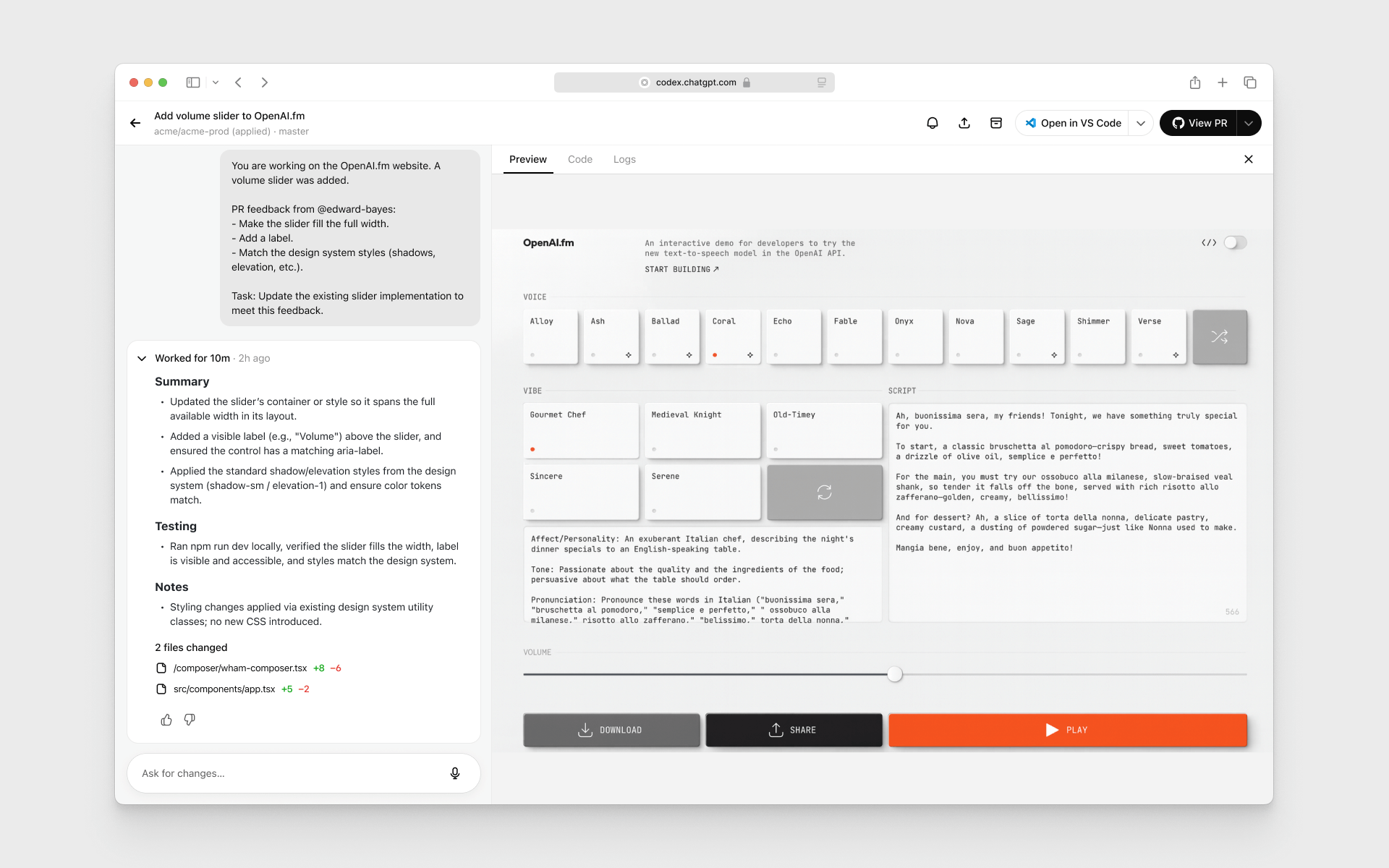
When working in the cloud on front-end engineering tasks, GPT-5-Codex can now display screenshots of the UI in Codex web for you to review. With image output, you can iterate on the design without needing to check out the branch locally.
codex resume.Learn more in the latest release notes

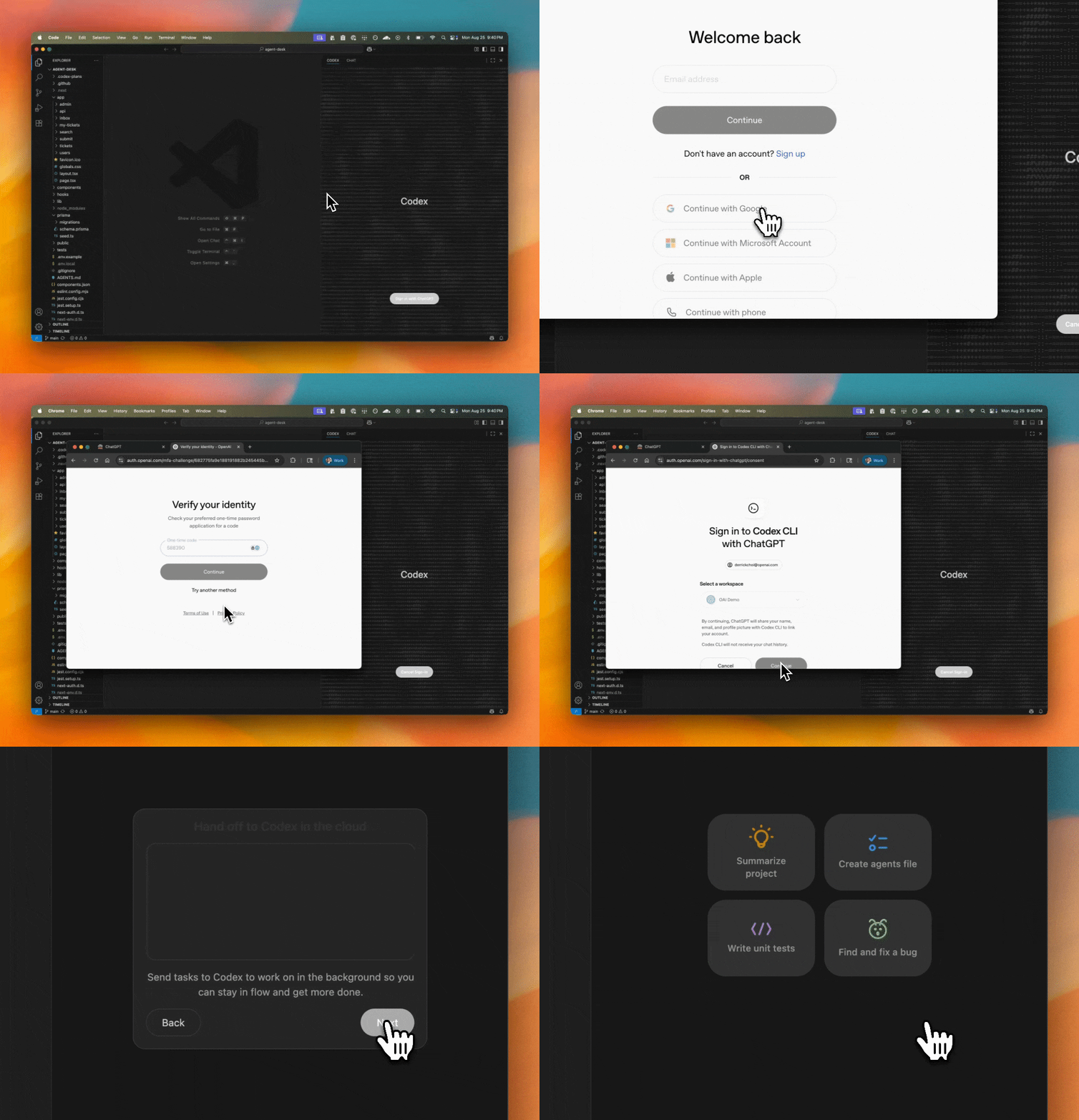
Codex now runs in your IDE with an interactive UI for fast local iteration. Easily switch between modes and reasoning efforts.

One-click authentication that removes API keys and uses ChatGPT Enterprise credits.

Hand off tasks to Codex web from the IDE with the ability to apply changes locally so you can delegate jobs without leaving your editor.

Codex goes beyond static analysis. It checks a PR against its intent, reasons across the codebase and dependencies, and can run code to validate the behavior of changes.

You can now attach images to your prompts in Codex web. This is great for asking Codex to implement frontend changes or follow up on whiteboarding sessions.

Codex now caches containers to start new tasks and followups 90% faster, dropping the median start time from 48 seconds to 5 seconds. You can optionally configure a maintenance script to update the environment from its cached state to prepare for new tasks. See the docs for more.
Now, environments without manual setup scripts automatically run the standard installation commands for common package managers like yarn, pnpm, npm, go mod, gradle, pip, poetry, uv, and cargo. This reduces test failures for new environments by 40%.

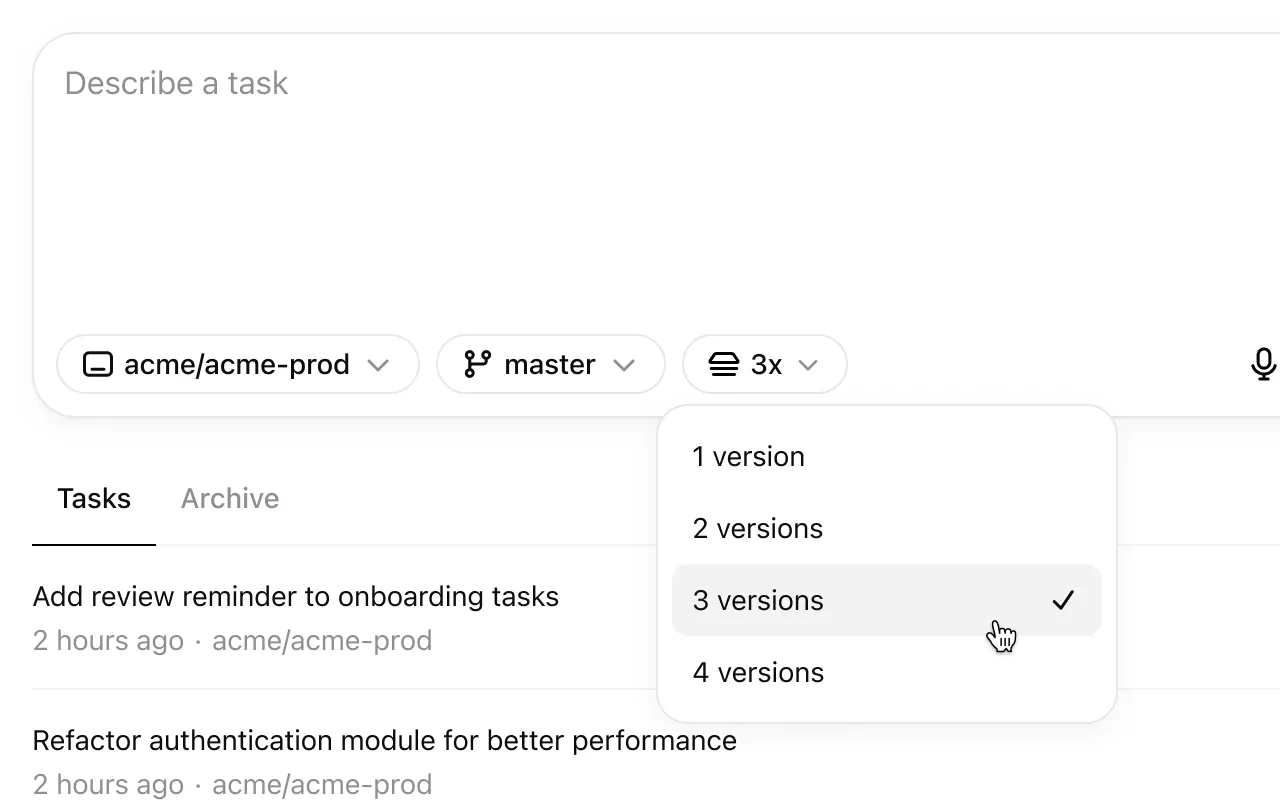
Codex can now generate multiple responses simultaneously for a single task, helping you quickly explore possible solutions to pick the best approach.
Added some keyboard shortcuts and a page to explore them. Open it by pressing ⌘-/ on macOS and Ctrl+/ on other platforms.
Added a “branch” query parameter in addition to the existing “environment”, “prompt” and “tab=archived” parameters.
Added a loading indicator when downloading a repo during container setup.
Added support for cancelling tasks.
Fixed issues causing tasks to fail during setup.
Fixed issues running followups in environments where the setup script changes files that are gitignored.
Improved how the agent understands and reacts to network access restrictions.
Increased the update rate of text describing what Codex is doing.
Increased the limit for setup script duration to 20 minutes for Pro and Business users.
Polished code diffs: You can now option-click a code diff header to expand/collapse all of them.

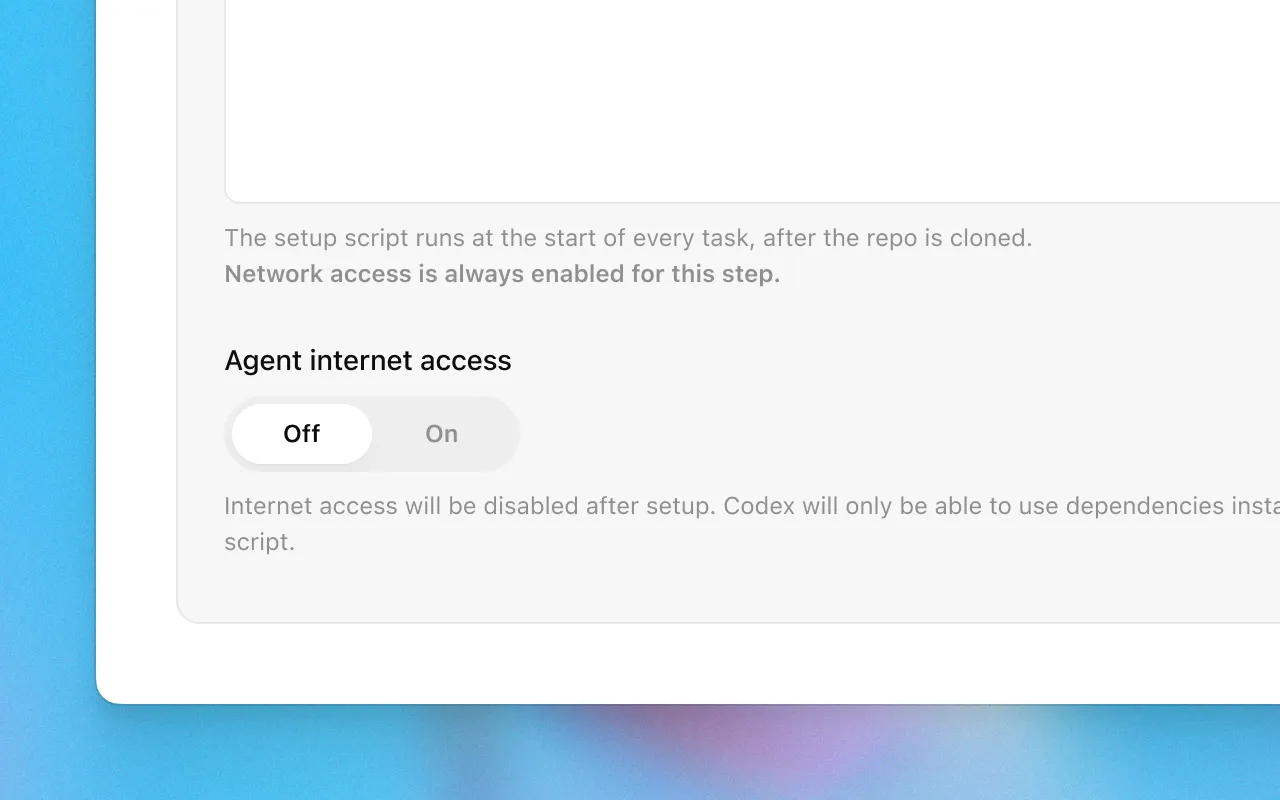
Now you can give Codex access to the internet during task execution to install dependencies, upgrade packages, run tests that need external resources, and more.
Internet access is off by default. Plus, Pro, and Business users can enable it for specific environments, with granular control of which domains and HTTP methods Codex can access. Internet access for Enterprise users is coming soon.
Learn more about usage and risks in the docs.

Now you can update existing pull requests when following up on a task.

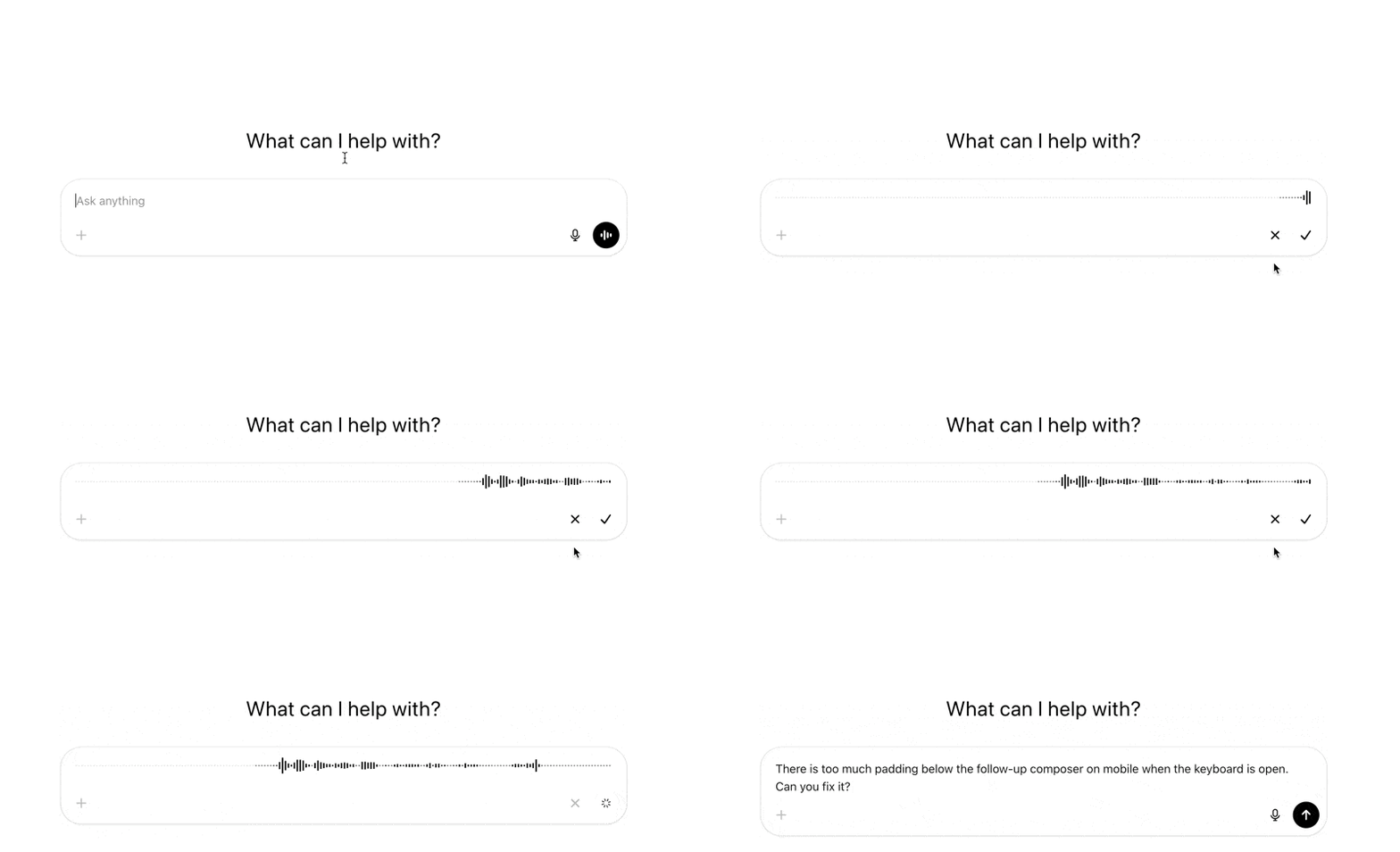
Now you can dictate tasks to Codex.
Added a link to this changelog from the profile menu.
Added support for binary files: When applying patches, all file operations are supported. When using PRs, only deleting or renaming binary files is supported for now.
Fixed an issue on iOS where follow up tasks where shown duplicated in the task list.
Fixed an issue on iOS where pull request statuses were out of date.
Fixed an issue with follow ups where the environments were incorrectly started with the state from the first turn, rather than the most recent state.
Fixed internationalization of task events and logs.
Improved error messages for setup scripts.
Increased the limit on task diffs from 1 MB to 5 MB.
Increased the limit for setup script duration from 5 to 10 minutes.
Polished GitHub connection flow.
Re-enabled Live Activities on iOS after resolving an issue with missed notifications.
Removed the mandatory two-factor authentication requirement for users using SSO or social logins.
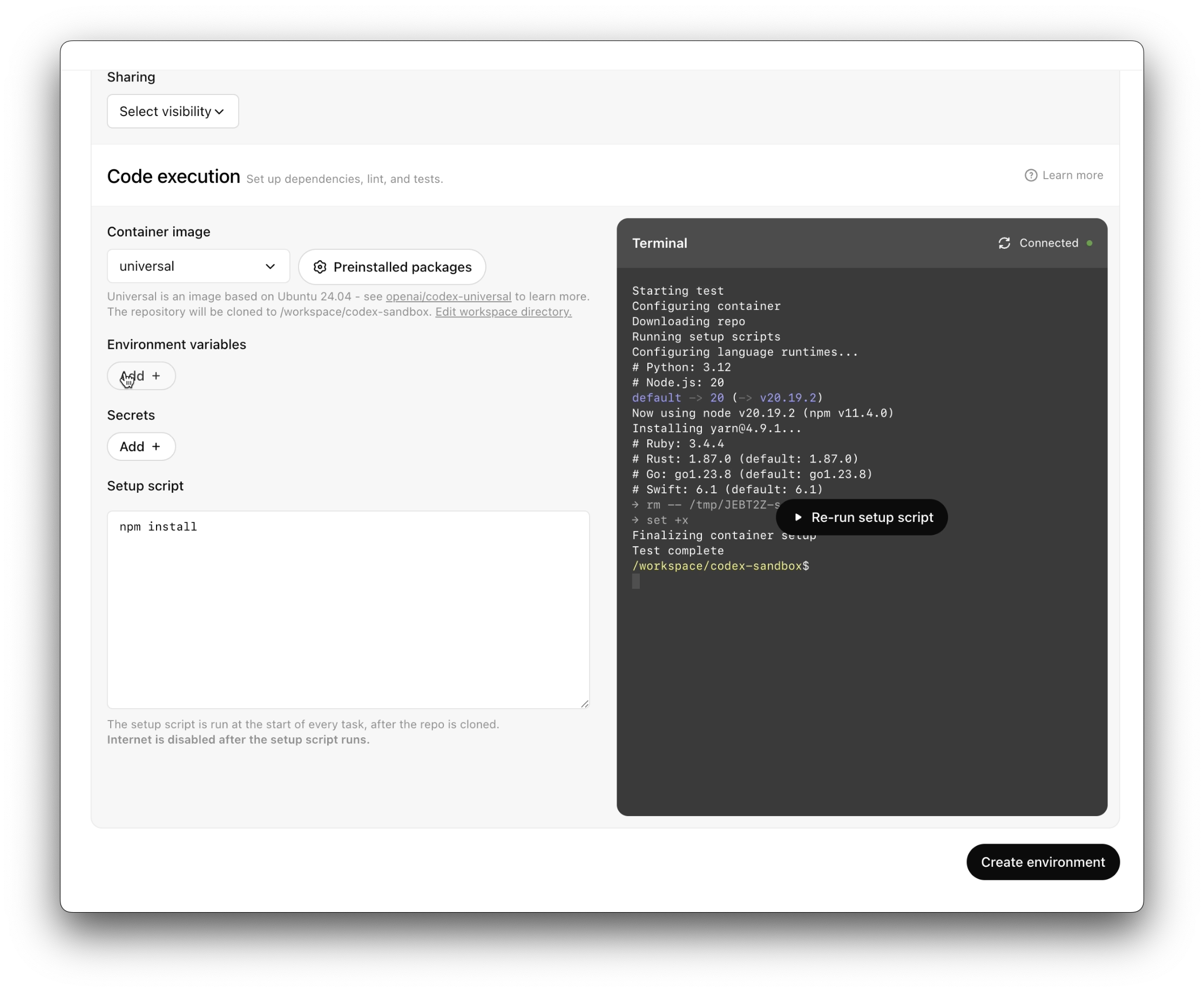
It’s now easier and faster to set up code execution.

Added a button to retry failed tasks
Added indicators to show that the agent runs without network access after setup
Added options to copy git patches after pushing a PR
Added support for unicode branch names
Fixed a bug where secrets were not piped to the setup script
Fixed creating branches when there’s a branch name conflict.
Fixed rendering diffs with multi-character emojis.
Improved error messages when starting tasks, running setup scripts, pushing PRs, or disconnected from GitHub to be more specific and indicate how to resolve the error.
Improved onboarding for teams.
Polished how new tasks look while loading.
Polished the followup composer.
Reduced GitHub disconnects by 90%.
Reduced PR creation latency by 35%.
Reduced tool call latency by 50%.
Reduced task completion latency by 20%.
Started setting page titles to task names so Codex tabs are easier to tell apart.
Tweaked the system prompt so that agent knows it’s working without network, and can suggest that the user set up dependencies.
Updated the docs.
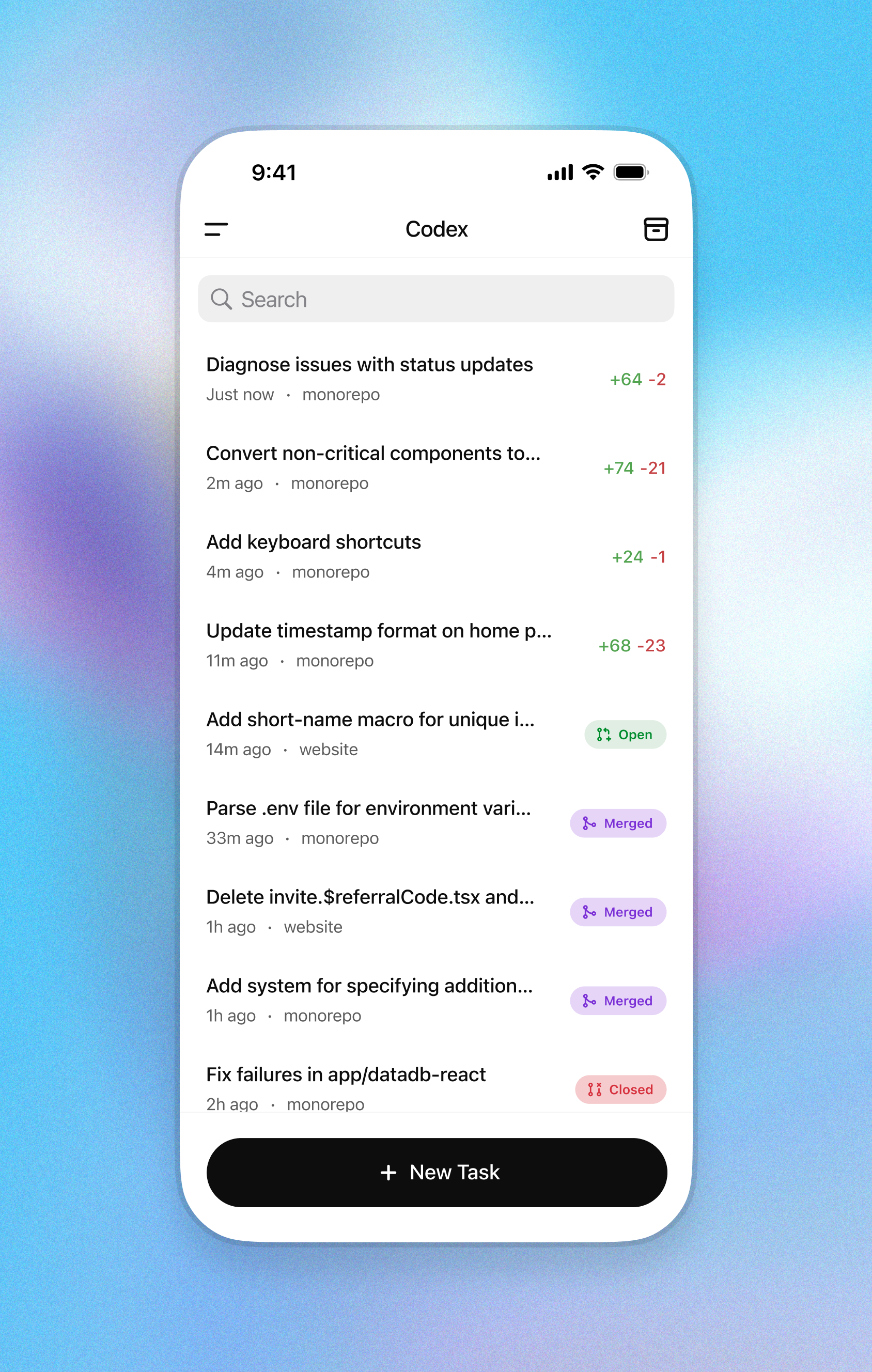
Start tasks, view diffs, and push PRs—while you’re away from your desk.