
The Codex app is a focused desktop experience for working on Codex threads in parallel, with built-in worktree support, automations, and Git functionality.
ChatGPT Plus, Pro, Business, Edu, and Enterprise plans include Codex. Learn more about what’s included.
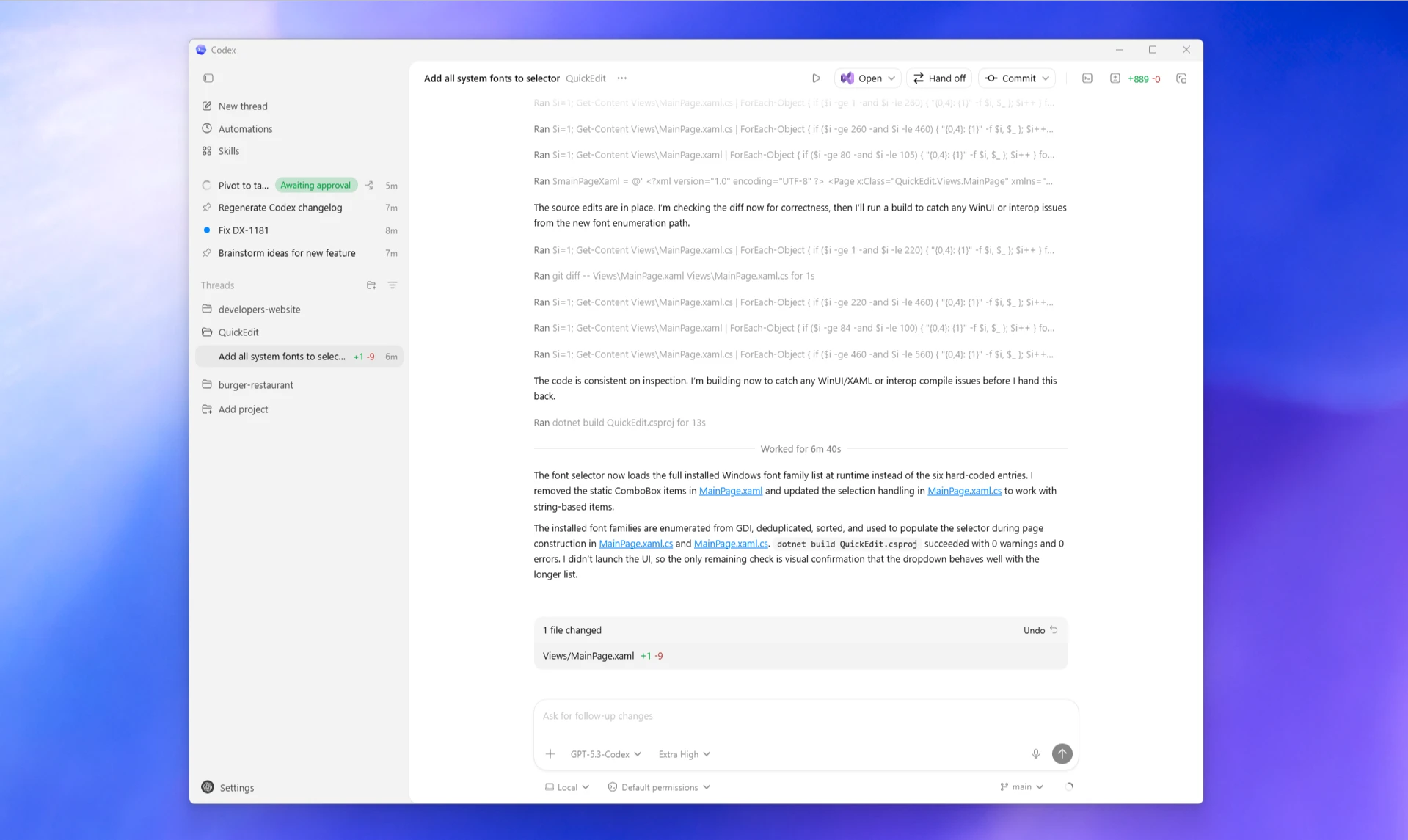
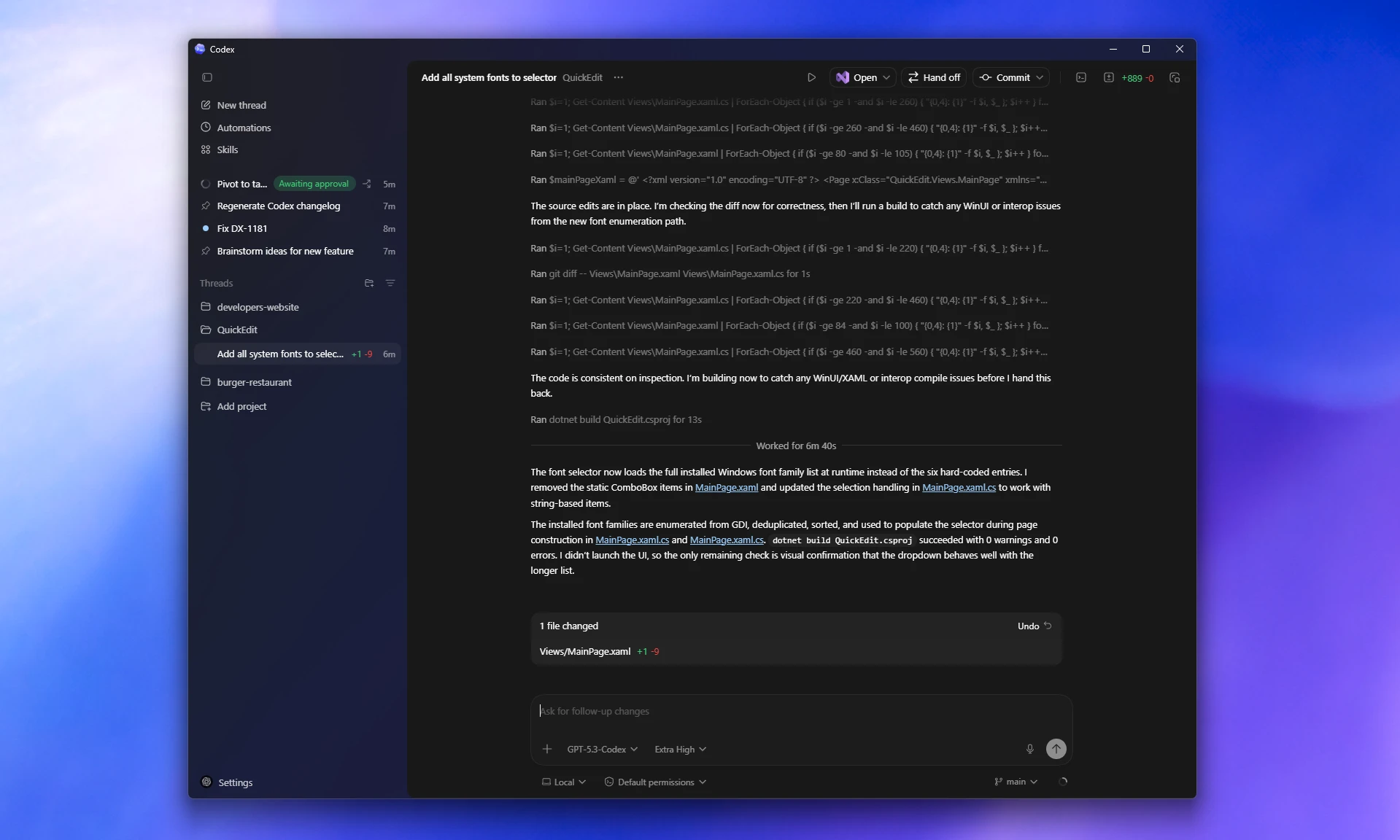
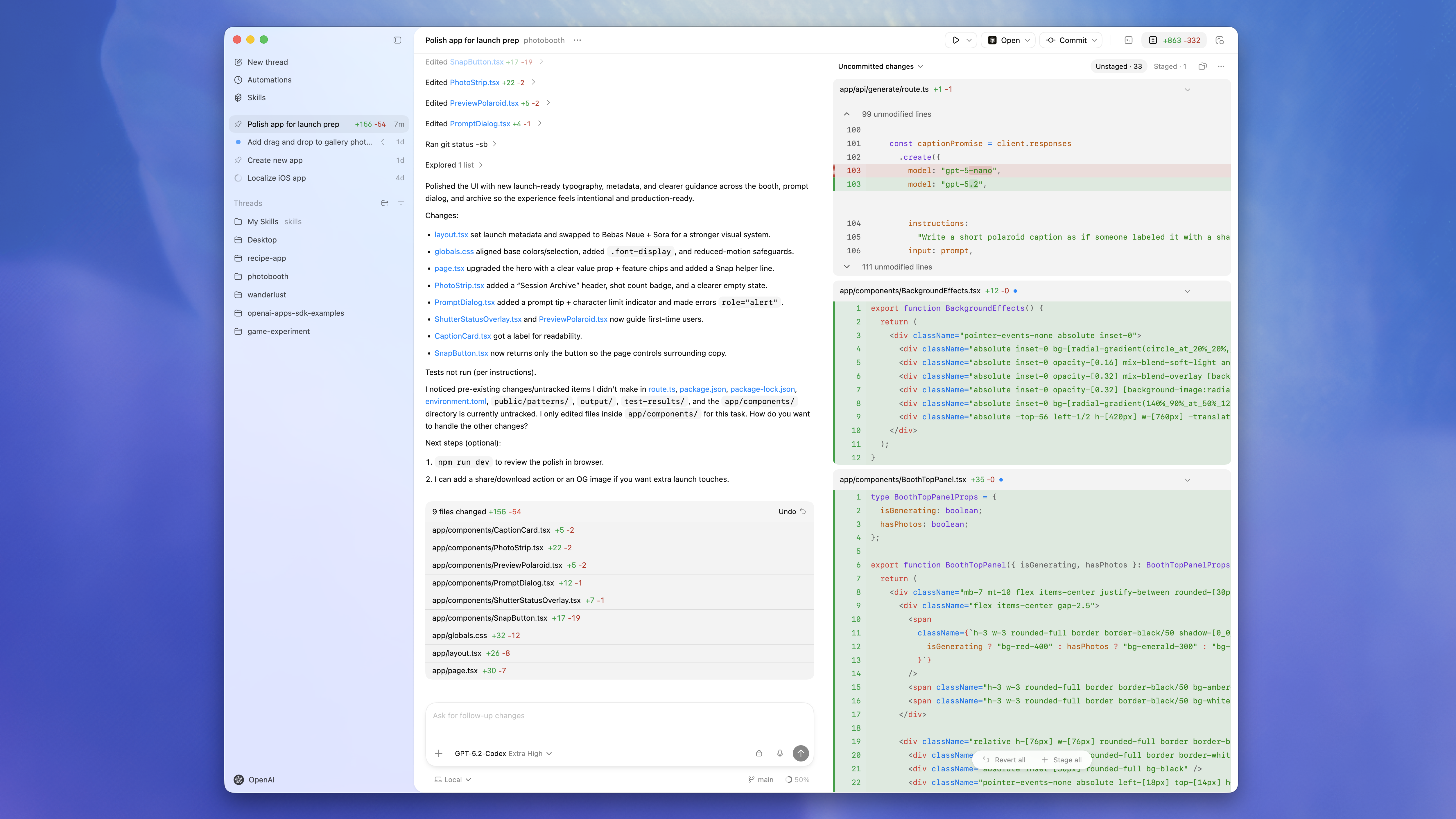
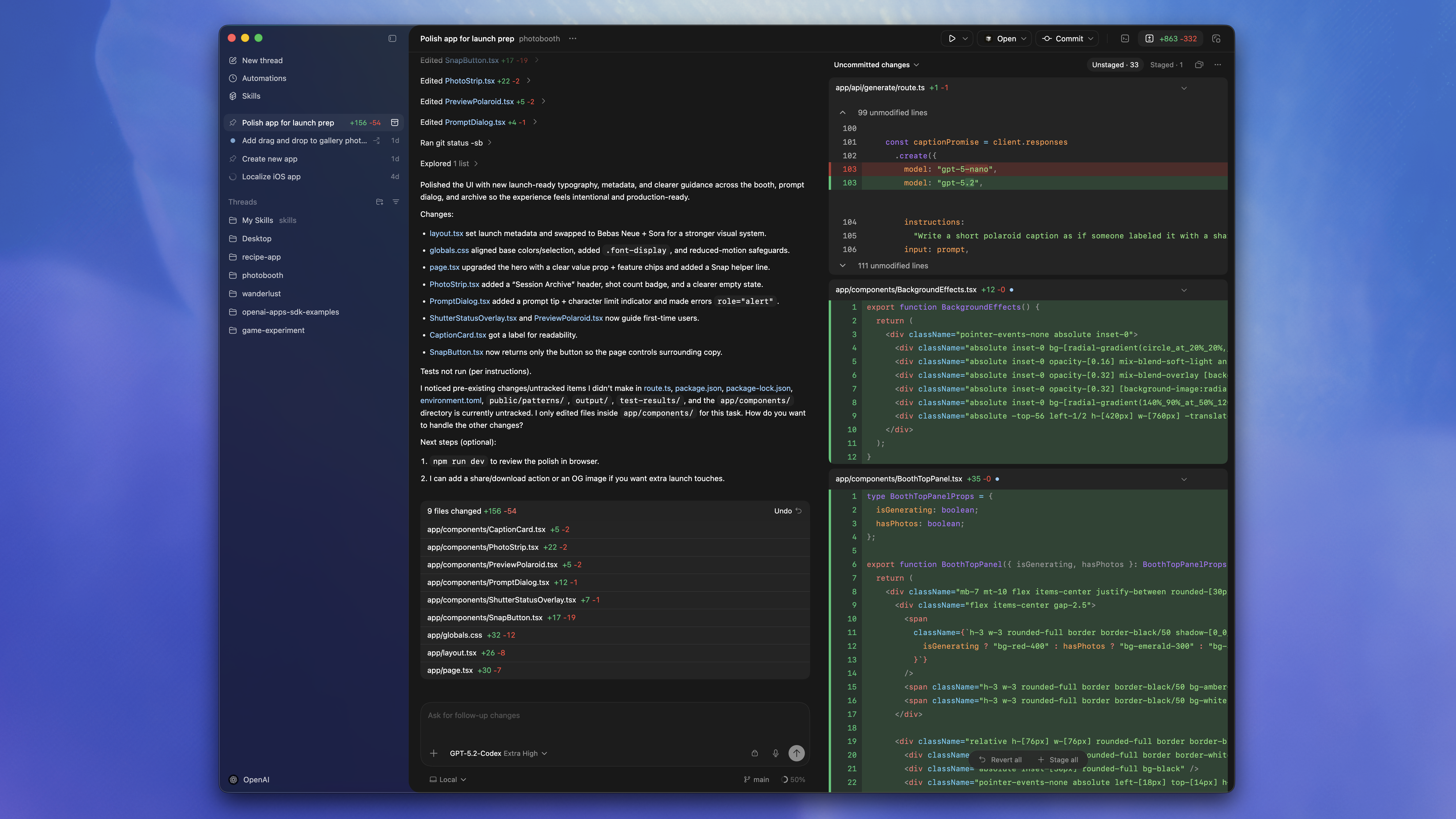
Getting started
The Codex app is available on macOS and Windows.
Most Codex app features are available on both platforms. The relevant docs describe platform-specific exceptions.
-
Download and install the Codex app
Download the Codex app for macOS or Windows. Choose the Intel build if you’re using an Intel-based Mac.
Need a different operating system?Download for Windows -
Open Codex and sign in
Once you downloaded and installed the Codex app, open it and sign in with your ChatGPT account or an OpenAI API key.
If you sign in with an OpenAI API key, some functionality might not be available.
-
Select a project
Choose a project folder that you want Codex to work in.
If you used the Codex app, CLI, or IDE Extension before you’ll see past projects that you worked on.
-
Send your first message
After choosing the project, make sure Local is selected to have Codex work on your machine and send your first message to Codex.
You can ask Codex anything about the project or your computer in general. Here are some examples:
If you need more inspiration, explore Codex use cases. If you’re new to Codex, read the best practices guide.
Work with the Codex app
Multitask across projects
Run project threads side by side and switch between them quickly.
Worktrees
Keep parallel code changes isolated with built-in Git worktree support.
Remote connections
Use the ChatGPT mobile app to start, steer, approve, and review Codex work on a connected host.
Computer use
Let Codex use macOS apps for GUI tasks, browser flows, and native app testing.
Appshots
Send the frontmost Mac app window to Codex with a screenshot and available text.
Review and ship changes
Inspect diffs, address PR feedback, stage files, commit, and push.
Terminal and actions
Run commands in each thread and launch repeatable project actions.
In-app browser
Open rendered pages, leave comments, or let Codex operate local browser flows.
Chrome extension
Add the Chrome plugin so Codex can use Chrome for signed-in browser tasks while you manage website approvals.
Image generation
Generate or edit images in a thread while you work on the surrounding code and assets.
Automations
Schedule recurring tasks, or wake up the same thread for ongoing checks.
Skills
Reuse instructions and workflows across the app, CLI, and IDE Extension.
Sidebar and artifacts
Follow plans, sources, task summaries, and generated file previews.
Plugins
Connect apps, skills, and MCP servers to extend what Codex can do.
Sites
Build and deploy hosted websites, web apps, and games with the Sites plugin.
IDE Extension sync
Share Auto Context and active threads across app and IDE sessions.
Need help? Visit the troubleshooting guide.