
The Sora 2 models and Videos API were shut down on September 24, 2026 and are no longer available. No one-to-one replacement API is available. This guide is retained for historical reference. See the deprecation notice for the affected models and snapshots.




Overview
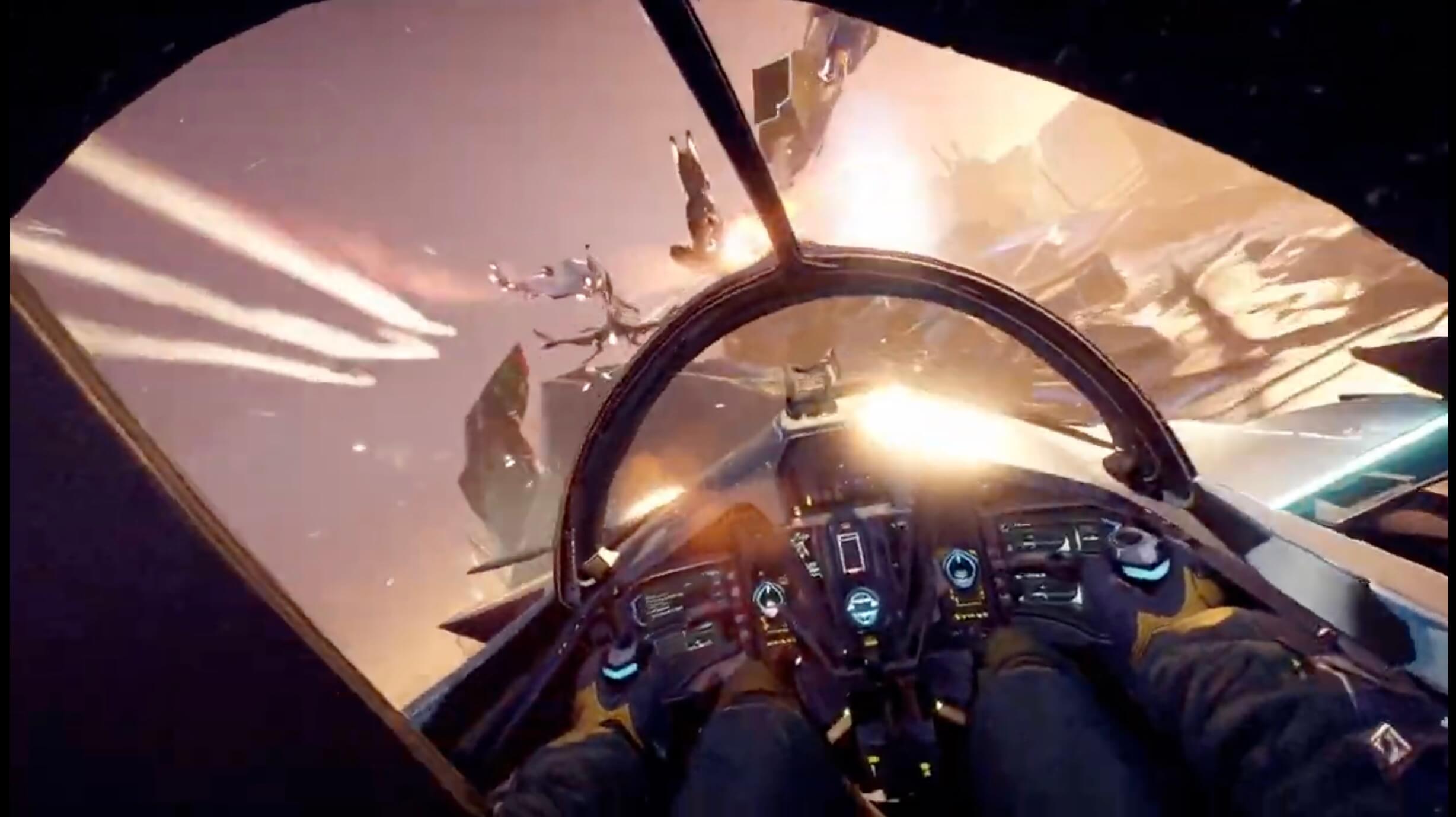
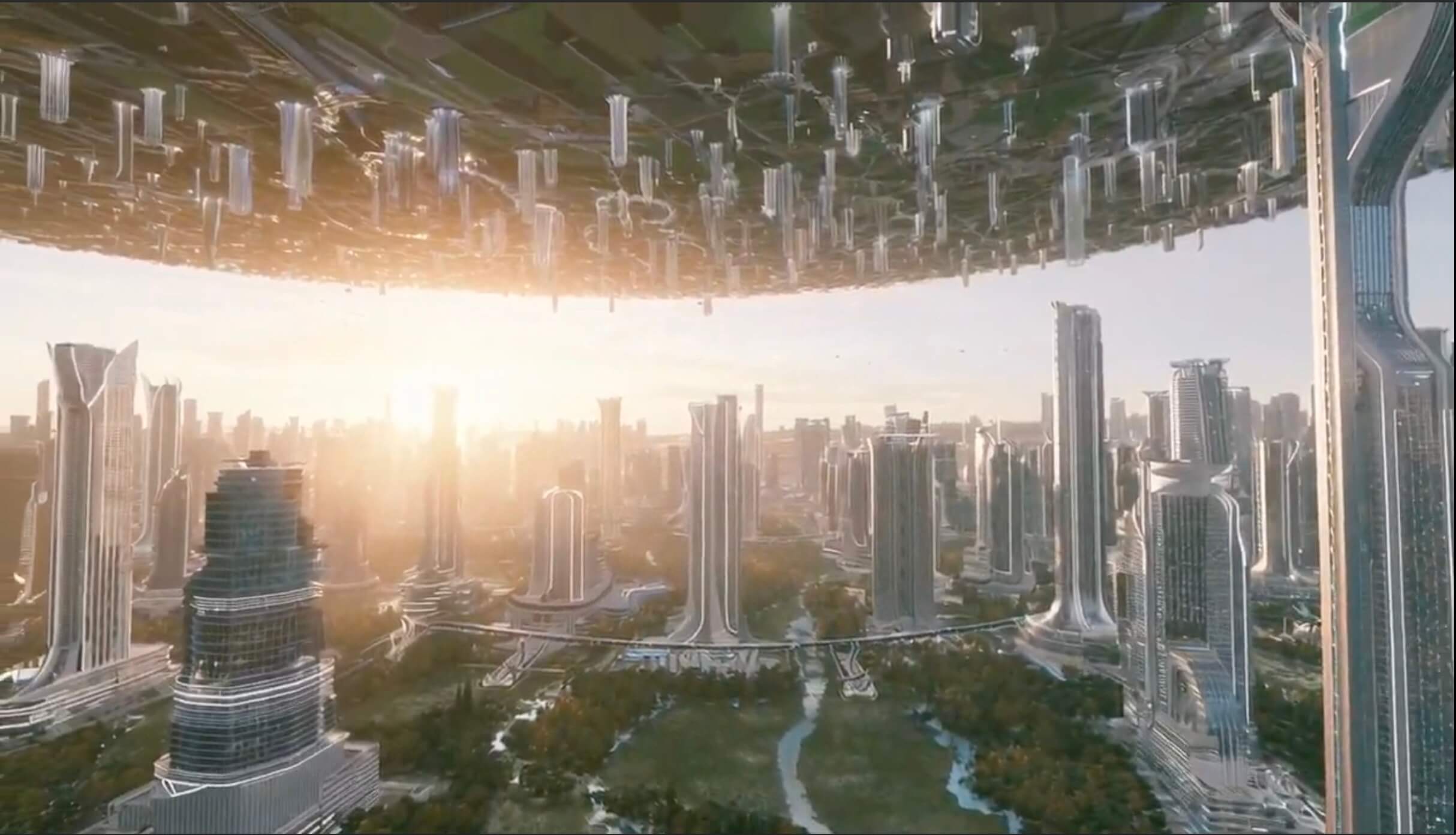
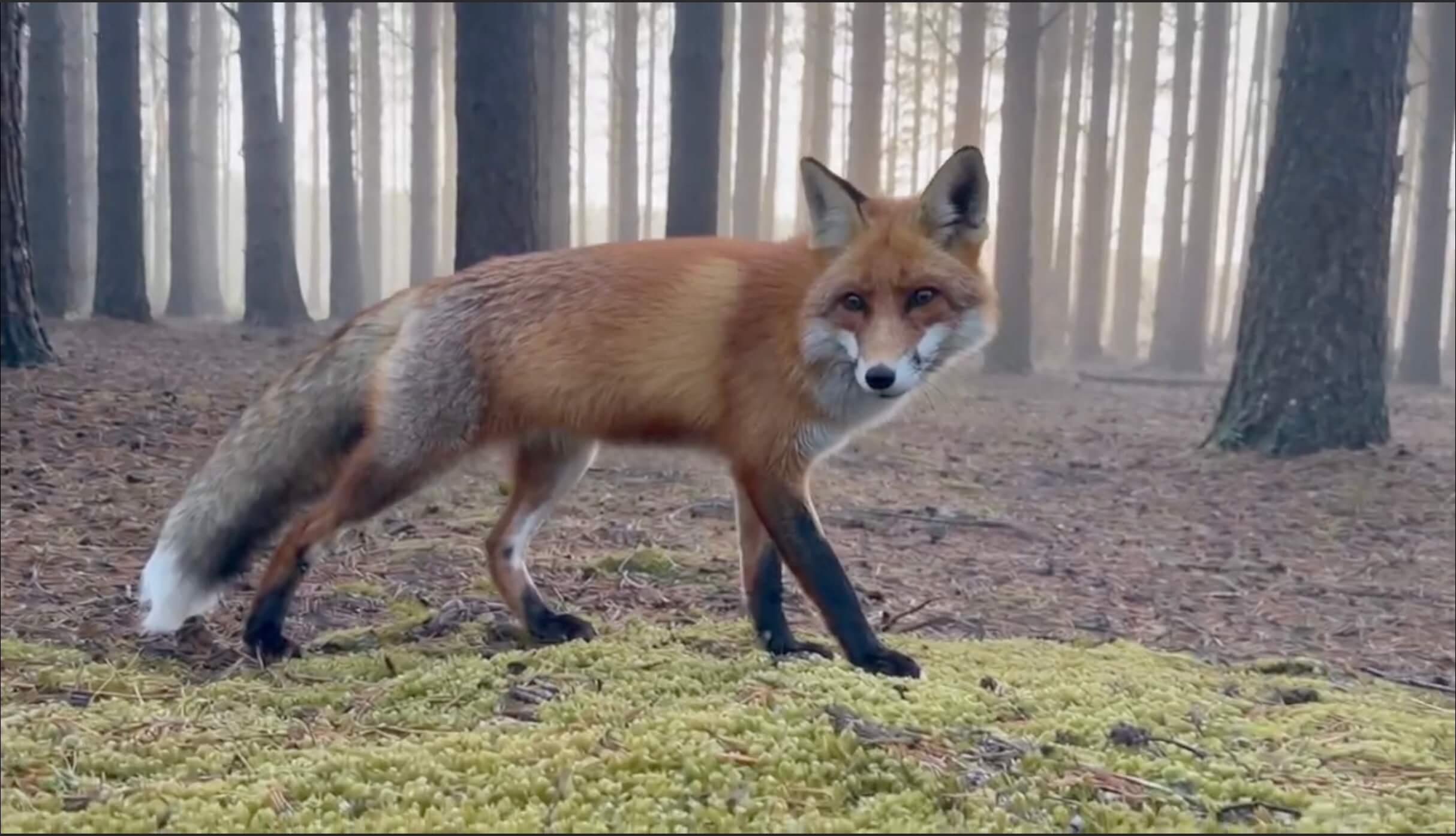
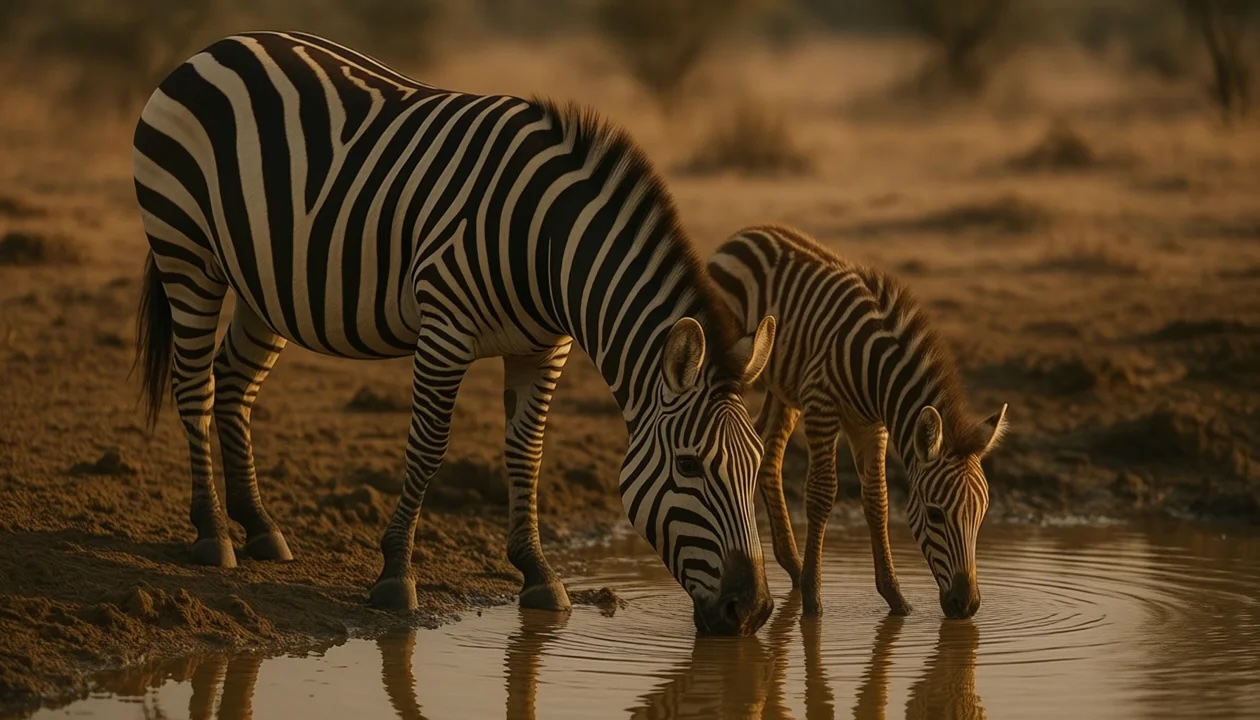
Sora is OpenAI’s newest frontier in generative media—a state-of-the-art video model capable of creating richly detailed, dynamic clips with audio from natural language or images. Built on years of research into multimodal diffusion and trained on diverse visual data, Sora brings a deep understanding of 3D space, motion, and scene continuity to text-to-video generation.
The Videos API exposes these capabilities to developers for the first time, enabling programmatic creation, extension, editing, and management of videos.
You can use it to:
- Create new videos from prompts.
- Guide a generation with an image reference.
- Reuse character assets across multiple generations for stronger visual consistency.
- Continue a completed clip with video extensions.
- Edit an existing video with targeted changes.
- Download finished videos and supporting assets.
- Submit large offline render queues through the Batch API.
Models
The second generation Sora model comes in two variants, each tailored for different use cases.
Sora 2
sora-2 is designed for speed and flexibility. It’s ideal for the exploration phase, when you’re experimenting with tone, structure, or visual style and need quick feedback rather than perfect fidelity.
It generates good quality results quickly, making it well suited for rapid iteration, concept development, and rough cuts. sora-2 is often more than sufficient for social media content, prototypes, and scenarios where turnaround time matters more than ultra-high fidelity.
Sora 2 Pro
sora-2-pro produces higher quality results. It’s the better choice when you need production-quality output.
sora-2-pro takes longer to render and is more expensive to run, but it produces more polished, stable results. It’s best for high-resolution cinematic footage, marketing assets, and any situation where visual precision is critical.
Use sora-2-pro when you need 1080p exports in 1920x1080 or 1080x1920.
Both sora-2 and sora-2-pro support 16- and 20-second generations.
Generate a video
Generating a video is an asynchronous process:
-
When you call the
POST /videosendpoint, the API returns a job object with a jobidand an initialstatus. -
You can either poll the
GET /videos/{video_id}endpoint until the status transitions to completed, or—for a more efficient approach—use webhooks (see the webhooks section below) to be notified automatically when the job finishes. -
Once the job has reached the
completedstate you can fetch the final MP4 file withGET /videos/{video_id}/content.
Start a render job
Start by calling POST /videos with a text prompt and the required parameters. The prompt defines the creative look and feel—subjects, camera, lighting, and motion—while parameters like size and seconds control the video’s resolution and length.
import OpenAI from "openai";
const openai = new OpenAI();
let video = await openai.videos.create({
model: "sora-2",
prompt: "A video of the words 'Thank you' in sparkling letters",
});
console.log("Video generation started: ", video);The response is a JSON object with a unique id and an initial status such as queued or in_progress. This means the render job has started.
{
"id": "video_68d7512d07848190b3e45da0ecbebcde004da08e1e0678d5",
"object": "video",
"created_at": 1758941485,
"status": "queued",
"model": "sora-2-pro",
"progress": 0,
"seconds": "8",
"size": "1280x720"
}Choose size and duration
Pick the smallest format that meets your production needs:
- Use shorter clips when you are iterating on prompt, motion, or composition.
- Generate videos up to
20seconds when you need longer beats, fuller scenes, or fuller spots. - Use
sora-2-profor higher-resolution exports in1920x1080or1080x1920.
Longer durations and 1080p jobs can take materially longer to complete than short 720p or 480p renders, so plan for higher latency in user-facing flows.
Guardrails and restrictions
The API enforces several content restrictions:
- Only content suitable for audiences under 18 (a setting to bypass this restriction will be available in the future).
- Copyrighted characters and copyrighted music will be rejected.
- Real people—including public figures—cannot be generated.
- Character uploads that depict human likeness are blocked by default.
- Input images with faces of humans are currently rejected.
Make sure prompts, reference images, and transcripts respect these rules to avoid failed generations.
Effective prompting
For best results, describe shot type, subject, action, setting, and lighting. For example:
- “Wide shot of a child flying a red kite in a grassy park, golden hour sunlight, camera slowly pans upward.”
- “Close-up of a steaming coffee cup on a wooden table, morning light through blinds, soft depth of field.”
This level of specificity helps the model produce consistent results without inventing unwanted details. For more advanced prompting techniques, please refer to our dedicated Sora 2 prompting guide.
Monitor progress
Video generation takes time. Depending on model, API load and resolution, a single render may take several minutes.
To manage this efficiently, you can poll the API to request status updates or you can get notified via a webhook.
Poll the status endpoint
Call GET /videos/{video_id} with the id returned from the create call. The response shows the job’s current status, progress percentage (if available), and any errors.
Typical states are queued, in_progress, completed, and failed. Poll at a reasonable interval (for example, every 10–20 seconds), use exponential backoff if necessary, and provide feedback to users that the job is still in progress.
import OpenAI from "openai";
import { setTimeout as sleep } from "node:timers/promises";
const openai = new OpenAI();
async function main() {
let video = await openai.videos.create({
model: "sora-2",
prompt: "A video of the words 'Thank you' in sparkling letters",
});
while (video.status === "queued" || video.status === "in_progress") {
await sleep(2000);
video = await openai.videos.retrieve(video.id);
}
if (video.status === "completed") {
console.log("Video successfully completed: ", video);
} else {
console.log("Video creation failed. Status: ", video.status);
}
}
main();Response example:
{
"id": "video_68d7512d07848190b3e45da0ecbebcde004da08e1e0678d5",
"object": "video",
"created_at": 1758941485,
"status": "in_progress",
"model": "sora-2-pro",
"progress": 33,
"seconds": "8",
"size": "1280x720"
}Use webhooks for notifications
Instead of polling job status repeatedly with GET, register a webhook to be notified automatically when a video generation completes or fails.
Webhooks can be configured in your webhook settings page. When a job finishes, the API emits one of two event types: video.completed and video.failed. Each event includes the ID of the job that triggered it.
Example webhook payload:
{
  "id": "evt_abc123",
  "object": "event",
  "created_at": 1758941485,
  "type": "video.completed", // or "video.failed"
  "data": {
    "id": "video_abc123"
  }
}
Retrieve results
Download the MP4
Once the job reaches status completed, fetch the MP4 with GET /videos/{video_id}/content. This endpoint streams the binary video data and returns standard content headers, so you can either save the file directly to disk or pipe it to cloud storage.
import { writeFileSync } from "node:fs";
import OpenAI from "openai";
const openai = new OpenAI();
let video = await openai.videos.create({
model: "sora-2",
prompt: "A video of the words 'Thank you' in sparkling letters",
});
console.log("Video generation started: ", video);
let progress = video.progress ?? 0;
while (video.status === "in_progress" || video.status === "queued") {
video = await openai.videos.retrieve(video.id);
progress = video.progress ?? 0;
// Display progress bar
const barLength = 30;
const filledLength = Math.floor((progress / 100) * barLength);
// Simple ASCII progress visualization for terminal output
const bar = "=".repeat(filledLength) + "-".repeat(barLength - filledLength);
const statusText = video.status === "queued" ? "Queued" : "Processing";
process.stdout.write(`${statusText}: [${bar}] ${progress.toFixed(1)}%`);
await new Promise((resolve) => setTimeout(resolve, 2000));
}
// Clear the progress line and show completion
process.stdout.write("\n");
if (video.status === "failed") {
throw new Error("Video generation failed");
}
console.log("Video generation completed: ", video);
console.log("Downloading video content...");
const content = await openai.videos.downloadContent(video.id);
const body = content.arrayBuffer();
const buffer = Buffer.from(await body);
writeFileSync("video.mp4", buffer);
console.log("Wrote video.mp4");You now have the final video file ready for playback, editing, or distribution. Download URLs are valid for a maximum of 1 hour after generation. If you need long-term storage, copy the file to your own storage system promptly.
Download supporting assets
For each completed video, you can also download a thumbnail and a sprite sheet. These are lightweight assets useful for previews, scrubbers, or catalog displays. Use the variant query parameter to specify what you want to download. The default is variant=video for the MP4.
# Download a thumbnail
curl -L "https://api.openai.com/v1/videos/video_abc123/content?variant=thumbnail" \
-H "Authorization: Bearer $OPENAI_API_KEY" \
--output thumbnail.webp
# Download a spritesheet
curl -L "https://api.openai.com/v1/videos/video_abc123/content?variant=spritesheet" \
-H "Authorization: Bearer $OPENAI_API_KEY" \
--output spritesheet.jpgUse image references
You can guide a generation with an input image, which acts as the first frame of your video. This is useful if you need the output video to preserve the look of a brand asset, a character, or a specific environment.
Choose the input_reference format based on the request type:
- Use
input_referencewith an uploaded image inmultipart/form-datarequests. - Use
input_referencewith a JSON object inapplication/jsonrequests, including Batch. The JSON form accepts eitherfile_idorimage_url.
The image must match the target video’s resolution (size).
Supported file formats are image/jpeg, image/png, and image/webp.
curl -X POST "https://api.openai.com/v1/videos" \
-H "Authorization: Bearer $OPENAI_API_KEY" \
-H "Content-Type: multipart/form-data" \
-F prompt="She turns around and smiles, then slowly walks out of the frame." \
-F model="sora-2-pro" \
-F size="1280x720" \
-F seconds="8" \
-F input_reference="@sample_720p.jpeg;type=image/jpeg"| Input image generated with OpenAI GPT Image | Generated video using Sora 2 (converted to GIF) |
|---|---|
 Download this image Download this image |
 Prompt: “She turns around and smiles, then slowly walks out of the frame.” Prompt: “She turns around and smiles, then slowly walks out of the frame.” |
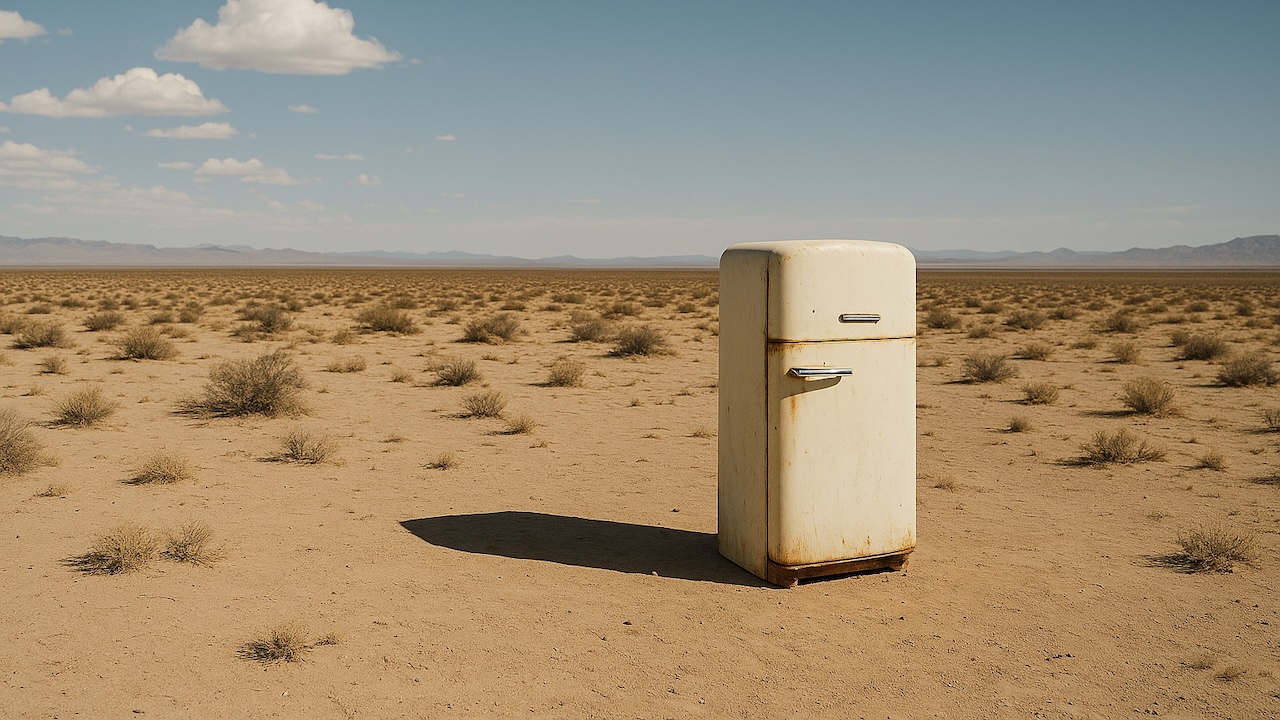
 Download this image Download this image |
 Prompt: “The fridge door opens. A cute, chubby purple monster comes out of it.” Prompt: “The fridge door opens. A cute, chubby purple monster comes out of it.” |

Use characters for consistency
Characters let you upload a reusable non-human subject and reference it across multiple generations. This is useful when you want an animal, mascot, or object to keep the same core appearance, styling, and screen presence across several shots.
Character uploads currently work best with short 2- to 4-second clips in
16:9 or 9:16, at 720p to 1080p. Character source videos work best when
they match the aspect ratio of the requested output. If the aspect ratios
differ, the character can appear stretched or distorted. A single video can
include up to two characters.
Characters are different from input_reference. An image reference conditions
the opening frame of a single generation, while a character asset can be reused
across future video requests.
Create the character by uploading a short MP4 clip to POST /v1/videos/characters, then include the returned character ID in the characters array when you create a video.
Character uploads that depict human likeness are blocked by default. Contact your account manager or reach out to our sales team to learn more about eligibility for human-likeness access.
curl -X POST "https://api.openai.com/v1/videos/characters" \
-H "Authorization: Bearer $OPENAI_API_KEY" \
-H "Content-Type: multipart/form-data" \
-F "video=@character.mp4;type=video/mp4" \
-F "name=Mossy"Mention the character name verbatim in your prompt. Passing the character ID alone isn’t enough to reliably preserve the character in the shot.
Characters can be combined with input_reference. Extensions don’t support
characters.
curl -X POST "https://api.openai.com/v1/videos" \
-H "Authorization: Bearer $OPENAI_API_KEY" \
-H "Content-Type: application/json" \
-d '{
"model": "sora-2",
"prompt": "A cinematic tracking shot of Mossy, a moss-covered teapot mascot, weaving through a lantern-lit market at dusk.",
"size": "1280x720",
"seconds": "8",
"characters": [
{ "id": "char_123" }
]
}'Extend completed videos
Video extensions let you continue an existing completed video and create a new stitched result. Provide the source video in the video field to POST /v1/videos/extensions, add a prompt describing how the scene should continue, and the API generates the next segment using the full source clip as context.
Use extensions when you want to preserve motion, camera direction, and scene continuity. If you only need to control the opening frame of a new generation, use input_reference instead.
Each extension can add up to 20 seconds. A single video can be extended up
to six times, for a maximum total length of 120 seconds. Extensions
currently accept only a source video and prompt. They don’t support characters
or image references.
curl -X POST "https://api.openai.com/v1/videos/extensions" \
-H "Authorization: Bearer $OPENAI_API_KEY" \
-H "Content-Type: application/json" \
-d '{
"video": {
"id": "video_abc123"
},
"prompt": "Continue the scene as the camera rises over the rooftops and reveals the sunrise.",
"seconds": "8"
}'Edit existing videos
Editing lets you take an existing video and make targeted adjustments without regenerating everything from scratch. Send POST /v1/videos/edits with a prompt and a video reference, and the system reuses the original structure, continuity, and composition while applying the modification. This works best when you make a single, well-defined change because smaller, focused edits preserve more of the original fidelity and reduce the risk of introducing artifacts.
Video generations could previously be edited using the remix endpoint, which is being deprecated. Use the edits endpoint for new integrations.
The video field accepts either a video ID or an uploaded video. If you pass a
video ID, the API infers the model from the source video.
Editing uploaded videos is only available to eligible customers. Contact your account manager or reach out to our sales team if you need this workflow.
curl -X POST "https://api.openai.com/v1/videos/edits" \
-H "Authorization: Bearer $OPENAI_API_KEY" \
-H "Content-Type: application/json" \
-d '{
"video": {
"id": "video_abc123"
},
"prompt": "Shift the color palette to teal, sand, and rust, with a warm backlight."
}'If you upload a new video instead of editing an existing generation, set
model explicitly in the request.
curl -X POST "https://api.openai.com/v1/videos/edits" \
-H "Authorization: Bearer $OPENAI_API_KEY" \
-H "Content-Type: multipart/form-data" \
-F "video=@source.mp4;type=video/mp4" \
-F "model=sora-2-pro" \
-F "prompt=Shift the color palette to teal, sand, and rust, with a warm backlight."Editing is especially valuable for iteration because it lets you refine without discarding what already works. By constraining each edit to one clear adjustment, you keep the visual style, subject consistency, and camera framing stable, while still exploring variations in mood, palette, or staging. This makes it far easier to build polished sequences through small, reliable steps.
| Original video | Edited generated video |
|---|---|
|
 Prompt: “Change the color of the monster to orange.” Prompt: “Change the color of the monster to orange.” |
|
 Prompt: “A second monster comes out right after.” Prompt: “A second monster comes out right after.” |
Run video jobs through the Batch API
Use the Batch API when you need to queue many video renders for offline processing, review pipelines, or studio workflows. Each line in the batch input file uses the same JSON request body you would send to POST /v1/videos, which makes it a good fit for shot lists and scheduled render queues.
For video generation in Batch:
- Batch currently supports
POST /v1/videosonly. - Batch requests must use JSON, not multipart.
- Upload assets ahead of time and reference them from the JSON request body.
- Use
input_referencefor image-guided generations in Batch. In JSON requests, passinput_referenceas an object with eitherfile_idorimage_url. - Multipart
input_referenceuploads, including video reference inputs, aren’t supported in Batch. - Batch-generated videos are available for download for up to
24hours after the batch completes.
{"custom_id":"shot-001","method":"POST","url":"/v1/videos","body":{"model":"sora-2-pro","prompt":"Slow dolly shot through a miniature paper city at blue hour, soft fog, practical window lights flickering on.","size":"1920x1080","seconds":"20"}}
{"custom_id":"shot-002","method":"POST","url":"/v1/videos","body":{"model":"sora-2-pro","prompt":"Portrait close-up of a red panda chef plating noodles in a stainless-steel kitchen, shallow depth of field.","size":"1080x1920","seconds":"16"}}
When a batch reaches completed, the video jobs in its output have already reached a terminal state such as completed, failed, or expired. Use stable custom_id values so you can map batch results back to your internal shot IDs, editorial queue, or asset pipeline, then download final assets with the returned video IDs.
Maintain your library
Use GET /videos to enumerate your videos. The endpoint supports optional query parameters for pagination and sorting.
curl "https://api.openai.com/v1/videos?limit=20&after=video_123&order=asc" \
  -H "Authorization: Bearer $OPENAI_API_KEY" | jq .
Use DELETE /videos/{video_id} to remove videos you no longer need from OpenAI’s storage.
curl -X DELETE "https://api.openai.com/v1/videos/REPLACE_WITH_YOUR_VIDEO_ID" \
  -H "Authorization: Bearer $OPENAI_API_KEY" | jq .