Writing, reviewing, editing, and answering questions about code is one of the primary use cases for OpenAI models today. This guide walks through your options for code generation with gpt-6-astra and Codex.
Codex is OpenAI’s coding agent for software development. It helps you write, review and debug code. Interact with Codex in a variety of interfaces: in your IDE, through the CLI, on web and mobile sites, or in your CI/CD pipelines with the SDK. Codex is the best way to get agentic software engineering on your projects.
Codex works best with the latest general-purpose models, such as gpt-6-sol. We offer a range of models specifically designed to work with coding agents like Codex, such as gpt-5.3-codex, but we recommend using the latest general-purpose model for most code generation tasks.
See the ChatGPT docs for setup guides, reference material, pricing, and more information.
For most API-based code generation, start with gpt-6-astra. It handles both general-purpose work and coding, which makes it a strong default when your application needs to write code, reason about requirements, inspect docs, and handle broader workflows in one place.
This example shows how you can use the Responses API for a code generation use case:
1
2
3
4
5
6
7
8
9
10
11
12
13
14
15
16import OpenAI from "openai";
const openai = new OpenAI();

const result = await openai.responses.create({
  model: "gpt-6-astra",
  input: `Find the null pointer exception in this code:

def display_name(user):
    return user.profile.name

print(display_name(None))
`,
  reasoning: { effort: "high" },
});

console.log(result.output_text);
1
2
3
4
5
6
7
8
9
10
11
12
13
14
15
16
17from openai import OpenAI

client = OpenAI()

result = client.responses.create(
    model="gpt-6-astra",
    input="""Find the null pointer exception in this code:

def display_name(user):
    return user.profile.name

print(display_name(None))
""",
    reasoning={"effort": "high"},
)

print(result.output_text)
1
2
3
4
5
6
7
8
9
10
11
12
13
14
15
16
17
18
19
20
21
22
23
24
25
26
27
28package main

import (
	"context"
	"fmt"

	"github.com/openai/openai-go/v3"
	"github.com/openai/openai-go/v3/responses"
	"github.com/openai/openai-go/v3/shared"
)

func main() {
	client := openai.NewClient()
	response, err := client.Responses.New(context.Background(), responses.ResponseNewParams{
		Model: "gpt-6-astra",
		Input: responses.ResponseNewParamsInputUnion{OfString: openai.String(`Find the null pointer exception in this code:

def display_name(user):
    return user.profile.name

print(display_name(None))`)},
		Reasoning: shared.ReasoningParam{Effort: shared.ReasoningEffortHigh},
	})
	if err != nil {
		panic(err)
	}
	fmt.Println(response.OutputText())
}
1
2
3
4
5
6
7
8
9
10
11
12
13
14
15
16
17
18
19
20
21
22
23
24
25
26import com.openai.client.OpenAIClient;
import com.openai.client.okhttp.OpenAIOkHttpClient;
import com.openai.models.Reasoning;
import com.openai.models.ReasoningEffort;
import com.openai.models.responses.ResponseCreateParams;

String code =
    """
    def display_name(user):
        return user.profile.name

    print(display_name(None))
    """;

ResponseCreateParams params =
    ResponseCreateParams.builder()
        .model("gpt-6-astra")
        .input("Find the null pointer exception in this code:\n\n" + code)
        .reasoning(Reasoning.builder().effort(ReasoningEffort.HIGH).build())
        .build();

client.responses().create(params).output().stream()
    .flatMap(item -> item.message().stream())
    .flatMap(message -> message.content().stream())
    .flatMap(content -> content.outputText().stream())
    .forEach(text -> System.out.println(text.text()));
1
2
3
4
5
6
7
8
9
10
11
12
13
14
15
16
17
18
19
20
21
22
23
24
25
26
27
28
29using OpenAI.Responses;
#pragma warning disable OPENAI001

string key = Environment.GetEnvironmentVariable("OPENAI_API_KEY")!;
ResponsesClient client = new(key);

CreateResponseOptions options = new()
{
    Model = "gpt-6-astra",
    ReasoningOptions = new ResponseReasoningOptions
    {
        ReasoningEffortLevel = ResponseReasoningEffortLevel.High,
    },
};
options.InputItems.Add(
    ResponseItem.CreateUserMessageItem(
        """
        Find the null pointer exception in this code:

        def display_name(user):
            return user.profile.name

        print(display_name(None))
        """
    )
);

ResponseResult response = await client.CreateResponseAsync(options);
Console.WriteLine(response.GetOutputText());
1
2
3
4
5
6
7
8
9
10
11
12
13
14
15
16
17require "openai"

client = OpenAI::Client.new
code = <<~PYTHON
  def display_name(user):
      return user.profile.name

  print(display_name(None))
PYTHON

response = client.responses.create(
  model: "gpt-6-astra",
  input: "Find the null pointer exception in this code:\n\n#{code}",
  reasoning: { effort: :high }
)

puts(response.output_text)
1
2
3
4
5
6
7
8curl https://api.openai.com/v1/responses \
  -H "Content-Type: application/json" \
  -H "Authorization: Bearer $OPENAI_API_KEY" \
  -d '{
    "model": "gpt-6-astra",
    "input": "Find the null pointer exception in this code:\n\ndef display_name(user):\n    return user.profile.name\n\nprint(display_name(None))\n",
    "reasoning": { "effort": "high" }
  }'
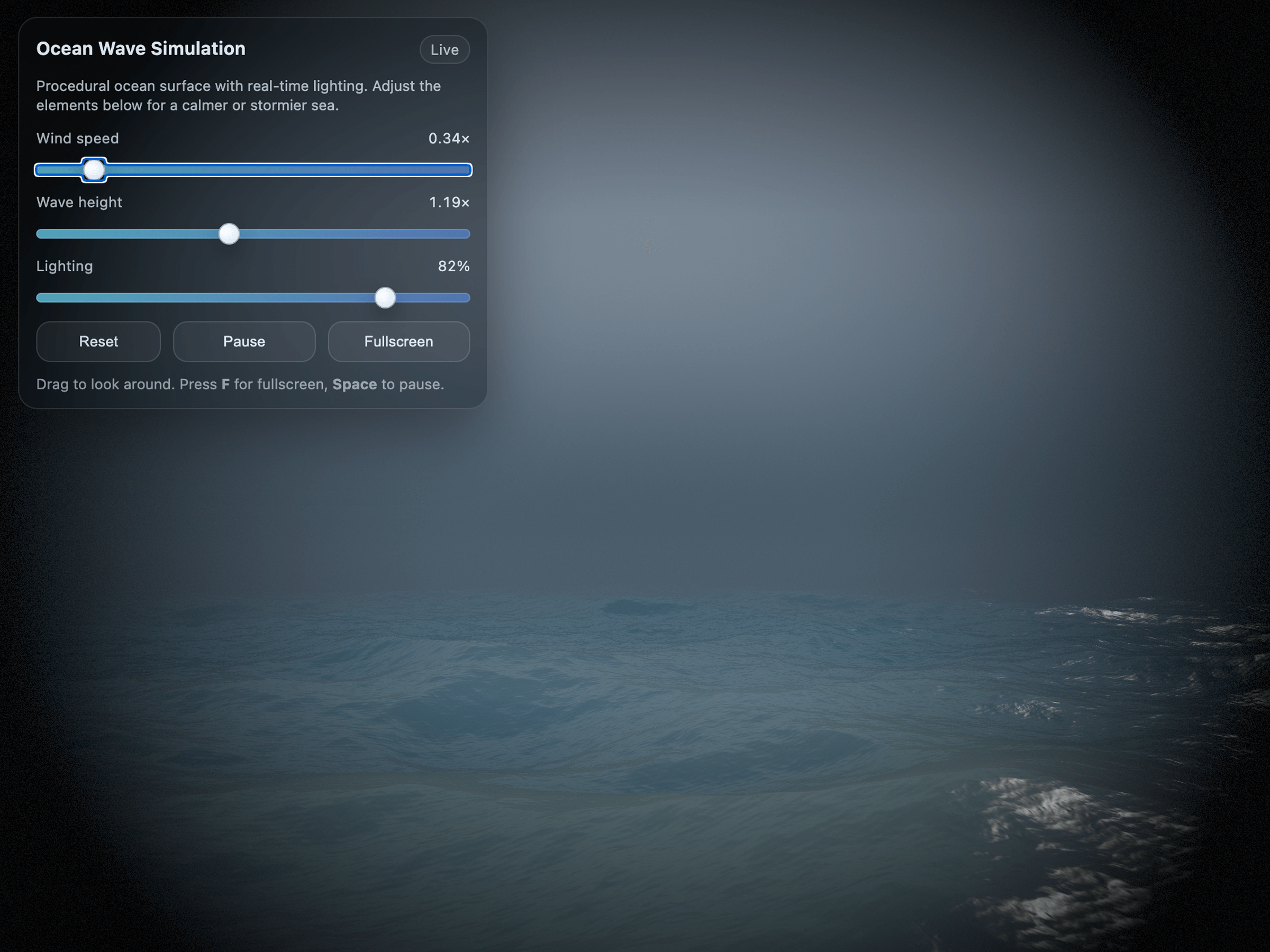
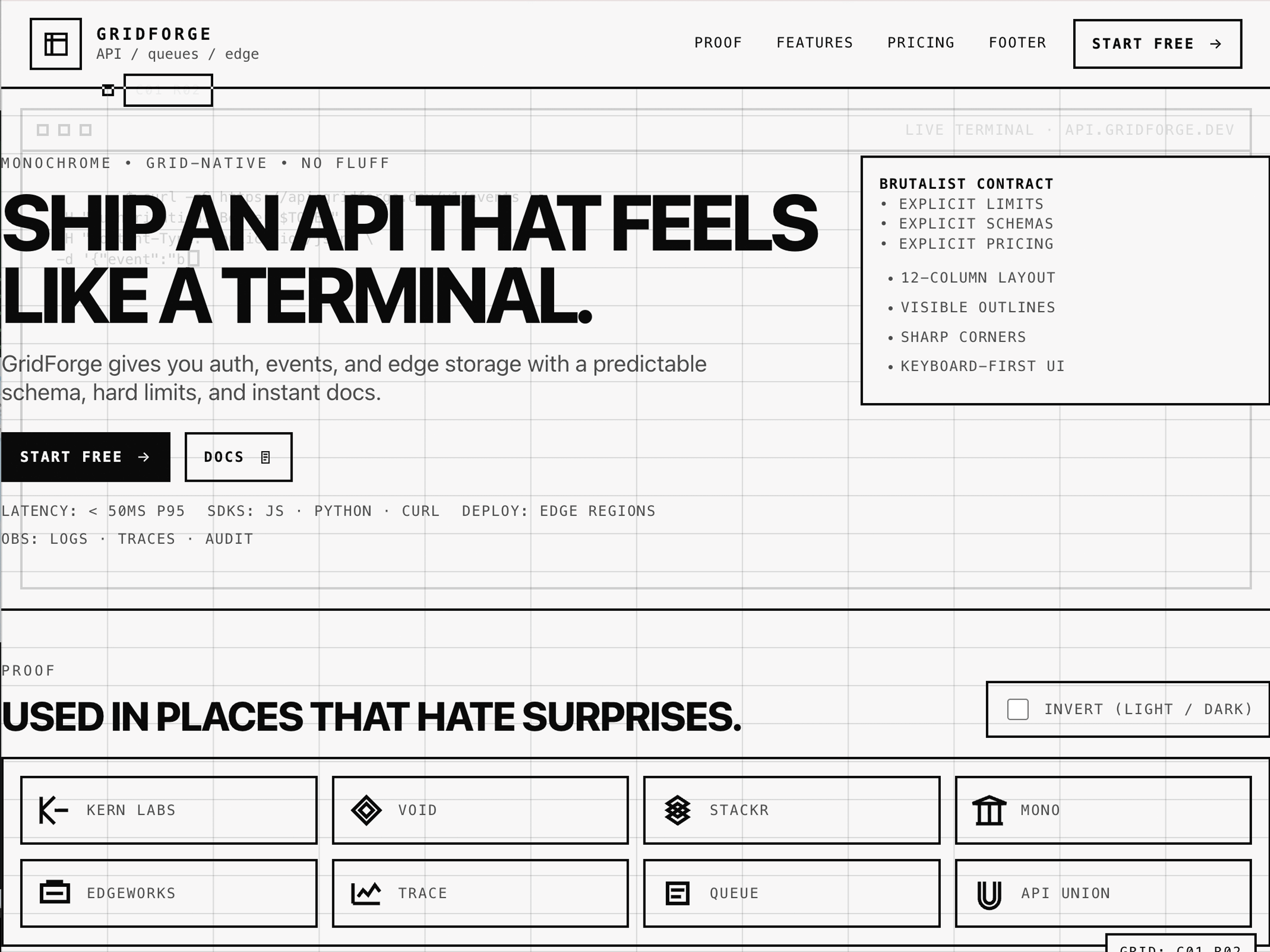
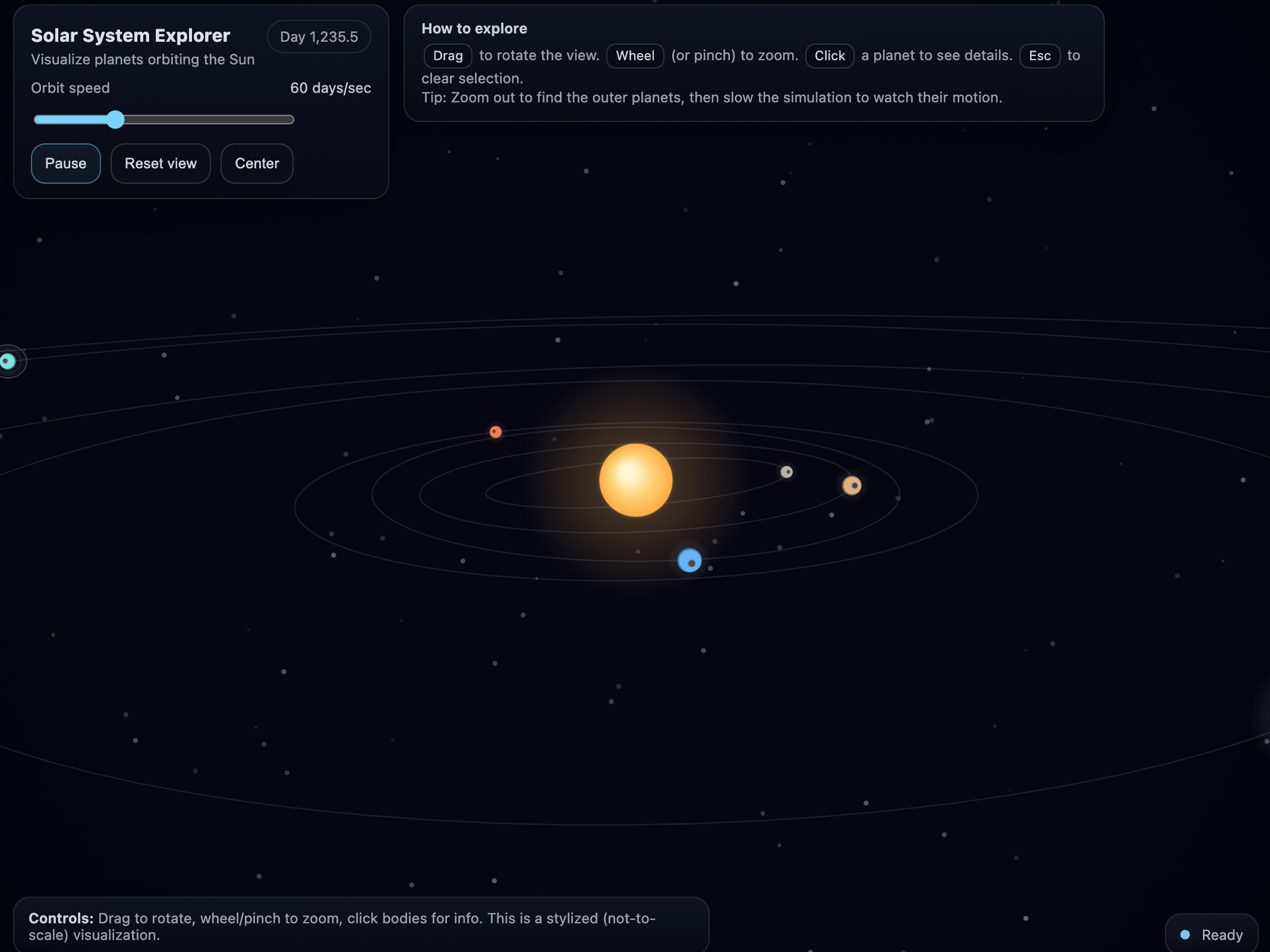
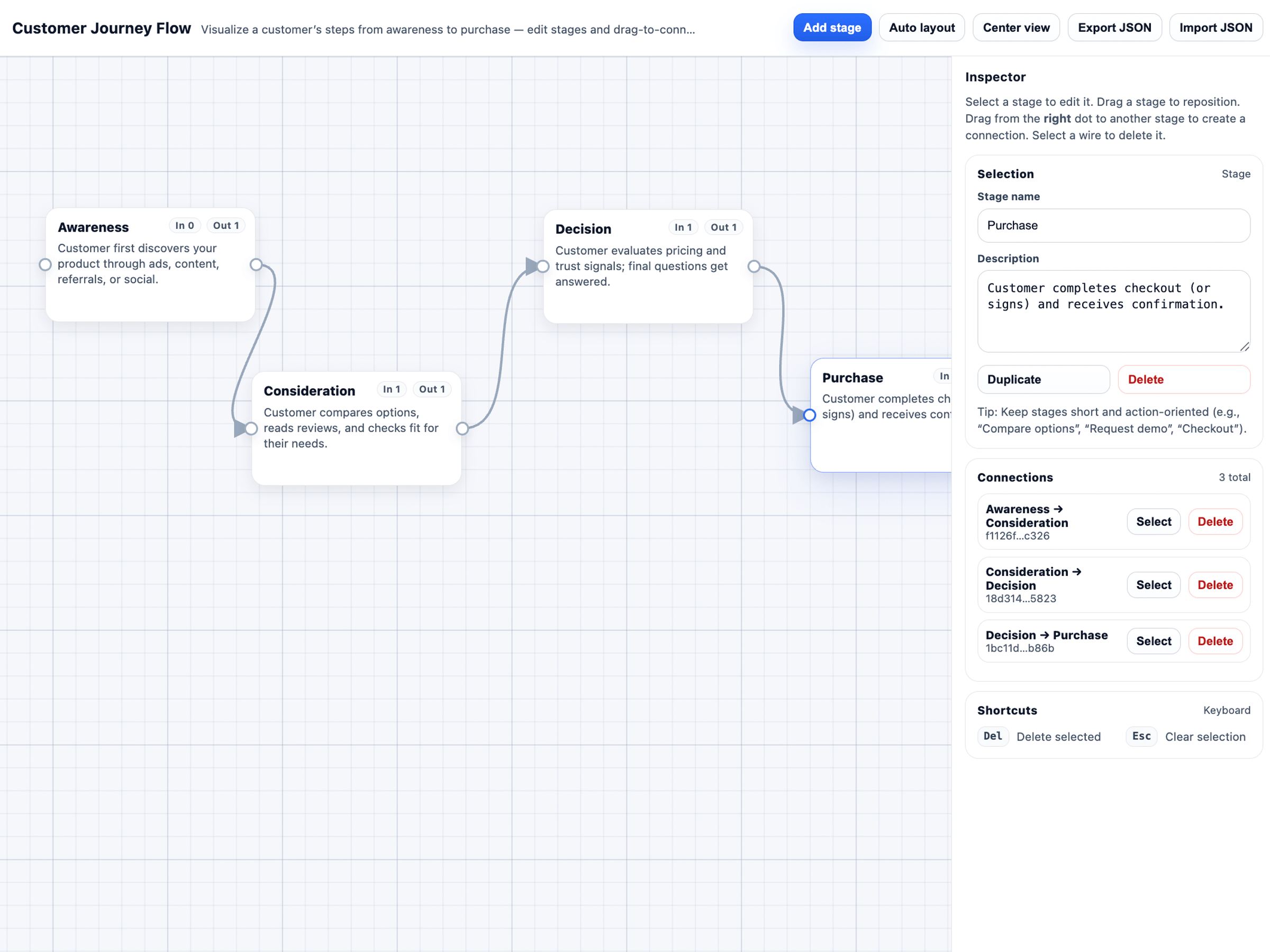
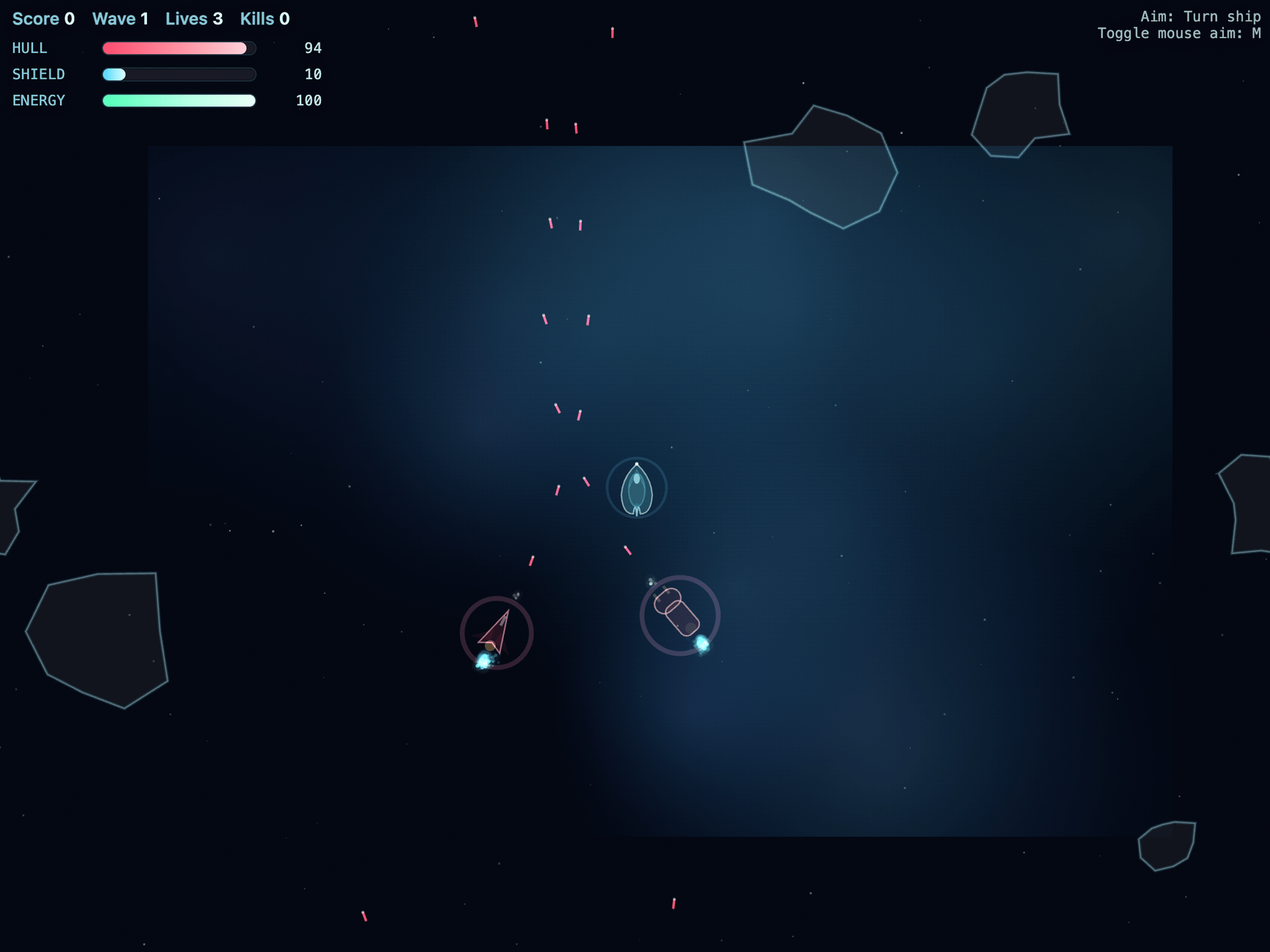
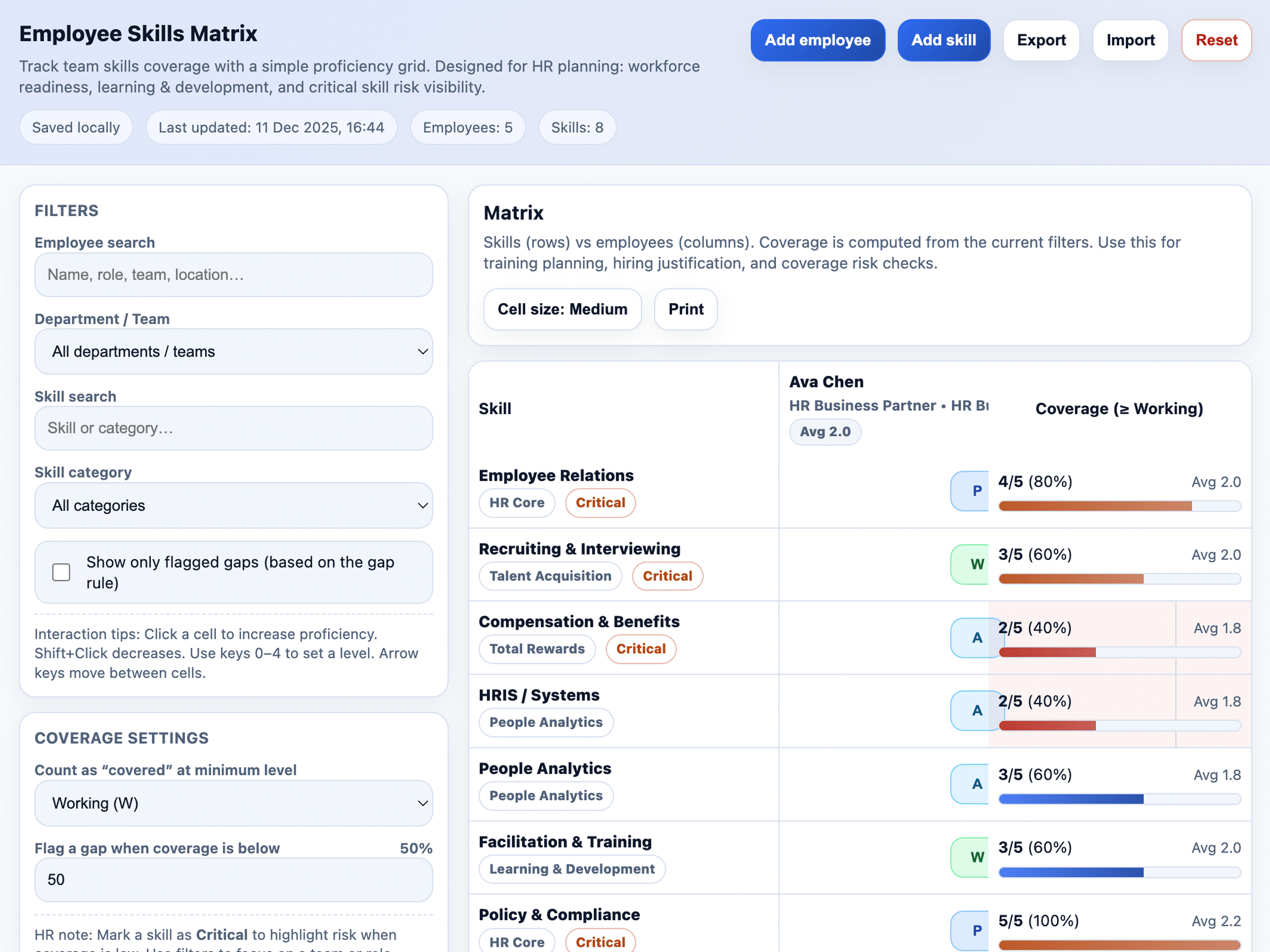
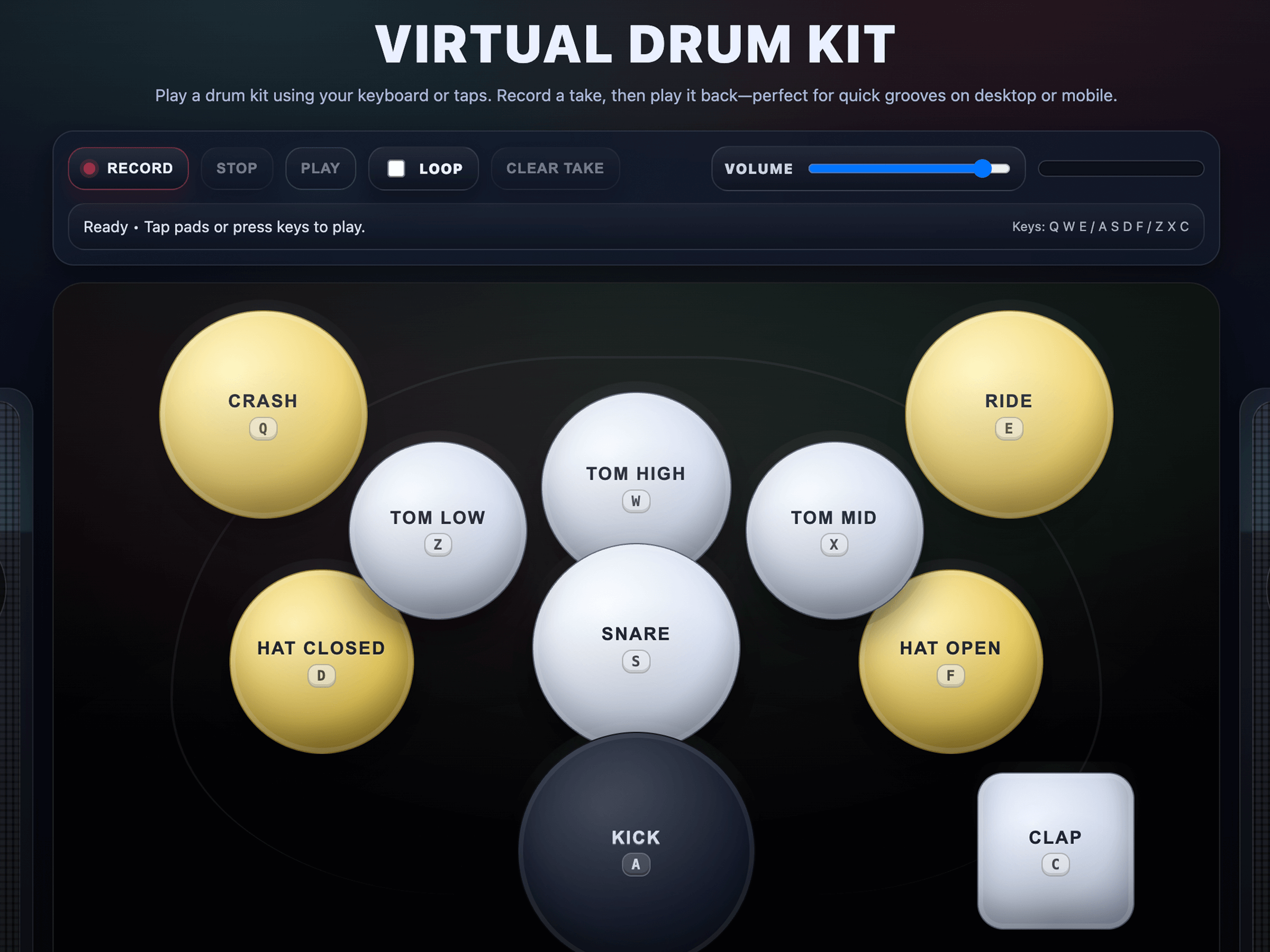
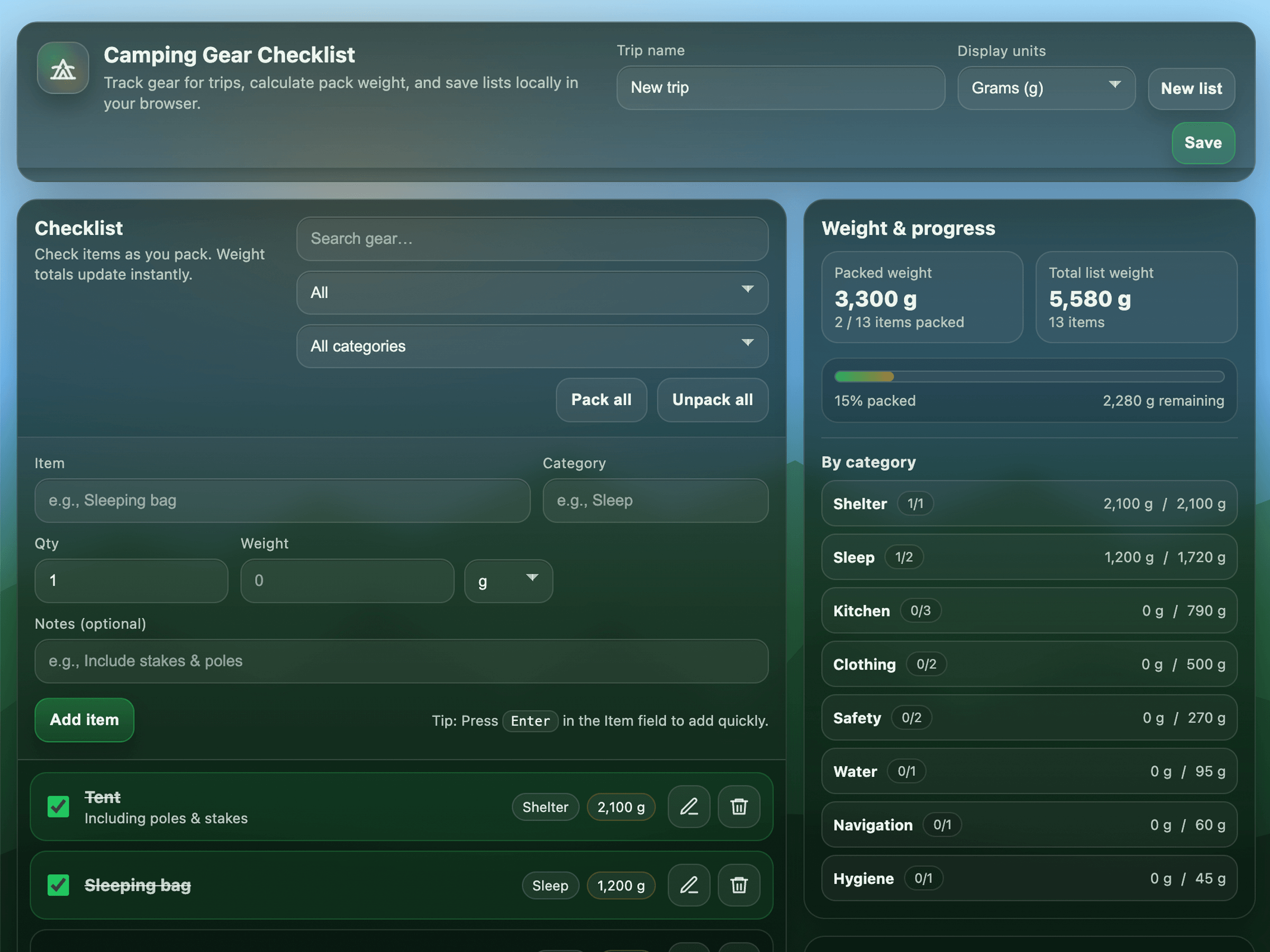
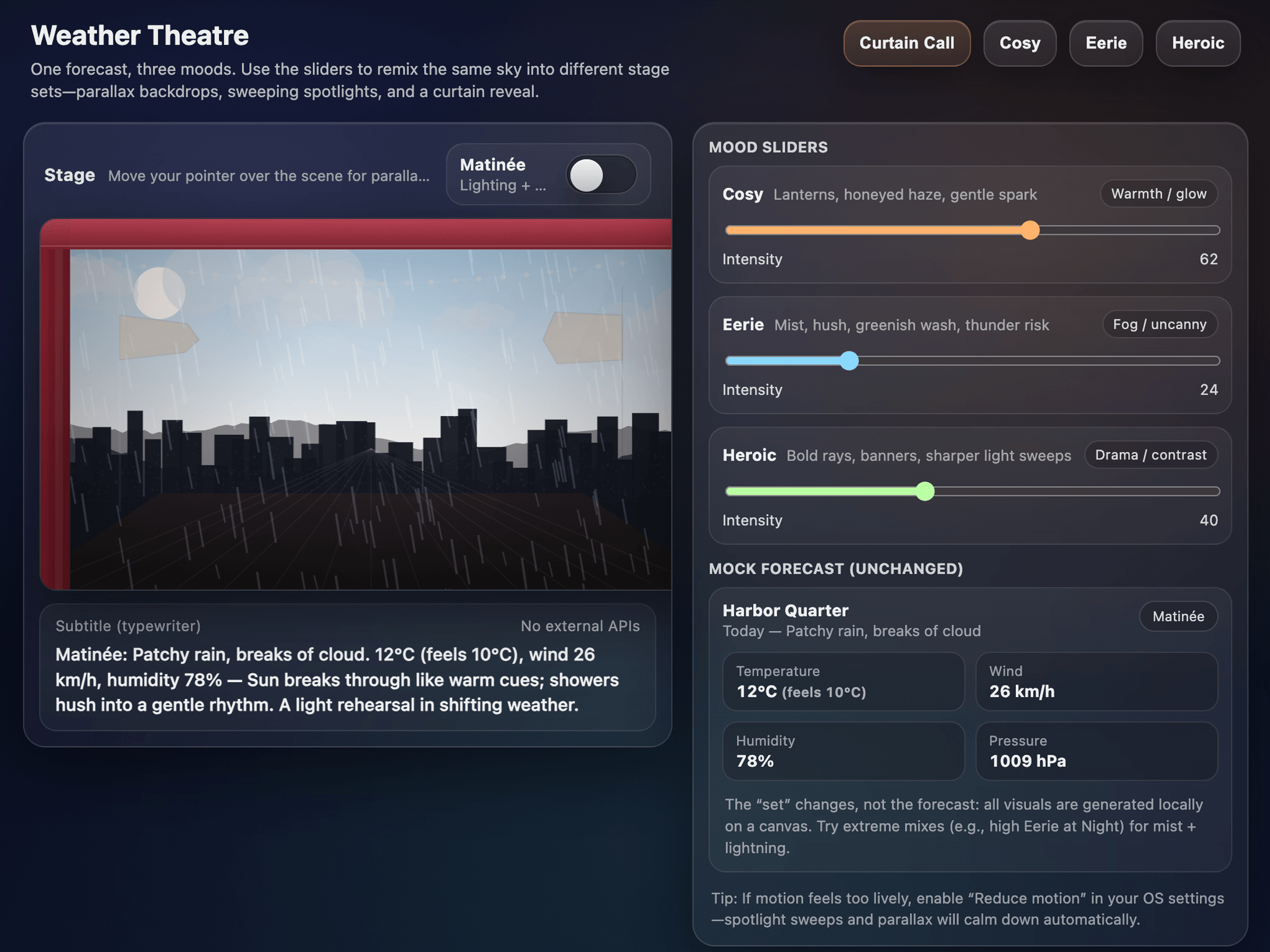
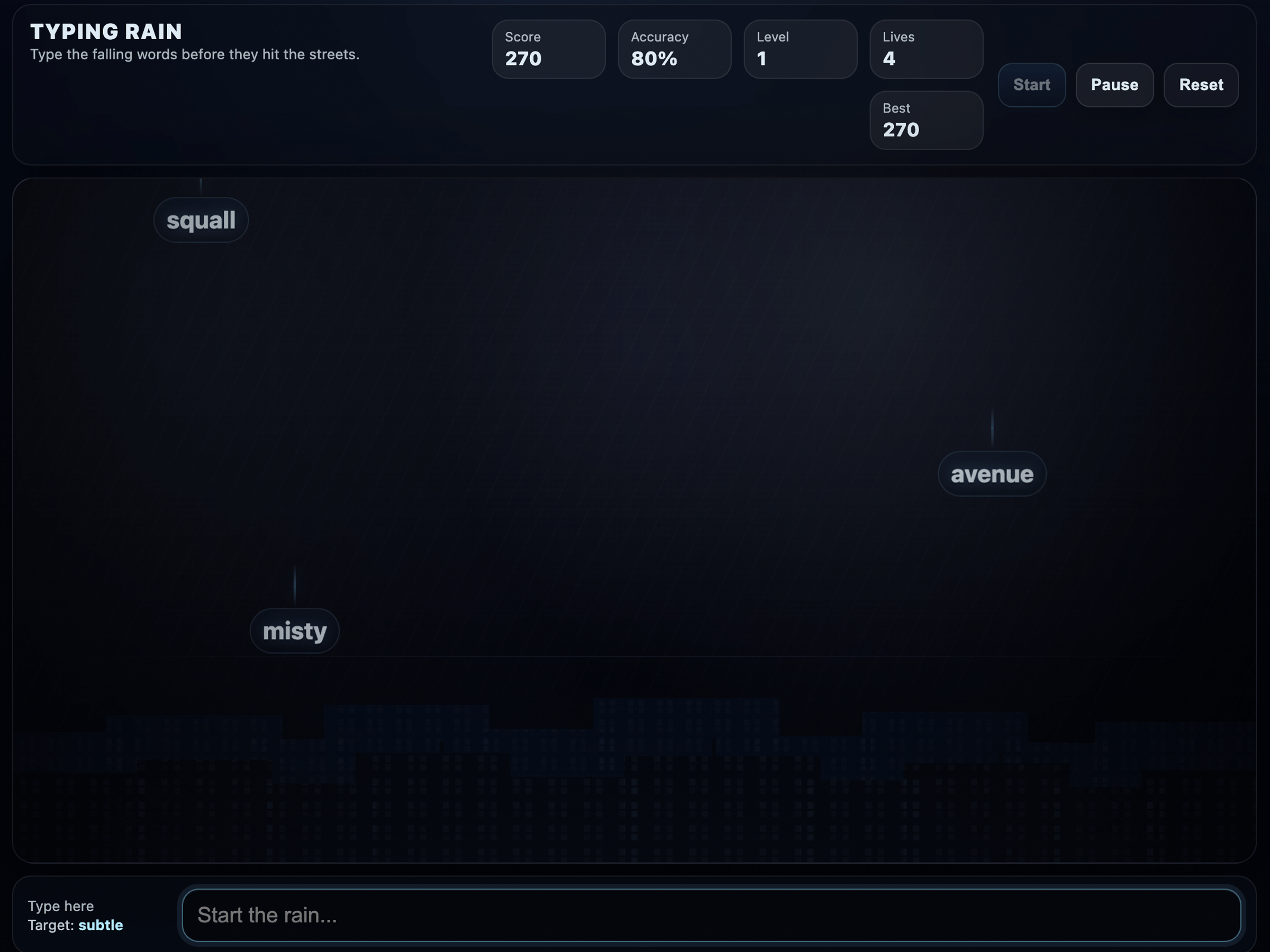
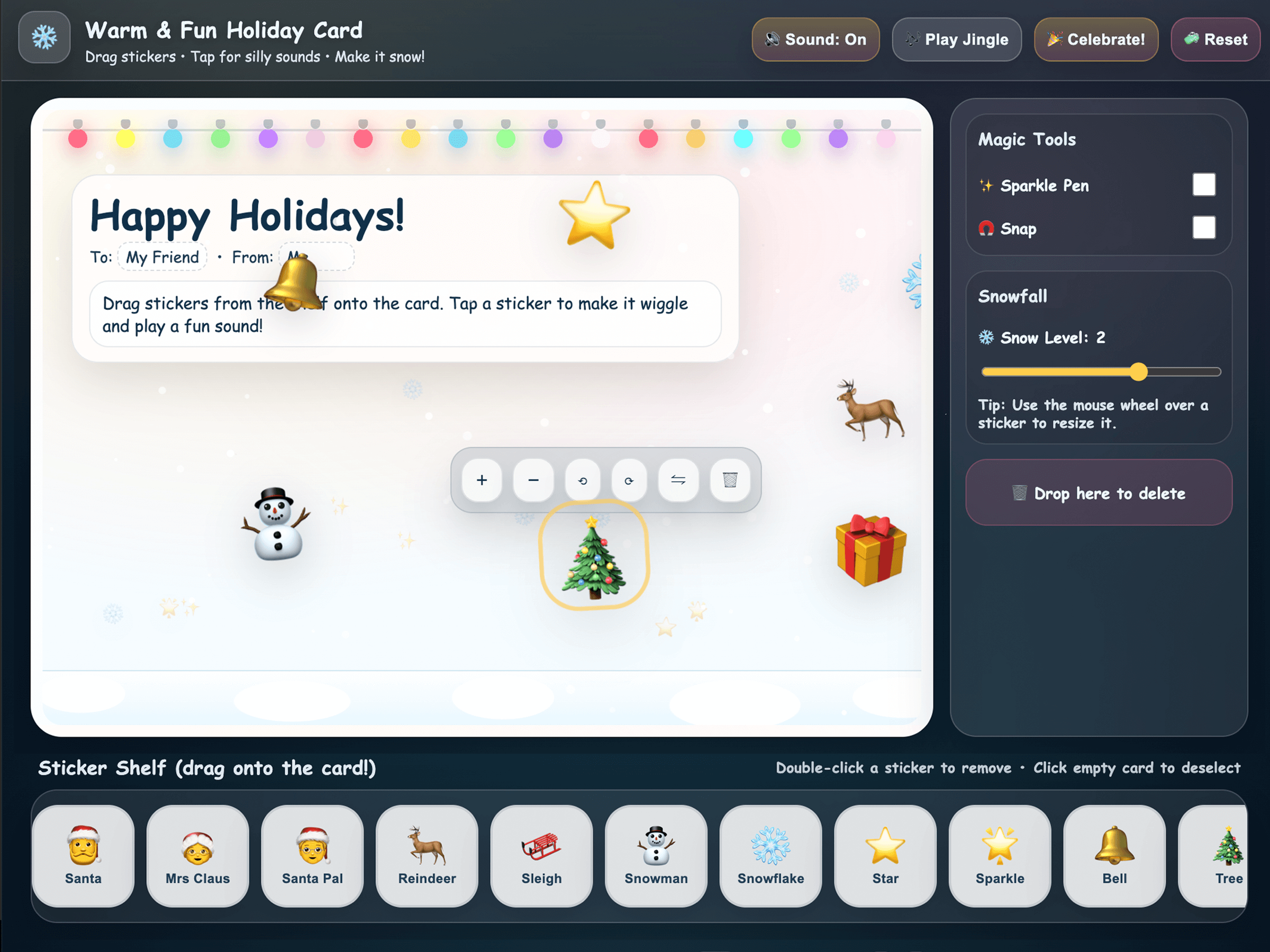
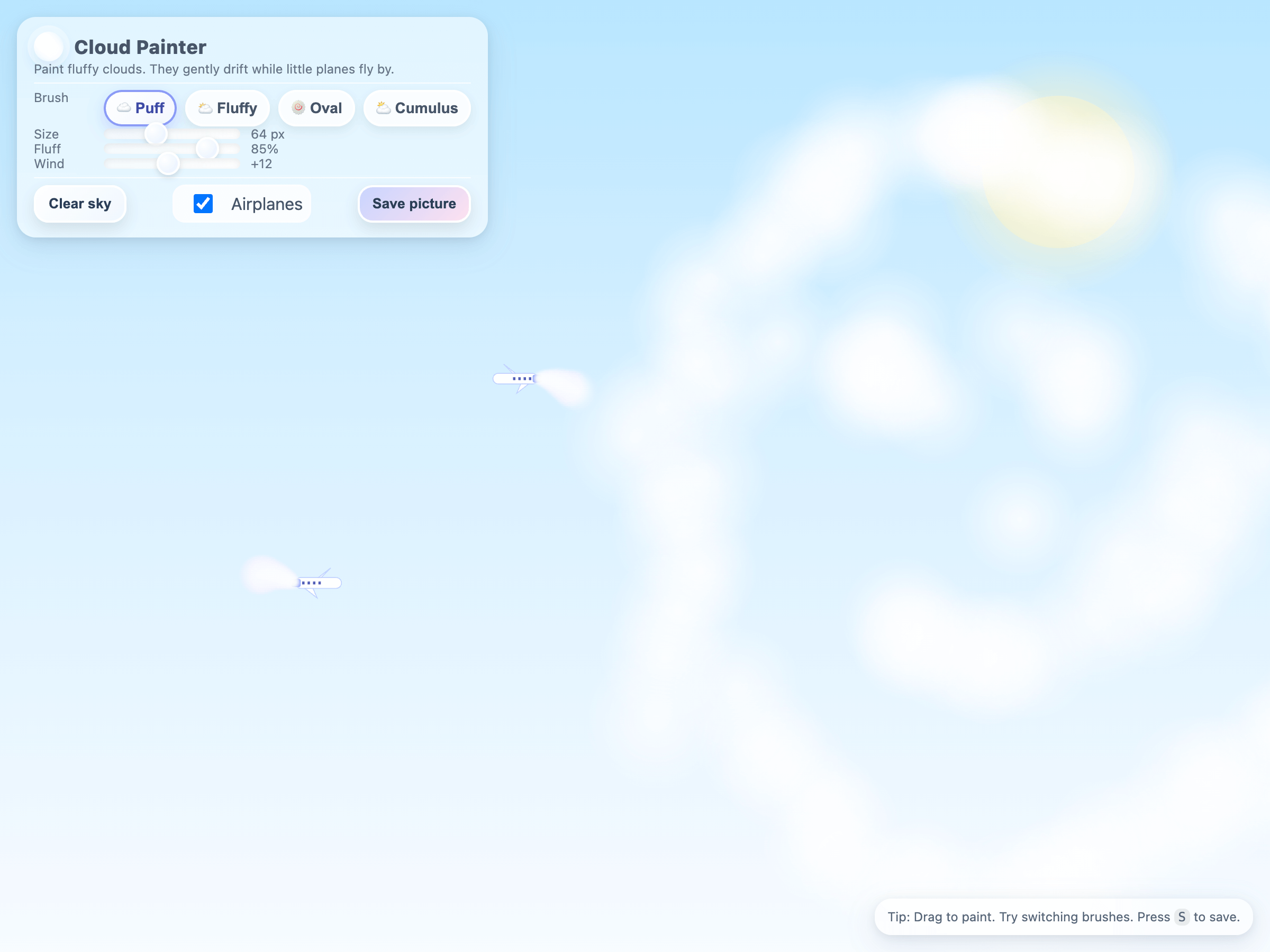
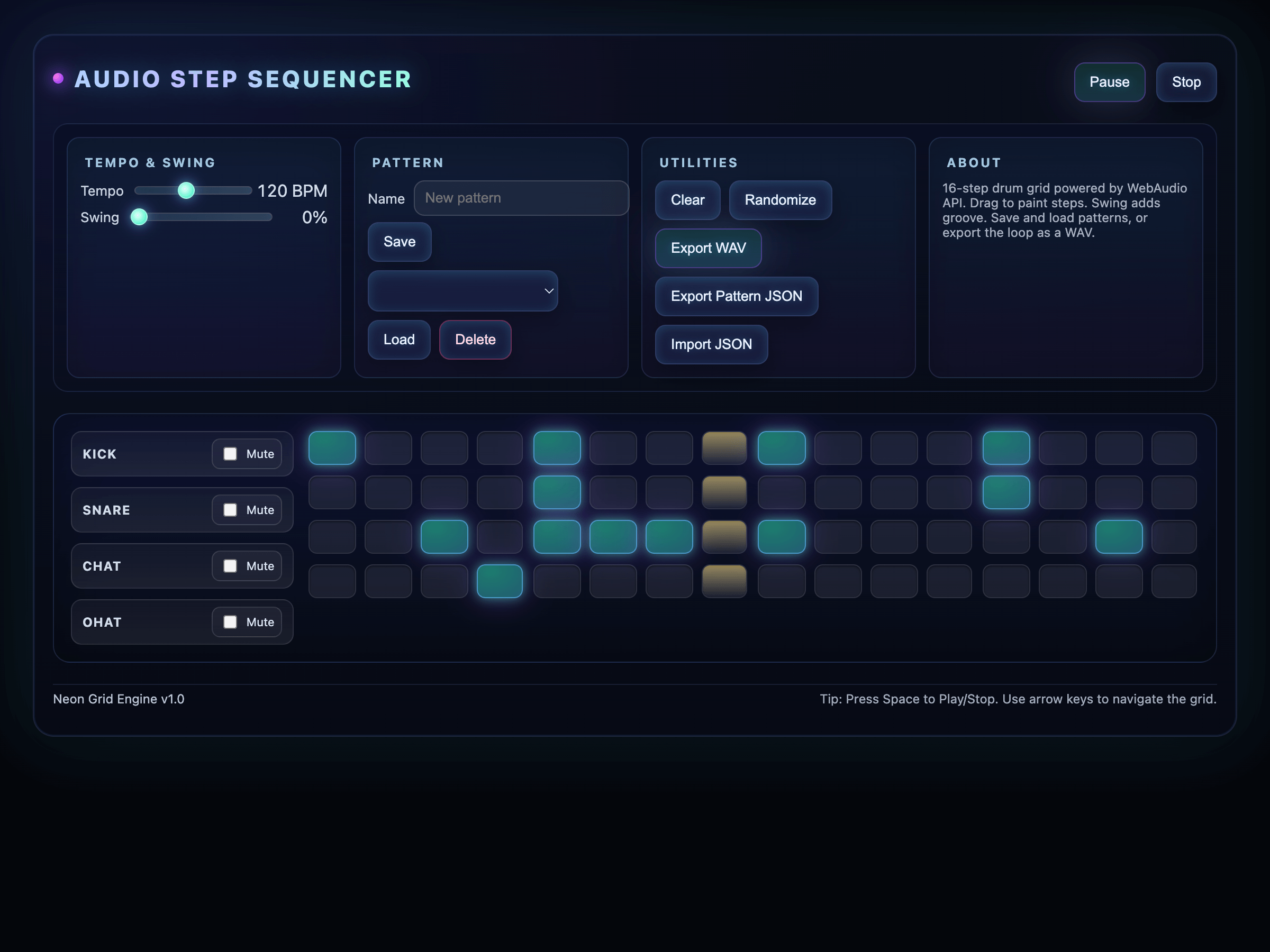
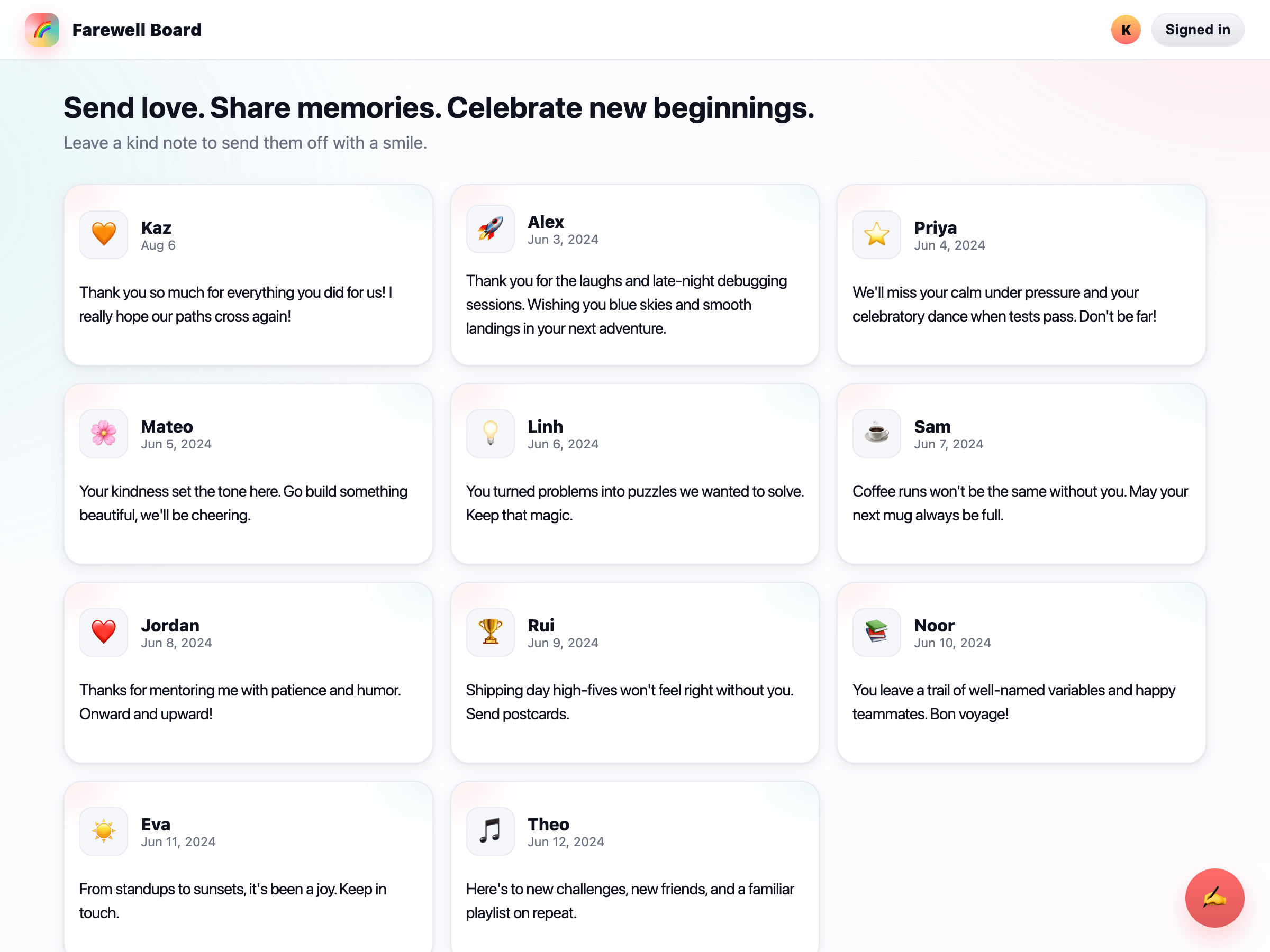
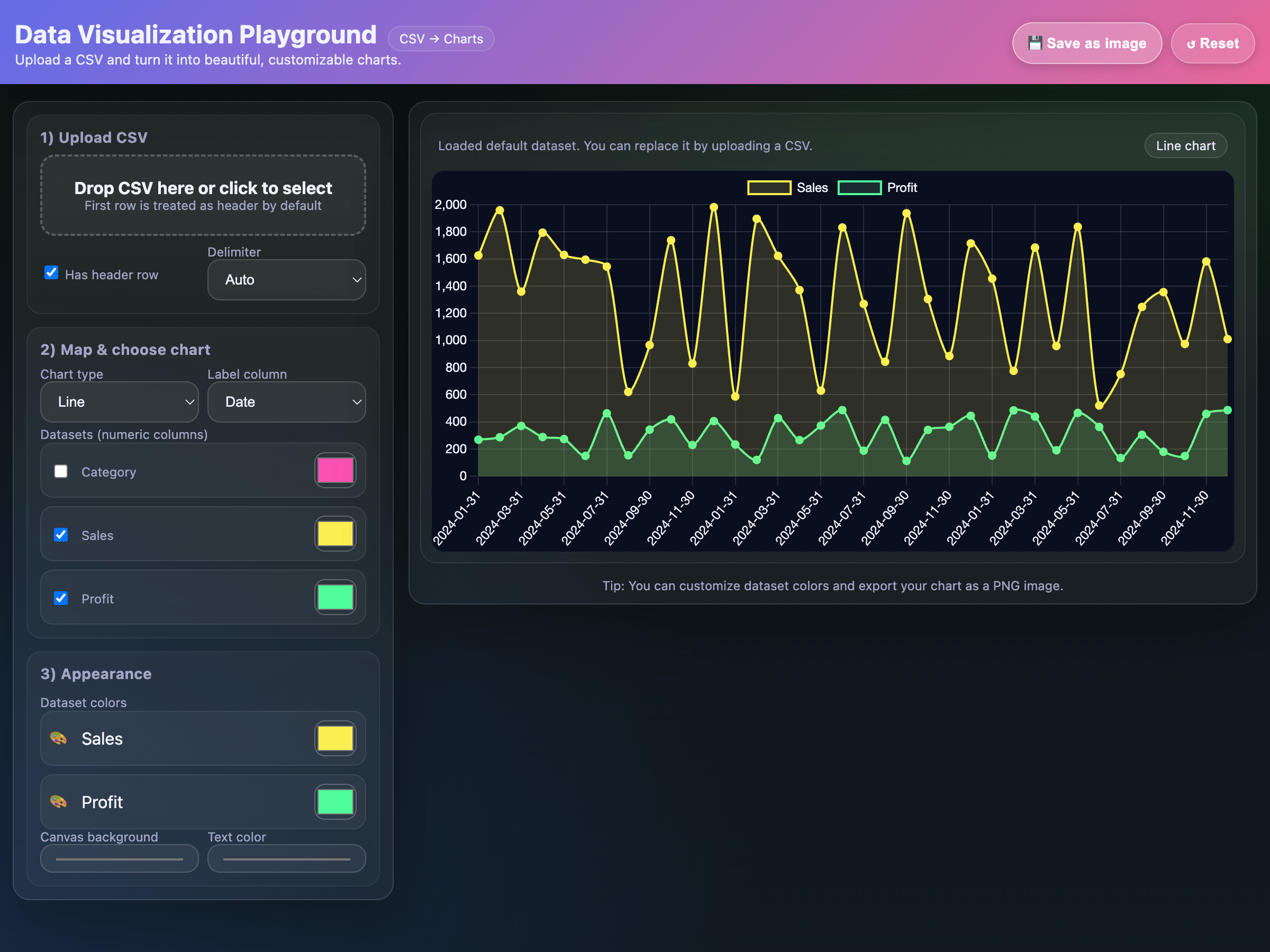
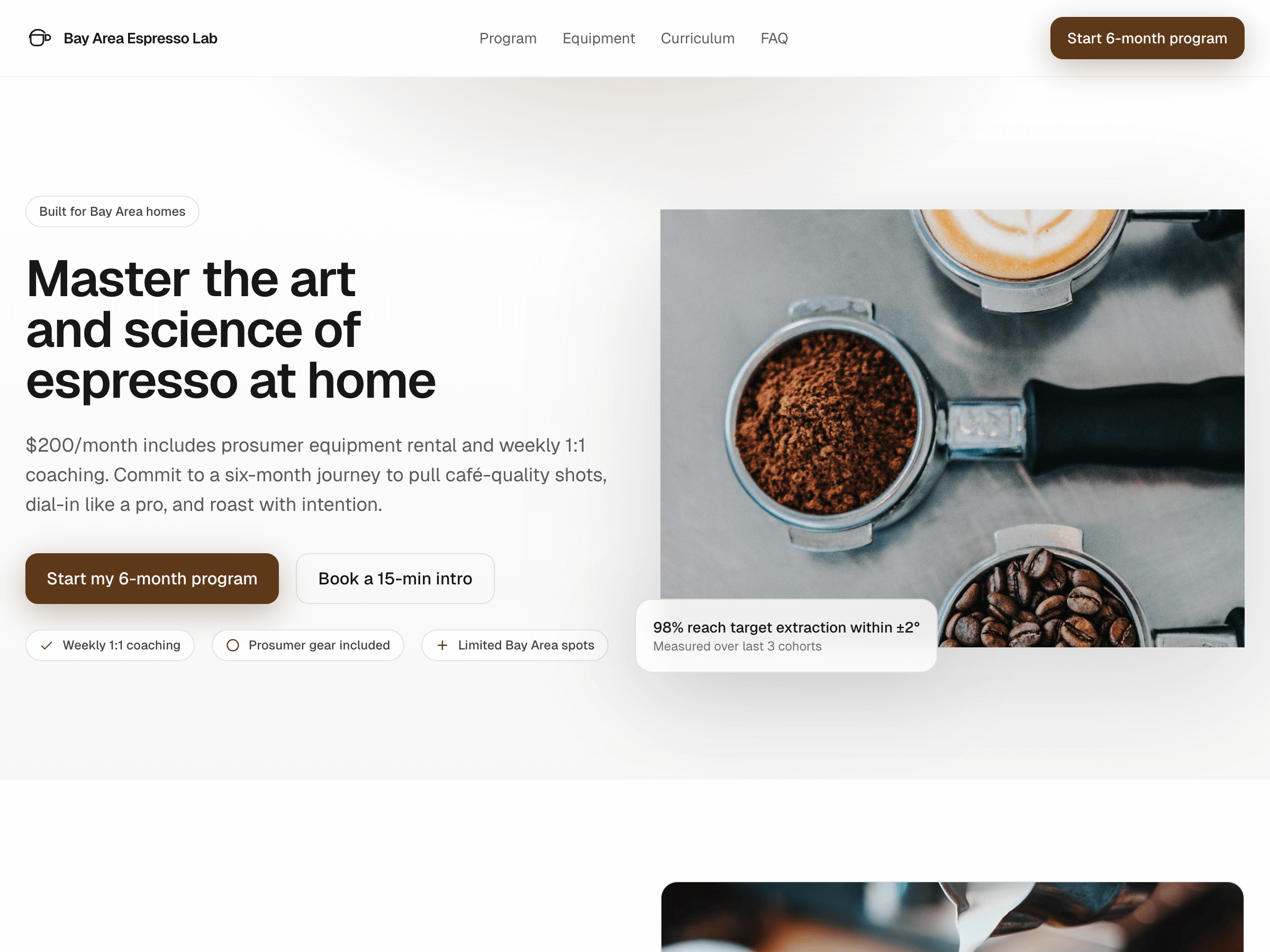
Our models from the GPT-5 family are especially strong at frontend development, especially when combined with a coding agent harness such as Codex.
The demo applications below were one shot generations, i.e. generated from a single prompt without hand-written code. Use them to evaluate frontend generation quality and prompt patterns for UI-heavy code generation workflows.
- Visit the ChatGPT docs to learn what you can do with Codex, set up Codex in whichever interface you choose, or find more details.
- Read Model guidance for model selection, features, migration guidance, and prompting patterns that work well on coding and agentic tasks.
- Compare
gpt-6-astra and gpt-5.3-codex on the model pages.