
Use a completed Codex Security scan as the source for two different handoffs:
- Export creates a portable JSON, CSV, or SARIF file.
- Track findings prepares selected findings as Linear, GitHub, or Jira issues or one private draft GitHub Security Advisory, checks for duplicates, and waits for your approval before writing.
These workflows don’t change the sealed scan bundle.
Export a portable artifact
Open the completed findings workspace, select Export, and choose a format:
| Format | Use it for |
|---|---|
| JSON | Preserve the sealed structured findings for tools and scripts. |
| CSV | Review findings and current local triage state in a spreadsheet. |
| SARIF | Send findings to tools that support the SARIF interchange format. |
Select Export findings and use the returned artifact path. Keep the
original scan-manifest.json, findings.json, and coverage.json together
when another tool needs the complete scan context rather than a findings-only
projection.
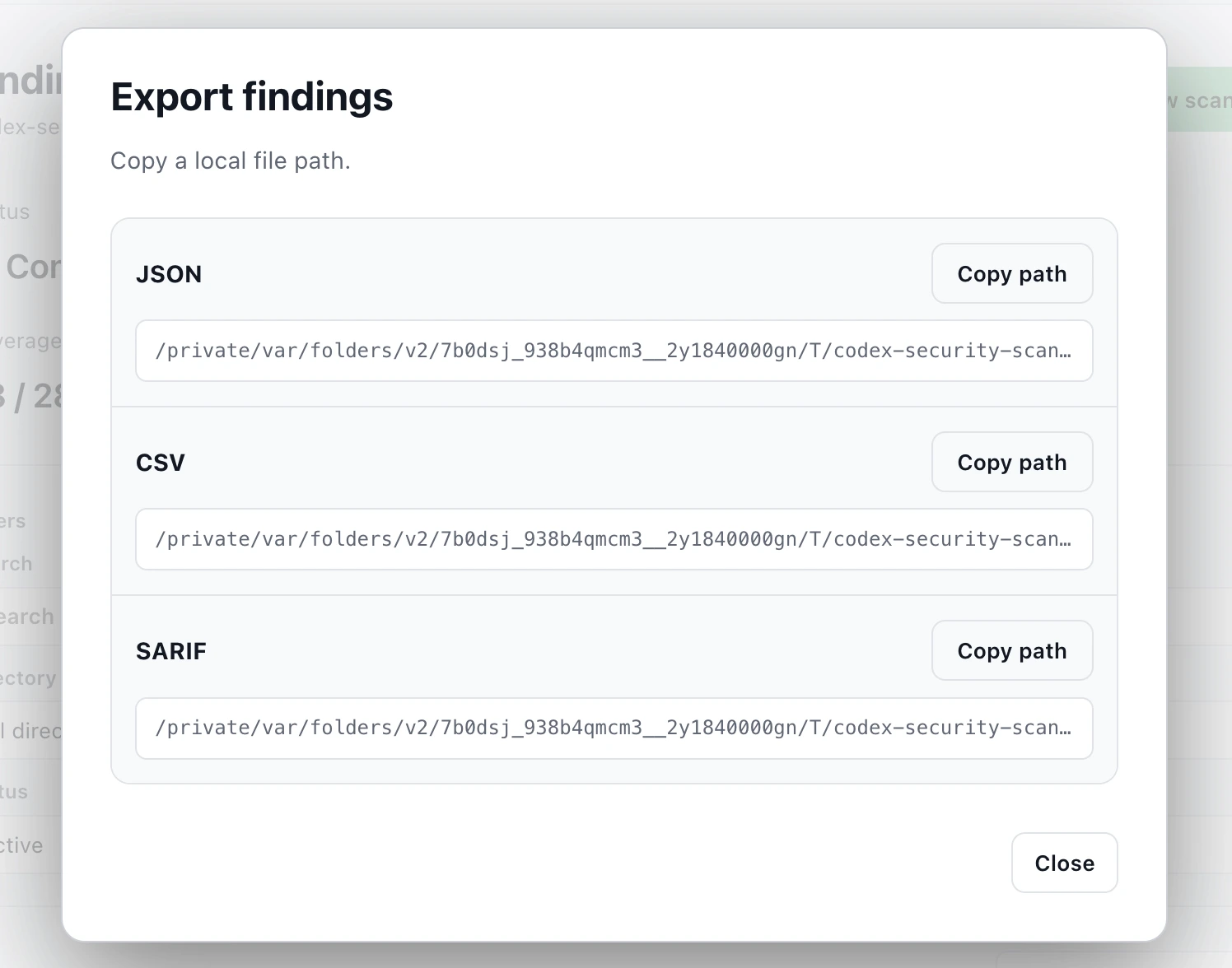
Export completed findings as JSON, CSV, or SARIF for downstream review and tooling.
Track selected findings
The $codex-security:track-findings workflow accepts one validated finding or
an explicitly selected batch of up to 25 findings from one sealed scan for
issue tracking. Draft GitHub Security Advisories accept one finding only. One
run uses one provider and one destination.
For Linear, send a prompt like:
Use $codex-security:track-findings to prepare finding [finding ID] from
[completed scan directory] for the Linear team [team] and project [project, if
any]. Check for duplicates and show me the exact issue title, body, metadata,
and destination. Do not create or update anything until I approve that payload.
For GitHub issues, send:
Use $codex-security:track-findings to prepare finding [finding ID] from
[completed scan directory] for GitHub repository [owner/repository]. Check open
and closed issues for duplicates and show me the exact issue title, body,
metadata, repository visibility, and authenticated transport. Do not create or
update anything until I approve that payload.
For Jira, send:
Use $codex-security:track-findings to prepare finding [finding ID] from
[completed scan directory] for Jira project [project key] as [issue type].
Check for duplicates and show me the exact issue summary, description,
metadata, and destination. Do not create or update anything until I approve
that payload.
Jira tracking requires the native Atlassian Rovo app in Codex. Reusing an issue requires read access; creating or updating one requires read and write access.
For a private draft GitHub Security Advisory, send:
Use $codex-security:track-findings to prepare finding [finding ID] from
[completed scan directory] as a private draft GitHub Security Advisory in
[owner/repository]. Verify the sealed source revision, repository, affected
paths, package metadata, and duplicate state. Show me the exact advisory
payload, authenticated GitHub CLI identity, and disclosure warnings. Do not
create anything until I approve that payload.
Draft advisories require one finding from a sealed git_revision scan, the
verified public canonical source repository, and administrator access. The
workflow doesn’t batch, update, publish, or close advisories. Use an approved
private issue destination when the source doesn’t meet those requirements.
Review the proposed write
- Confirm the finding ID and fingerprint came from the intended sealed scan.
- Confirm the provider, exact Linear team, GitHub repository, Jira project, or advisory repository, and the live destination visibility.
- Review the duplicate outcome:
create,reuse,update, orblocked. - Read the complete proposed title, body, source locations, and provider metadata. Remove exploit detail or internal evidence that the destination shouldn’t expose.
- Approve only that exact payload. A changed destination, visibility, finding set, or body requires a new preview.
Sensitive findings should go to a private destination. Creating an issue in an internal or public GitHub repository requires an explicit visibility warning and approval of the complete content. Treat a draft advisory description as eventually public and remove credentials, private evidence, and unnecessary exploit details before approval.
Verify the tracked item
After approval, Codex revalidates the sealed source, destination, access, and duplicate state. It processes a batch serially and stops on the first uncertain result. A create, update, or reuse is complete only after Codex reads the exact issue back and verifies its binding identifiers and content.
Keep the returned canonical issue or advisory URL with your triage record. Continue with Fix and verify a finding when the owner accepts the item for remediation.