コードの作成、レビュー、編集や、コードに関する質問への回答は、現在の OpenAI モデルの主な用途の一つです。このガイドでは、gpt-6-astra と Codex を使ってコードを生成する方法を紹介します。
Codex は、OpenAI のソフトウェア開発向けコーディングエージェントです。コードの作成、レビュー、デバッグを支援します。Codex は IDE や CLI のほか、Web サイトやモバイルサイトからも利用できます。SDK を使えば、CI/CD パイプラインからも利用できます。プロジェクトのソフトウェア開発にエージェントを取り入れるには、Codex が最適です。
Codex は、gpt-6.1-sol などの最新の汎用モデルで最も高い性能を発揮します。
セットアップガイド、リファレンス、料金などの詳細は、ChatGPT のドキュメントを参照してください。
API を使ってコードを生成する場合、ほとんどの用途で gpt-6-astra が最初の選択肢になります。コーディングに加えて一般的なタスクにも対応できるため、コードの作成、要件の検討、ドキュメントの確認から、より幅広いワークフローの実行までを一つのアプリケーションで扱う場合の標準モデルに適しています。
次の例では、Responses API を使ってコードを生成する方法を示します。
1
2
3
4
5
6
7
8
9
10
11
12
13
14
15
16import OpenAI from "openai";
const openai = new OpenAI();

const result = await openai.responses.create({
  model: "gpt-6-astra",
  input: `Find the null pointer exception in this code:

def display_name(user):
    return user.profile.name

print(display_name(None))
`,
  reasoning: { effort: "high" },
});

console.log(result.output_text);
1
2
3
4
5
6
7
8
9
10
11
12
13
14
15
16
17from openai import OpenAI

client = OpenAI()

result = client.responses.create(
    model="gpt-6-astra",
    input="""Find the null pointer exception in this code:

def display_name(user):
    return user.profile.name

print(display_name(None))
""",
    reasoning={"effort": "high"},
)

print(result.output_text)
1
2
3
4
5
6
7
8
9
10
11
12
13
14
15
16
17
18
19
20
21
22
23
24
25
26
27
28package main

import (
	"context"
	"fmt"

	"github.com/openai/openai-go/v3"
	"github.com/openai/openai-go/v3/responses"
	"github.com/openai/openai-go/v3/shared"
)

func main() {
	client := openai.NewClient()
	response, err := client.Responses.New(context.Background(), responses.ResponseNewParams{
		Model: "gpt-6-astra",
		Input: responses.ResponseNewParamsInputUnion{OfString: openai.String(`Find the null pointer exception in this code:

def display_name(user):
    return user.profile.name

print(display_name(None))`)},
		Reasoning: shared.ReasoningParam{Effort: shared.ReasoningEffortHigh},
	})
	if err != nil {
		panic(err)
	}
	fmt.Println(response.OutputText())
}
1
2
3
4
5
6
7
8
9
10
11
12
13
14
15
16
17
18
19
20
21
22
23
24
25
26import com.openai.client.OpenAIClient;
import com.openai.client.okhttp.OpenAIOkHttpClient;
import com.openai.models.Reasoning;
import com.openai.models.ReasoningEffort;
import com.openai.models.responses.ResponseCreateParams;

String code =
    """
    def display_name(user):
        return user.profile.name

    print(display_name(None))
    """;

ResponseCreateParams params =
    ResponseCreateParams.builder()
        .model("gpt-6-astra")
        .input("Find the null pointer exception in this code:\n\n" + code)
        .reasoning(Reasoning.builder().effort(ReasoningEffort.HIGH).build())
        .build();

client.responses().create(params).output().stream()
    .flatMap(item -> item.message().stream())
    .flatMap(message -> message.content().stream())
    .flatMap(content -> content.outputText().stream())
    .forEach(text -> System.out.println(text.text()));
1
2
3
4
5
6
7
8
9
10
11
12
13
14
15
16
17
18
19
20
21
22
23
24
25
26
27
28
29using OpenAI.Responses;
#pragma warning disable OPENAI001

string key = Environment.GetEnvironmentVariable("OPENAI_API_KEY")!;
ResponsesClient client = new(key);

CreateResponseOptions options = new()
{
    Model = "gpt-6-astra",
    ReasoningOptions = new ResponseReasoningOptions
    {
        ReasoningEffortLevel = ResponseReasoningEffortLevel.High,
    },
};
options.InputItems.Add(
    ResponseItem.CreateUserMessageItem(
        """
        Find the null pointer exception in this code:

        def display_name(user):
            return user.profile.name

        print(display_name(None))
        """
    )
);

ResponseResult response = await client.CreateResponseAsync(options);
Console.WriteLine(response.GetOutputText());
1
2
3
4
5
6
7
8
9
10
11
12
13
14
15
16
17require "openai"

client = OpenAI::Client.new
code = <<~PYTHON
  def display_name(user):
      return user.profile.name

  print(display_name(None))
PYTHON

response = client.responses.create(
  model: "gpt-6-astra",
  input: "Find the null pointer exception in this code:\n\n#{code}",
  reasoning: { effort: :high }
)

puts(response.output_text)
1
2
3
4
5
6
7
8curl https://api.openai.com/v1/responses \
  -H "Content-Type: application/json" \
  -H "Authorization: Bearer $OPENAI_API_KEY" \
  -d '{
    "model": "gpt-6-astra",
    "input": "Find the null pointer exception in this code:\n\ndef display_name(user):\n    return user.profile.name\n\nprint(display_name(None))\n",
    "reasoning": { "effort": "high" }
  }'
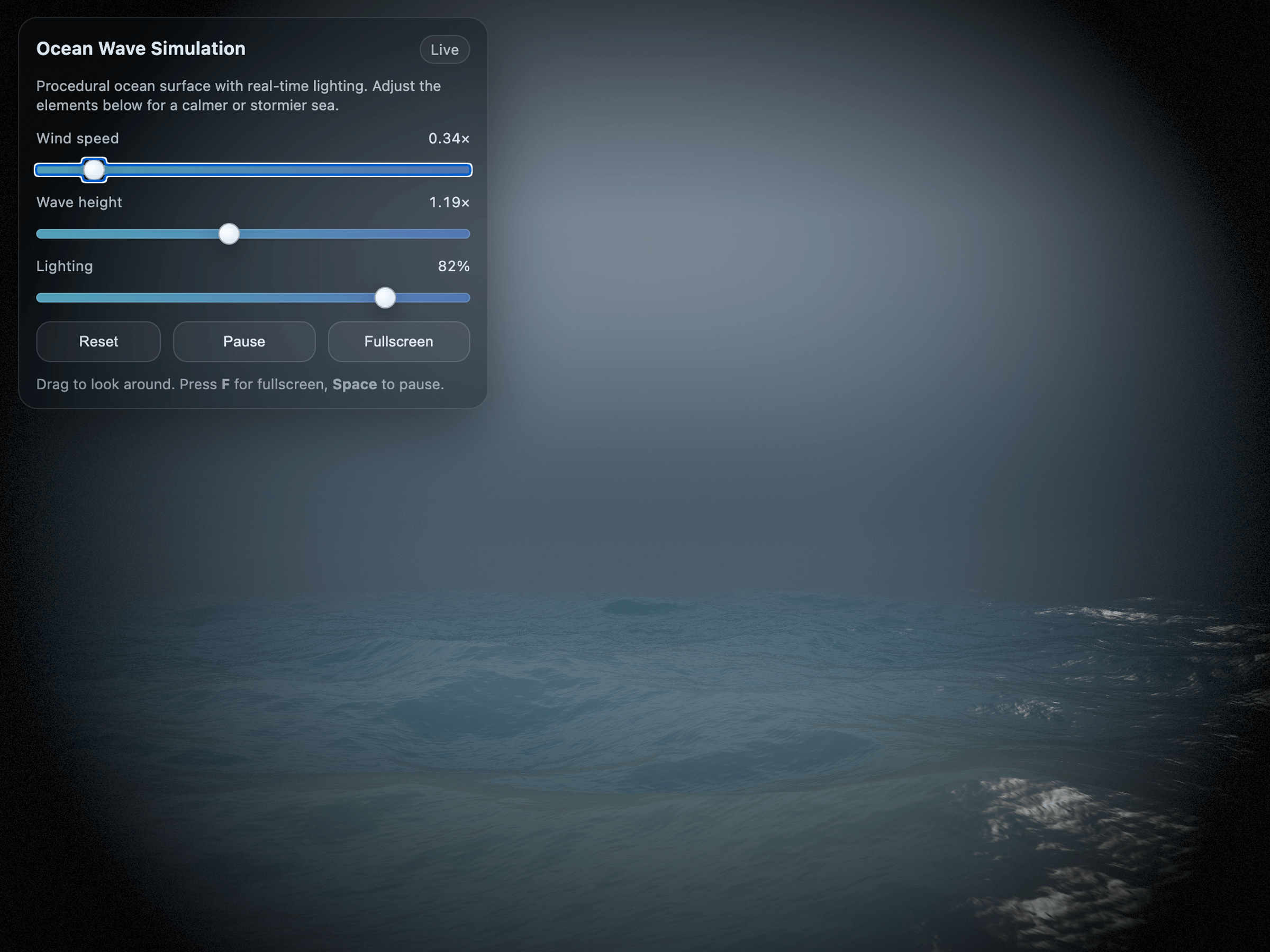
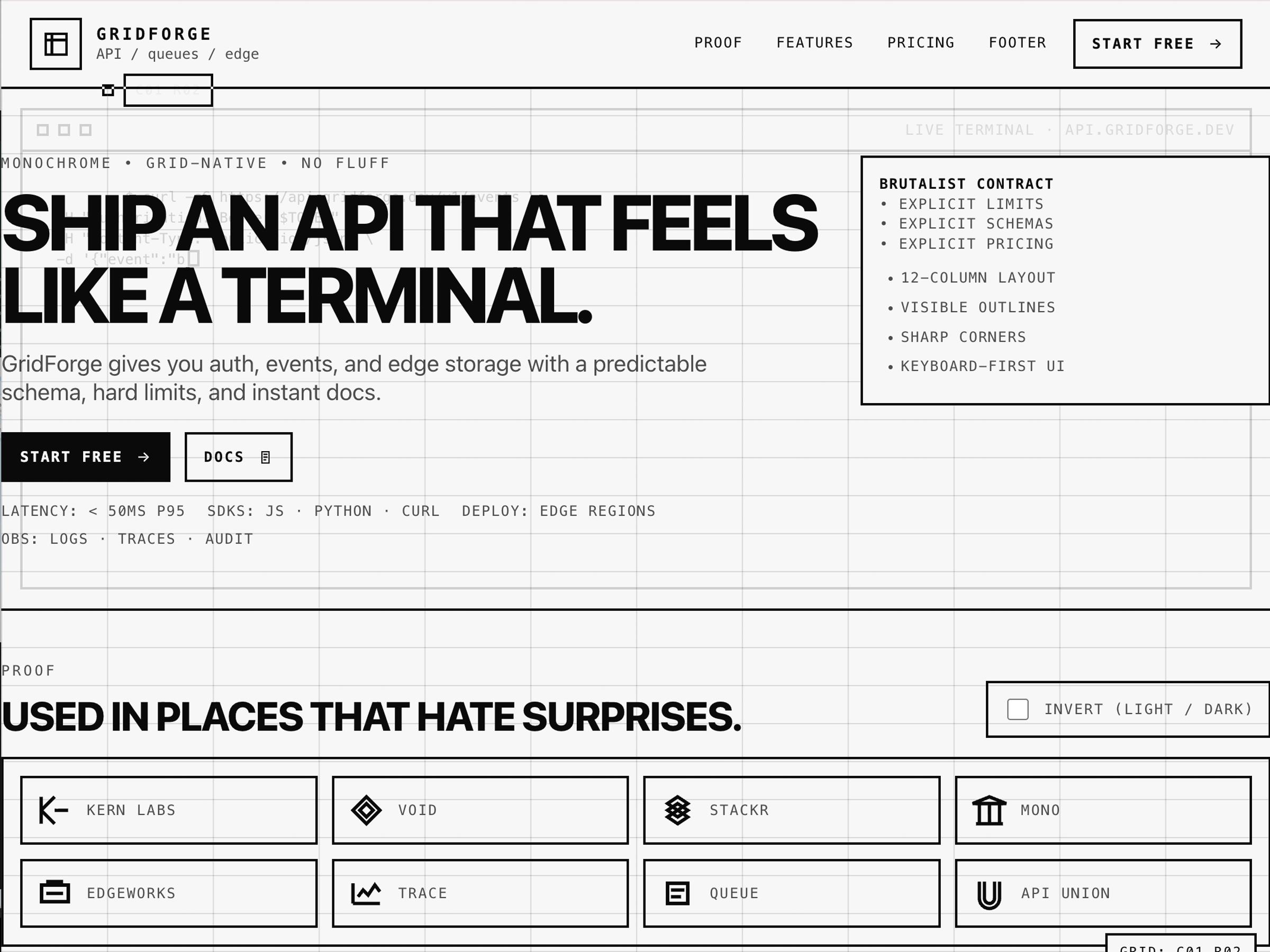
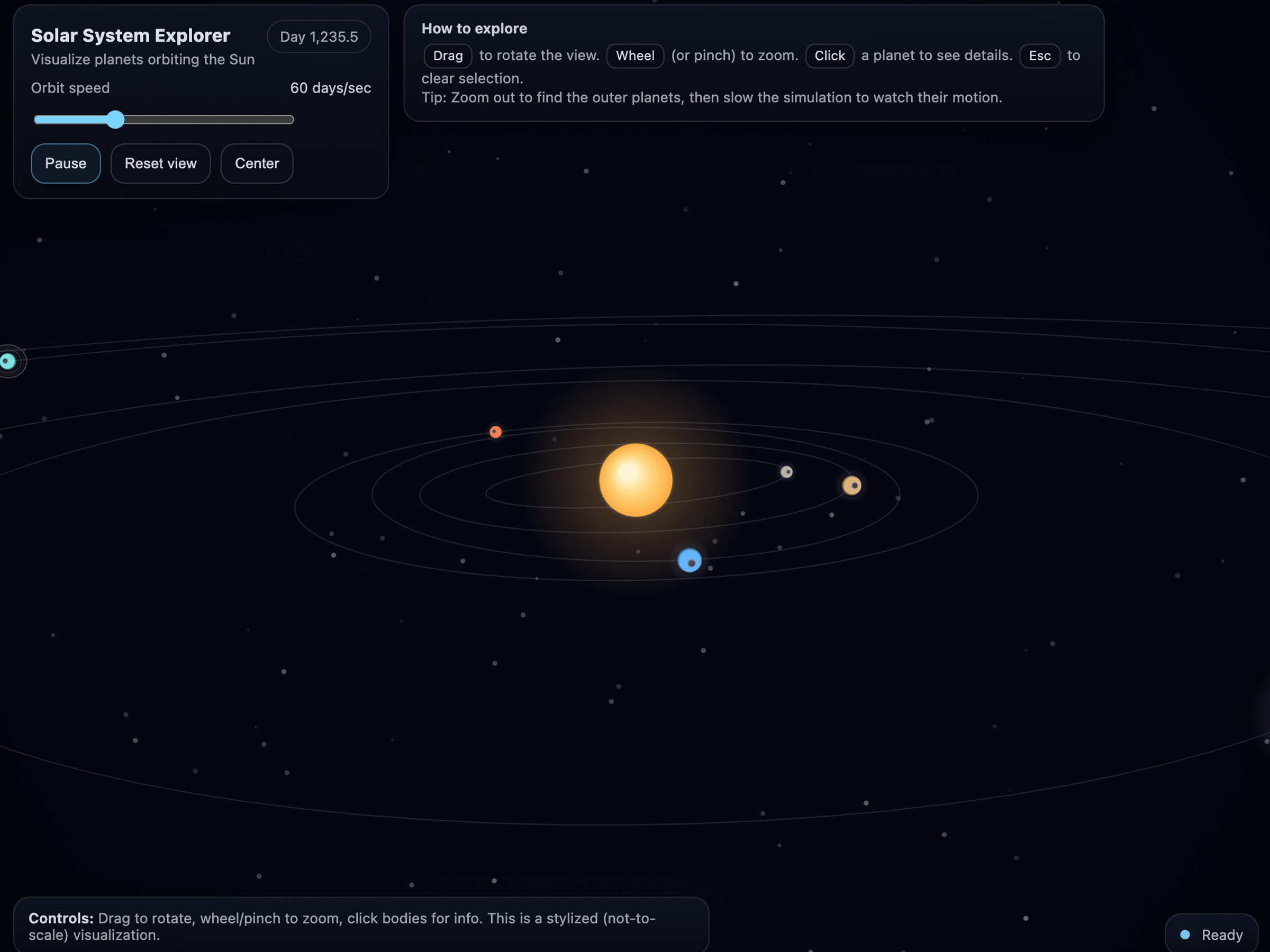
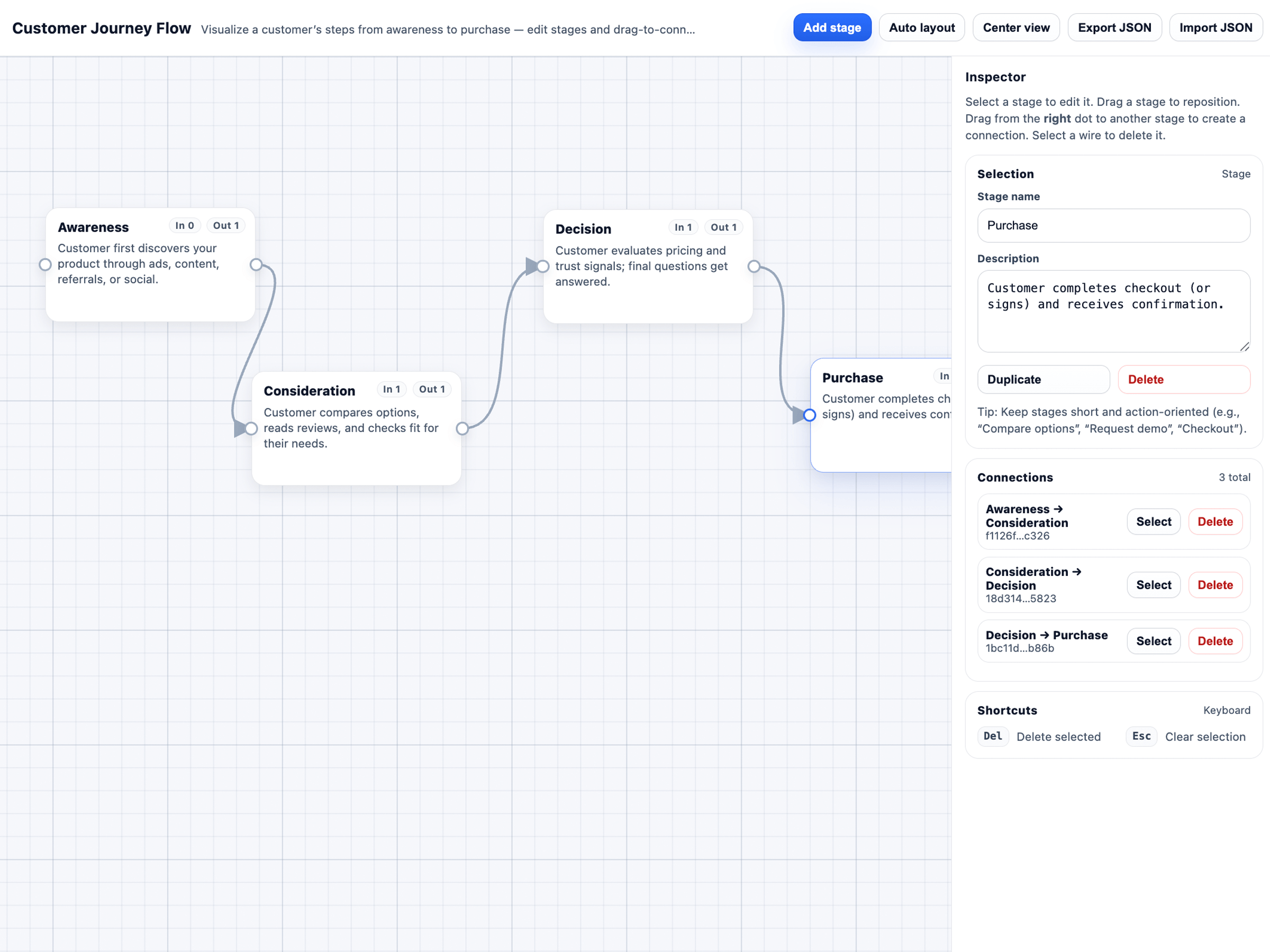
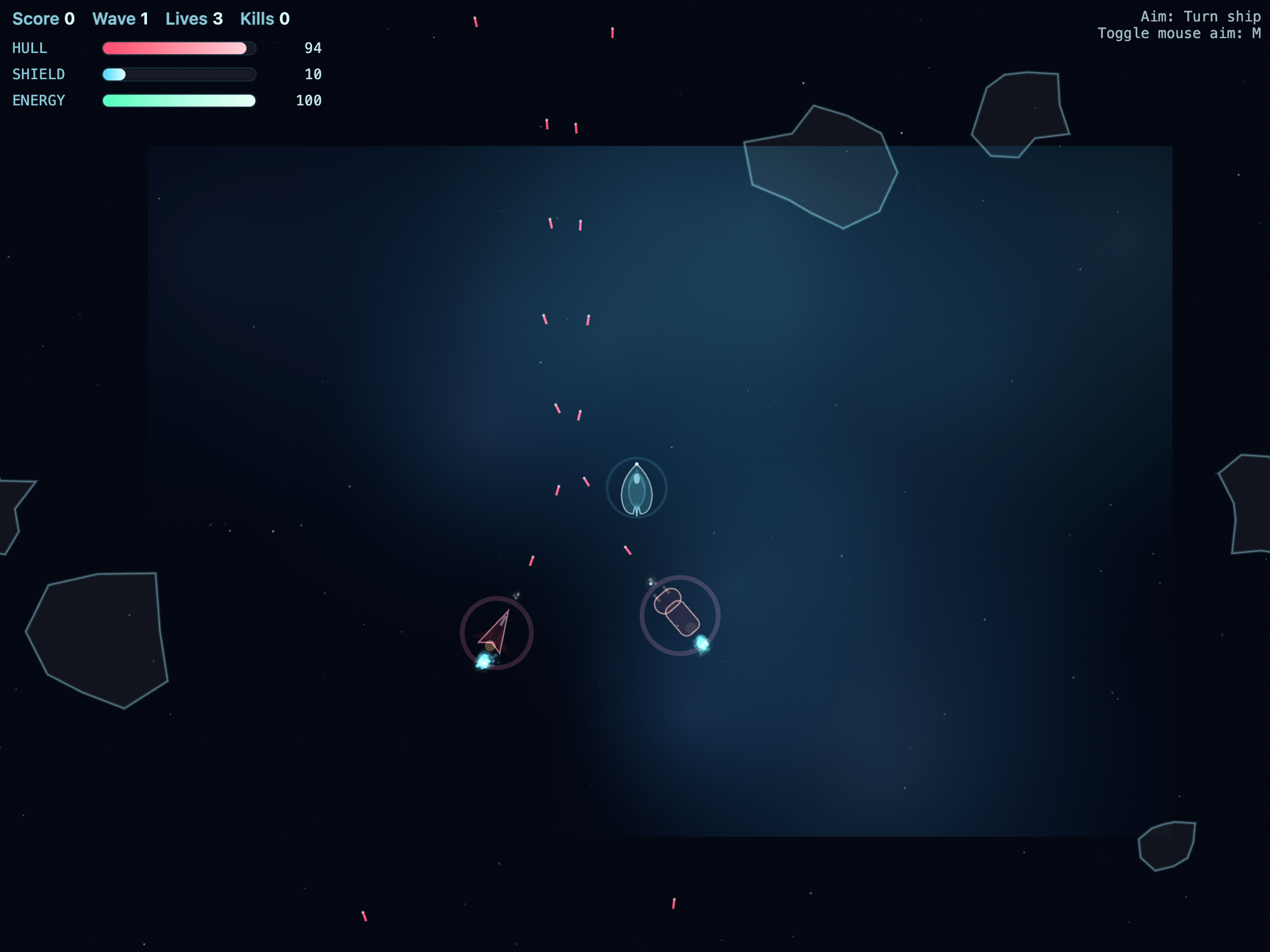
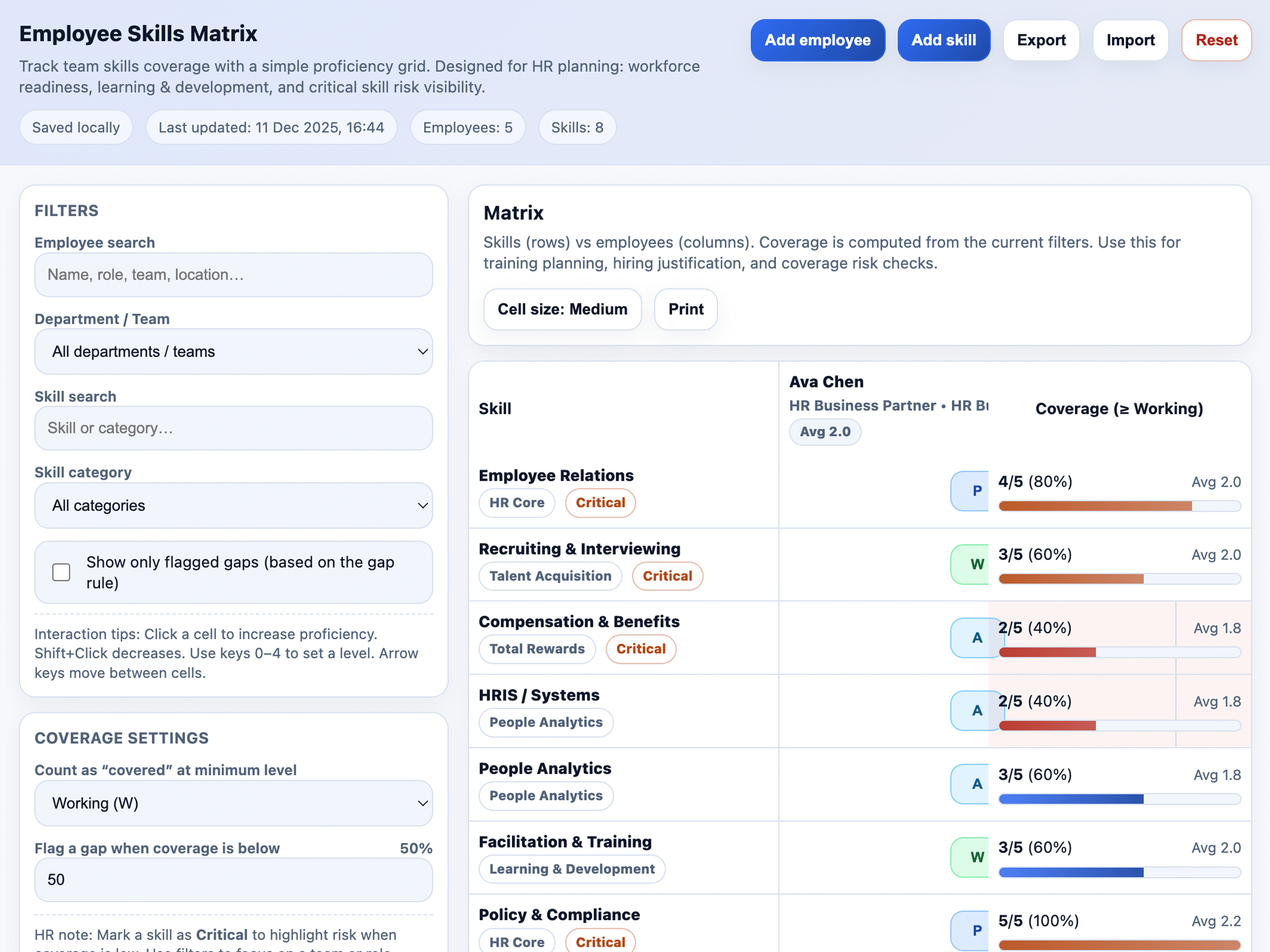
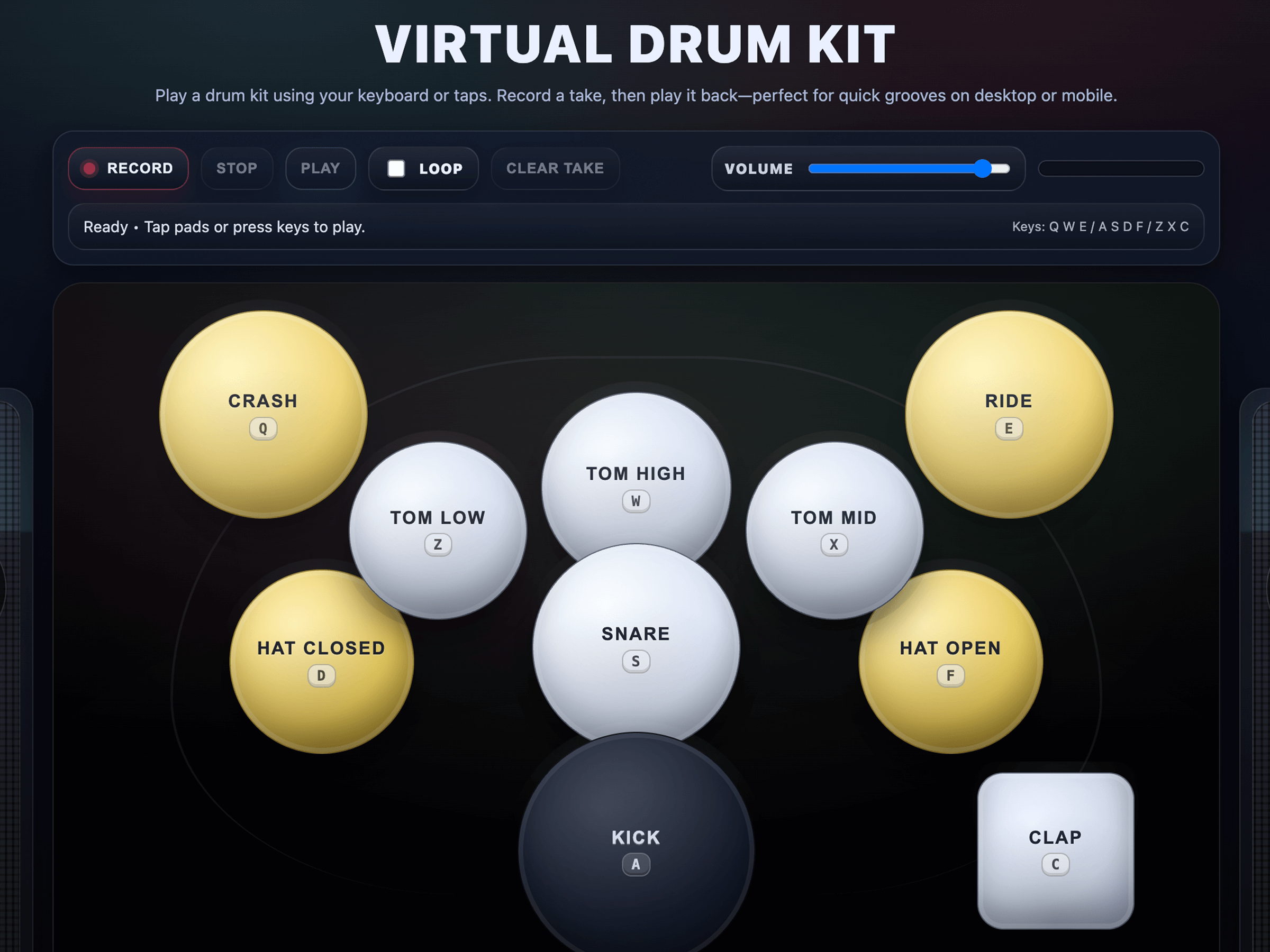
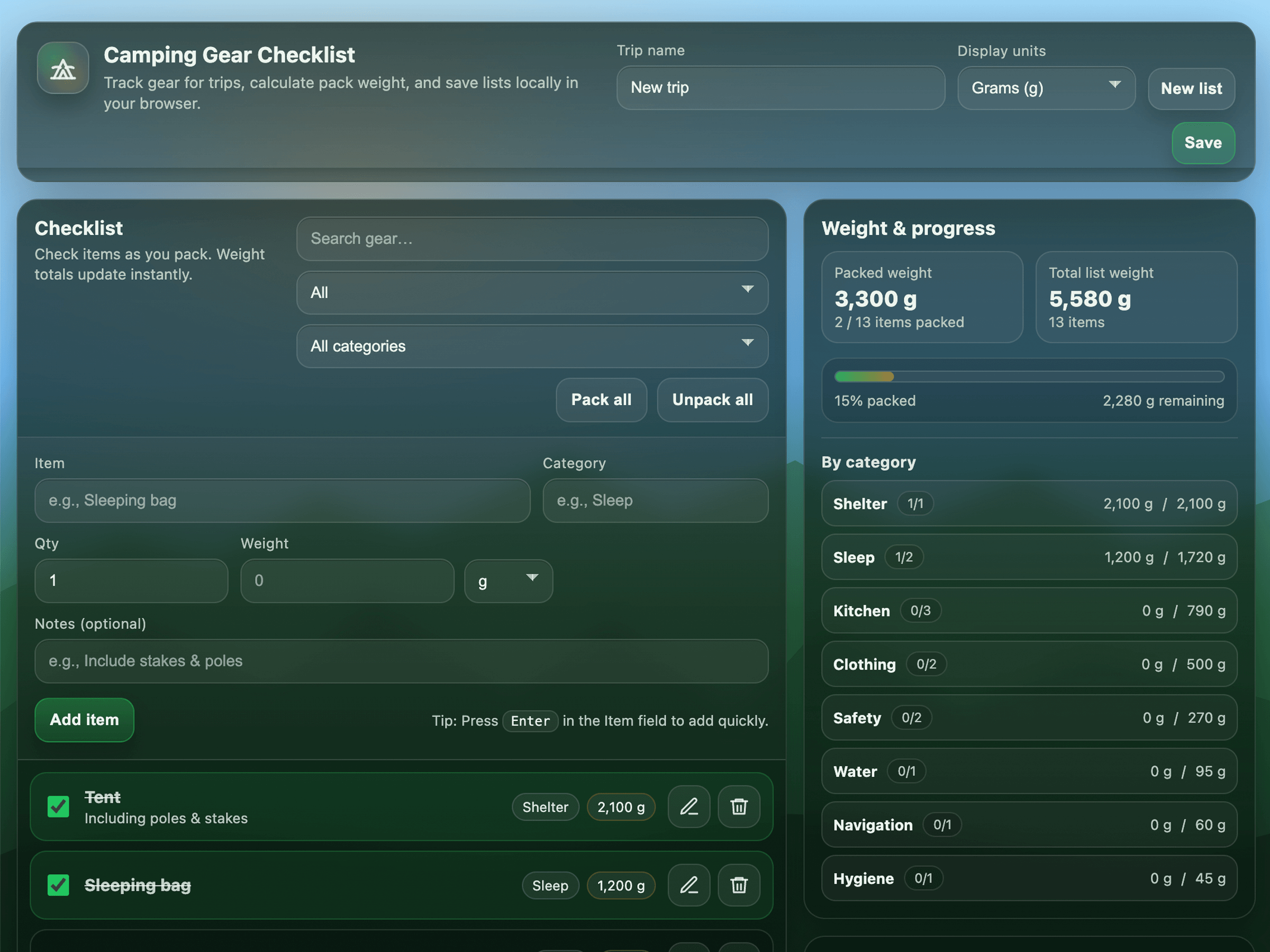
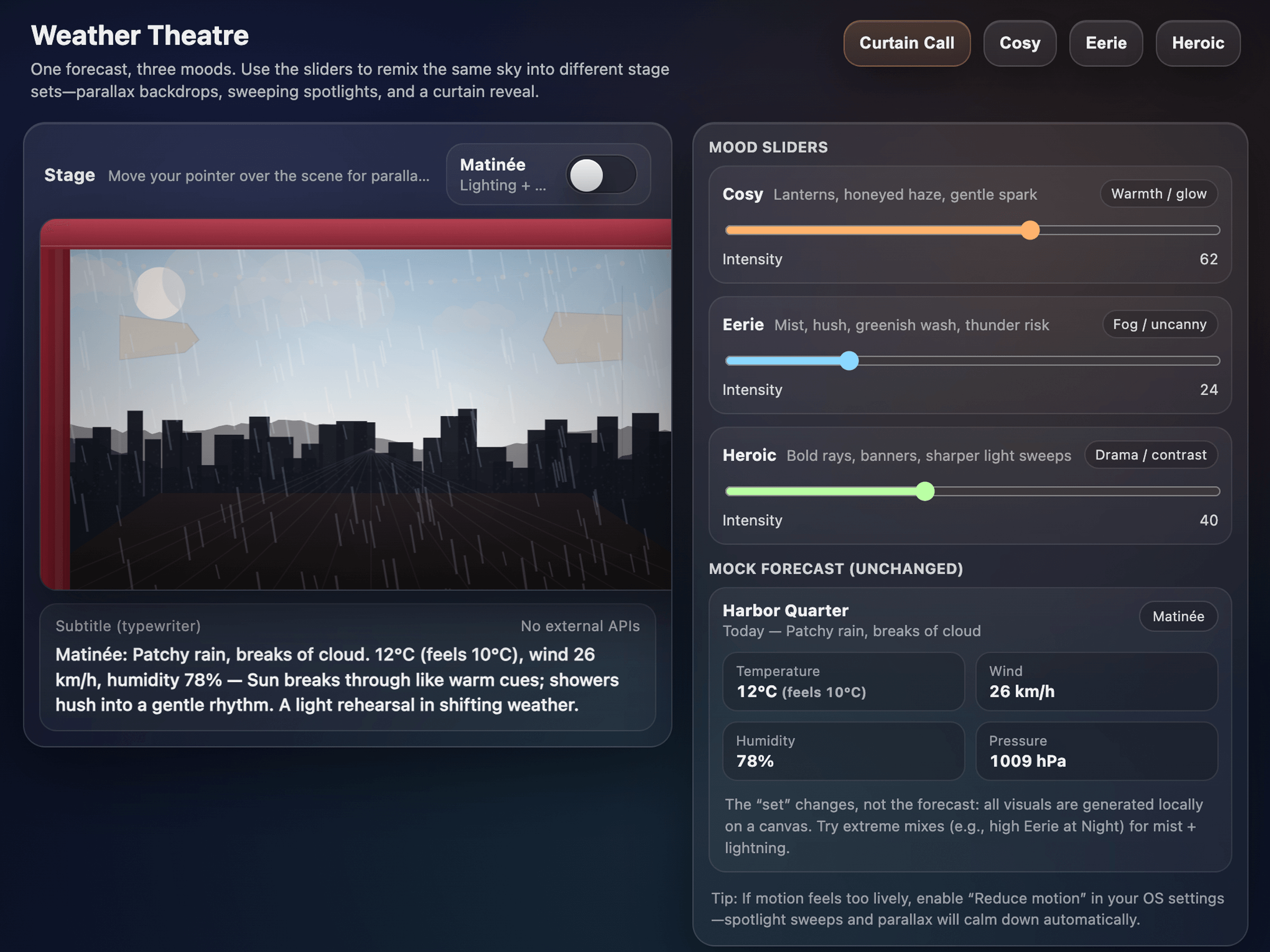
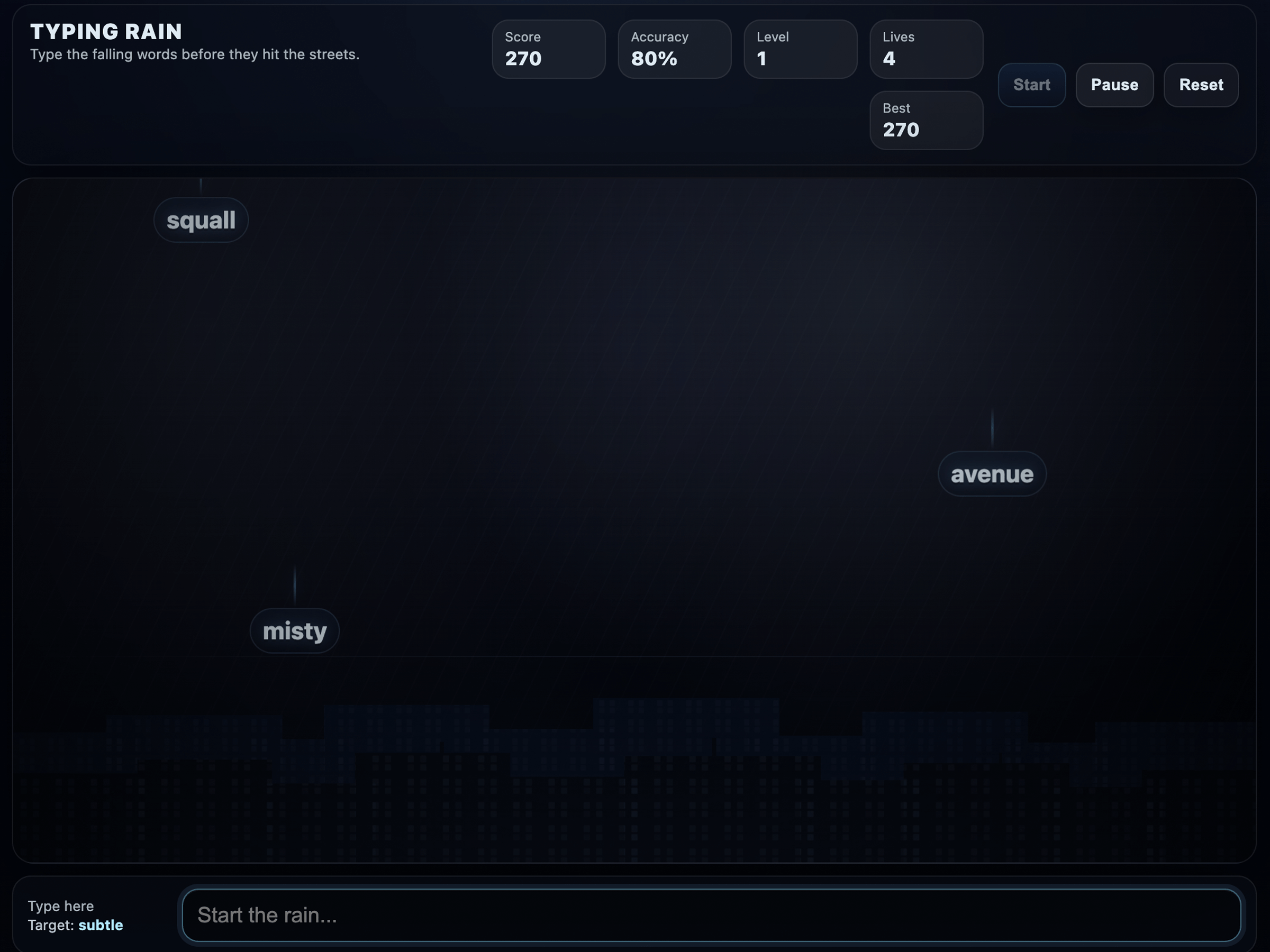
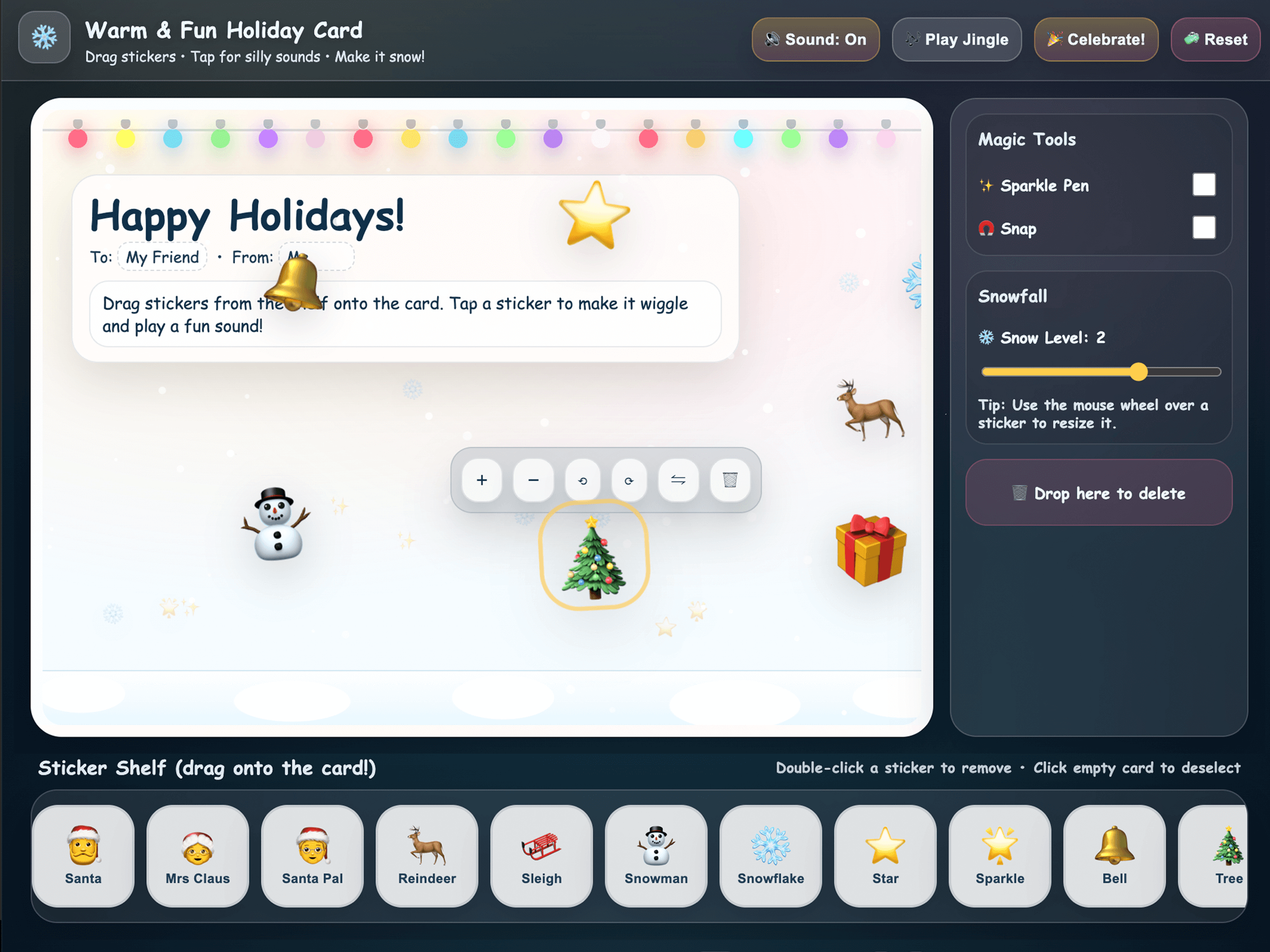
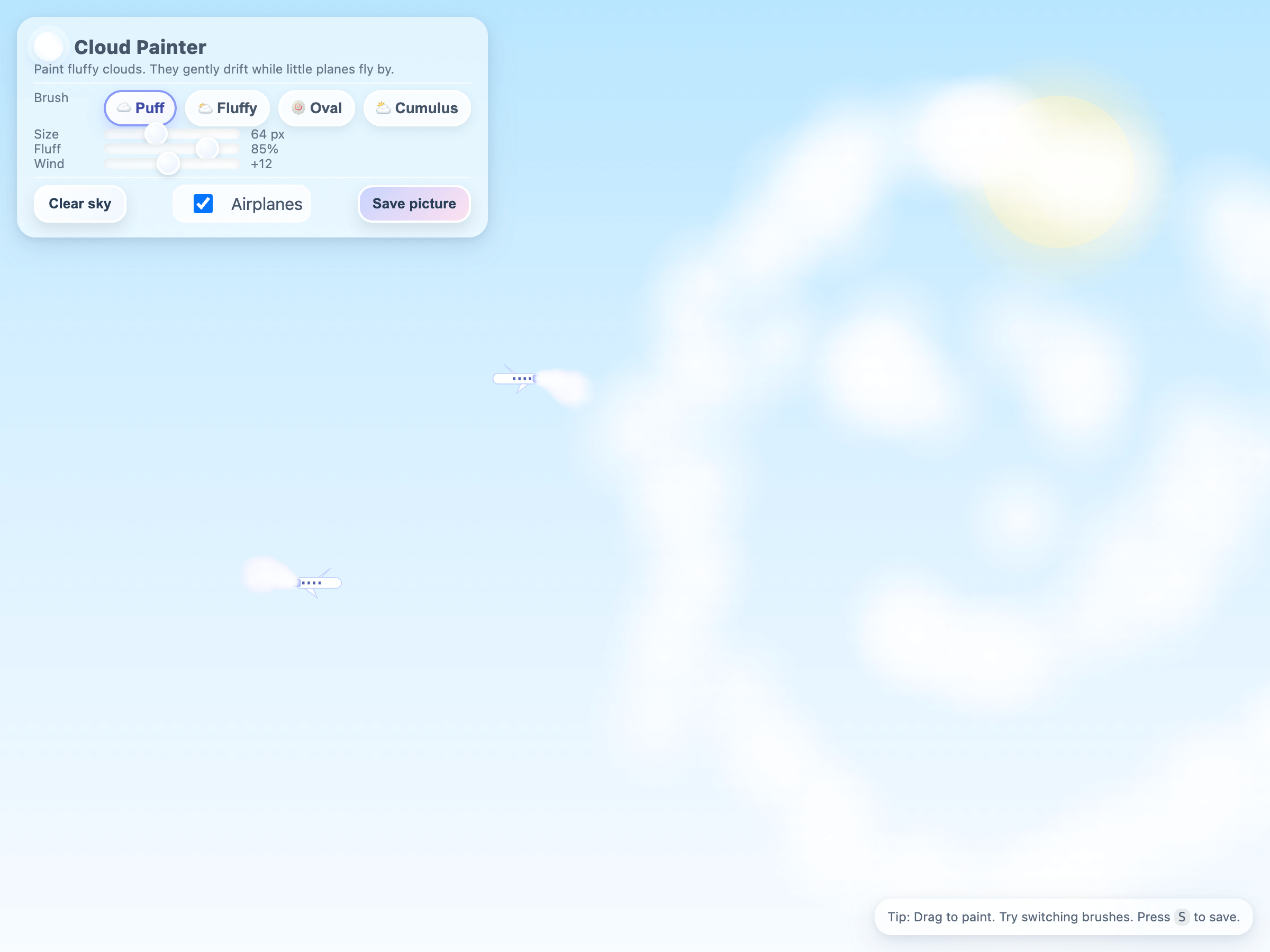
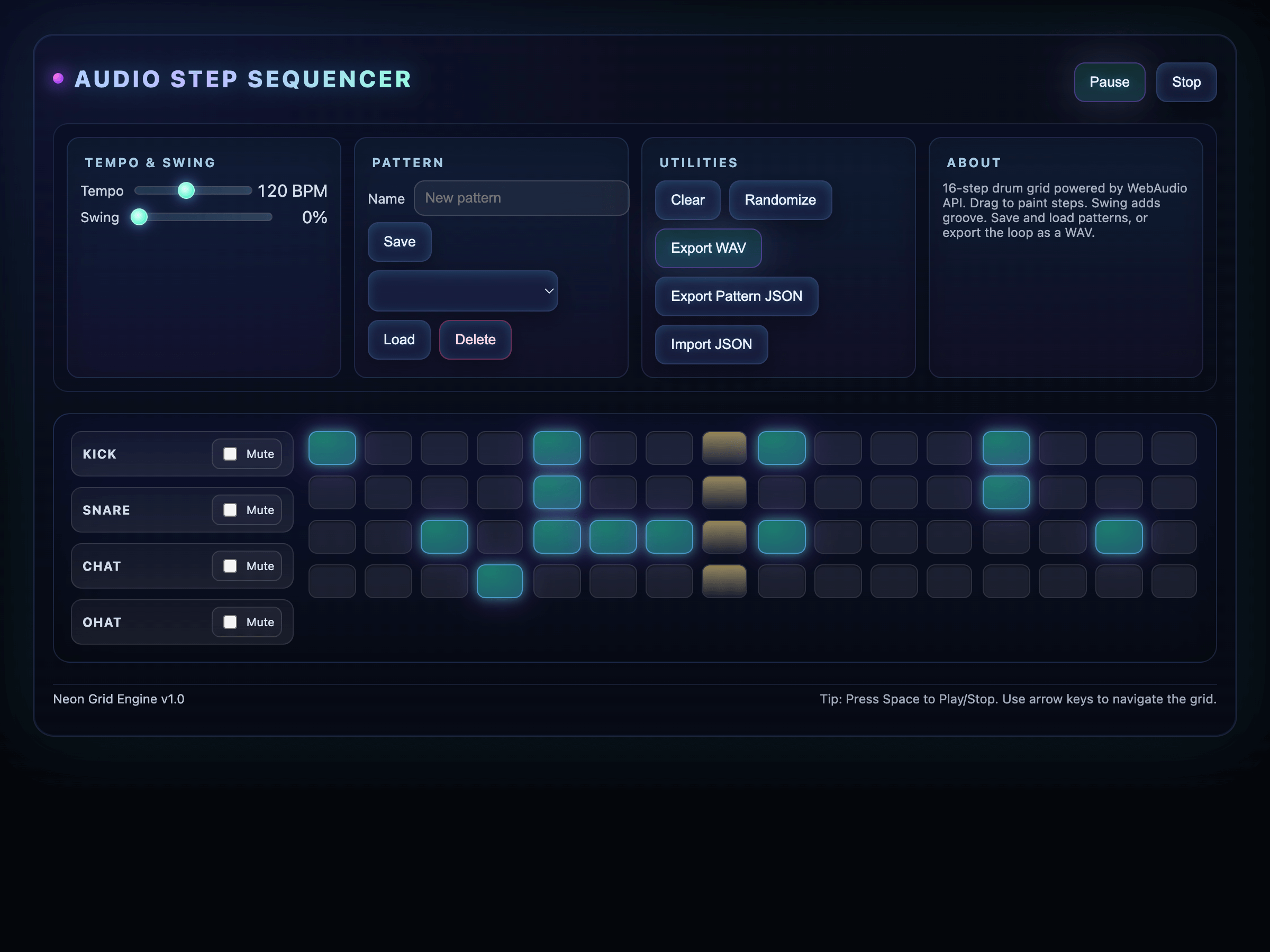
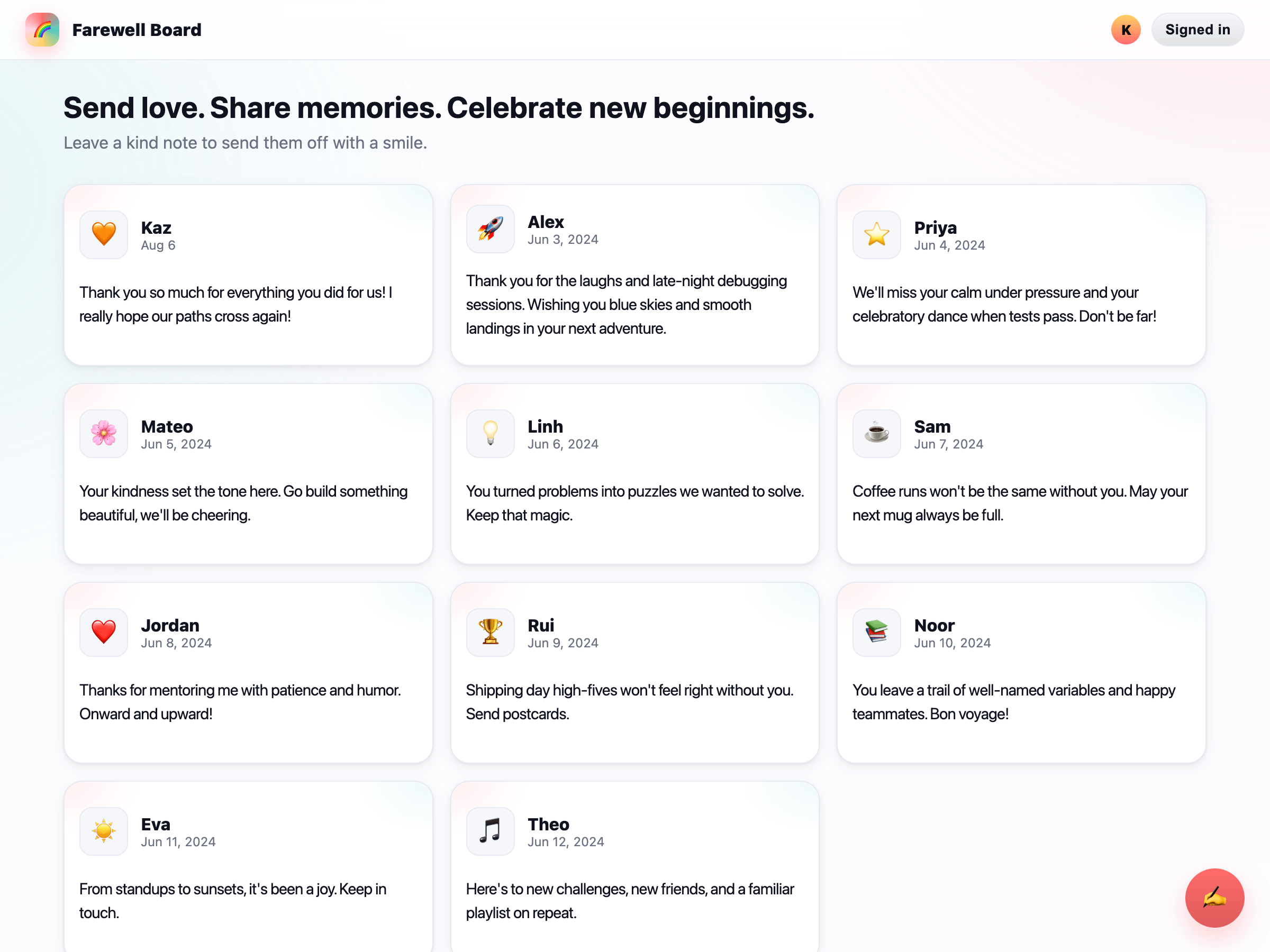
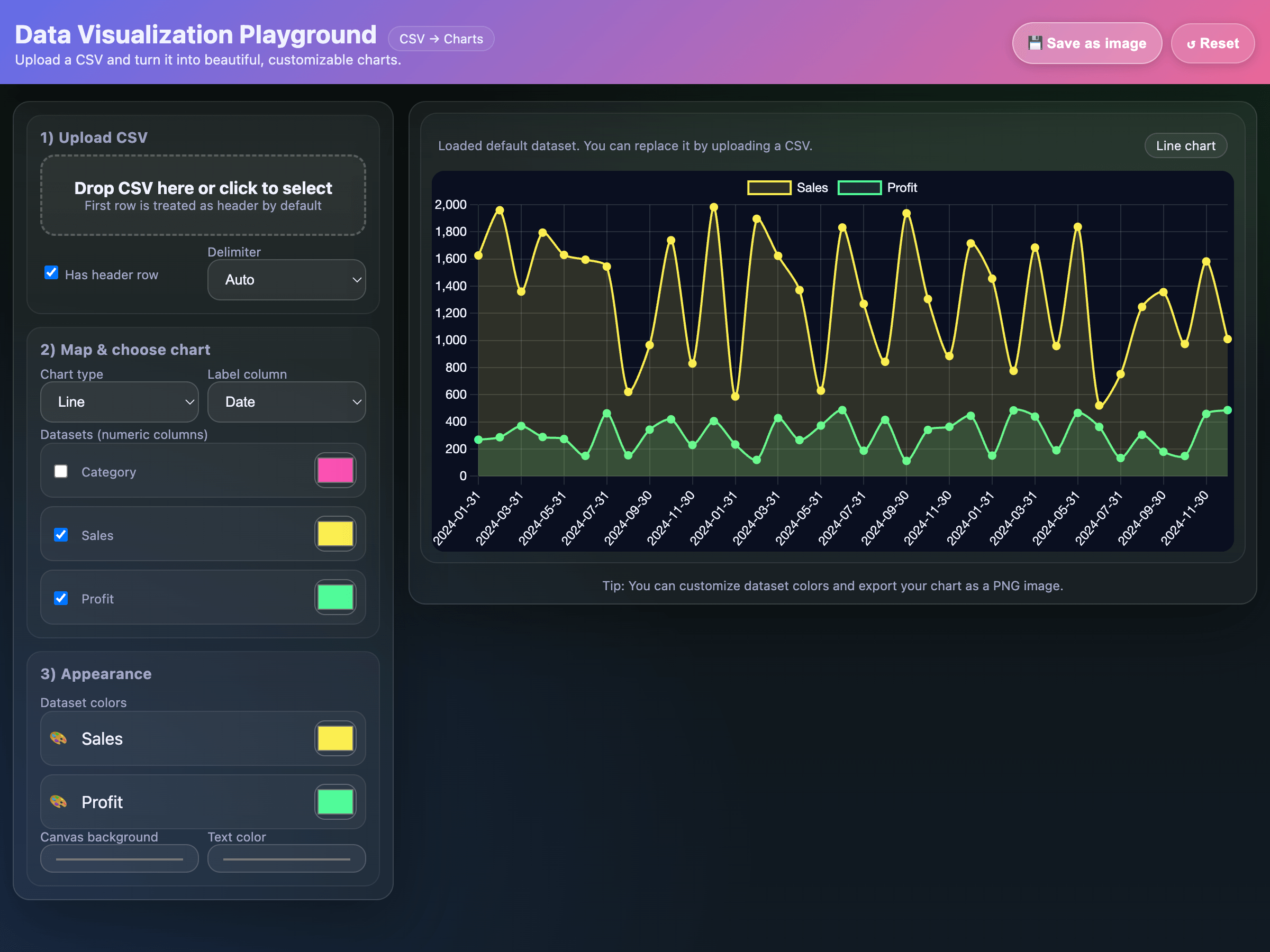
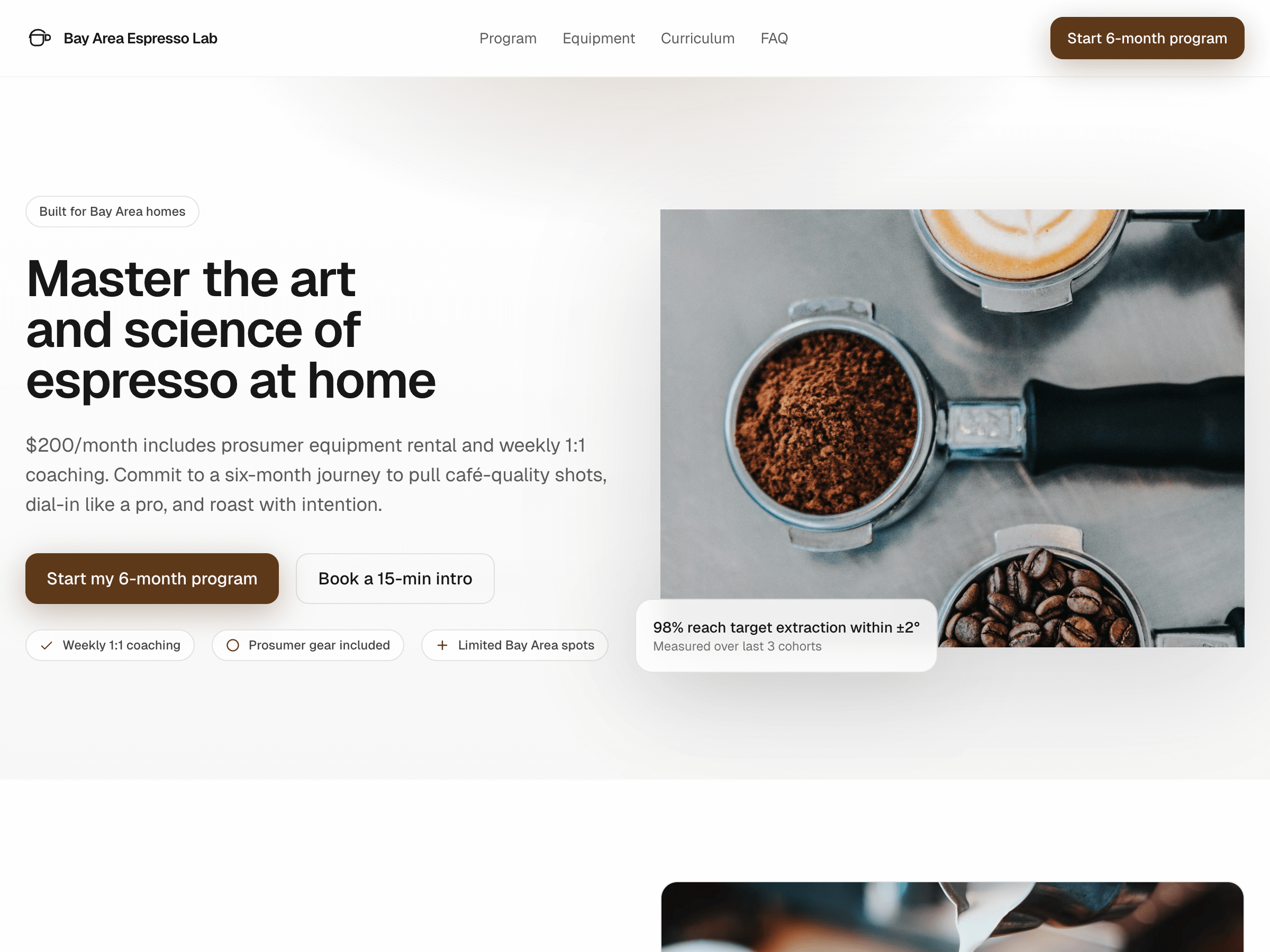
フロントエンド開発では、まず Codex または Responses API で gpt-6.1-sol または gpt-6-astra を使ってください。
以下のギャラリーでは、GPT-5 がそれぞれ一つのプロンプトから生成したアプリケーションを過去の作例として紹介しています。これらのプロンプトを出発点として、デプロイ予定のモデルで試し、生成結果を評価してください。