
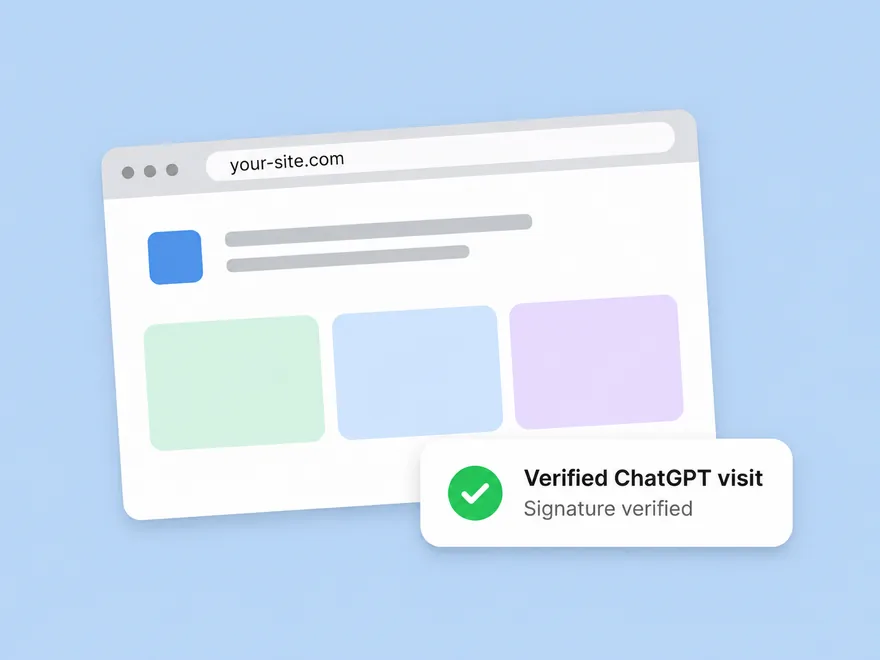
Reach customers where they decide
People can ask ChatGPT to visit websites and help them get things done, such as finding a product, comparing options, or filling out a form. Making your site accessible to ChatGPT helps users get information directly from your business and take action using your site.
For some tasks, ChatGPT uses a browser running on a computer in the cloud. This browser lets ChatGPT read pages, click buttons, and interact with your site on a user’s behalf.
If your site blocks cloud browser visits
ChatGPT’s cloud browser can already use your site. You don’t need to add it to an allowlist.
However, your security settings may unintentionally block these visits. To address this, configure your CDN or firewall to allow verified ChatGPT browser visits while keeping your other security controls in place.
See the Web Bot Auth and cloud browser allowlisting guide for details.
Configure an exception if needed
If your site blocks verified cloud browser traffic, see the instructions for your CDN or firewall below.
Akamai, Cloudflare, HUMAN, and Vercel verify ChatGPT request signatures automatically.
If you use another provider, follow the manual verification instructions under “Other CDNs and firewalls.”
Akamai
Akamai identifies Cloud browser traffic under the existing bot name ChatGPT Agent in its Artificial Intelligence bots category.
To allow this traffic:
- In your Akamai Security Configuration, open the relevant Security Policy.
- Select Bot management, then Custom Bot Categories.
- Under settings, select Manage Bot Categories.
- Add a new bot category and create a bot with:
- Type: Akamai-Defined
- Bot name: ChatGPT Agent
- Return to Custom Bot Categories and set the new category’s action to Allow.
Akamai verifies request signatures automatically. No custom signature verification is required.
Cloudflare
Cloudflare recognizes Cloud browser traffic as a signed agent in its Bots and Agents directory.
The existing identifiers are:
- Bot tag:
chatgpt-agent - Detection ID:
129220581
To allow this traffic:
- In the Cloudflare dashboard, open Security → WAF and create a custom rule.
- Set the rule expression to Bot Detection ID equals.
- Search for ChatGPT Operator and select detection ID
129220581. - Configure the rule to allow or skip requests matching this detection ID.
- Save and deploy the rule.
Cloudflare verifies request signatures automatically. No additional signature verification is required.
HUMAN
HUMAN Sightline
HUMAN recognizes Cloud browser traffic under the existing bot name ChatGPT Agent in Known Bots & Crawlers.
To allow it:
- In your Sightline or BD console, go to Policies → Traffic Policy Settings → Known bots & Crawlers.
- Search for ChatGPT Agent.
- Set the rule to ON and select Allow.
HUMAN AgenticTrust
HUMAN AgenticTrust verifies Cloud browser traffic and allows you to manage permissions associated with the existing ChatGPT Agent entry.
To update those permissions:
- In your Sightline console, open Policies → AI Agents Permissions.
- Search for ChatGPT Agent.
- Review and update the available permissions as needed.
HUMAN verifies request signatures automatically. Its permission settings do not change Cloud browser’s supported capabilities.
Vercel
If your site is hosted on Vercel and your security rules don’t block cloud browser traffic, no additional configuration is required.
Vercel recognizes this traffic through the existing ChatGPT Agent entry, identified as chatgpt-operator, and automatically verifies signatures on those requests.
For more information, see Vercel’s support for Web Bot Auth.
Other CDNs and firewalls
How message signatures work
ChatGPT uses Web Bot Auth to identify certain automated browser requests. This guidance applies to signed cloud browser requests, not web crawlers. Web Bot Auth uses the HTTP Message Signatures standard, RFC 9421.
A signed request includes:
- A
Signatureheader. - A
Signature-Inputheader. - A
Signature-Agentheader set to"https://chatgpt.com".
Public keys for verifying these signatures are available at https://chatgpt.com/.well-known/http-message-signatures-directory.
Your CDN, firewall, or edge service can retrieve the public key, validate the signature, and confirm that a request originated from ChatGPT.
If your CDN or firewall does not automatically recognize Cloud browser traffic, you can verify requests directly:
- Confirm the
Signature-Agentheader exactly matches"https://chatgpt.com", including the quotation marks. - Retrieve the corresponding public key from https://chatgpt.com/.well-known/http-message-signatures-directory.
- Verify the
SignatureandSignature-Inputheaders according to RFC 9421. - To apply an allowlist exception for signed browser requests, first verify their signatures.
FAQs
Safety and security
Can I require that a human confirm certain actions, including checkout?
We don’t yet have features to allow specific site owners to control what actions users can take, but across all our users, we require human review before any consequential action.
Can I prevent agents from accessing certain pages or products?
An exception can apply site-wide. Keep your existing page-level access controls in place.
Does this affect other bots?
No. An allowlist rule for verified cloud browser visits doesn’t change how your site handles other traffic. These browser visits happen on a user’s behalf and are separate from OpenAI’s web crawlers, including OAI-SearchBot for search. See OpenAI web crawlers for crawler-specific controls.
Technical
How does this relate to product feeds?
Cloud Browser lets ChatGPT securely access websites on a user's behalf to complete end-to-end tasks for users within the ChatGPT conversation. This functionality is independent of but complementary to commerce feeds. Direct shopping feeds help our models better understand retailers' product inventory for product discovery while computer use via Cloud Browser/Dots helps users take downstream actions directly on partner sites. Websites/merchants do not need to have direct feeds set up with us for verified ChatGPT users to use our Cloud Browser to navigate their sites.
How does this relate to plugins?
Cloud Browser lets ChatGPT securely access websites on a user's behalf to complete end-to-end tasks for users within the ChatGPT conversation. This functionality is independent of but complementary to plugins, which let a user connect directly to your service via MCP. Websites/merchants do not need to have a plugin for verified ChatGPT users to use our Cloud Browser to navigate their sites. That said, a plugin may make it easier and faster for users to engage with your service, and we encourage developers to build and publish plugins.
Commercial
Who handles payment or order errors?
Customers are ultimately responsible for the actions they take, so any customer service or support should be handled in the same way you would if a customer took the action themselves.
How will this impact my relationship with my customers?
Users are increasingly turning to ChatGPT for answers, help making decisions, and help completing tasks. Meeting users and customers where they are is the best way to maintain engagement. Sites that block access may lose users or customers who turn to other sources to make decisions.