Building a shareable site
Describe what you want, and ChatGPT can build and host a real website, even from ChatGPT Work on your phone. Create a dashboard, shared trip planner, interactive tool, game, or whatever else you can imagine.
Turn an idea into a website
Start with an idea, or keep going in a conversation you already have. Ask ChatGPT Work to make a website, and tell it what people should be able to do there. ChatGPT handles the code and hosting.
The site can save information in a database, such as votes, expenses, or form responses. It can also store uploaded files, like receipts, photos, or documents. You can choose who is allowed to visit.
Imagine you’ve been planning a trip with friends in ChatGPT. You’ve already chosen dates, found a place to stay, and collected reservations. Mention @Sites in that conversation to turn the plan into a website the whole group can use.
 @Sites
 Copy this prompt into the conversation where you planned the trip.
Different sites you can build
Make a storefront, explore a set of data, build a game, or give your team a working dashboard. These examples show a few possibilities.
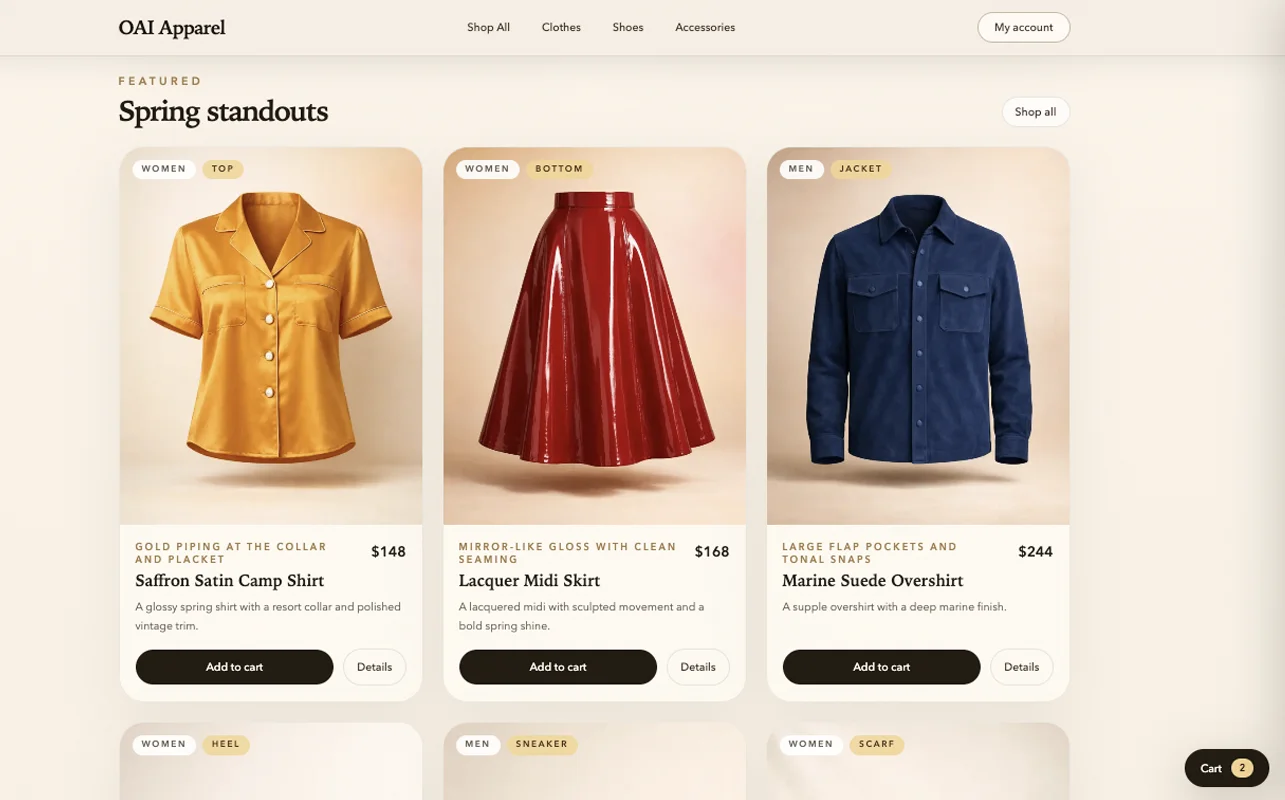
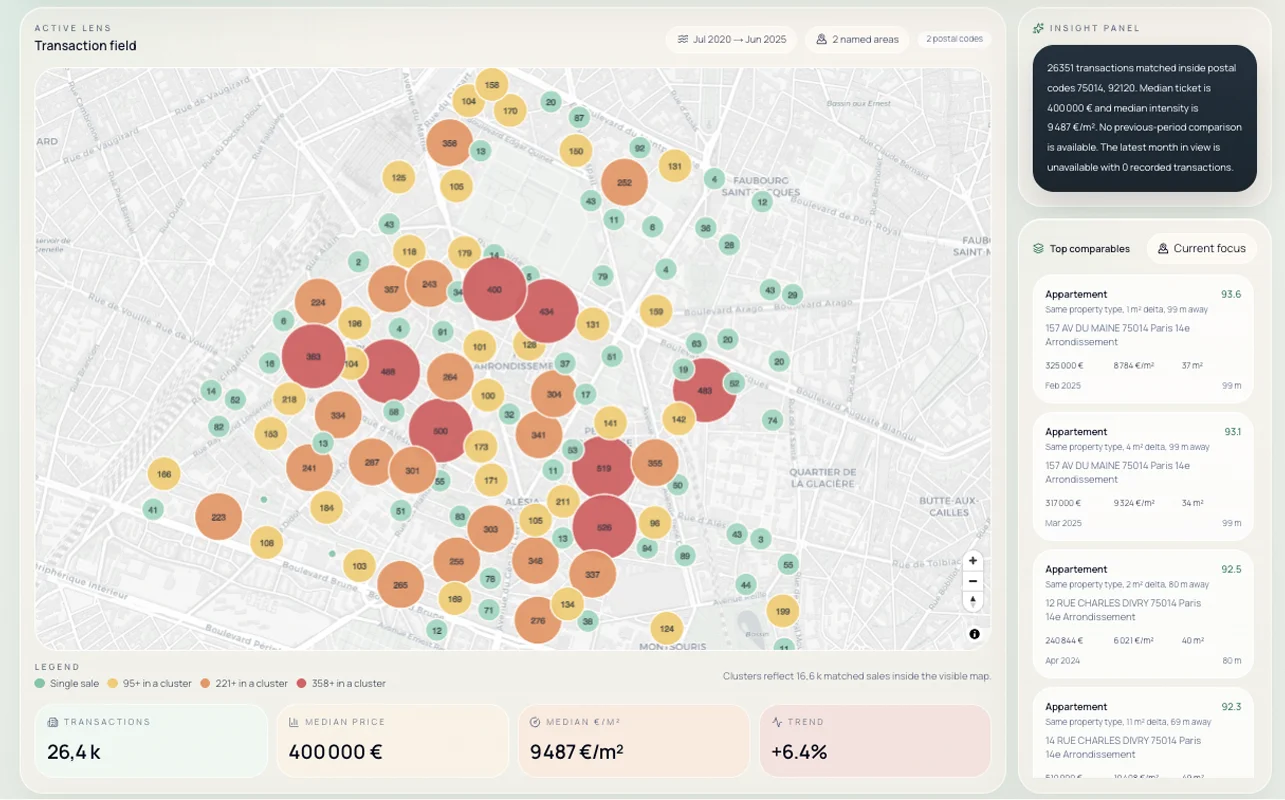

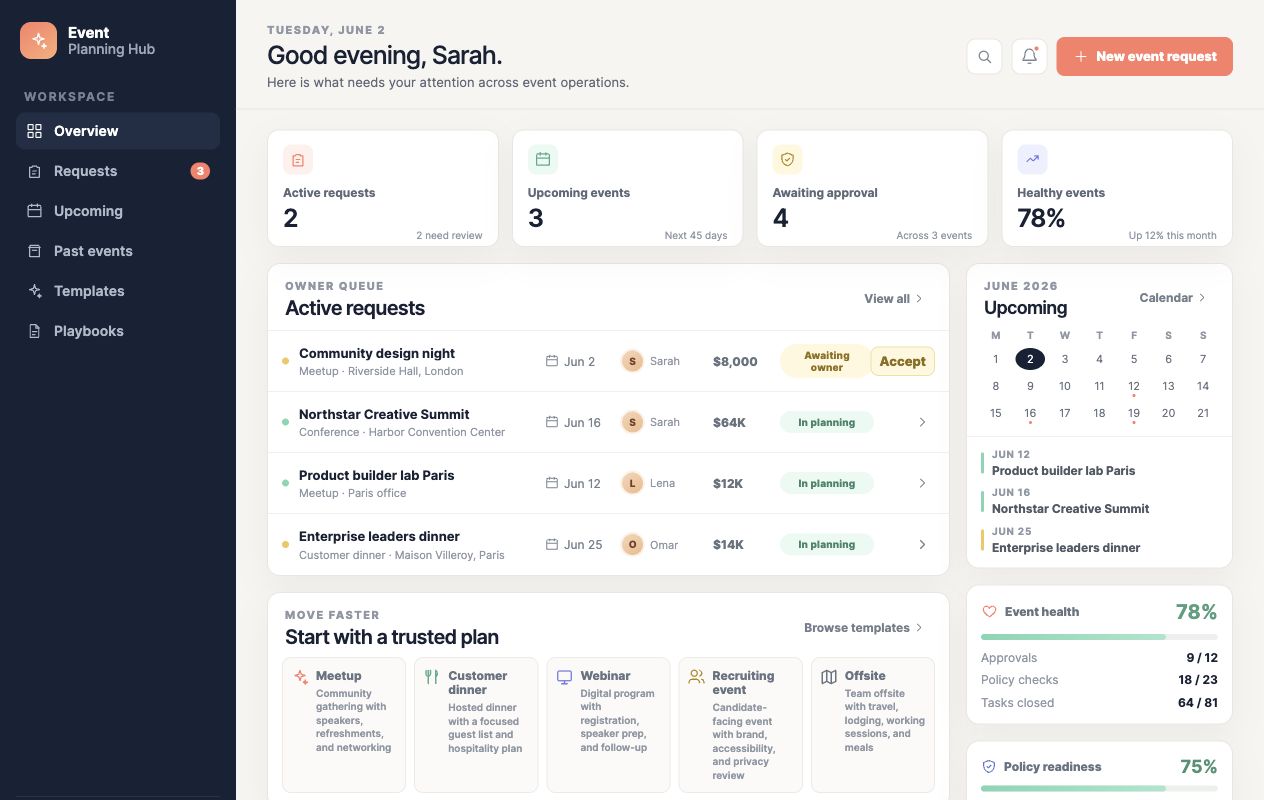
See more projects in the project showcase.
Make changes in the browser
In the ChatGPT desktop app, open your site in the in-app Browser. Leave a comment on the part you want to change, then ask ChatGPT to make the edit in the same conversation. For the trip site, you might say, “Move the itinerary above the map,” or “Let everyone upload a receipt next to each expense.”
On the web, open the site’s preview, select Edit, and describe your changes. You can also return to the Work conversation from your phone and keep asking for updates.
Choose who can visit
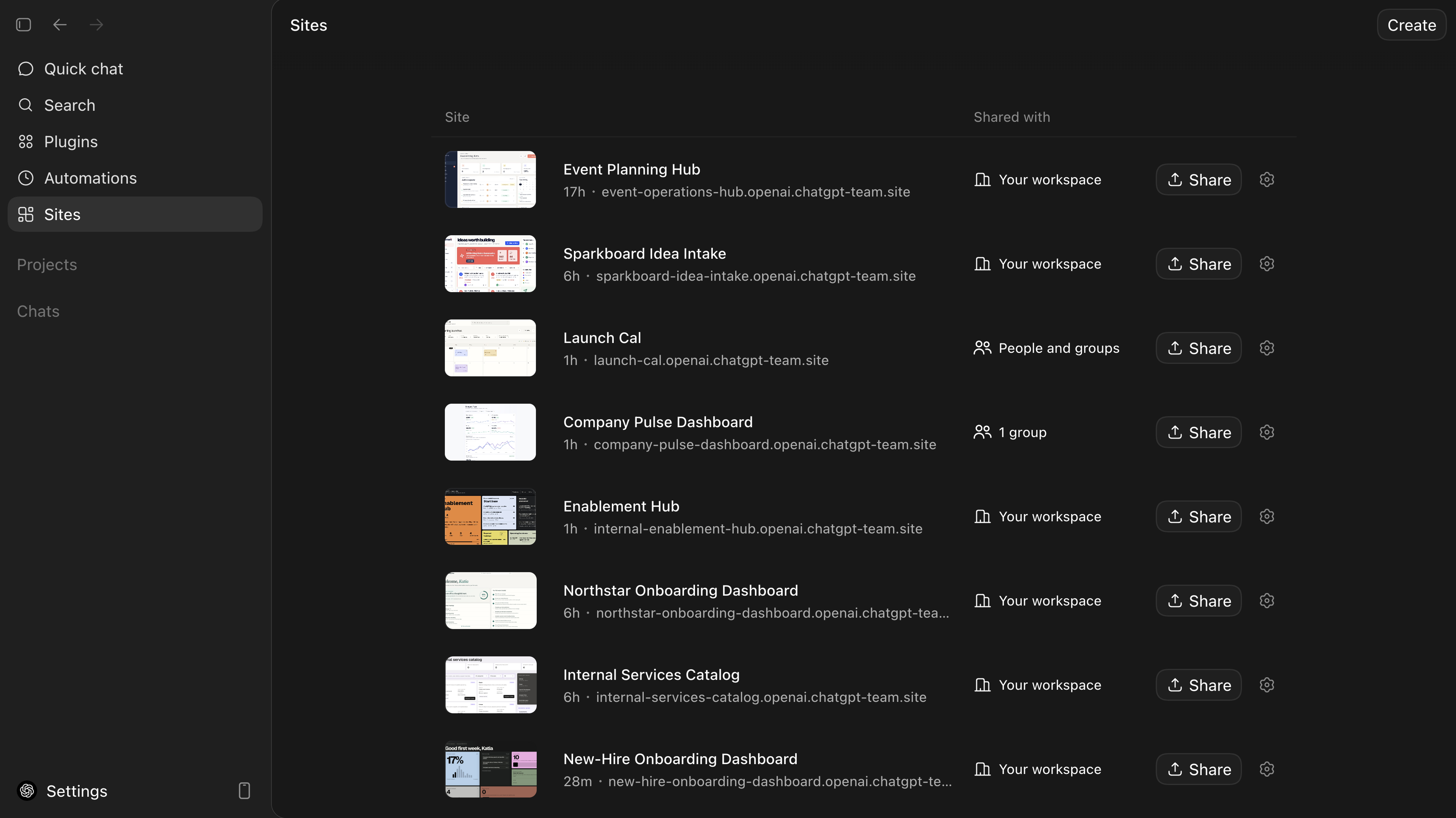
A new site is limited to you and your workspace admins. Open Sites, find the site, and select Share to choose who can visit. The available options depend on your account and workspace settings.
- Owner and workspace admins
Keep the site limited while you review it.
- Selected people or groups
Give access to particular teammates or groups.
- Anyone in your workspace
Make the site available across your organization.
- Anyone on the internet
Let anyone open the site, if public publishing is enabled.
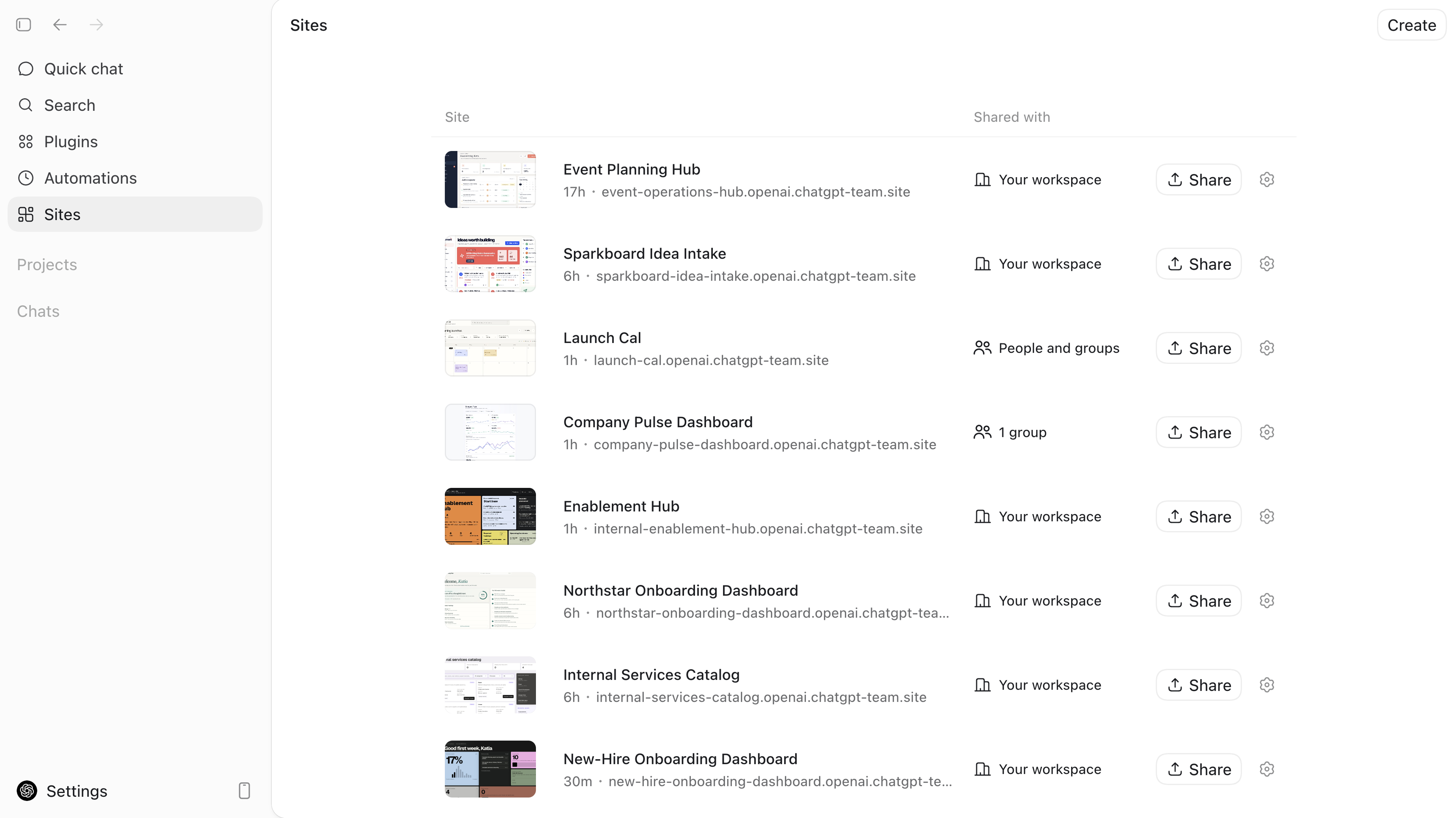
Try it
Try a demo storefront, a property comparison tool, a game, or a site for plans you already have.
Opens a new ChatGPT draft. To use details from an existing conversation, paste this prompt there instead.
Up next
Working on your phone
Use ChatGPT Work from the mobile app, or use Remote to review, approve, and start tasks on your connected computer.