Primary navigation

Codex changelog

Latest updates to Codex, OpenAI’s coding agent

March 2026

  • Codex app 26.312

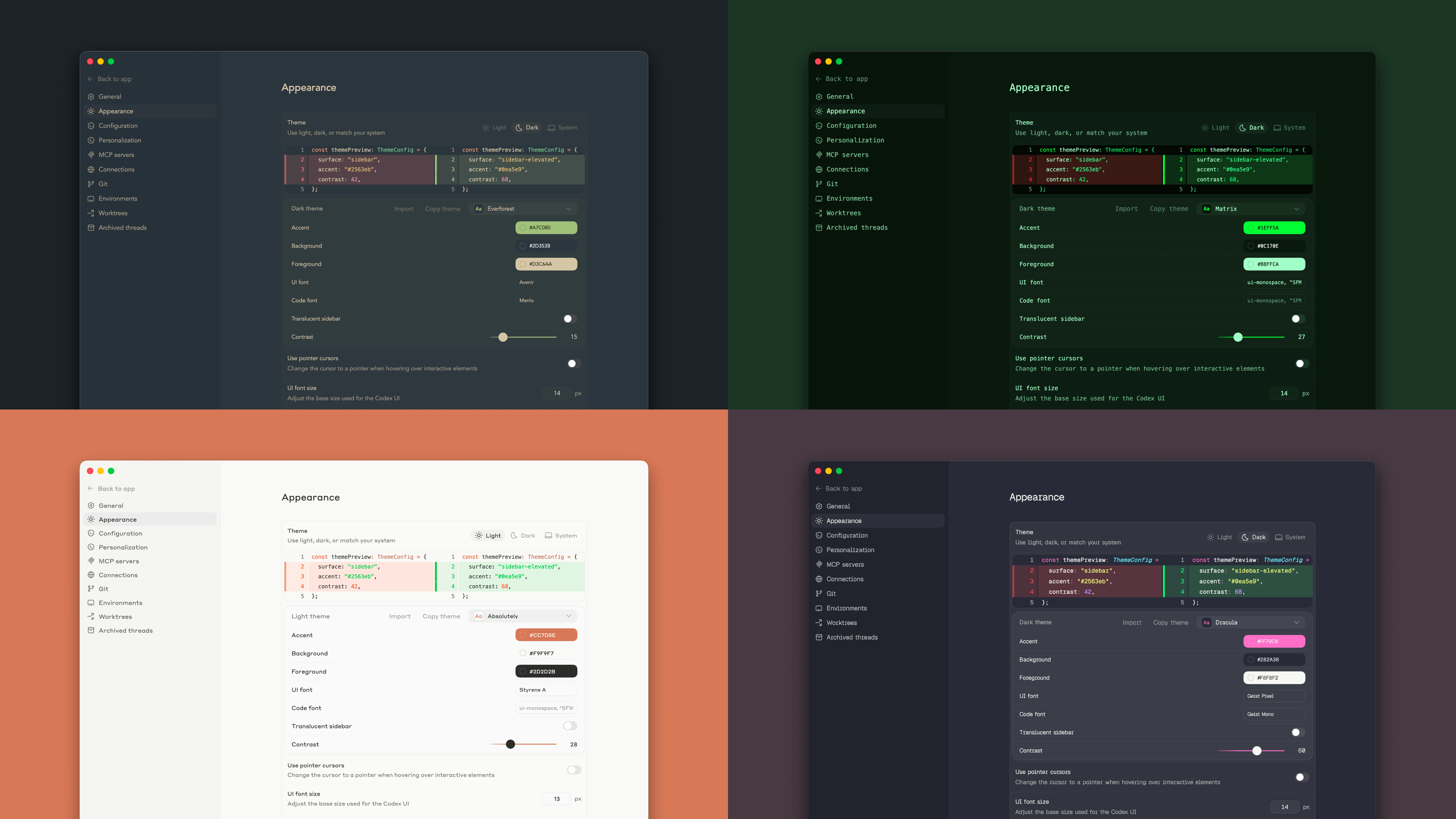
    Themes

    Change the Codex app appearance in Settings by choosing a base theme, adjusting accent, background, and foreground colors, and changing the UI and code fonts. You can also share your custom theme with friends.

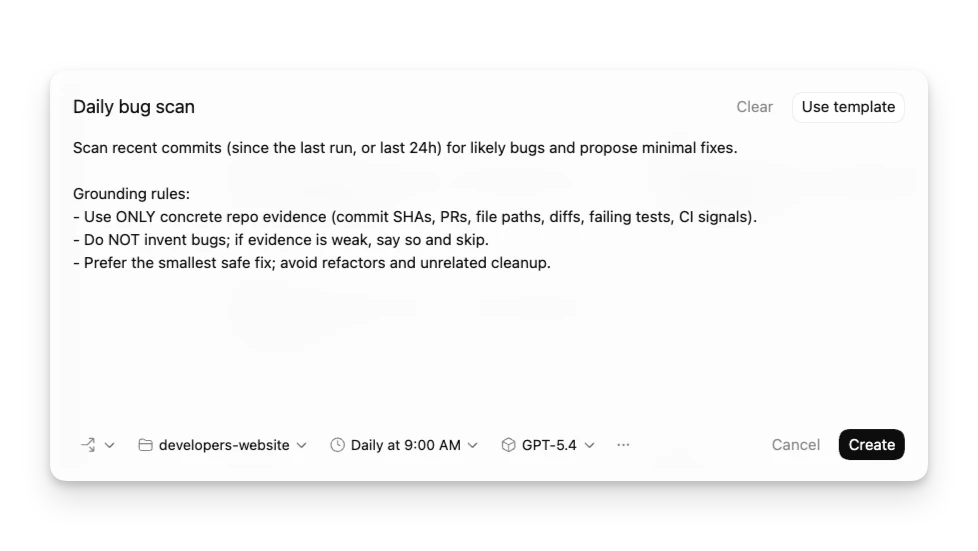
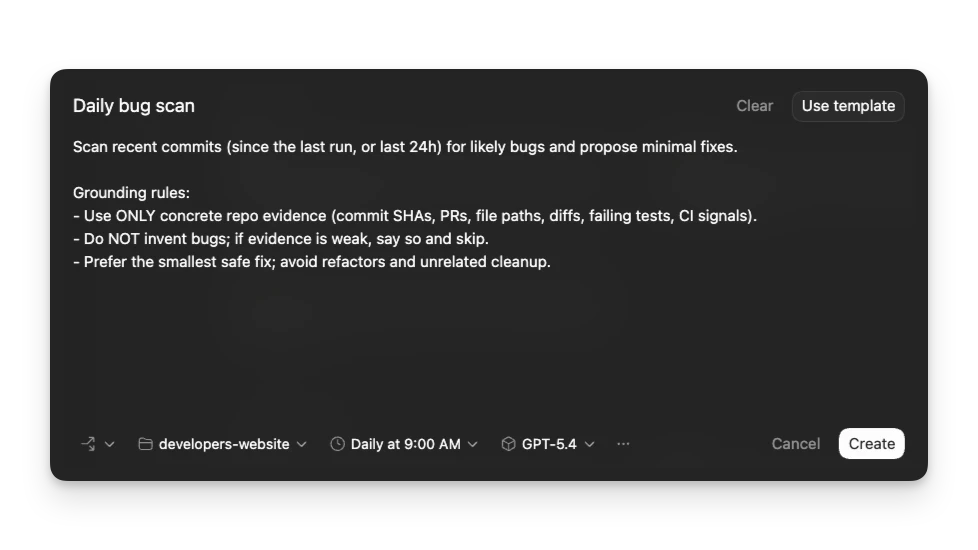
    Revamped Automations

    You can now choose whether automations run locally or on a worktree, define custom reasoning levels and models, and use templates to find inspiration for new automations.

    Performance improvements and bug fixes

    Various bug fixes and performance improvements.

  • Codex app 26.311

    New features
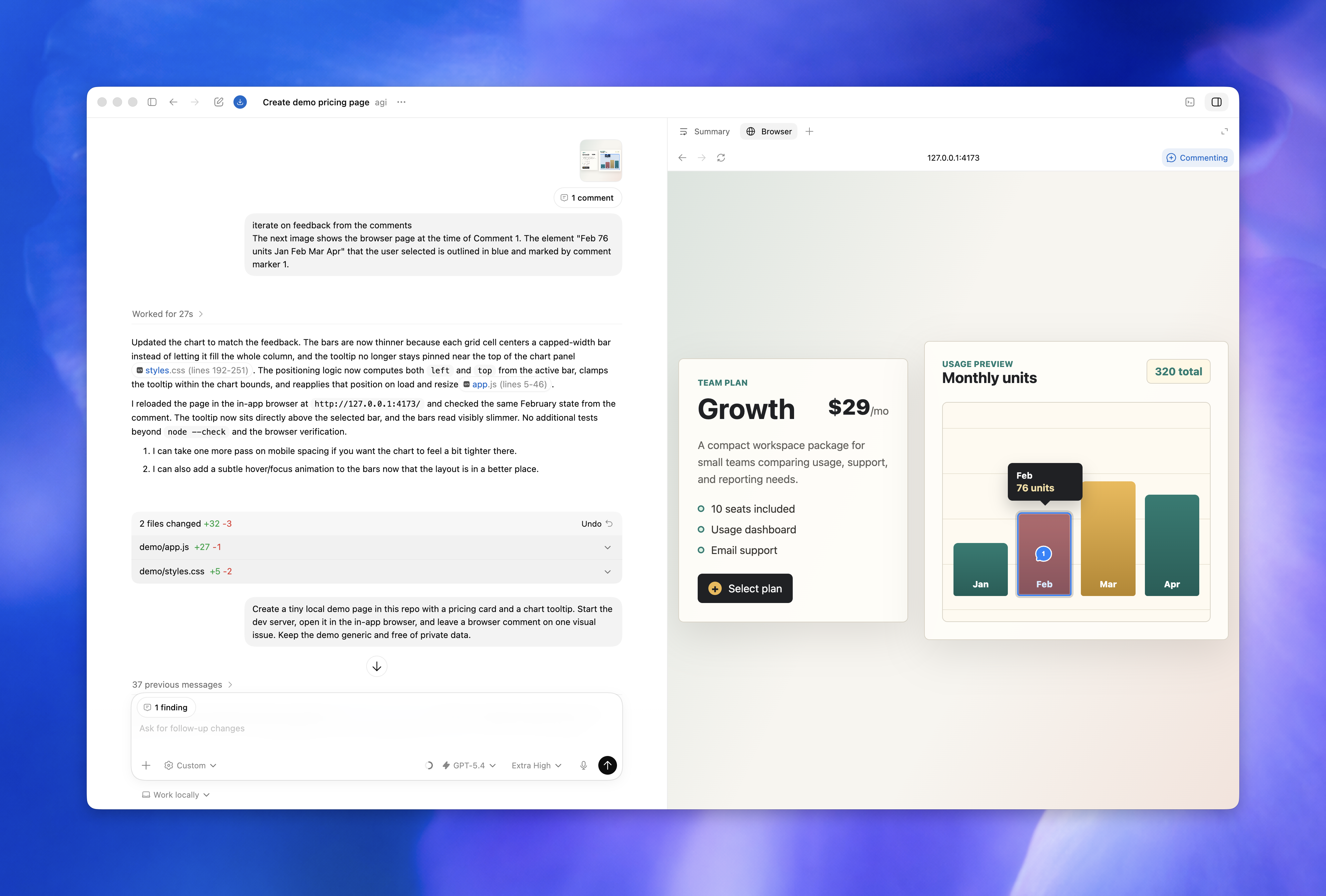
    • Codex can now read the integrated terminal for the current thread, so it can check the status of a running development server or refer back to failed build output while it works with you.

    Performance improvements and bug fixes

    • Additional performance improvements and bug fixes.
  • Codex CLI 0.114.0

    $ npm install -g @openai/codex@0.114.0
    View details

    New Features

    • Added an experimental code mode for more isolated coding workflows. (#13418)
    • Added an experimental hooks engine with SessionStart and Stop hook events. (#13276)
    • WebSocket app-server deployments now expose GET /readyz and GET /healthz on the same listener for easier health checks. (#13782)
    • Added a config switch to disable bundled system skills entirely. (#13792)
    • Handoffs now carry realtime transcript context, which improves continuity when work is transferred between turns. (#14132)
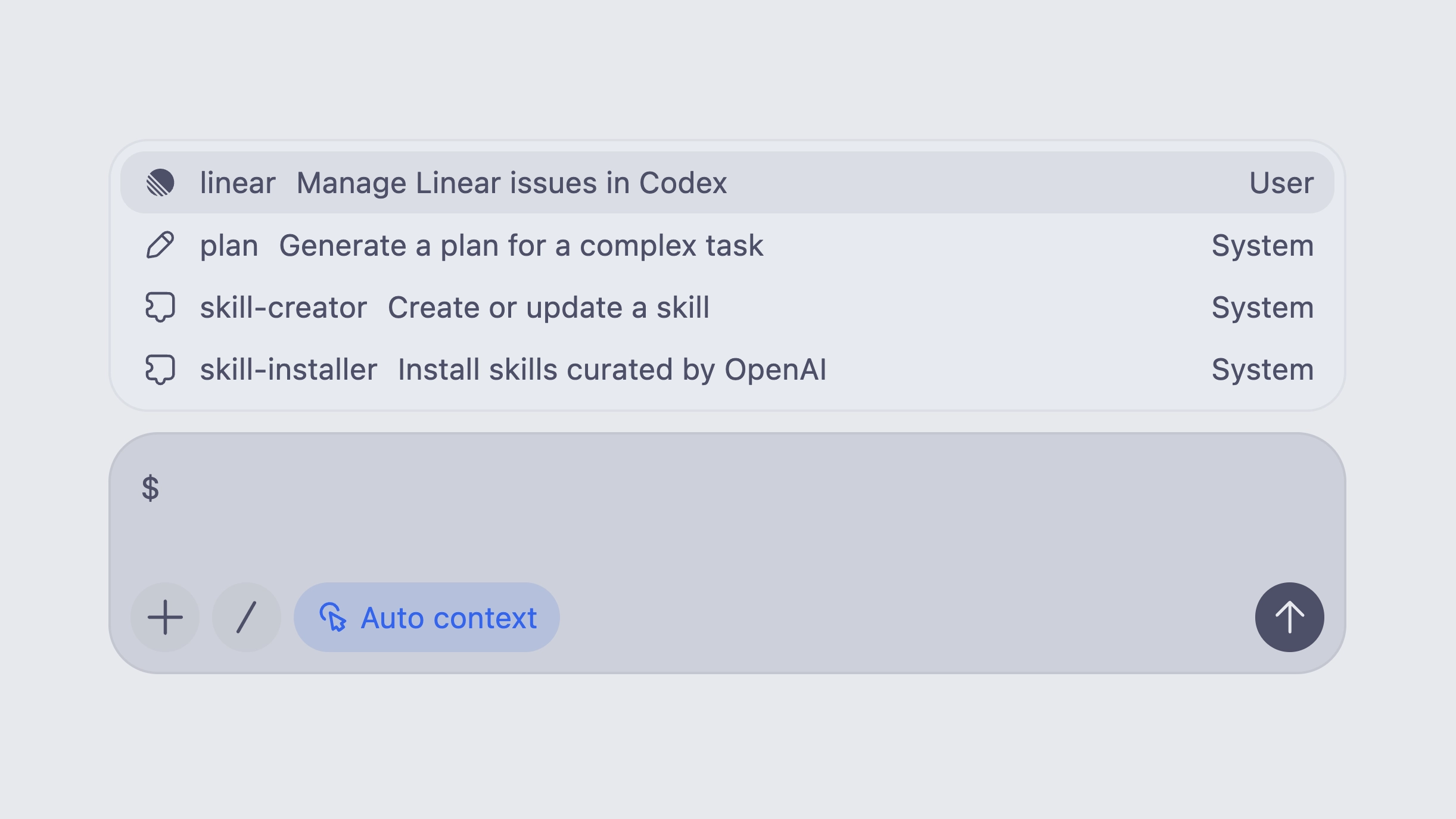
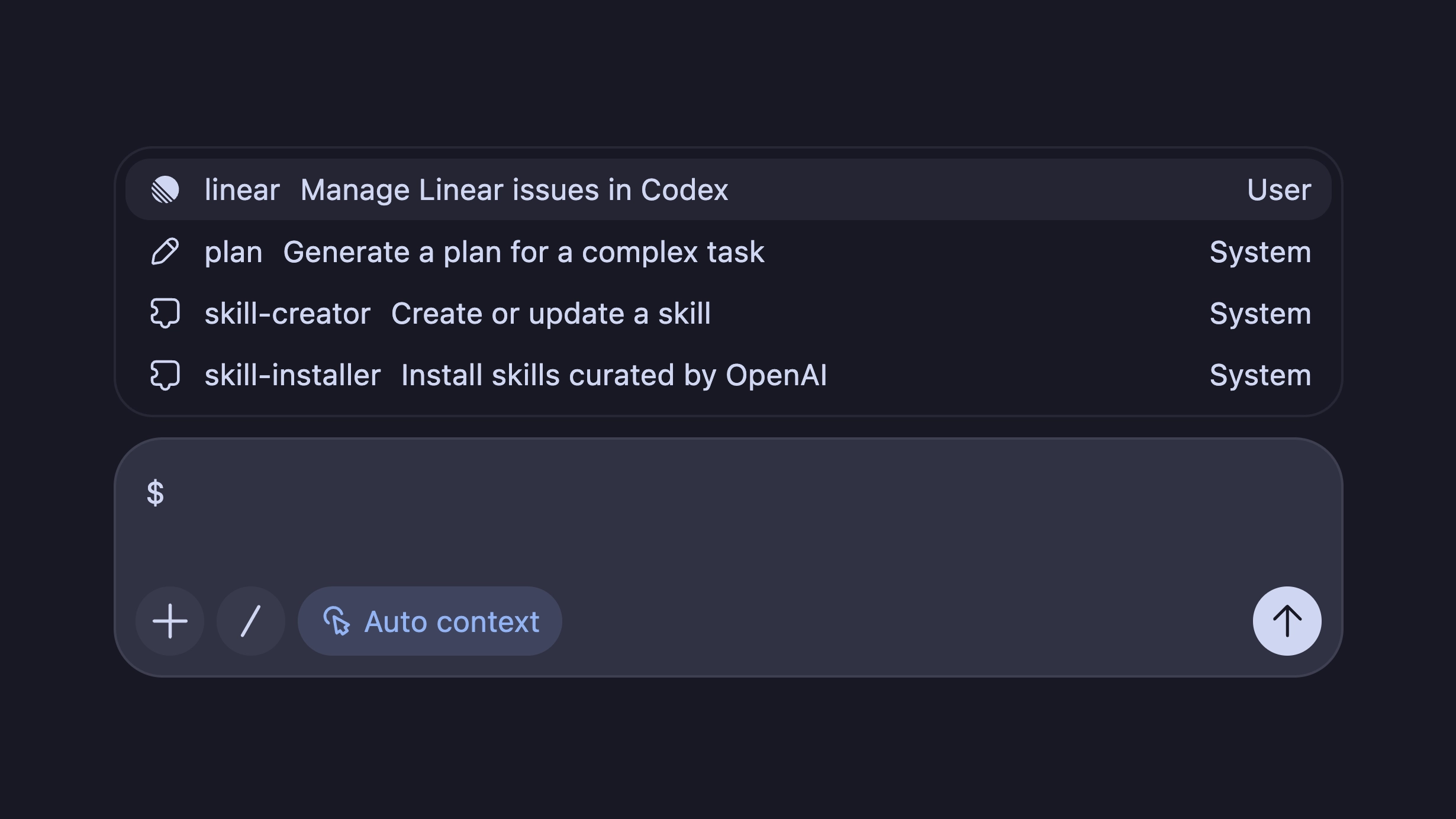
    • Improved the $ mention picker by clearly labeling Skills, Apps, and Plugins, and by surfacing plugins first. (#14147, #14163)

    Bug Fixes

    • Fixed a Linux tmux crash caused by concurrent user-shell lookups. (#13900)
    • Fixed apps being enabled in unsupported sessions by tightening the enablement check. (#14011)
    • Fixed reopened threads getting stuck as in-progress after quitting mid-run and then resuming later. (#14125)
    • Fixed permission handling so legacy workspace-write behavior is preserved and newer permission profiles degrade more safely on older builds. (#13957, #14107)
    • Fixed approval flows so granted permissions persist across turns, work with reject-style configs, and are honored by apply_patch. (#14009, #14055, #14118, #14165)

    Chores

    • Laid the groundwork for the Python SDK’s generated v2 schema types and pinned platform-specific runtime binaries. (#13953)

    Changelog

    Full Changelog: rust-v0.113.0...rust-v0.114.0

    Full release on Github

  • Codex CLI 0.113.0

    $ npm install -g @openai/codex@0.113.0
    View details

    New Features

    • Added a built-in request_permissions tool so running turns can request additional permissions at runtime, with new TUI rendering for those approval calls. (#13092, #14004)
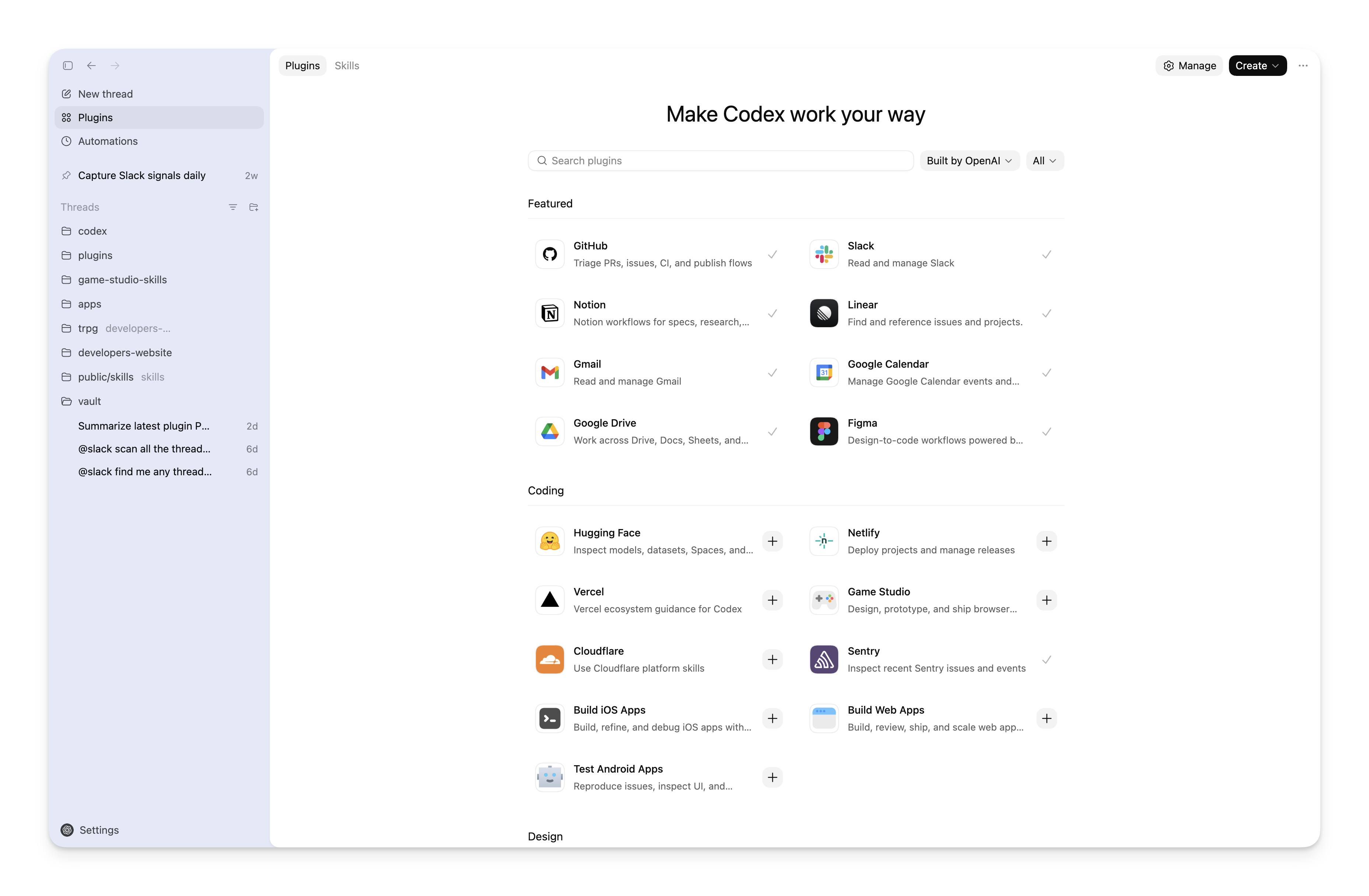
    • Expanded plugin workflows with curated marketplace discovery, richer plugin/list metadata, install-time auth checks, and a plugin/uninstall endpoint. (#13712, #13540, #13685, #14111)
    • Upgraded app-server command execution with streaming stdin/stdout/stderr plus TTY/PTY support, and wired exec to the new in-process app server path. (#13640, #14005)
    • Web search settings now support full tool configuration (for example filters and location), not just on/off. (#13675)
    • Added the new permission-profile config language and split filesystem/network sandbox policy plumbing for more precise policy control. (#13434, #13439, #13440, #13448, #13449, #13453)
    • Image generation now saves output files into the current working directory. (#13607)

    Bug Fixes

    • Fixed auth error handling for cloud requirements fetch so 401s trigger the normal auth-recovery messaging instead of a generic workspace-config failure. (#14049)
    • Fixed trust bootstrap to avoid running git commands before project trust is established. (#13804)
    • Fixed Windows execution edge cases, including incorrect PTY TerminateProcess success handling and stricter sandbox startup cwd validation. (#13989, #13833, #13742)
    • Fixed plugin startup behavior so curated plugins are loaded in TUI sessions as expected. (#14050)
    • Hardened network proxy policy parsing by rejecting global wildcard (*) domains while preserving scoped wildcard support. (#13789)
    • Fixed approval payload compatibility for macOS automation permissions by accepting both supported input shapes. (#13683)

    Documentation

    • Clarified js_repl guidance for persistent bindings and redeclaration recovery to reduce avoidable REPL errors. (#13803)

    Chores

    • Reduced log/storage overhead by moving logs to a dedicated SQLite DB, adding timestamps to feedback logs, pruning old data, and tightening retention/row limits. (#13645, #13688, #13734, #13763, #13772, #13781)
    • Improved Windows distribution automation by publishing CLI releases to winget. (#12943)

    Changelog

    Full Changelog: rust-v0.112.0...rust-v0.113.0

    Full release on Github

  • Codex CLI 0.112.0

    $ npm install -g @openai/codex@0.112.0
    View details

    New Features

    • Added @plugin mentions so users can reference plugins directly in chat and auto-include their associated MCP/app/skill context. (#13510)
    • Added a new model-selection surface update so the latest model catalog changes are surfaced in the TUI picker flow. (#13617)
    • Merged executable permission profiles into per-turn sandbox policy for zsh-fork skill execution, allowing safer, additive privilege handling for tool runs. (#13496)

    Bug Fixes

    • Fixed JS REPL state handling so previously-initialized bindings persist after a failed cell, reducing brittle restarts during iterative sessions. (#13482)
    • Treated SIGTERM like Ctrl-C for graceful app-server websocket shutdown instead of abrupt termination behavior. (#13594)
    • Hardened js_repl image emission to accept only data: URLs, preventing external URL forwarding through emitImage. (#13507)
    • Ensured Linux bubblewrap sandbox runs always unshare the user namespace to keep isolation consistent even for root-owned invocations. (#13624)
    • Improved macOS sandbox network and unix-socket handling in Seatbelt, improving reliability for constrained subprocess environments. (#12702)
    • Surfaced feedback/diagnostics earlier in the workflow so connectivity and diagnostics are visible before later steps. (#13604)

    Documentation

    • Clarified js_repl image guidance (emission and encoding semantics), including clearer usage around repeated emitImage calls. (#13639)

    Chores

    • Fixed a small codespell warning in the TUI theme picker path. (#13605)

    Changelog

    Full Changelog: rust-v0.111.0...rust-v0.112.0

    Full release on Github

  • Codex app 26.305

    Performance improvements and bug fixes

    • Improved remote connections with clearer connection errors, better status updates, and clearer host labels in thread and settings views.
    • Fixed copy and paste shortcuts in the integrated terminal on Windows.
    • Fixed an issue where archived pinned threads could reappear in the sidebar.
    • Fixed an issue where repeated codex://new links could stop prefilling a new conversation when the app was already open.
    • Additional performance improvements and bug fixes.
  • Introducing GPT-5.4 in Codex

    GPT-5.4 is now available in Codex as OpenAI’s most capable and efficient frontier model for professional work.

    It combines recent advances in reasoning, coding, and agentic workflows in one model, and it’s the recommended choice for most Codex tasks.

    In Codex, GPT-5.4 is the first general-purpose model with native computer-use capabilities. GPT-5.4 in Codex includes experimental support for the 1M context window. It supports complex workflows across applications and long-horizon tasks, with stronger tool use and tool search that help agents find and use the right tools more efficiently.

    GPT-5.4 is available everywhere you can use Codex: the Codex app, the CLI, the IDE extension, and Codex Cloud on the web. GPT-5.4 is also available in the API.

    To switch to GPT-5.4:

    • In the CLI, start a new thread with:
      codex --model gpt-5.4
      Or use /model during a session.
    • In the IDE extension, choose GPT-5.4 from the model selector in the composer.
    • In the Codex app, choose GPT-5.4 from the model selector in the composer.

    If you don’t see GPT-5.4 yet, update the CLI, IDE extension, or Codex app to the latest version.

  • Codex CLI 0.111.0

    $ npm install -g @openai/codex@0.111.0
    View details

    New Features

    • Fast mode is now enabled by default, and the TUI header shows whether the session is running in Fast or Standard mode. (#13450, #13446)
    • js_repl can now dynamically import local .js and .mjs files, making it easier to reuse workspace scripts from the REPL. (#13437)
    • Codex now tells the model which plugins are enabled at session start, improving discovery of installed MCPs, apps, and skills. (#13433)
    • App-server v2 now exposes MCP elicitation as a structured request/response flow instead of raw events, which simplifies client integrations. (#13425)
    • Expanded image workflow support for clients, including client-side handling of image-generation events and model metadata for image-capable web search. (#13512, #13538)

    Bug Fixes

    • Resuming a thread now preserves its stored git context and keeps apps enabled, avoiding broken state after codex resume. (#13504, #13533)

    Documentation

    • Added sample skill documentation for artifact workflows, including slide deck and spreadsheet examples. (#13525)

    Changelog

    Full Changelog: rust-v0.110.0...rust-v0.111.0

    Full release on Github

  • Codex CLI 0.110.0

    $ npm install -g @openai/codex@0.110.0
    View details

    New Features

    • Added a plugin system that can load skills, MCP entries, and app connectors from config or a local marketplace, with an install endpoint for enabling plugins from the app server. (#12864, #13333, #13401, #13422)
    • Expanded the TUI multi-agent flow with approval prompts, /agent-based enablement, clearer prompts, ordinal nicknames, and role-labeled handoff context. (#12995, #13246, #13404, #13412, #13505)
    • Added a persisted /fast toggle in the TUI and app-server support for fast and flex service tiers. (#13212, #13334, #13391)
    • Improved memories with workspace-scoped writes, renamed memory settings, and guardrails against saving stale or polluted facts. (#13008, #13088, #13237, #13467)
    • Added a direct Windows installer script to published release artifacts. (#12741)

    Bug Fixes

    • Fixed @ file mentions so parent-directory .gitignore rules no longer hide valid repository files. (#13250)
    • Made sub-agents faster and more reliable by reusing shell state correctly and fixing /status, Esc, pending-message handling, and startup/profile race conditions. (#12935, #13052, #13130, #13131, #13235, #13240, #13248)
    • Fixed project trust parsing so CLI overrides apply correctly to trusted project-local MCP transports. (#13090)
    • Fixed read-only sandbox policies so network access is preserved when it is explicitly enabled. (#13409)
    • Fixed multiline environment export capture and Windows state DB path handling in session state. (#12642, #13336)
    • Fixed ANSI/base16 syntax highlighting so terminal-themed colors render correctly in the TUI. (#13382)

    Documentation

    • Expanded app-server docs around service tiers, plugin installation, renaming unloaded threads, and the new skills/changed notification. (#13282, #13391, #13414, #13422)

    Chores

    • Removed the remaining legacy app-server v1 websocket/RPC surfaces in favor of the current protocol. (#13364, #13375, #13397)

    Changelog

    Full Changelog: rust-v0.107.0...rust-v0.110.0

    Full release on Github

  • Codex CLI artifact-runtime-v2.4.0

  • Codex app 26.304

    Codex app for Windows

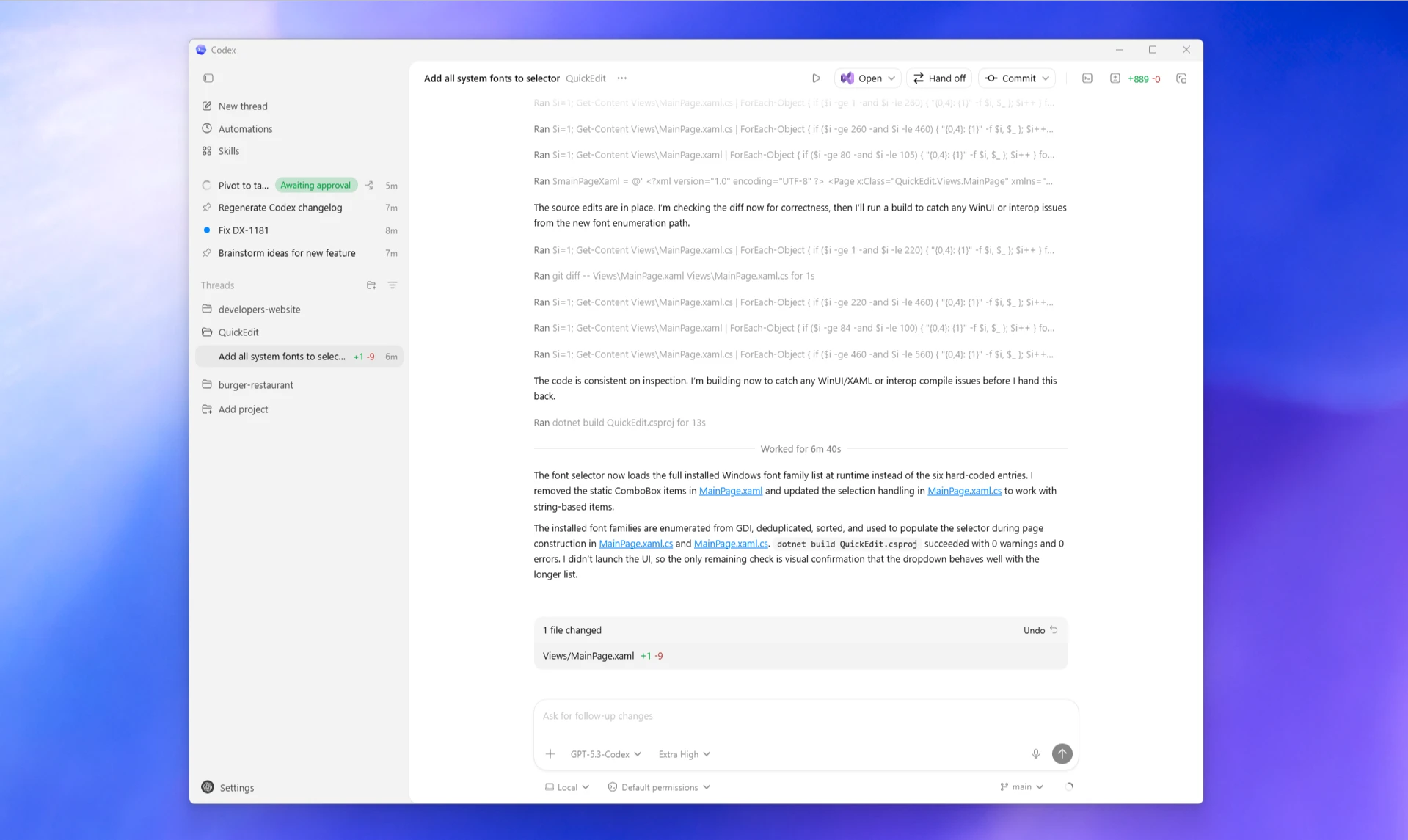
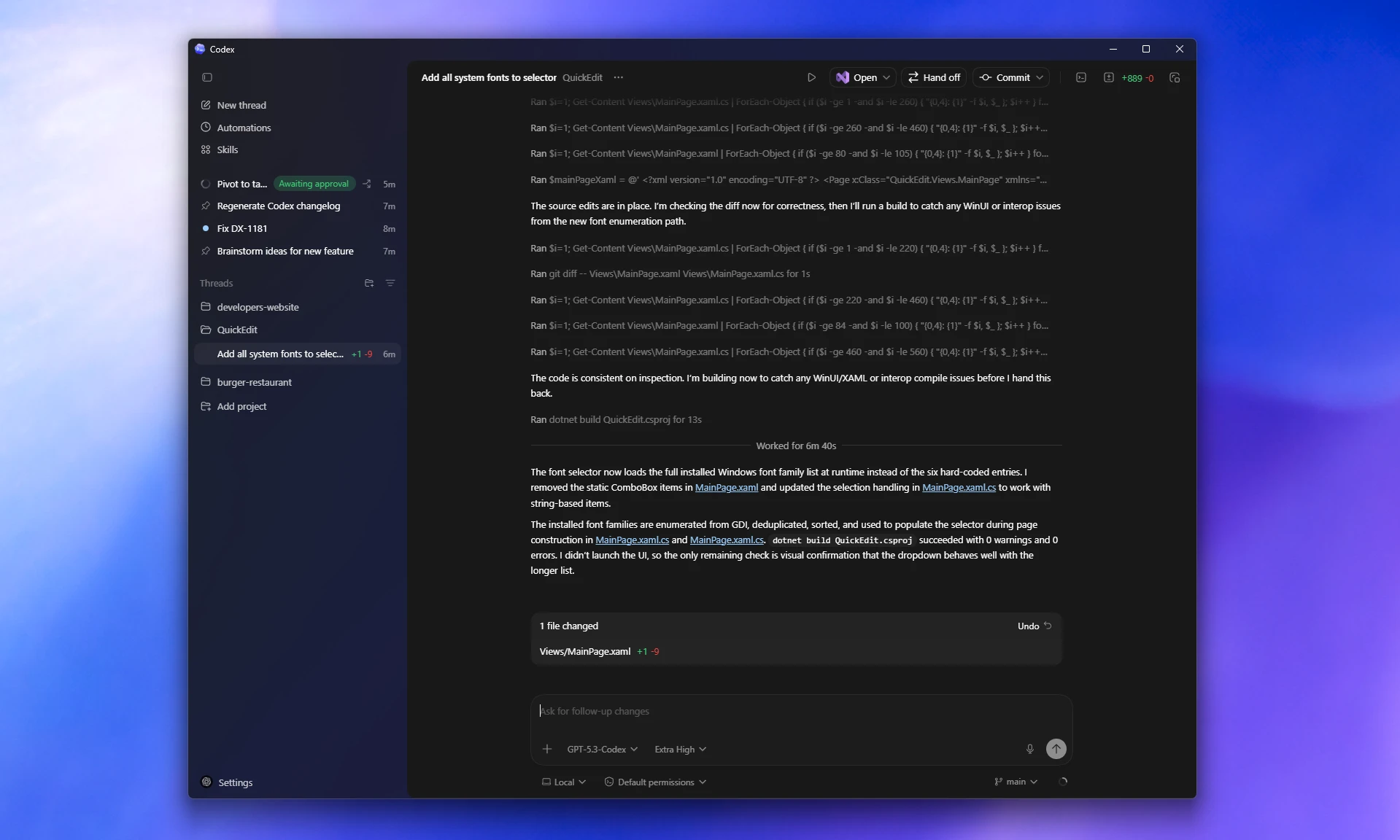
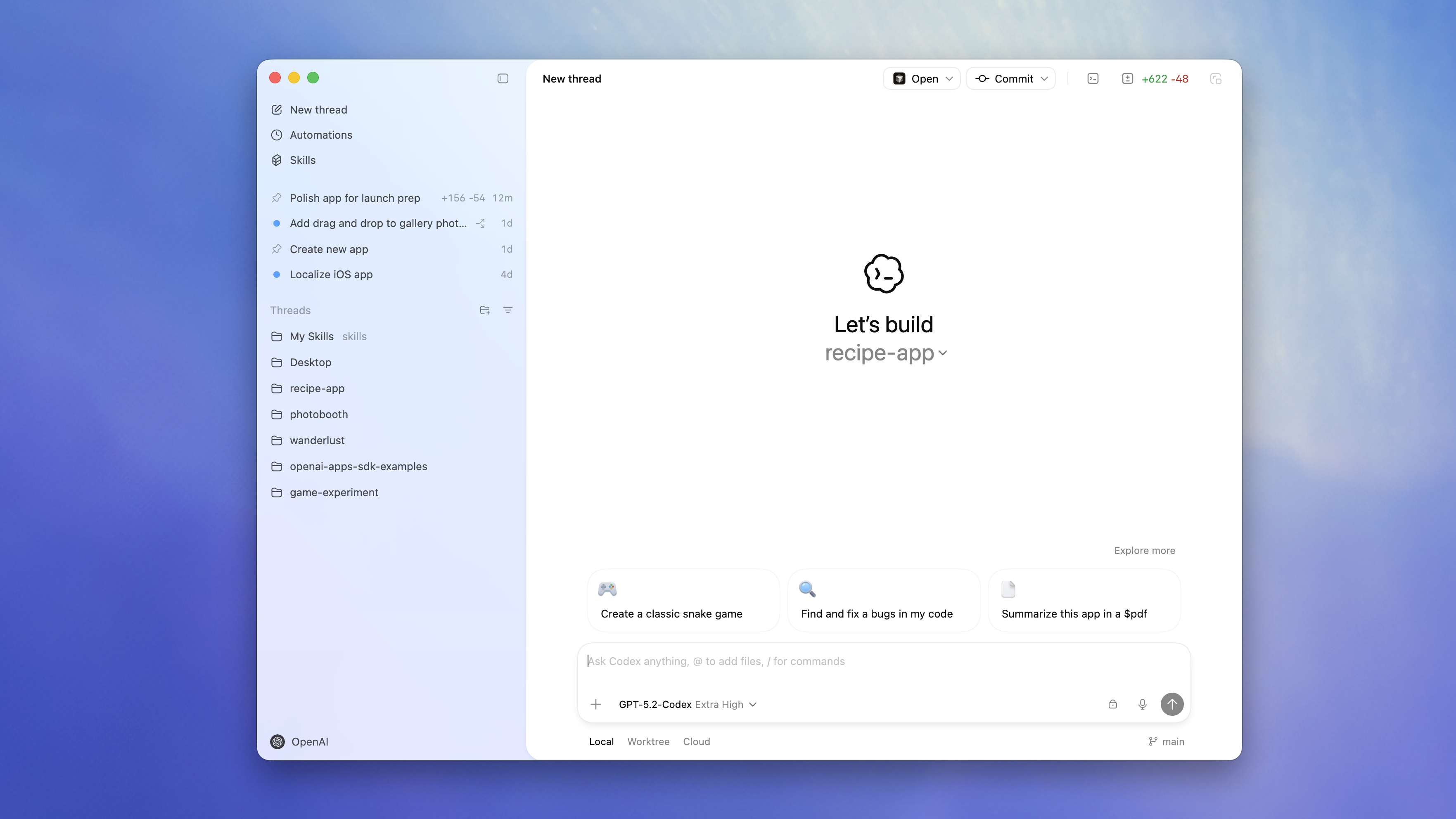
    The Codex app is now available on Windows. The app gives you one interface for working across projects, running parallel agent threads, and reviewing results in one place.

    The Codex app runs natively on Windows using PowerShell and a native Windows sandbox for bounded permissions, so you can use Codex on Windows without moving your workflow into WSL, onto a virtual machine, or by deactivating the sandbox.

    The Windows app includes the same core features as the rest of the Codex app:
    • Skills to discover and extend Codex capabilities.
    • Automations to run work in the background.
    • Worktrees to handle independent tasks in the same project.

    If you prefer to develop in WSL, you can also switch the Codex agent and the integrated terminal to run there.

    Download it from the Microsoft Store and sign in with your ChatGPT account or an API key. For setup and configuration details, see Setup, Use WSL with the Codex app, and Customize the app for your development setup.

  • Codex app 26.303

    New features
    • Added a Worktrees setting to turn automatic cleanup of Codex-managed worktrees on or off.
    • Added Handoff support for moving a thread between Local and Worktree.
    • Added an explicit English option in the language menu.

    Performance improvements and bug fixes

    • Improved GitHub and pull request workflows.
    • Improved approval prompts and app connection sign-in flows.
    • Additional performance improvements and bug fixes.
  • Codex CLI 0.107.0

    $ npm install -g @openai/codex@0.107.0
    View details

    New Features

    • You can now fork a thread into sub-agents, making it easier to branch work without leaving the current conversation. (#12499)
    • Realtime voice sessions now let you pick microphone and speaker devices, persist those choices, and send audio in a format better aligned with transcription. (#12849, #12850, #13030)
    • Custom tools can now return multimodal output, including structured content like images, instead of being limited to plain text. (#12948)
    • The app server now exposes richer model availability and upgrade metadata, and the TUI uses it to explain plan-gated models with limited-run tooltips. (#12958, #12972, #13021)
    • Memories are now configurable, and there is a new codex debug clear-memories command to fully reset saved memory state when needed. (#12997, #12999, #13002, #13085)

    Bug Fixes

    • Reconnecting with thread/resume now restores pending approval and input requests instead of leaving clients out of sync. (#12560)
    • thread/start no longer blocks unrelated app-server requests, reducing stalls during slow startup paths such as MCP auth checks. (#13033)
    • Interactive terminal sessions no longer print the final assistant response twice. (#13082)
    • Large pasted-content placeholders now survive file completion correctly, fixing a regression from 0.106.0. (#13070)
    • ChatGPT accounts that arrive without plan info now handle account reads correctly instead of triggering repeated login issues. (#13072)
    • Diff rendering in the TUI now respects theme colors better and displays more cleanly in Windows Terminal and other low-color environments. (#13016, #13037)
    • MCP OAuth login flows now forward configured oauth_resource values correctly for servers that require a resource parameter. (#12866)

    Documentation

    • Updated sandbox escalation guidance so dependency-install failures caused by sandboxed network access are more clearly treated as escalation candidates. (#13051)

    Chores

    • Tightened sandbox filesystem behavior by improving restricted read-only handling on Linux and avoiding sensitive directories like ~/.ssh on Windows. (#12369, #12835)
    • Escalated shell commands now keep their sandbox configuration when rerun, closing a gap where approvals could lose the intended restrictions. (#12839)

    Changelog

    Full Changelog: rust-v0.106.0...rust-v0.107.0

    Full release on Github

February 2026

  • Codex app 26.228

    Performance improvements and bug fixes

    • Fixed a regression where conversation and task views could stop updating while Codex was streaming a response.
    • Additional performance improvements and bug fixes.
  • Codex app 26.227

    New features

    • Added pull request status badges in task rows and PR buttons, including draft, open, merged, and closed states.
    • Added a Worktrees setting to choose how many Codex-managed worktrees to keep before older ones are cleaned up.

    Performance improvements and bug fixes

    • Improved scrolling and navigation in long conversations and code review, including fixes for thread jumpiness, sidebar jitter, and diff scrolling.
    • Improved app startup reliability and keyboard zoom behavior.
    • Additional performance improvements and bug fixes.
  • Codex app 26.226

    New features

    • Added new MCP shortcuts in the composer, including install keyword suggestions and an MCP server submenu in Add context.
    • Added support for @mentions and skill mentions in inline review comments.

    Performance improvements and bug fixes

    • Improved rendering of MCP tool calls and Mermaid diagram error handling.
    • Fixed an issue where stopped terminal commands could continue appearing as running.
    • Additional performance improvements and bug fixes.
  • Codex CLI 0.106.0

    $ npm install -g @openai/codex@0.106.0
    View details

    New Features

    • Added a direct install script for macOS and Linux and publish it as a GitHub release asset, using the existing platform payload (including codex and rg) (#12740)
    • Expanded the app-server v2 thread API with experimental thread-scoped realtime endpoints/notifications and a thread/unsubscribe flow to unload live threads without archiving them (#12715, #10954)
    • Promoted js_repl to /experimental, added startup compatibility checks with user-visible warnings, and lowered the validated minimum Node version to 22.22.0 (#12712, #12824, #12857)
    • Enabled request_user_input in Default collaboration mode (not just Plan mode) (#12735)
    • Made 5.3-codex visible in the CLI model list for API users (#12808)
    • Improved memory behavior with diff-based forgetting and usage-aware memory selection (#12900, #12909)

    Bug Fixes

    • Improved realtime websocket reliability by retrying timeout-related HTTP 400 handshake failures and preferring WebSocket v2 when supported by the selected model (#12791, #12838)
    • Fixed a zsh-fork shell execution path that could drop sandbox wrappers and bypass expected filesystem restrictions (#12800)
    • Added a shared ~1M-character input size cap in the TUI and app-server to prevent hangs/crashes on oversized pastes, with explicit error responses (#12823)
    • Improved TUI local file-link rendering to hide absolute paths while preserving visible line/column references (#12705, #12870)
    • Fixed Ctrl-C handling for sub-agents in the TUI (#12911)

    Documentation

    • Fixed a stale sign-in success link in the auth/onboarding flow (#12805)
    • Clarified the CLI login hint for remote/device-auth login scenarios (#12813)

    Chores

    • Added structured OTEL audit logging for embedded codex-network-proxy policy decisions and blocks (#12046)
    • Removed the steer feature flag and standardized on the always-on steer path in the TUI composer (#12026)
    • Reduced sub-agent startup overhead by skipping expensive history metadata scans for subagent spawns (#12918)

    Changelog

    Full Changelog: rust-v0.105.0...rust-v0.106.0

    Full release on Github

  • Codex CLI 0.105.0

    $ npm install -g @openai/codex@0.105.0
    View details

    New Features

    • The TUI now syntax-highlights fenced code blocks and diffs, adds a /theme picker with live preview, and uses better theme-aware diff colors for light and dark terminals. (#11447, #12581)
    • You can now dictate prompts by holding the spacebar to record and transcribe voice input directly in the TUI. This feature is still under development; to enable it set features.voice_transcription = true in your config. (#3381)
    • Multi-agent workflows are easier to run and track: spawn_agents_on_csv can fan out work from a CSV with built-in progress/ETA, and sub-agents are easier to follow with nicknames, a cleaner picker, and visible child-thread approval prompts. (#10935, #12320, #12327, #12332, #12570, #12767)
    • The TUI picked up new convenience commands: /copy copies the latest complete assistant reply, while /clear and Ctrl-L clear the screen without losing thread context, with /clear also able to start a fresh chat. (#12444, #12520, #12613, #12628)
    • Approval controls are more flexible: Codex can now ask for extra sandbox permissions for a command, and you can auto-reject specific approval prompt types without turning approvals off entirely. (#11871, #12087)
    • App-server clients can do more with threads: thread/list can search by title, thread status is exposed in read/list responses and notifications, and thread/resume returns the latest turn inline so reconnects are less lossy. (#11776, #11786, #12578)

    Bug Fixes

    • Long links in the TUI stay clickable when wrapped, which also fixes related clipping and layout issues in several views. (#12067)
    • Several TUI interaction edge cases were fixed: queued-message editing now works in more terminals, follow-up prompts no longer get stuck if you press Enter while a final answer is still streaming, and approval dialogs now respond with the correct request id. (#12240, #12569, #12746)
    • @ parsing in the chat composer is more reliable, so commands like npx -y @scope/pkg@latest no longer accidentally open the file picker or block submission. (#12643)
    • App-server websocket handling is more robust: thread listeners survive disconnects, Ctrl-C waits for in-flight turns before restarting, and websocket clients that send permessage-deflate can connect successfully. (#12373, #12517, #12629)
    • Linux sandboxed commands now get a minimal /dev, fixing failures in tools that need entropy or other standard device nodes. (#12081)
    • js_repl now reports uncaught kernel failures more clearly, recovers cleanly afterward, and correctly attaches view_image results from nested tool calls. (#12636, #12725)

    Documentation

    • Added a public security policy with Bugcrowd reporting guidance. (#12193)
    • Updated install and local workflow docs to use cargo install --locked cargo-nextest and to avoid routine --all-features builds unless you specifically need full feature coverage. (#12377, #12429)

    Changelog

    Full Changelog: rust-v0.104.0...rust-v0.105.0

    Full release on Github

  • Codex CLI 0.104.0

    $ npm install -g @openai/codex@0.104.0
    View details

    New Features

    • Added WS_PROXY/WSS_PROXY environment support (including lowercase variants) for websocket proxying in the network proxy. (#11784)
    • App-server v2 now emits notifications when threads are archived or unarchived, enabling clients to react without polling. (#12030)
    • Protocol/core now carry distinct approval IDs for command approvals to support multiple approvals within a single shell command execution flow. (#12051)

    Bug Fixes

    • Ctrl+C/Ctrl+D now cleanly exits the cwd-change prompt during resume/fork flows instead of implicitly selecting an option. (#12040)
    • Reduced false-positive safety-check downgrade behavior by relying on the response header model (and websocket top-level events) rather than the response body model slug. (#12061)

    Documentation

    • Updated docs and schemas to cover websocket proxy configuration, new thread archive/unarchive notifications, and the command approval ID plumbing. (#11784, #12030, #12051)

    Chores

    • Made the Rust release workflow resilient to npm publish attempts for an already-published version. (#12044)
    • Standardized remote compaction test mocking and refreshed related snapshots to align with the default production-shaped behavior. (#12050)

    Changelog

    Full Changelog: rust-v0.103.0...rust-v0.104.0

    Full release on Github

  • Codex app 26.217

    New features

    • Added drag-and-drop support to reorder queued messages.
    • Added a warning when the selected model is downgraded.

    Improvements and bug fixes

    • Improved file workflows with fuzzy file search and better attachment recovery after restart.
    • Additional performance improvements and bug fixes.
  • Codex app 26.212

    New features

    • Support for GPT-5.3-Codex-Spark
    • Added conversation forking
    • Added floating pop-out window to take a conversation with you

    Bug fixes

    • Improved performance and bug fixes

    Alpha testing for the Codex app on Windows is also starting. Sign up here to be a potential alpha tester.

  • Introducing GPT-5.3-Codex-Spark

    Today, we’re releasing a research preview of GPT-5.3-Codex-Spark, a smaller version of GPT-5.3-Codex and our first model designed for real-time coding. Codex-Spark is optimized to feel near-instant, delivering more than 1000 tokens per second while remaining highly capable for real-world coding tasks.

    Codex-Spark is available in research preview for ChatGPT Pro users in the latest Codex app, CLI, and IDE extension. This release also marks the first milestone in our partnership with Cerebras.

    At launch, Codex-Spark is text-only with a 128k context window. During the research preview, usage has separate model-specific limits and doesn’t count against standard Codex limits. During high demand, access may slow down or queue while we balance reliability across users.

    To switch to GPT-5.3-Codex-Spark:

    • In the CLI, start a new thread with:
      codex --model gpt-5.3-codex-spark
      Or use /model during a session.
    • In the IDE extension, choose GPT-5.3-Codex-Spark from the model selector in the composer.
    • In the Codex app, choose GPT-5.3-Codex-Spark from the model selector in the composer.

    If you don’t see GPT-5.3-Codex-Spark yet, update the CLI, IDE extension, or Codex app to the latest version.

    GPT-5.3-Codex-Spark isn’t available in the API at launch. For API-key workflows, continue using gpt-5.2-codex.

  • Codex app 26.210

    New features

    • Added branch search in the branch picker.
    • Added clearer guidance for entering plan mode when you type plan in the composer.
    • Added support for parallel approvals.

    Improvements and bug fixes

    • Additional performance improvements and bug fixes.
  • GPT-5.3-Codex in Cursor and VS Code

    Starting today, GPT-5.3-Codex is available natively in Cursor and VS Code.

    API access is starting with a small set of customers as part of a phased release.

    This is the first model treated as a high security capability under the Preparedness Framework.

    Safety controls will continue to scale, and API access will expand over the next few weeks.

  • Codex app 26.208

    New features

    • Added MCP and personality actions to the command palette.
    • Updated follow-up behavior to queue by default.

    Improvements and bug fixes

    • Additional performance improvements and bug fixes.
  • Codex app 26.206

    New features

    • Added a file-reference action to reveal files directly in your OS file manager.

    Improvements and bug fixes

    • Improved handling of large reviews by removing the overall diff-size cap in the review pane.
    • Additional performance improvements and bug fixes.
  • Introducing GPT-5.3-Codex

    Today we’re releasing GPT-5.3-Codex, the most capable agentic coding model to date for complex, real-world software engineering.

    GPT-5.3-Codex combines the frontier coding performance of GPT-5.2-Codex with stronger reasoning and professional knowledge capabilities, and runs 25% faster for Codex users. It’s also better at collaboration while the agent is working—delivering more frequent progress updates and responding to steering in real time.

    GPT-5.3-Codex is available with paid ChatGPT plans everywhere you can use Codex: the Codex app, the CLI, the IDE extension, and Codex Cloud on the web. API access for the model will come soon.

    To switch to GPT-5.3-Codex:

    • In the CLI, start a new thread with:
      codex --model gpt-5.3-codex
      Or use /model during a session.
    • In the IDE extension, make sure you are signed in with ChatGPT, then choose GPT-5.3-Codex from the model selector in the composer.
    • In the Codex app, make sure you are signed in with ChatGPT, then choose GPT-5.3-Codex from the model selector in the composer.
    • If you don’t see GPT-5.3-Codex, update the CLI, IDE extension, or Codex app to the latest version.

    For API-key workflows, continue using gpt-5.2-codex while API support rolls out.

  • Codex app 26.205

    New features

    • Support for GPT-5.3-Codex.
    • Added mid-turn steering. Submit a message while Codex is working to direct its behavior.
    • Attach or drop any file type.

    Bug fixes

    • Fix flickering of the app.
  • Codex app 26.204

    New features

    • Added Zed and Textmate as options to open files and folders.
    • Added PDF preview in the review panel.

    Bug fixes

    • Performance improvements.
  • Codex app 26.203

    New features

    • Added thread renaming on double-click in the thread list.

    Improvements and bug fixes

    • Renamed Sync to Handoff and added clearer source/destination stats in the handoff UI.
    • Additional performance improvements and bug fixes.
  • Introducing the Codex app

    Codex app

    The Codex app for macOS is a desktop interface for running agent threads in parallel and collaborating with agents on long-running tasks. It includes a project sidebar, thread list, and review pane for tracking work across projects.

    Key features:

    For a limited time, ChatGPT Free and Go include Codex, and Plus, Pro, Business, Enterprise, and Edu plans get double rate limits. Those higher limits apply in the app, the CLI, your IDE, and the cloud.

    Learn more in the Introducing the Codex app blog post.

    Check out the Codex app documentation for more.

January 2026

  • Web search is now enabled by default

    Codex now enables web search for local tasks in the Codex CLI and IDE Extension. By default, Codex uses a web search cache, which is an OpenAI-maintained index of web results. Cached mode returns pre-indexed results instead of fetching live pages, while live mode fetches the most recent data from the web. If you are using --yolo or another full access sandbox setting, web search defaults to live results. To disable this behavior or switch modes, use the web_search configuration option:

    • web_search = "cached" (default; serves results from the web search cache)
    • web_search = "live" (fetches the most recent data from the web; same as --search)
    • web_search = "disabled" to remove the tool

    To learn more, check out the configuration documentation.

  • Team Config for shared configuration

    Team Config groups the files teams use to standardize Codex across repositories and machines. Use it to share:

    • config.toml defaults
    • rules/ for command controls outside the sandbox
    • skills/ for reusable workflows

    Codex loads these layers from .codex/ folders in the current working directory, parent folders, and the repo root, plus user (~/.codex/) and system (/etc/codex/) locations. Higher-precedence locations override lower-precedence ones.

    Admins can still enforce constraints with requirements.toml, which overrides defaults regardless of location.

    Learn more in Team Config.

  • Custom prompts deprecated

    Custom prompts are now deprecated. Use skills for reusable instructions and workflows instead.

  • GPT-5.2-Codex API availability

    GPT-5.2-Codex is now available in the API and for users who sign into Codex with the API.

    To learn more about using GPT-5.2-Codex check out our API documentation.

December 2025

  • Agent skills in Codex

    Codex now supports agent skills: reusable bundles of instructions (plus optional scripts and resources) that help Codex reliably complete specific tasks.

    Skills are available in both the Codex CLI and IDE extensions.

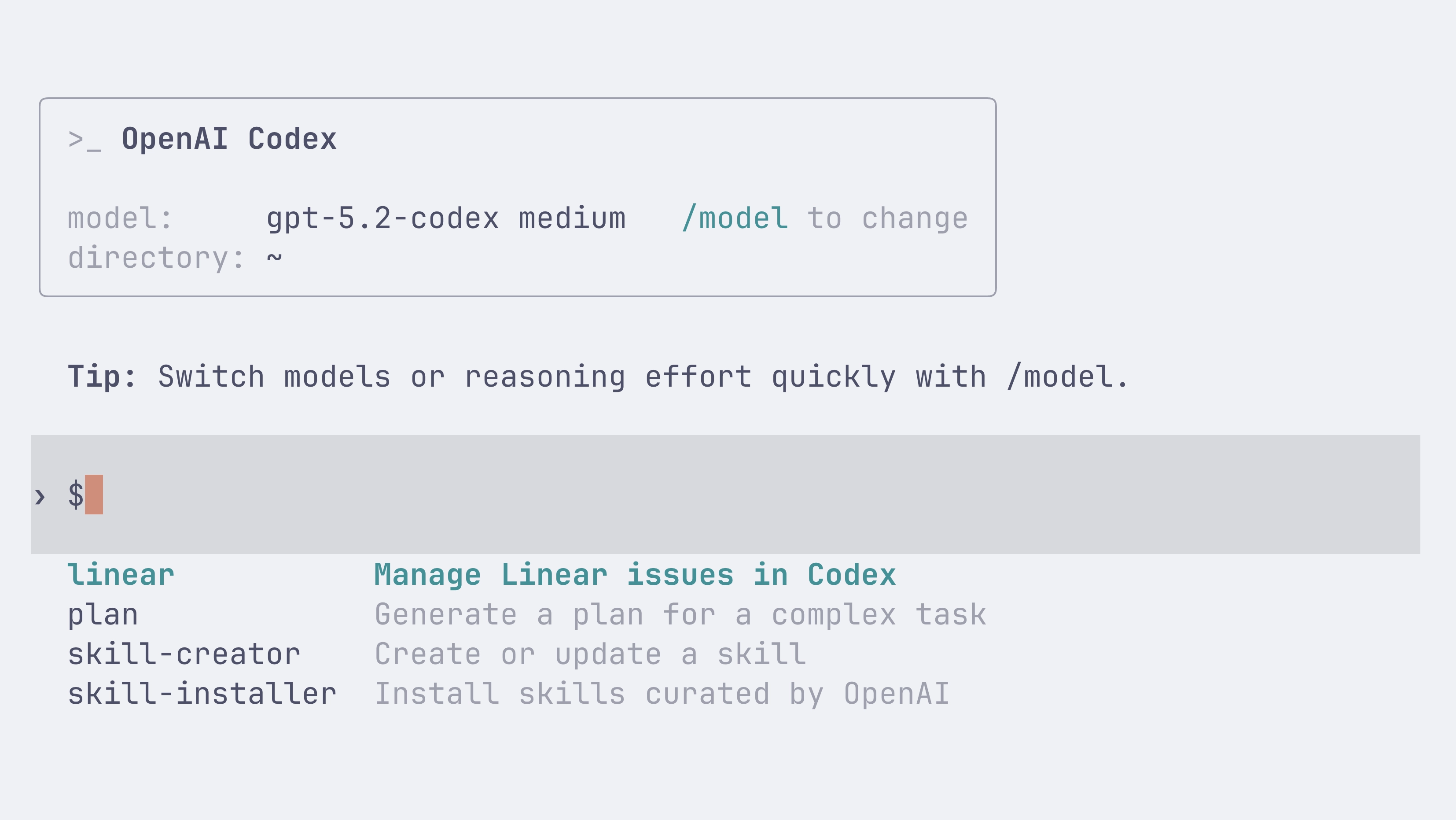
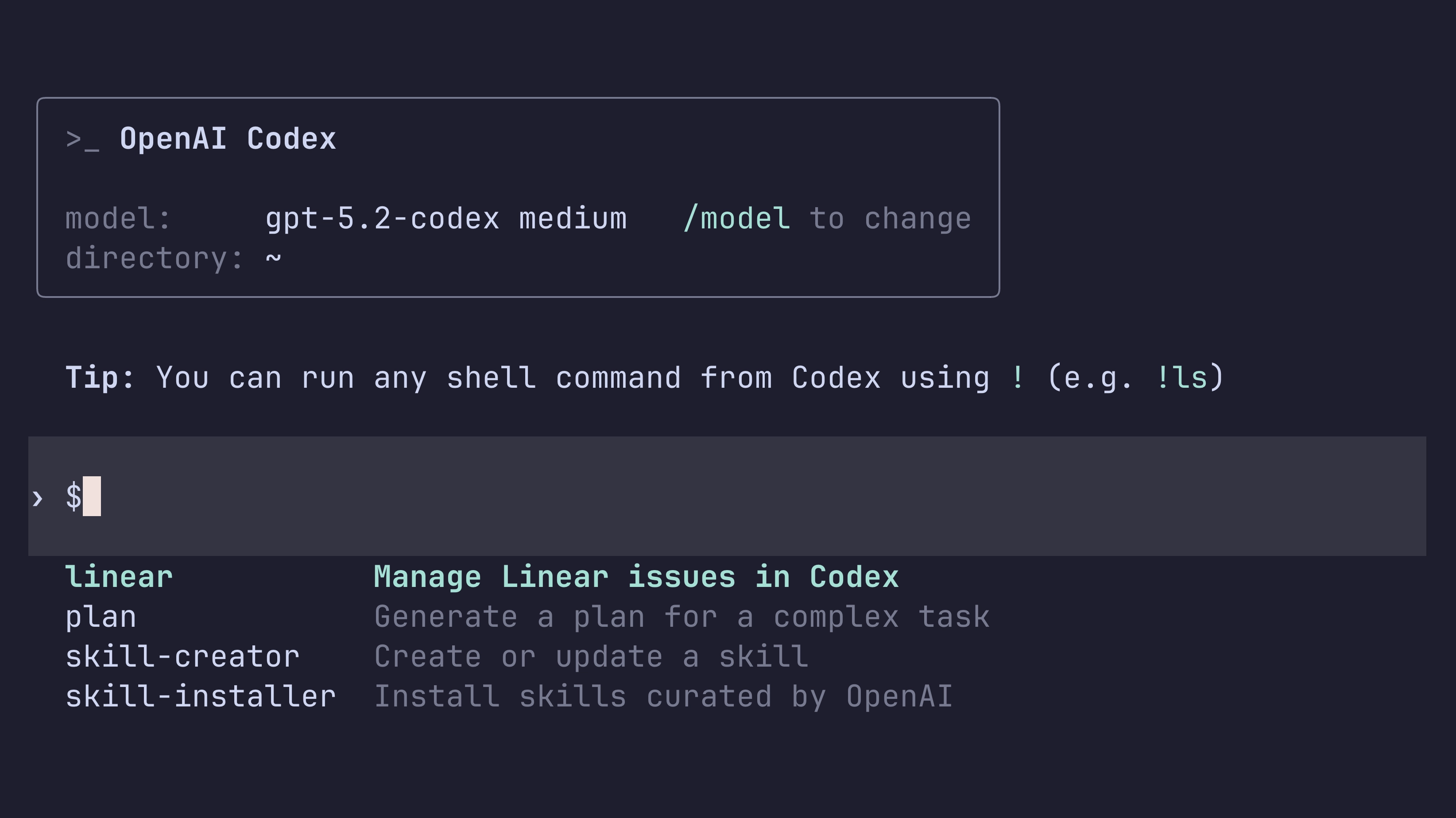
    You can invoke a skill explicitly by typing $skill-name (for example, $skill-installer or the experimental $create-plan skill after installing it), or let Codex select a skill automatically based on your prompt.

    Learn more in the skills documentation.

    Folder-based standard (agentskills.io)

    Following the open agent skills specification, a skill is a folder with a required SKILL.md and optional supporting files:

    my-skill/
      SKILL.md       # Required: instructions + metadata
      scripts/       # Optional: executable code
      references/    # Optional: documentation
      assets/        # Optional: templates, resources

    Install skills per-user or per-repo

    You can install skills for just yourself in ~/.codex/skills, or for everyone on a project by checking them into .codex/skills in the repository.

    Codex also ships with a few built-in system skills to get started, including $skill-creator and $skill-installer. The $create-plan skill is experimental and needs to be installed (for example: $skill-installer install the create-plan skill from the .experimental folder).

    Curated skills directory

    Codex ships with a small curated set of skills inspired by popular workflows at OpenAI. Install them with $skill-installer, and expect more over time.

  • Introducing GPT-5.2-Codex

    Today we are releasing GPT-5.2-Codex, the most advanced agentic coding model yet for complex, real-world software engineering.

    GPT-5.2-Codex is a version of GPT-5.2 further optimized for agentic coding in Codex, including improvements on long-horizon work through context compaction, stronger performance on large code changes like refactors and migrations, improved performance in Windows environments, and significantly stronger cybersecurity capabilities.

    Starting today, the CLI and IDE Extension will default to gpt-5.2-codex for users who are signed in with ChatGPT. API access for the model will come soon.

    If you have a model specified in your config.toml configuration file, you can instead try out gpt-5.2-codex for a new Codex CLI session using:

    codex --model gpt-5.2-codex

    You can also use the /model slash command in the CLI. In the Codex IDE Extension you can select GPT-5.2-Codex from the dropdown menu.

    If you want to switch for all sessions, you can change your default model to gpt-5.2-codex by updating your config.toml configuration file:

    model = "gpt-5.2-codex”
  • Introducing Codex for Linear

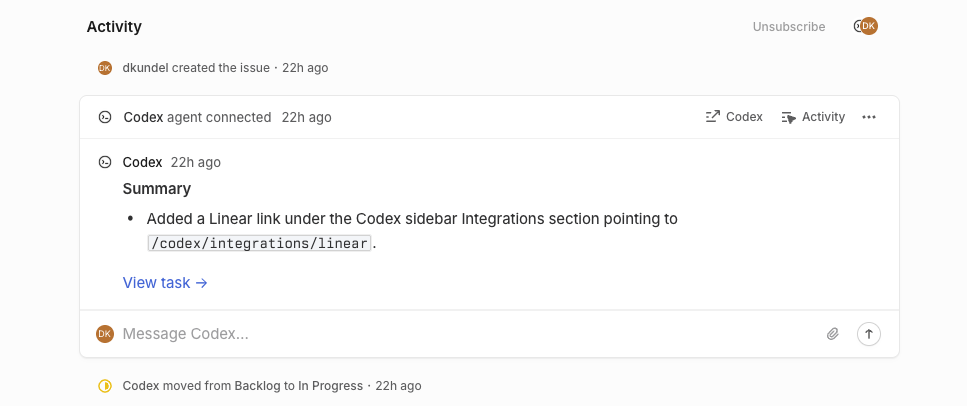
    Assign or mention @Codex in an issue to kick-off a Codex cloud task. As Codex works, it posts updates back to Linear, providing a link to the completed task so you can review, open a PR, or keep working.

    Screenshot of a successful Codex task started in Linear

    To learn more about how to connect Codex to Linear both locally through MCP and through the new integration, check out the Codex for Linear documentation.

November 2025

  • Usage and credits fixes

    Minor updates to address a few issues with Codex usage and credits:

    • Adjusted all usage dashboards to show “limits remaining” for consistency. The CLI previously displayed “limits used.”
    • Fixed an issue preventing users from buying credits if their ChatGPT subscription was purchased via iOS or Google Play.
    • Fixed an issue where the CLI could display stale usage information; it now refreshes without needing to send a message first.
    • Optimized the backend to help smooth out usage throughout the day, irrespective of overall Codex load or how traffic is routed. Before, users could get unlucky and hit a few cache misses in a row, leading to much less usage.
  • Introducing GPT-5.1-Codex-Max

    Today we are releasing GPT-5.1-Codex-Max, our new frontier agentic coding model.

    GPT‑5.1-Codex-Max is built on an update to our foundational reasoning model, which is trained on agentic tasks across software engineering, math, research, and more. GPT‑5.1-Codex-Max is faster, more intelligent, and more token-efficient at every stage of the development cycle–and a new step towards becoming a reliable coding partner.

    Starting today, the CLI and IDE Extension will default to gpt-5.1-codex-max for users that are signed in with ChatGPT. API access for the model will come soon.

    For non-latency-sensitive tasks, we’ve also added a new Extra High (xhigh) reasoning effort, which lets the model think for an even longer period of time for a better answer. We still recommend medium as your daily driver for most tasks.

    If you have a model specified in your config.toml configuration file, you can instead try out gpt-5.1-codex-max for a new Codex CLI session using:

    codex --model gpt-5.1-codex-max

    You can also use the /model slash command in the CLI. In the Codex IDE Extension you can select GPT-5.1-Codex from the dropdown menu.

    If you want to switch for all sessions, you can change your default model to gpt-5.1-codex-max by updating your config.toml configuration file:

    model = "gpt-5.1-codex-max”
  • Introducing GPT-5.1-Codex and GPT-5.1-Codex-Mini

    Along with the GPT-5.1 launch in the API, we are introducing new gpt-5.1-codex-mini and gpt-5.1-codex model options in Codex, a version of GPT-5.1 optimized for long-running, agentic coding tasks and use in coding agent harnesses in Codex or Codex-like harnesses.

    Starting today, the CLI and IDE Extension will default to gpt-5.1-codex on macOS and Linux and gpt-5.1 on Windows.

    If you have a model specified in your config.toml configuration file, you can instead try out gpt-5.1-codex for a new Codex CLI session using:

    codex --model gpt-5.1-codex

    You can also use the /model slash command in the CLI. In the Codex IDE Extension you can select GPT-5.1-Codex from the dropdown menu.

    If you want to switch for all sessions, you can change your default model to gpt-5.1-codex by updating your config.toml configuration file:

    model = "gpt-5.1-codex”
  • Introducing GPT-5-Codex-Mini

    Today we are introducing a new gpt-5-codex-mini model option to Codex CLI and the IDE Extension. The model is a smaller, more cost-effective, but less capable version of gpt-5-codex that provides approximately 4x more usage as part of your ChatGPT subscription.

    Starting today, the CLI and IDE Extension will automatically suggest switching to gpt-5-codex-mini when you reach 90% of your 5-hour usage limit, to help you work longer without interruptions.

    You can try the model for a new Codex CLI session using:

    codex --model gpt-5-codex-mini

    You can also use the /model slash command in the CLI. In the Codex IDE Extension you can select GPT-5-Codex-Mini from the dropdown menu.

    Alternatively, you can change your default model to gpt-5-codex-mini by updating your config.toml configuration file:

    model = "gpt-5-codex-mini”
  • GPT-5-Codex model update

    We’ve shipped a minor update to GPT-5-Codex:

    • More reliable file edits with apply_patch.
    • Fewer destructive actions such as git reset.
    • More collaborative behavior when encountering user edits in files.
    • 3% more efficient in time and usage.

October 2025

  • Credits on ChatGPT Pro and Plus

    Codex users on ChatGPT Plus and Pro can now use on-demand credits for more Codex usage beyond what’s included in your plan. Learn more.

  • Tag @Codex on GitHub Issues and PRs

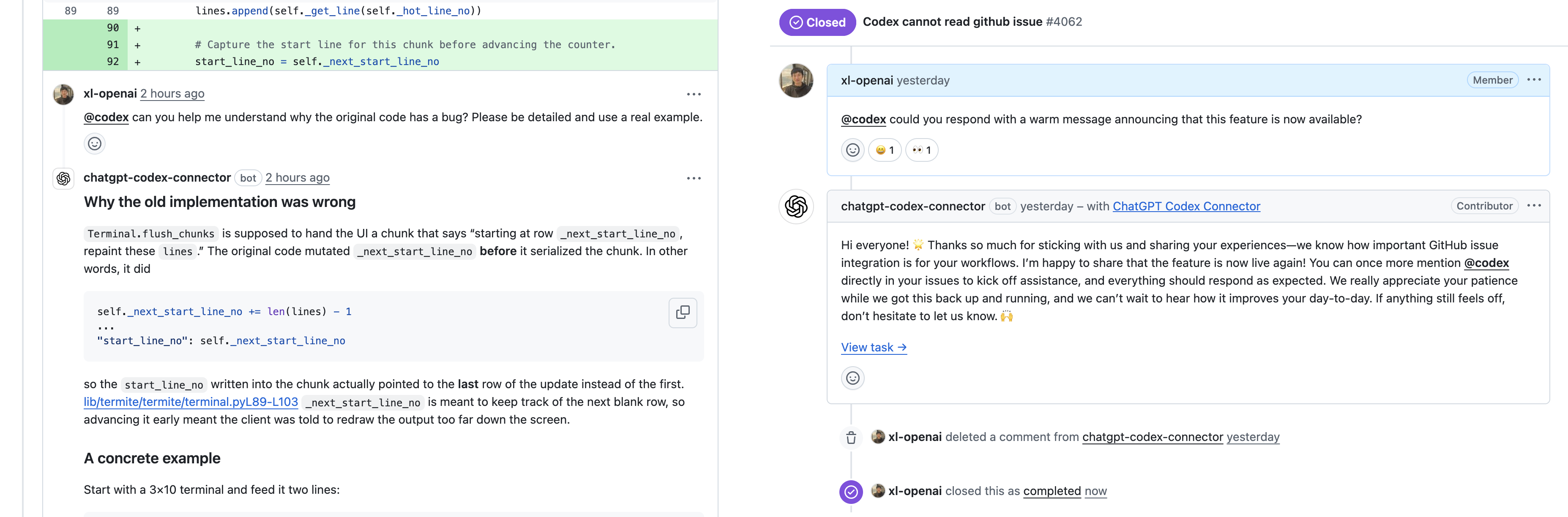
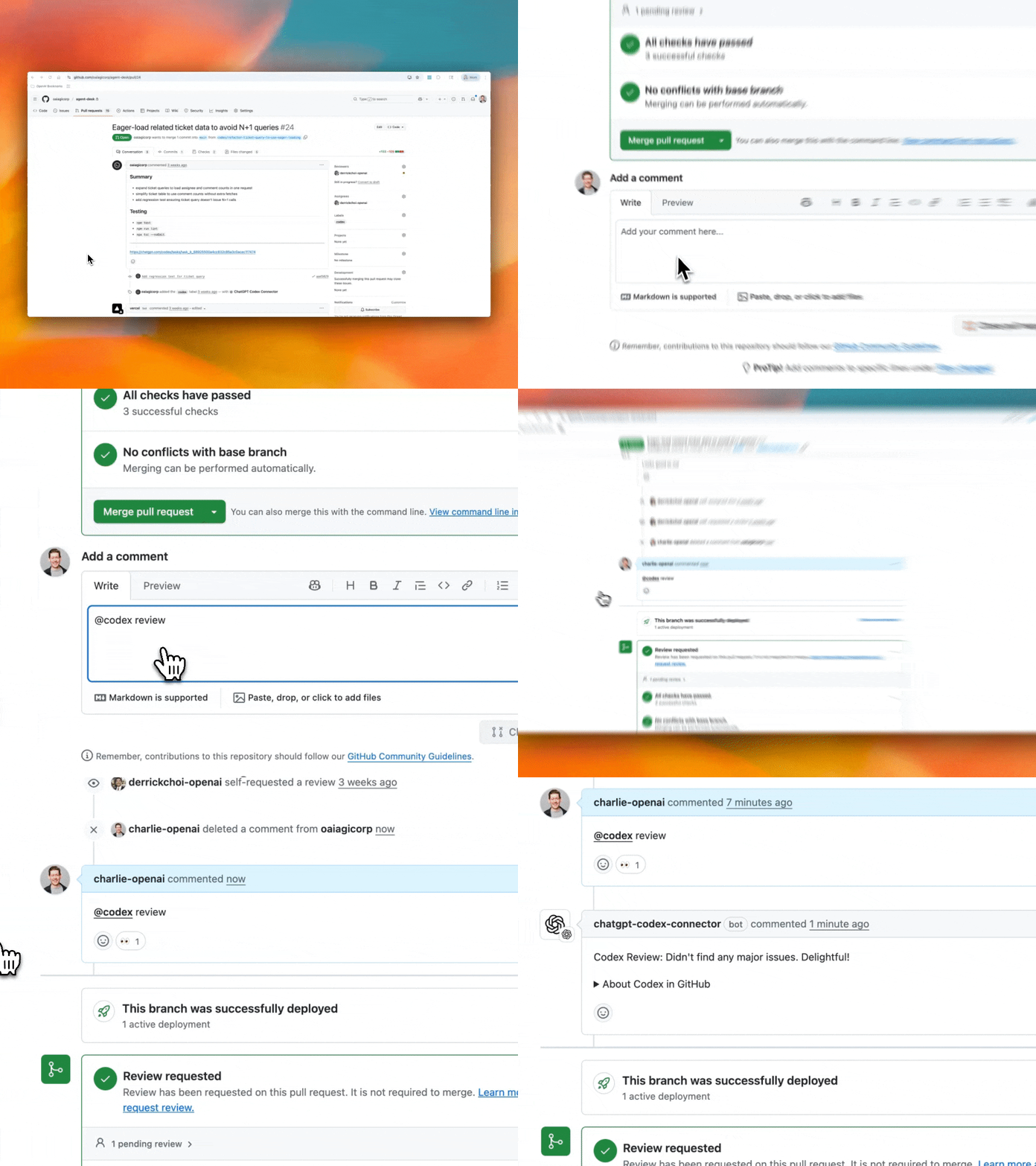
    You can now tag @codex on a teammate’s pull request to ask clarifying questions, request a follow-up, or ask Codex to make changes. GitHub Issues now also support @codex mentions, so you can kick off tasks from any issue, without leaving your workflow.

    Codex responding to a GitHub pull request and issue after an @Codex mention.

  • Codex is now GA

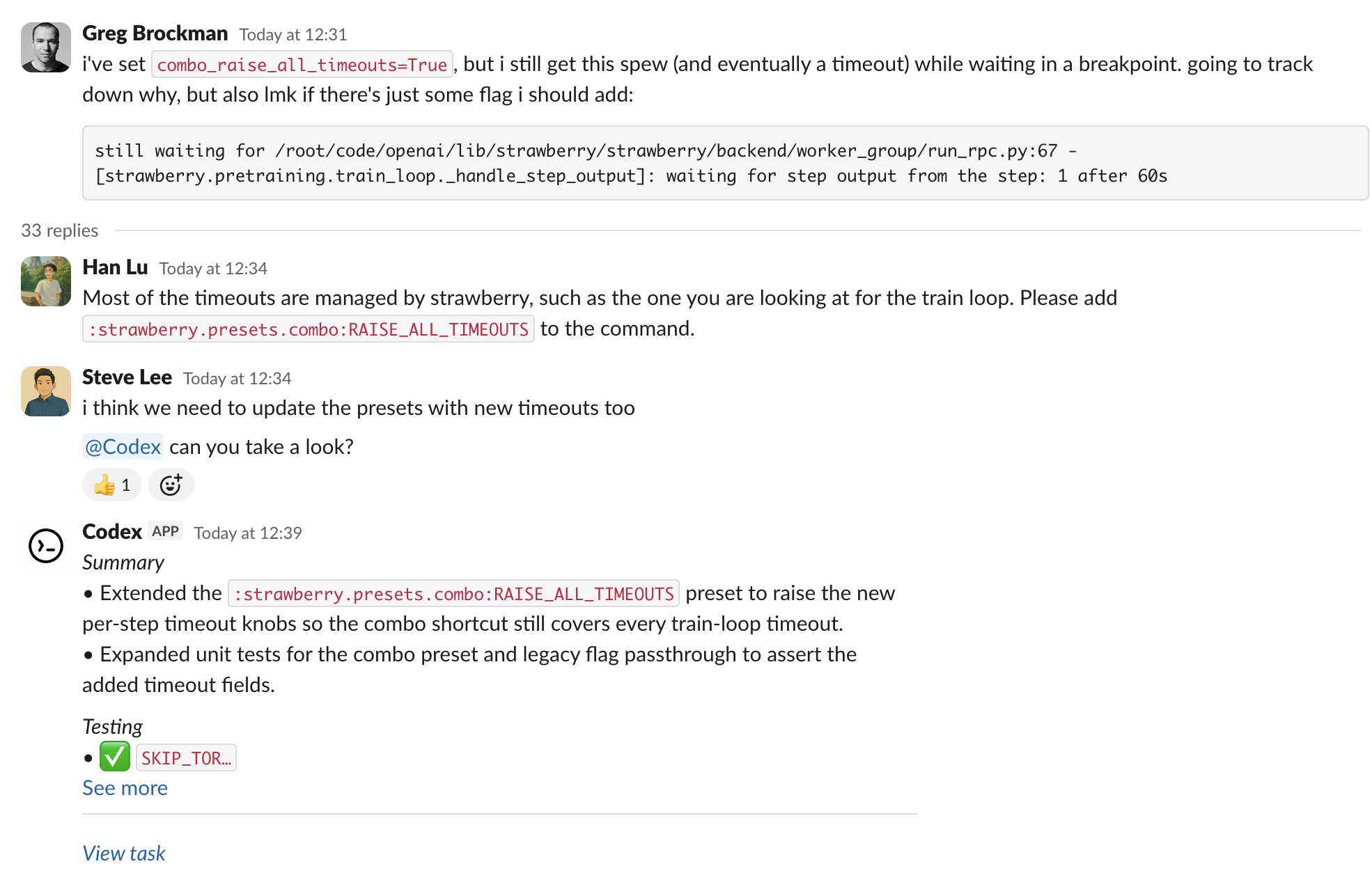
    Codex is now generally available with 3 new features — @Codex in Slack, Codex SDK, and new admin tools.

    @Codex in Slack

    You can now questions and assign tasks to Codex directly from Slack. See the Slack guide to get started.

    Codex SDK

    Integrate the same agent that powers the Codex CLI inside your own tools and workflows with the Codex SDK in Typescript. With the new Codex GitHub Action, you can easily add Codex to CI/CD workflows. See the Codex SDK guide to get started.

    import { Codex } from "@openai/codex-sdk";
    
    const agent = new Codex();
    const thread = await agent.startThread();
    
    const result = await thread.run("Explore this repo");
    console.log(result);
    
    const result2 = await thread.run("Propose changes");
    console.log(result2);

    New admin controls and analytics

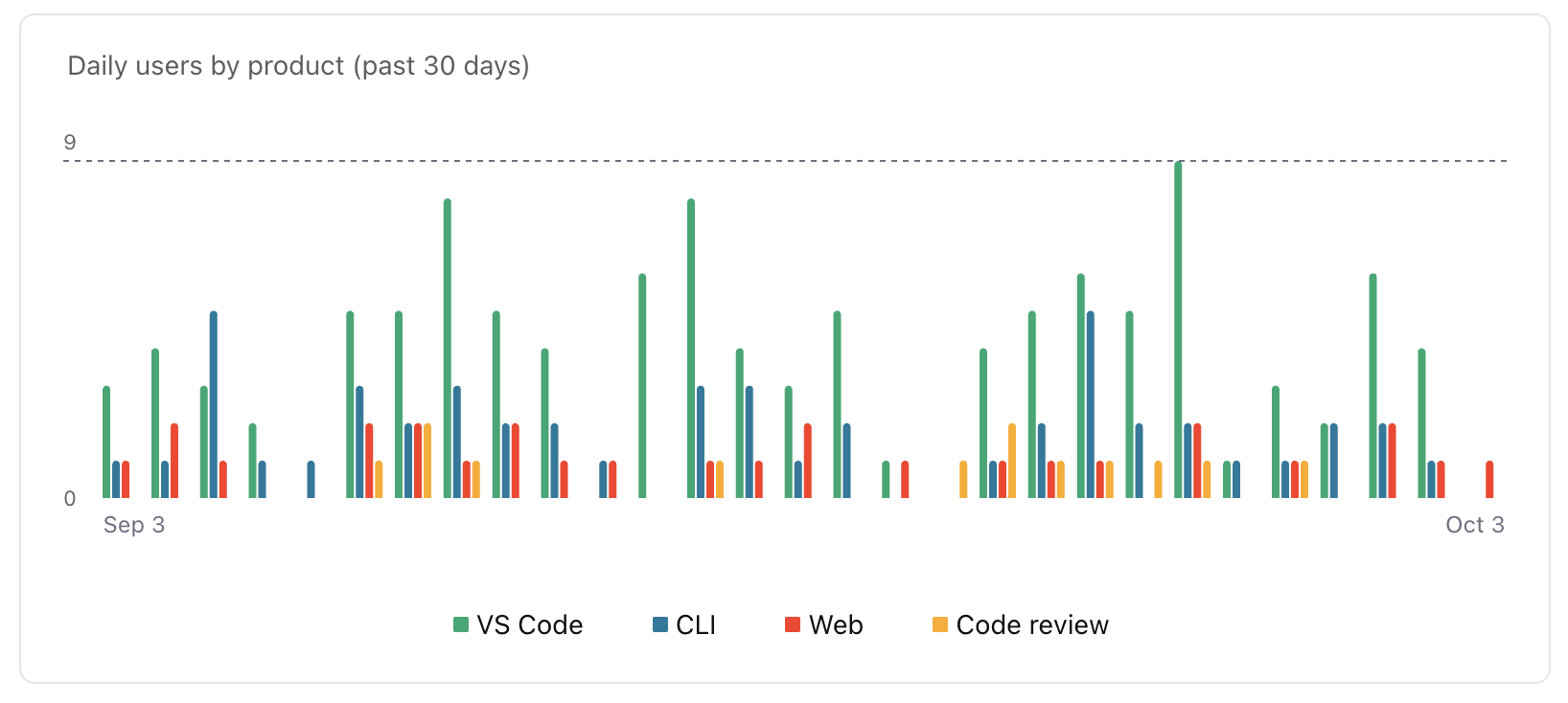
    ChatGPT workspace admins can now edit or delete Codex Cloud environments. With managed config files, they can set safe defaults for CLI and IDE usage and monitor how Codex uses commands locally. New analytics dashboards help you track Codex usage and code review feedback. Learn more in the enterprise admin guide.

    Availability and pricing updates

    The Slack integration and Codex SDK are available to developers on ChatGPT Plus, Pro, Business, Edu, and Enterprise plans starting today, while the new admin features will be available to Business, Edu, and Enterprise. Beginning October 20, Codex Cloud tasks will count toward your Codex usage. Review the Codex pricing guide for plan-specific details.

September 2025

  • GPT-5-Codex in the API

    GPT-5-Codex is now available in the Responses API, and you can also use it with your API Key in the Codex CLI. We plan on regularly updating this model snapshot. It is available at the same price as GPT-5. You can learn more about pricing and rate limits for this model on our model page.

  • Introducing GPT-5-Codex

    New model: GPT-5-Codex

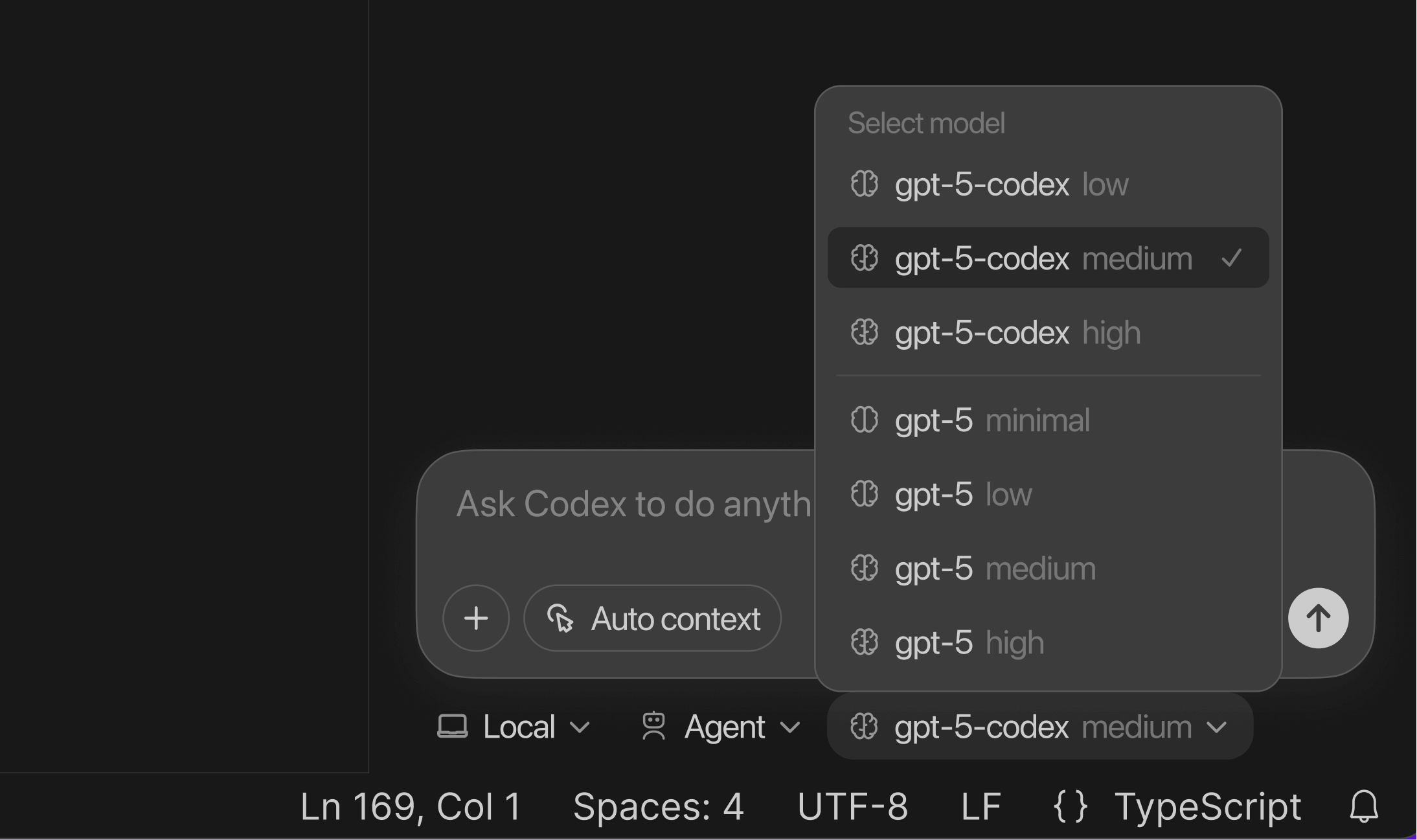
    codex-switch-model

    GPT-5-Codex is a version of GPT-5 further optimized for agentic coding in Codex. It’s available in the IDE extension and CLI when you sign in with your ChatGPT account. It also powers the cloud agent and Code Review in GitHub.

    To learn more about GPT-5-Codex and how it performs compared to GPT-5 on software engineering tasks, see our announcement blog post.

    Image outputs

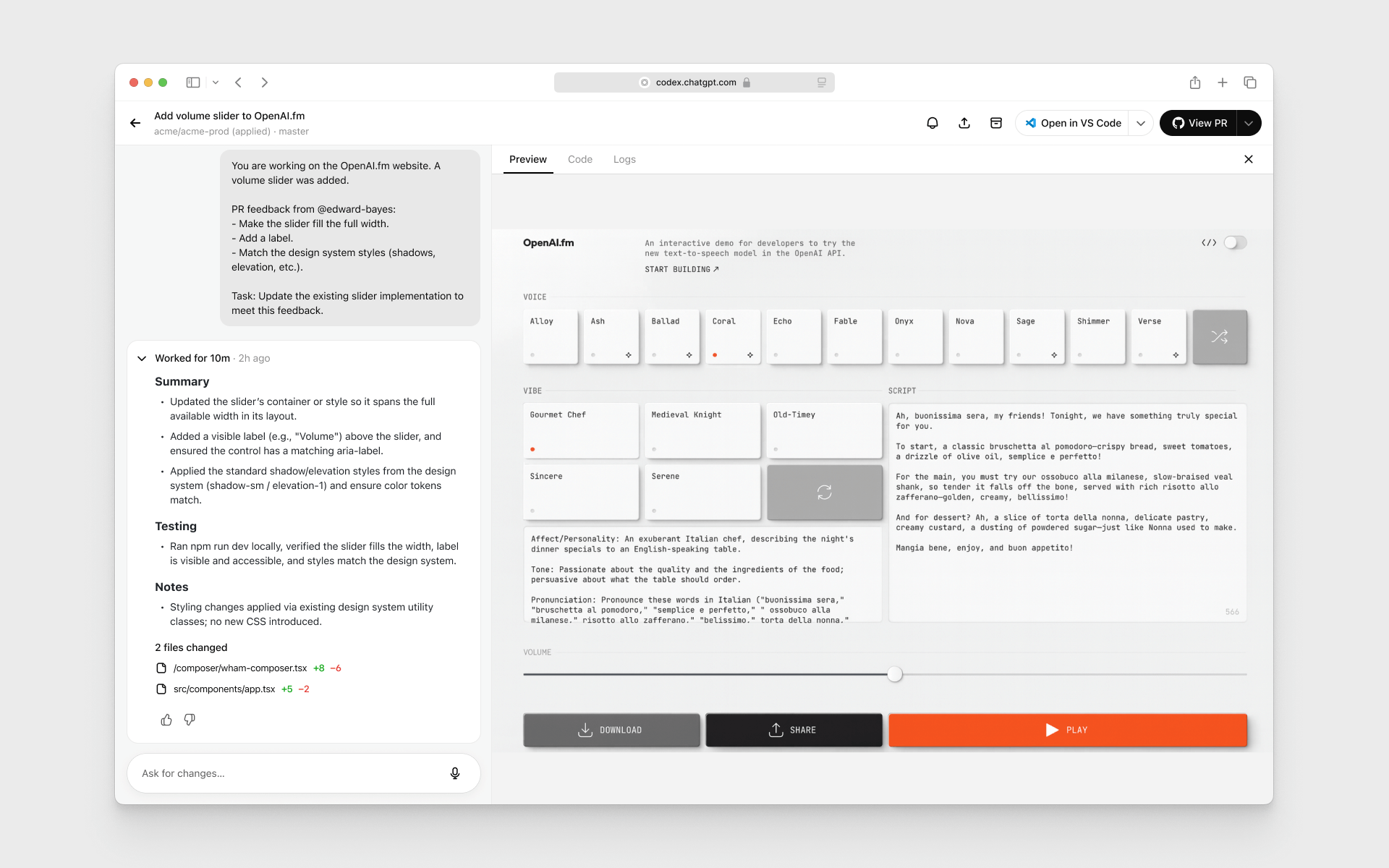
    codex-image-outputs

    When working in the cloud on front-end engineering tasks, GPT-5-Codex can now display screenshots of the UI in Codex web for you to review. With image output, you can iterate on the design without needing to check out the branch locally.

    New in Codex CLI

    • You can now resume sessions where you left off with codex resume.
    • Context compaction automatically summarizes the session as it approaches the context window limit.

    Learn more in the latest release notes

August 2025

  • Late August update

    IDE extension (Compatible with VS Code, Cursor, Windsurf)

    Codex now runs in your IDE with an interactive UI for fast local iteration. Easily switch between modes and reasoning efforts.

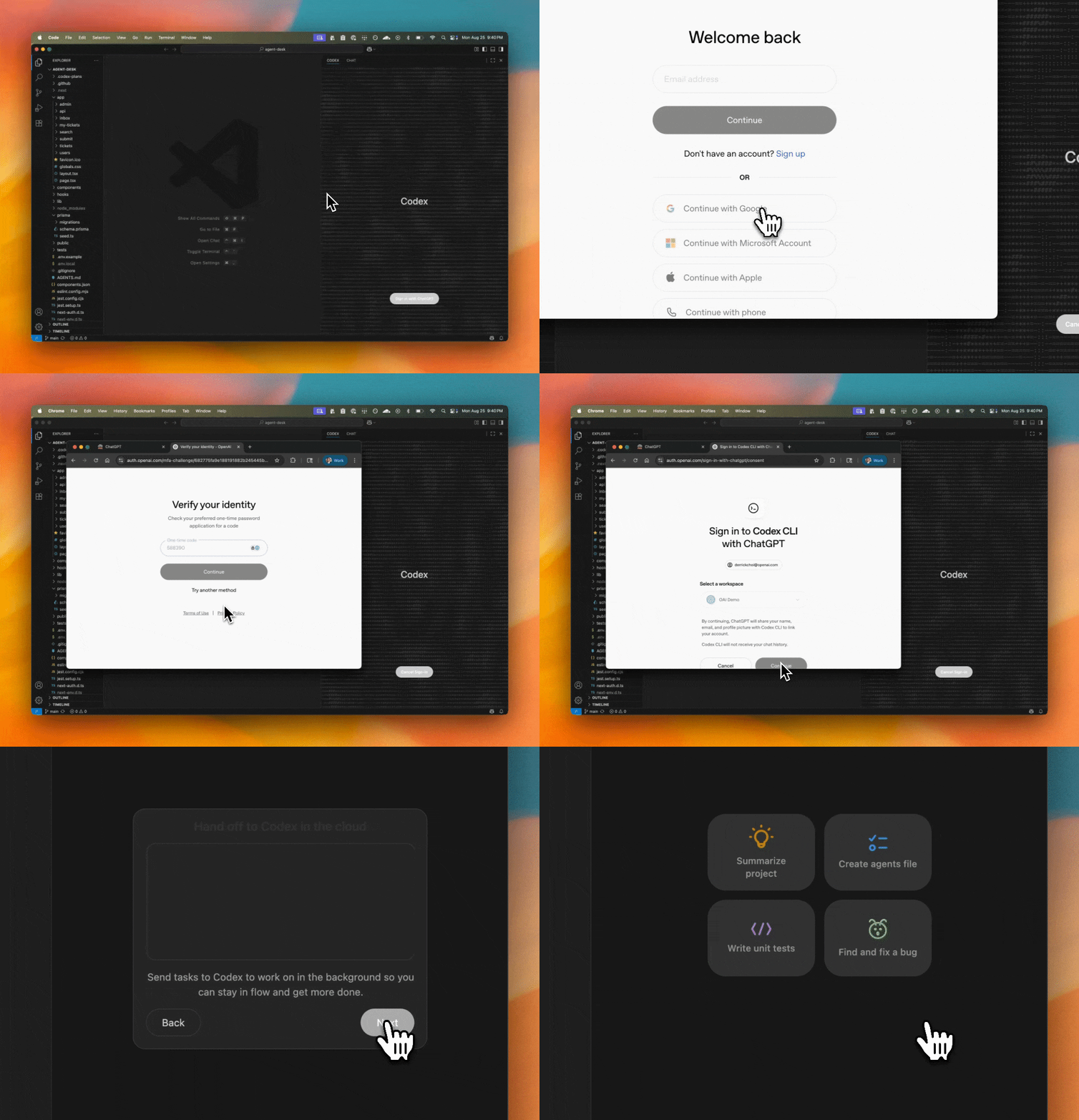
    Sign in with ChatGPT (IDE & CLI)

    One-click authentication that removes API keys and uses ChatGPT Enterprise credits.

    Move work between local ↔ cloud

    Hand off tasks to Codex web from the IDE with the ability to apply changes locally so you can delegate jobs without leaving your editor.

    Code Reviews

    Codex goes beyond static analysis. It checks a PR against its intent, reasons across the codebase and dependencies, and can run code to validate the behavior of changes.

  • Mid August update

    Image inputs

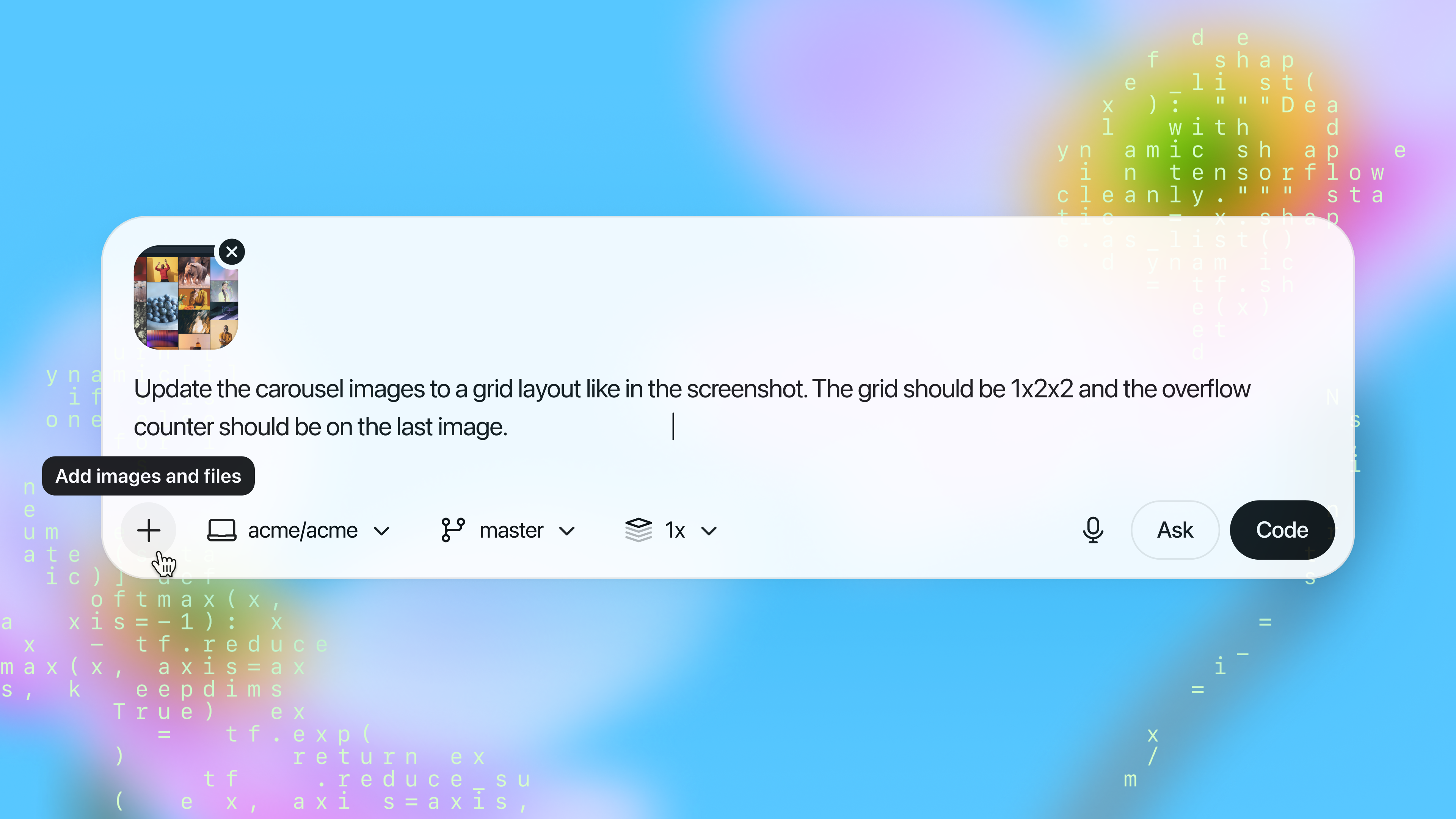
    You can now attach images to your prompts in Codex web. This is great for asking Codex to implement frontend changes or follow up on whiteboarding sessions.

    Container caching

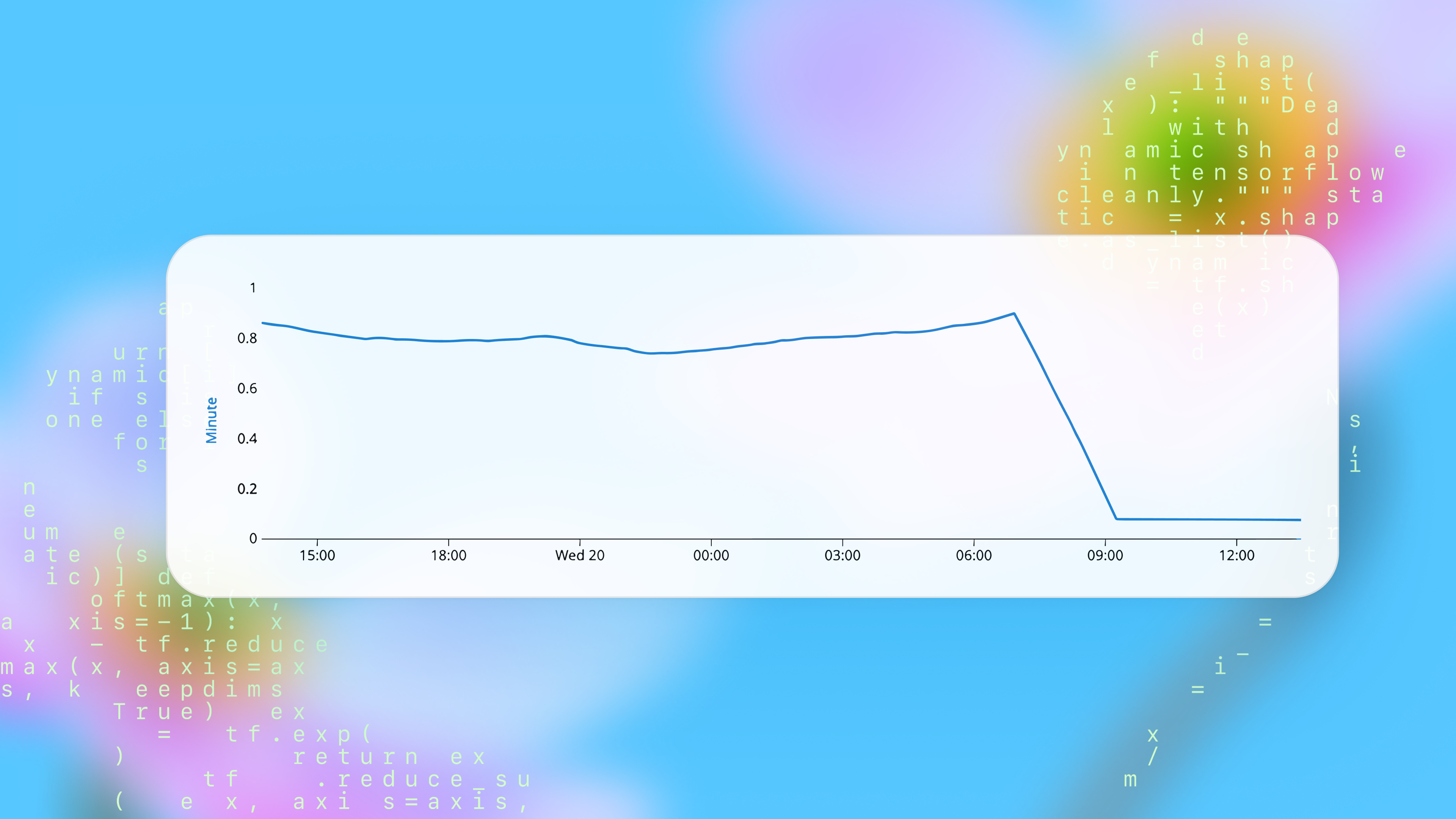
    Codex now caches containers to start new tasks and followups 90% faster, dropping the median start time from 48 seconds to 5 seconds. You can optionally configure a maintenance script to update the environment from its cached state to prepare for new tasks. See the docs for more.

    Automatic environment setup

    Now, environments without manual setup scripts automatically run the standard installation commands for common package managers like yarn, pnpm, npm, go mod, gradle, pip, poetry, uv, and cargo. This reduces test failures for new environments by 40%.

June 2025

  • Best of N

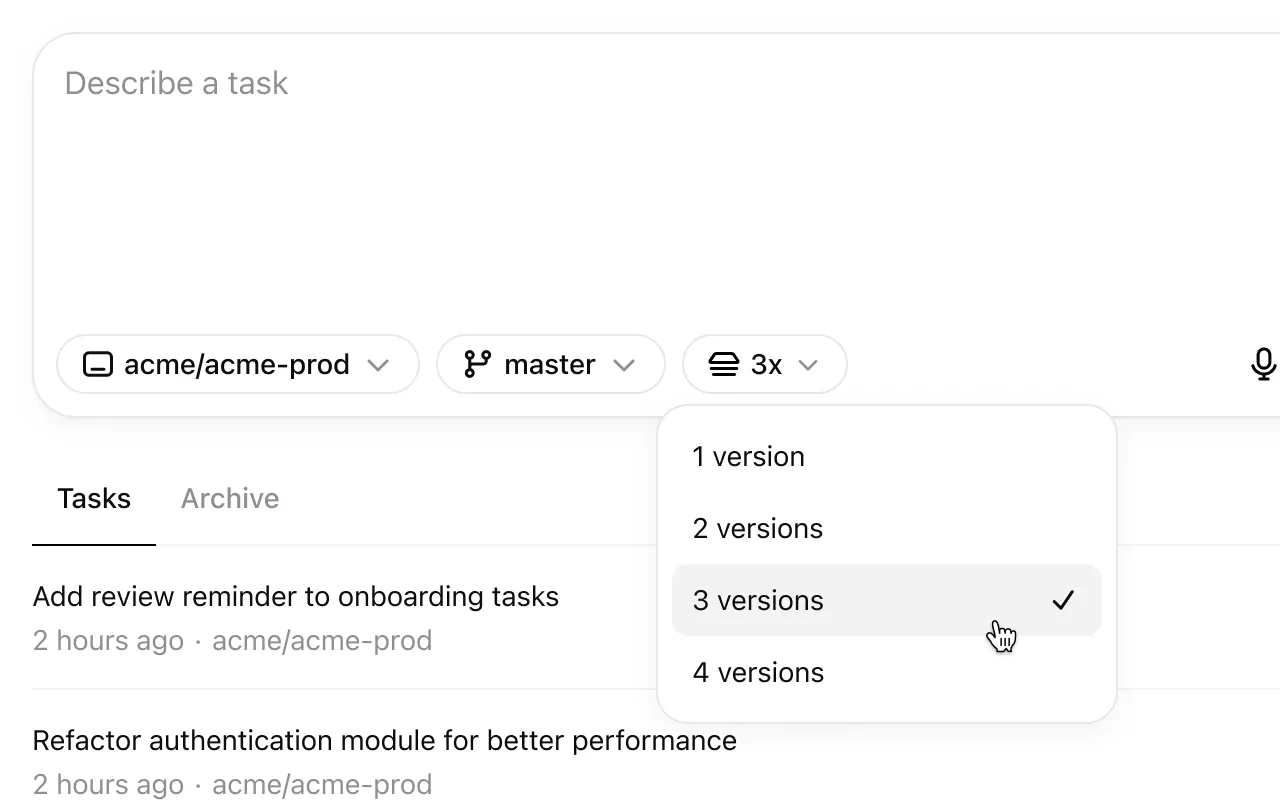
    Codex can now generate multiple responses simultaneously for a single task, helping you quickly explore possible solutions to pick the best approach.

    Fixes & improvements

    • Added some keyboard shortcuts and a page to explore them. Open it by pressing ⌘-/ on macOS and Ctrl+/ on other platforms.

    • Added a “branch” query parameter in addition to the existing “environment”, “prompt” and “tab=archived” parameters.

    • Added a loading indicator when downloading a repo during container setup.

    • Added support for cancelling tasks.

    • Fixed issues causing tasks to fail during setup.

    • Fixed issues running followups in environments where the setup script changes files that are gitignored.

    • Improved how the agent understands and reacts to network access restrictions.

    • Increased the update rate of text describing what Codex is doing.

    • Increased the limit for setup script duration to 20 minutes for Pro and Business users.

    • Polished code diffs: You can now option-click a code diff header to expand/collapse all of them.

  • June update

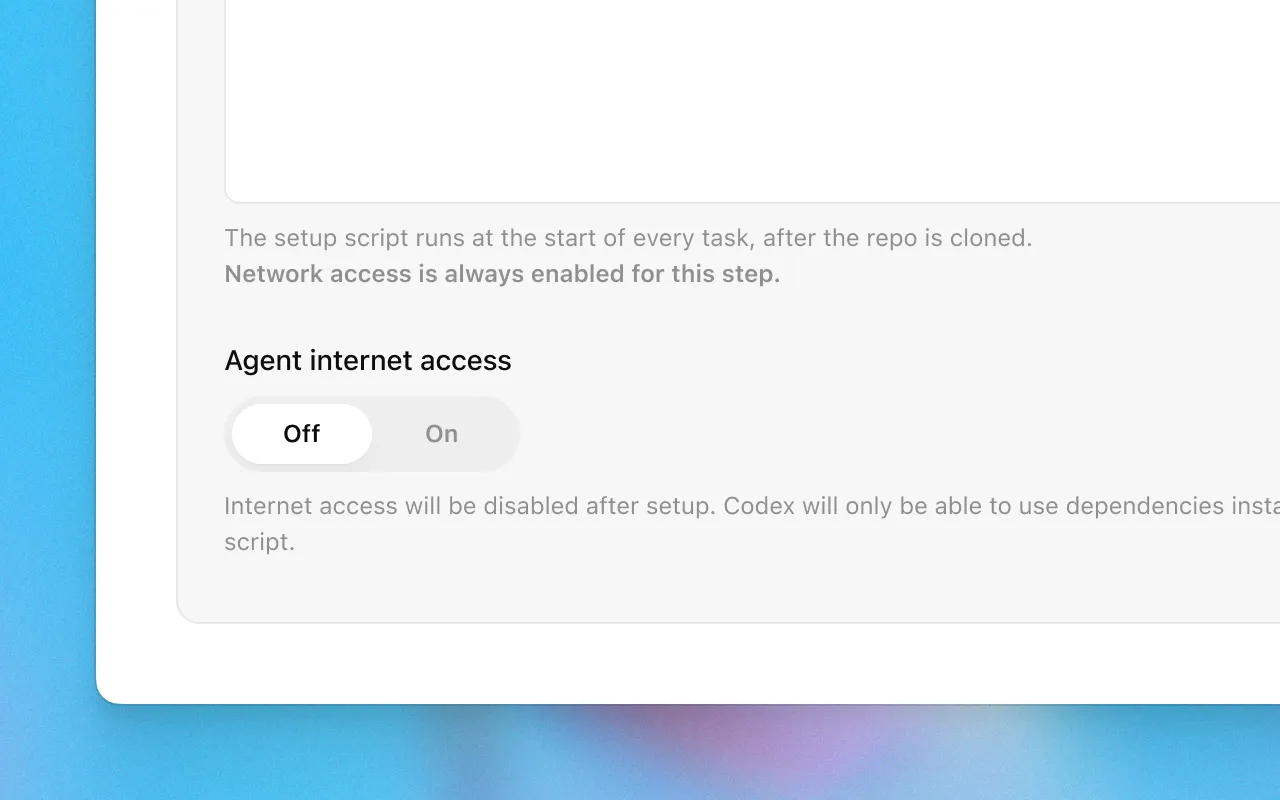
    Agent internet access

    Now you can give Codex access to the internet during task execution to install dependencies, upgrade packages, run tests that need external resources, and more.

    Internet access is off by default. Plus, Pro, and Business users can enable it for specific environments, with granular control of which domains and HTTP methods Codex can access. Internet access for Enterprise users is coming soon.

    Learn more about usage and risks in the docs.

    Update existing PRs

    Now you can update existing pull requests when following up on a task.

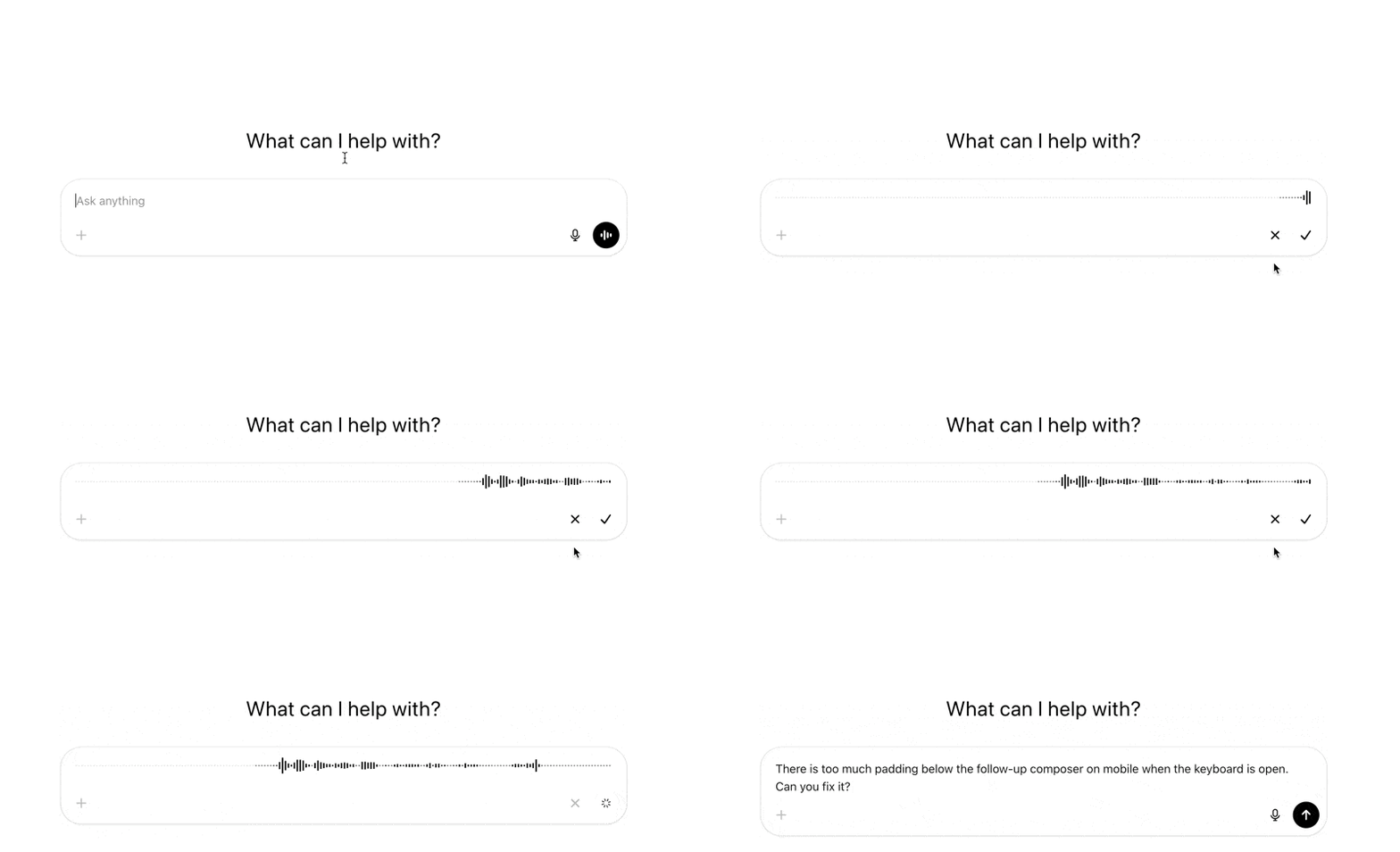
    Voice dictation

    Now you can dictate tasks to Codex.

    Fixes & improvements

    • Added a link to this changelog from the profile menu.

    • Added support for binary files: When applying patches, all file operations are supported. When using PRs, only deleting or renaming binary files is supported for now.

    • Fixed an issue on iOS where follow up tasks where shown duplicated in the task list.

    • Fixed an issue on iOS where pull request statuses were out of date.

    • Fixed an issue with follow ups where the environments were incorrectly started with the state from the first turn, rather than the most recent state.

    • Fixed internationalization of task events and logs.

    • Improved error messages for setup scripts.

    • Increased the limit on task diffs from 1 MB to 5 MB.

    • Increased the limit for setup script duration from 5 to 10 minutes.

    • Polished GitHub connection flow.

    • Re-enabled Live Activities on iOS after resolving an issue with missed notifications.

    • Removed the mandatory two-factor authentication requirement for users using SSO or social logins.

May 2025

  • Reworked environment page

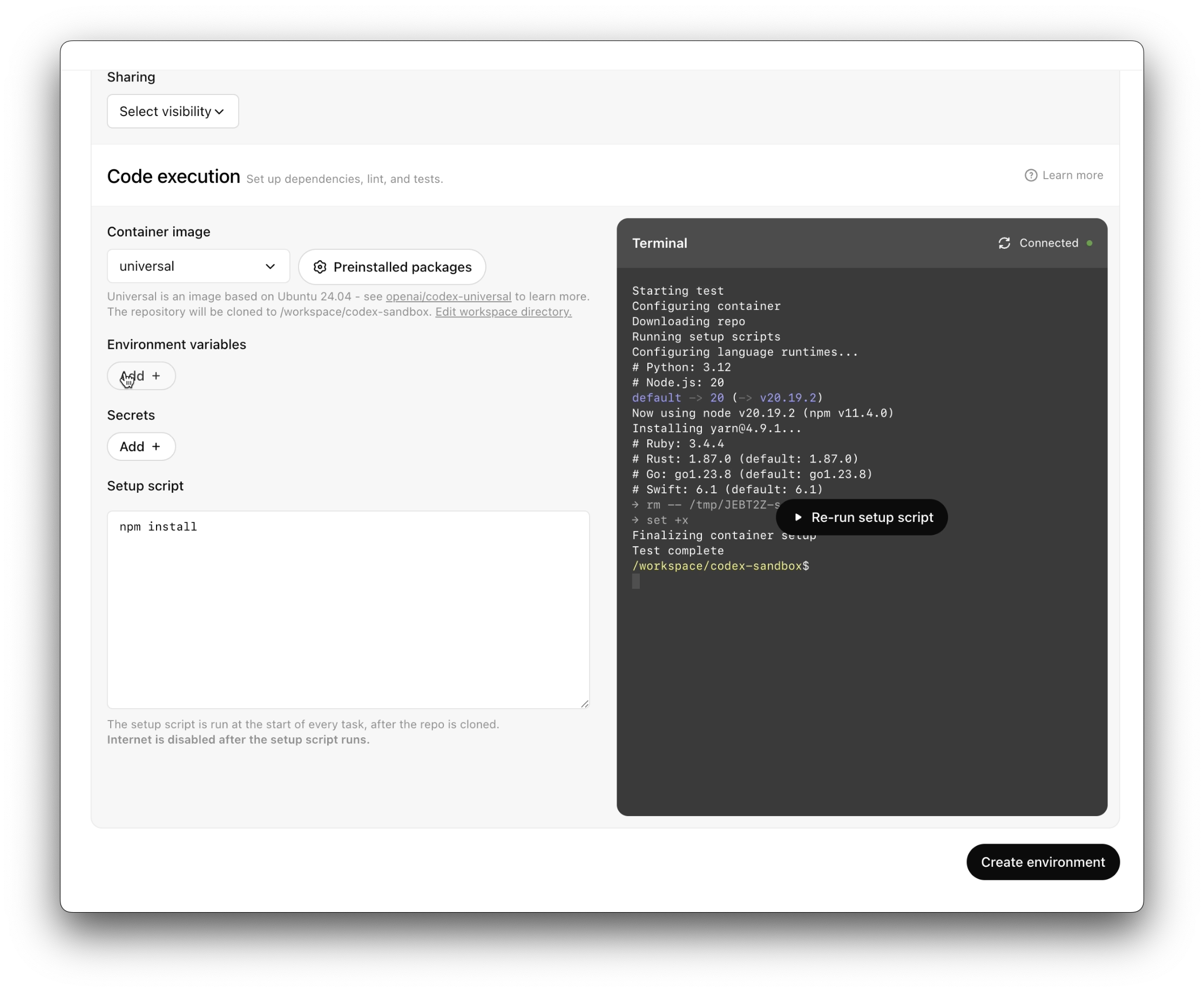
    It’s now easier and faster to set up code execution.

    Fixes & improvements

    • Added a button to retry failed tasks

    • Added indicators to show that the agent runs without network access after setup

    • Added options to copy git patches after pushing a PR

    • Added support for unicode branch names

    • Fixed a bug where secrets were not piped to the setup script

    • Fixed creating branches when there’s a branch name conflict.

    • Fixed rendering diffs with multi-character emojis.

    • Improved error messages when starting tasks, running setup scripts, pushing PRs, or disconnected from GitHub to be more specific and indicate how to resolve the error.

    • Improved onboarding for teams.

    • Polished how new tasks look while loading.

    • Polished the followup composer.

    • Reduced GitHub disconnects by 90%.

    • Reduced PR creation latency by 35%.

    • Reduced tool call latency by 50%.

    • Reduced task completion latency by 20%.

    • Started setting page titles to task names so Codex tabs are easier to tell apart.

    • Tweaked the system prompt so that agent knows it’s working without network, and can suggest that the user set up dependencies.

    • Updated the docs.

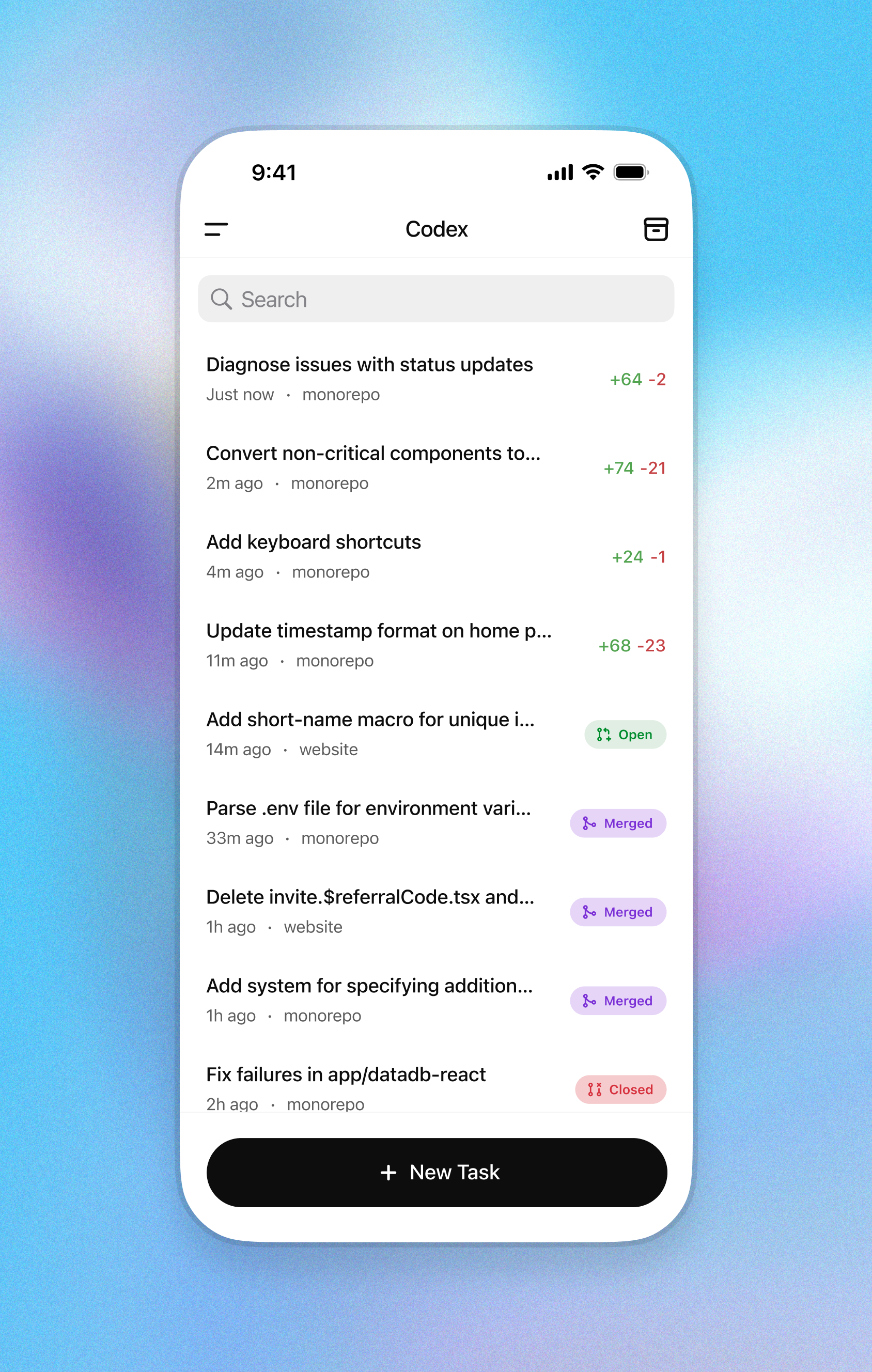
  • Codex in the ChatGPT iOS app

    Start tasks, view diffs, and push PRs—while you’re away from your desk.